Block Layouts
Block Layouts
Description
Block layouts lets you create re usable block templates as you know them from Power Point’s “Master slides”.
Installation
- Install the Plugin via Plugin Install Screen
- Create one or more Layouts via the Block Layouts Post Type in the left side menu
- Create a new Post
- Open the Block Layouts Sidebar via the Icon on the top Right or Options > Block Layouts
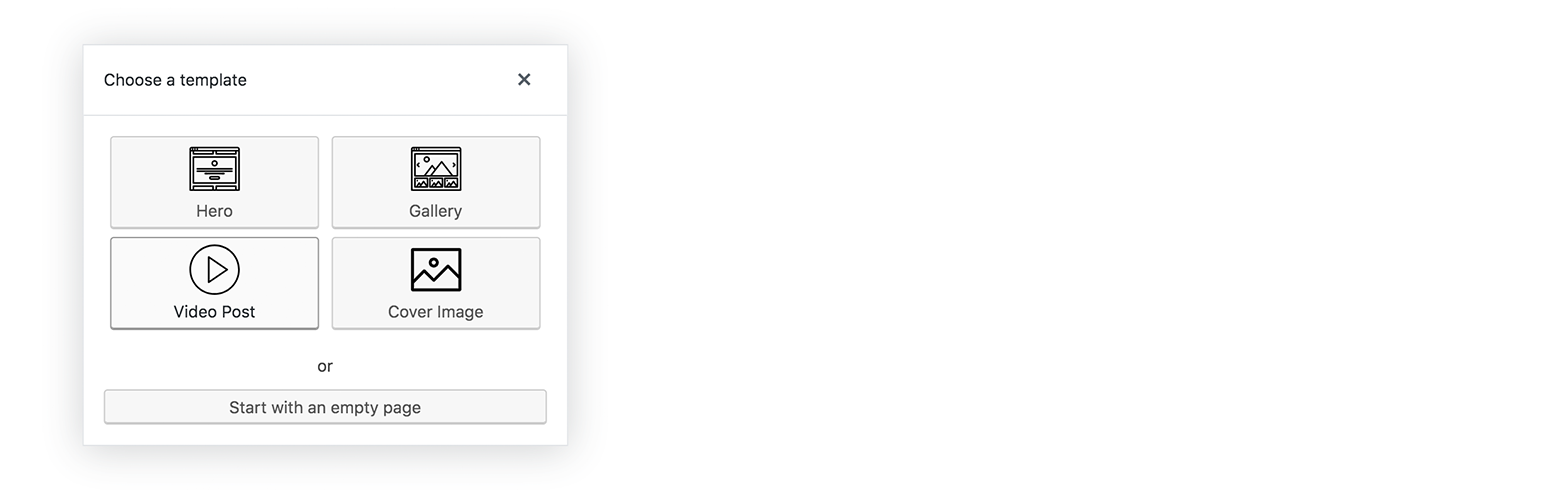
- Choose a Template
Screenshots

screenshot-1.png

screenshot-2.png

screenshot-4.png

Faq
Does it work with all kind of blocks?
We testet it with a bunch of blocks and had no problems. If you do have any problems with individual blocks, let us know.
Does it work with all post types
It does work with all post types supporting Gutenberg.
Reviews
At last
By 
At last a templating system that realy works.Only thing is I can't find the Lorum Ipsum stuff but after all it can be any text. I'm happy with this plugin.
Changelog
20200214 1.1.0
derweili_block_layouts_supported_post_typesfilter added to restrict the block layout plugin to certain post types. (Default all post types)