Gutenberg Templates

Gutenberg Templates
Description
Gutenberg Templates allows to build dynamic templates with custom fields and taxonomy and assign them to any content type in WordPress.
The templates will work like PHP templates. You design them once and they automatically apply to all items of a post type. When you edit a template, changes apply immediately to all the items that use that template.
Any item can opt-out of the post type template application at any time using a meta box control on the item edit page.
Installation
- Upload the plugin to the
/wp-content/plugins/directory - Activate the plugin through the ‘Plugins’ menu in WordPress
Screenshots

Editing a template and adding the Gutenberg Templates post content block.

A rich template design.
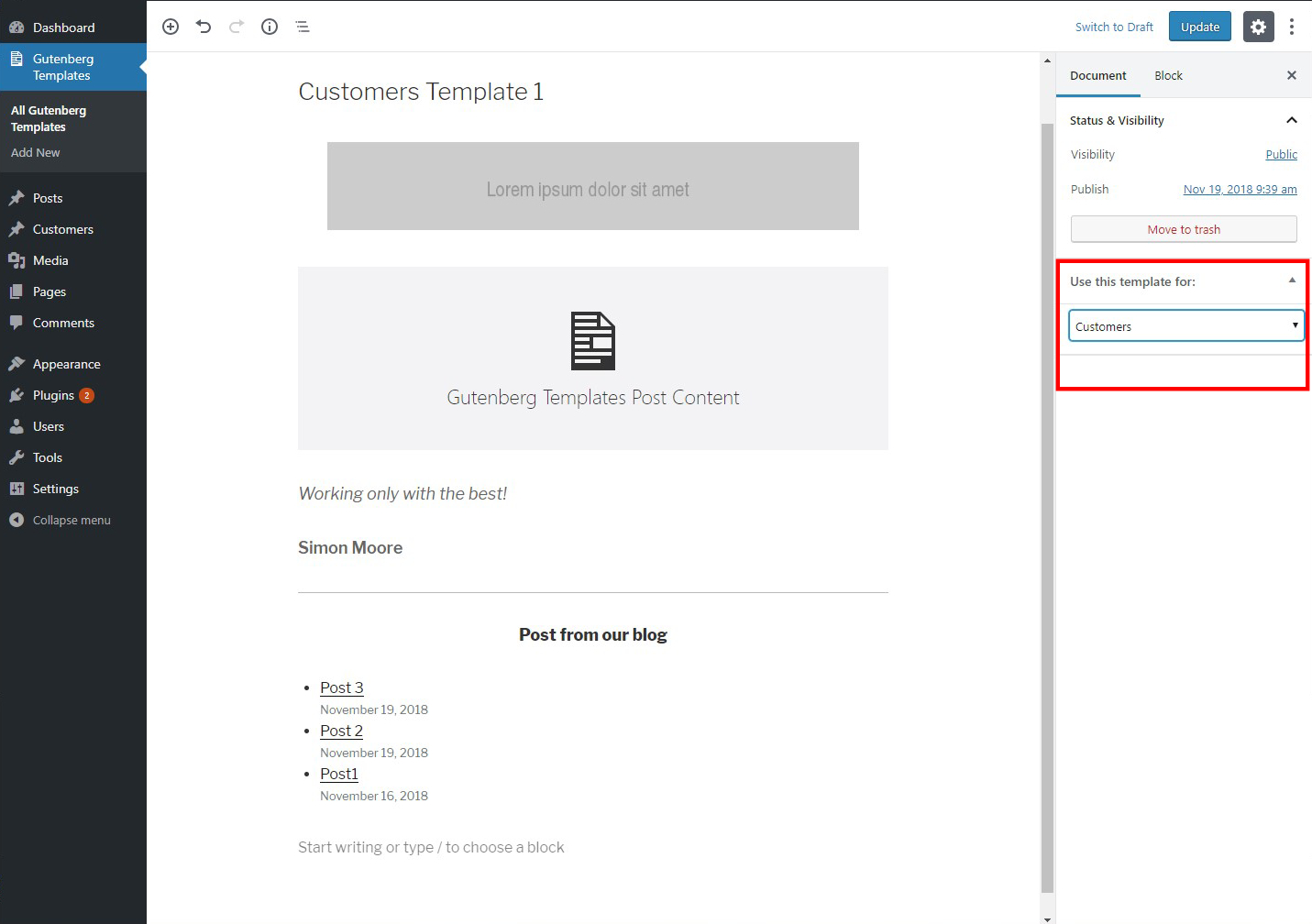
Assigning the template to a post type.

Editing a template not assigned to any post type, targetted to be applied on a certain item.

Editing an item that the post type of which already has a template assignment.

The frontend view of an item with a template assigned.

The opt-out message.

The frontend view of the opted-out item.
Faq
Does this plugin use the built-in Gutenberg templates system?
No. This is an alternative implementation approach to Gutenberg’s built-in templates system.
What kind of custom fields can I use in templates?
This plugin will ultimately integrate with the native custom fields as well as with several plugins offering custom fields functionality. Currently, any plugin offering this option using shortcodes is already supported by injecting the shortcodes inside blocks during the template design.
Reviews
Does not work anymore...
By 
Great feature that need to be included in WP core
By 
Changelog
1.0.1
- Fixed the “Assigned post type” column on the Gutenberg Template listing page to show the correct name.
1.0
- Initial release