Blockloom
Blockloom
Description
Blockloom provides seven essential content blocks for the WordPress block editor. Built entirely on native WordPress APIs with no external runtime dependencies, Blockloom is fast, lightweight, and designed to work with any theme.
Icons are powered by Font Awesome Free (1,400+ icons including brands and social icons), rendered as inline SVG — no icon fonts, no CDN, no API key required.
All blocks follow a minimal styling philosophy — structural CSS only, so your theme’s typography, colours, and spacing take precedence. Every colour can be overridden per block via the inspector controls, and all blocks support WordPress’s native Styles tab with theme colour palette integration.
Blocks
Icon
Display a single icon with optional link, accessibility label, background shape (none, rounded, circle), hover colour, and hover animation (Scale, Rotate, Fade). Choose from 1,400+ Font Awesome Free icons via a searchable picker.
Icon List
A vertical or horizontal list of icon + text items. Supports custom icon size, icon position (before/after text), gap control, divider, responsive flex wrapping, and line height. Each list item has its own icon picker. Rendered server-side via render.php for clean, accessible HTML.
Info Box
An icon + title + description card with three layout modes (Icon Top, Icon Left, Icon Right), left/center/right content alignment, optional CTA link, title tag selector (H2–H5) for correct heading hierarchy, icon and card hover states, and linked/unlinked padding control.
FAQs
An accessible accordion-style FAQ section. Supports three icon styles (Chevron, Plus, Arrow), icon position (before/after the question), allow-multiple-open mode, default open state (all closed or first open), and optional FAQPage JSON-LD schema for SEO. Uses a smooth CSS grid animation for open/close — no max-height hacks.
Team Member
A profile card with photo, name, designation, bio, and social links. Supports seven social networks (LinkedIn, X/Twitter, GitHub, Facebook, Instagram, YouTube, Custom), Normal/Hover social icon colours, social icon gap control, image shape (Square, Rounded, Circle), and optional Person JSON-LD schema. Designation can link to a URL.
Rating
Display a star or bar rating with optional numeric value and AggregateRating JSON-LD schema. Stars support full and half-star values. Bar style supports scroll animation, height and border radius control. Numeric value wraps naturally below the rating on narrow containers.
Progress Bar
A progress bar with title and percentage value, and the bar at full width below or above. Supports striped fill with optional moving stripe animation, scroll animation, height (4–40px), border radius, and a custom label that overrides the auto percentage.
Key Features
- Zero external runtime dependencies — only WordPress core APIs on the frontend
- 1,400+ Font Awesome Free icons rendered as inline SVG (no icon fonts, no CDN)
- Icon List Item rendered server-side via render.php
- Theme colour palette integration in all colour pickers
- Normal and Hover colour states for icons and backgrounds
- CSS custom properties for all colour and spacing values — override via theme CSS
- Conditional asset loading — scripts and styles only enqueue on pages that use a Blockloom block
- FAQ and Team Member JSON-LD schema support
- Rating AggregateRating JSON-LD schema support
- Accessible markup — ARIA attributes, semantic HTML, keyboard navigation
- Smooth CSS grid animation for FAQ accordion (no max-height hacks)
- IntersectionObserver scroll animation for Rating bar and Progress Bar
- Striped progress bar with optional CSS animation
- Linked/unlinked padding control on Info Box and Team Member
- Full site editing (FSE) compatible
Development
The source files for the compiled JavaScript and CSS assets are included in the src/ directory. The compiled production assets in build/ are generated from these source files.
Source code is also available at:
https://github.com/jainilnagar/blockloom
To rebuild the assets:
npm install
npm run generate-icons
npm run build
The build tooling needed for the compiled assets is included in package.json, package-lock.json, webpack.config.js, and scripts/generate-icons.js.
Installation
From the WordPress Plugin Directory
- Go to Plugins -> Add New in your WordPress admin
- Search for Blockloom
- Click Install Now then Activate
Manual Installation
- Download the plugin ZIP file
- Go to Plugins -> Add New -> Upload Plugin
- Upload the ZIP and click Install Now
- Click Activate Plugin
Screenshots
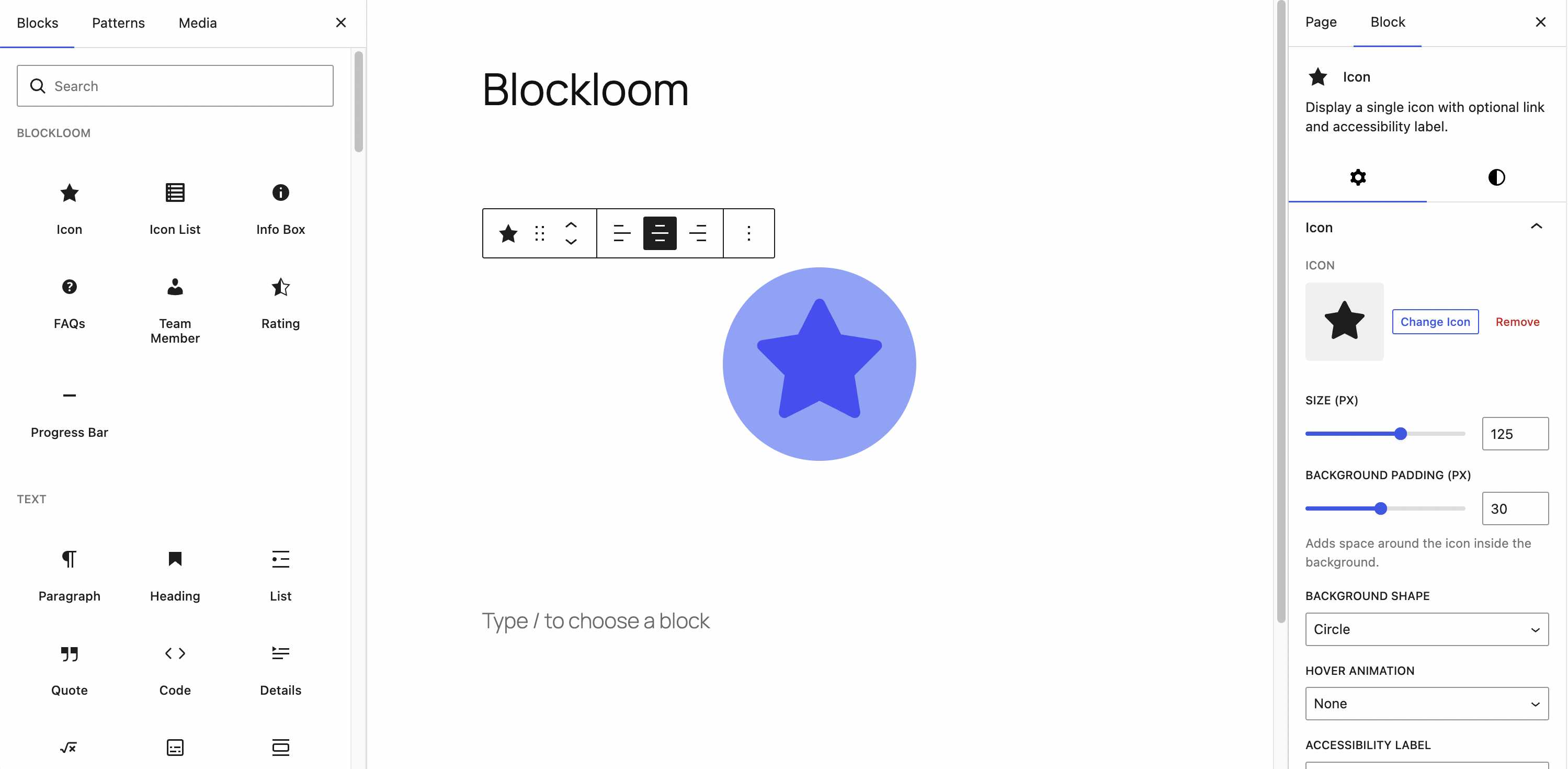
Icon block with background shape, hover colour, and animation settings
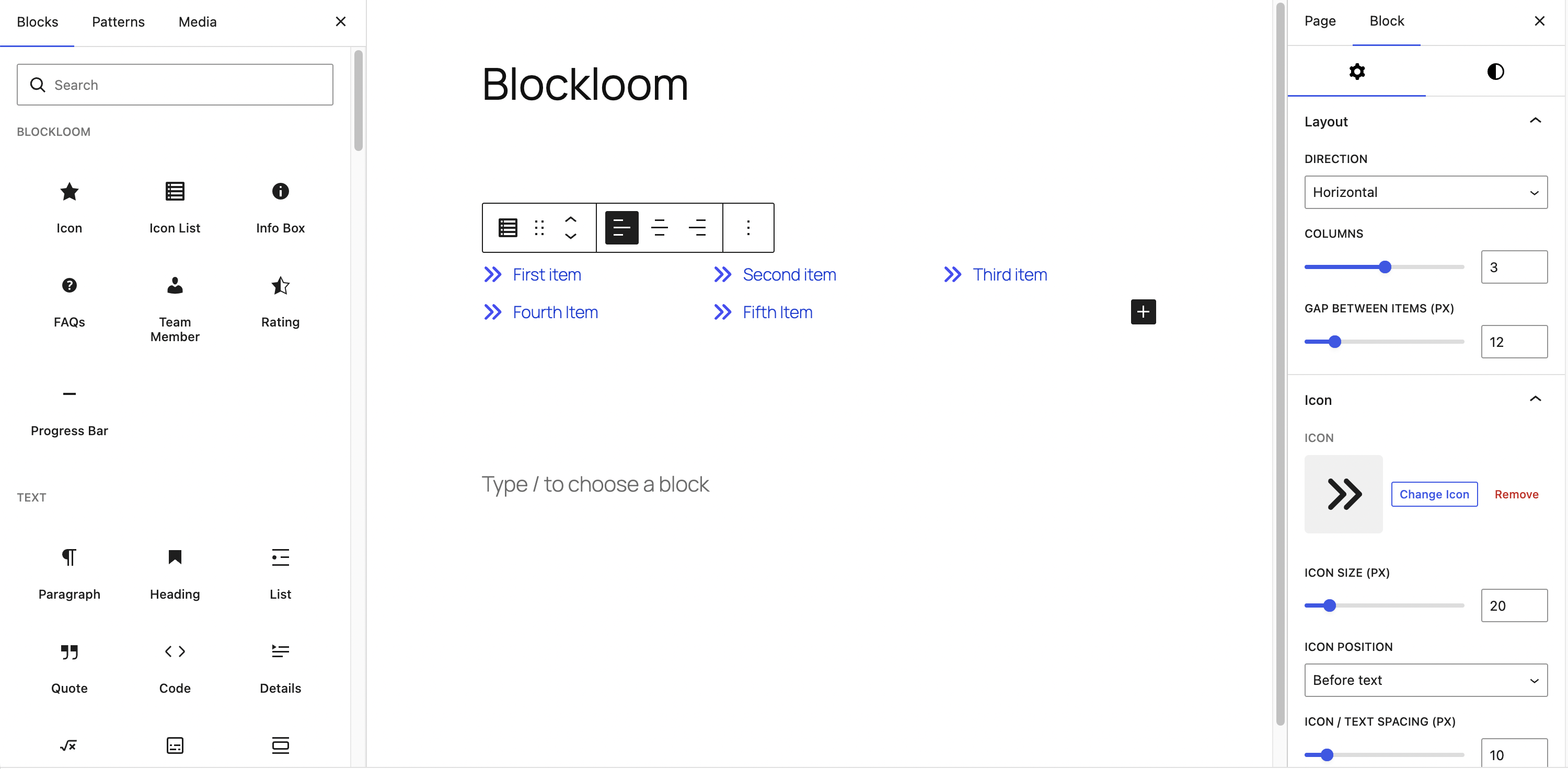
Icon List block in horizontal layout with multiple columns
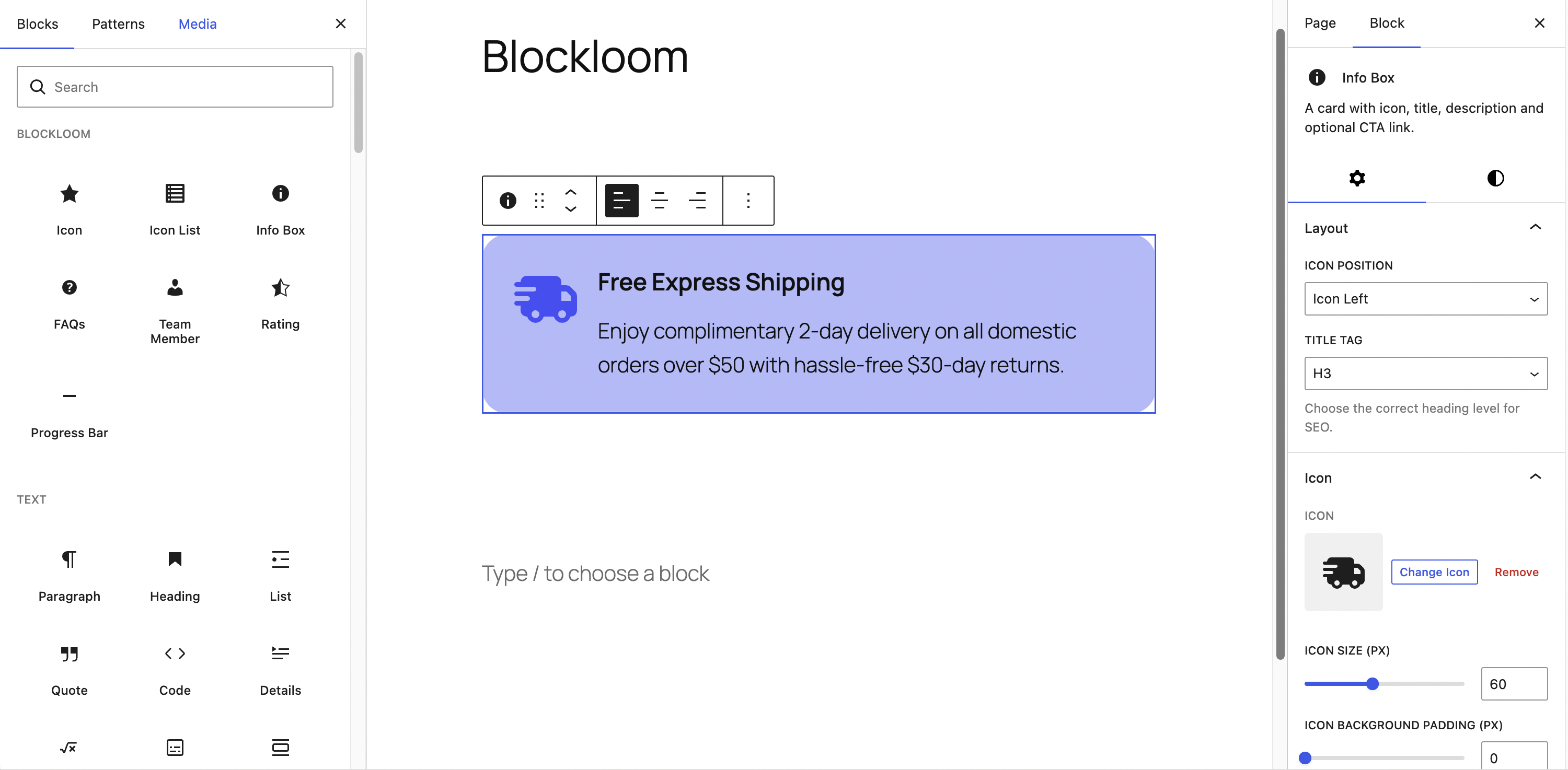
Info Box block with icon left layout and hover states
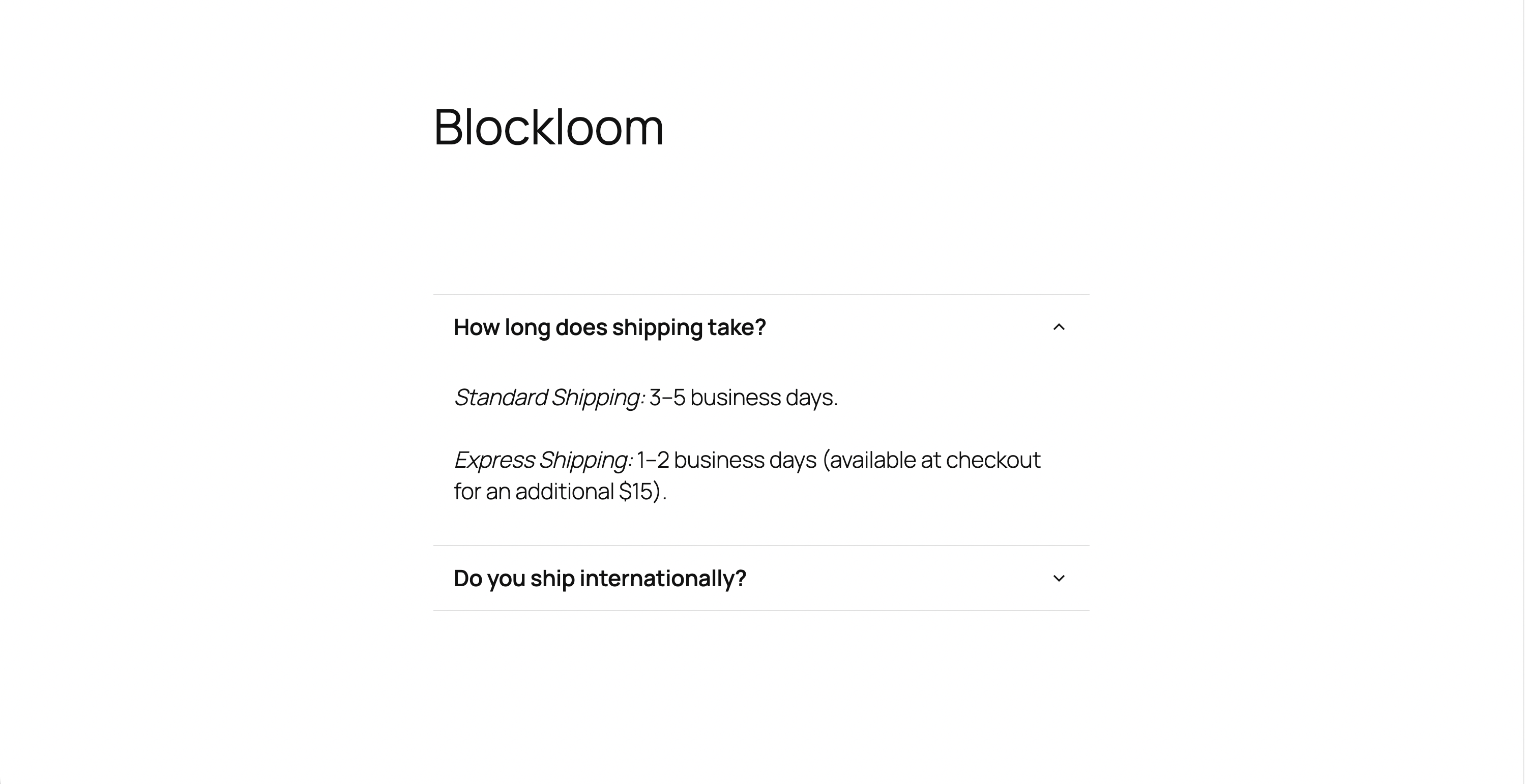
FAQs block showing accordion open and closed states
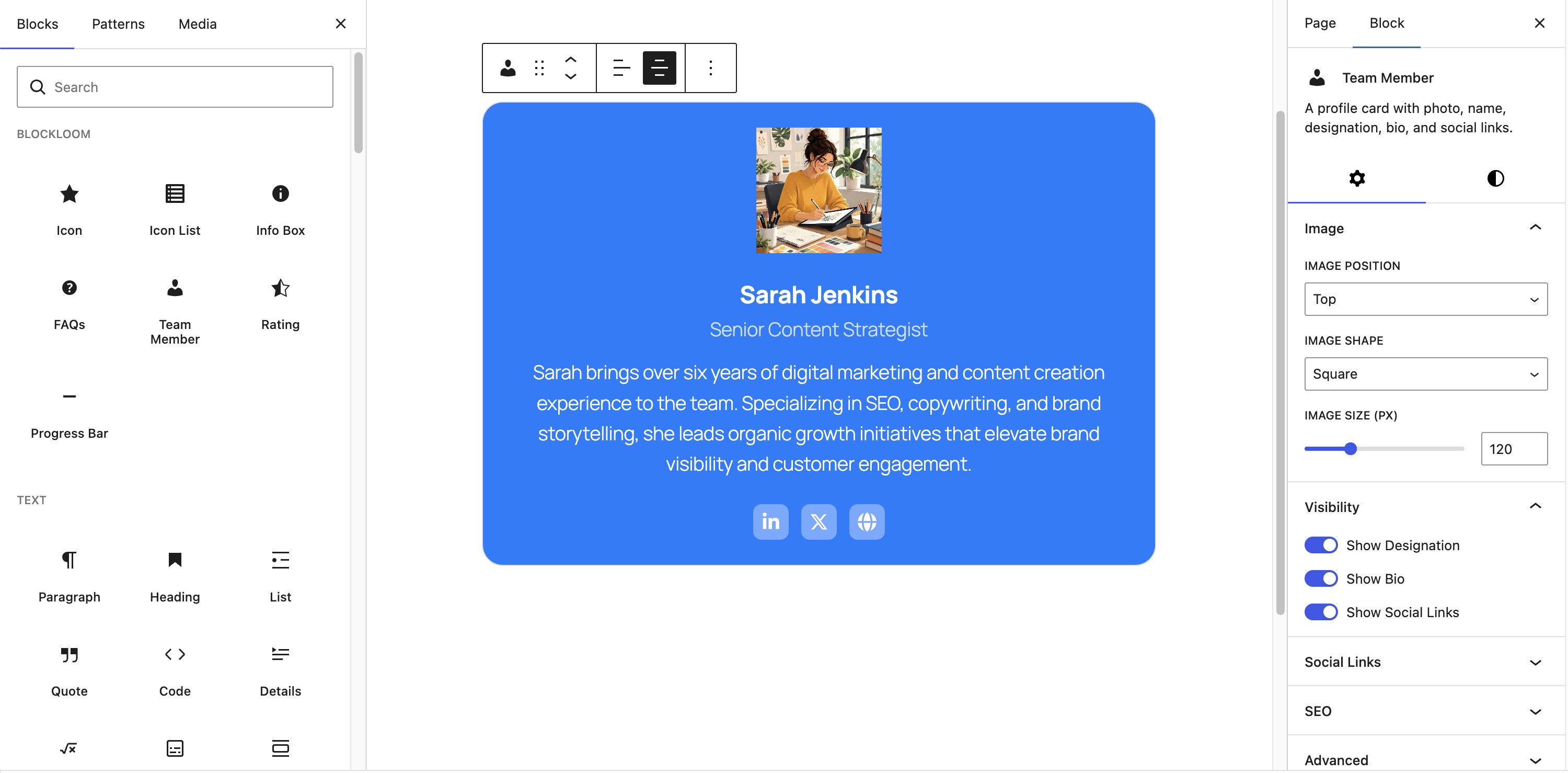
Team Member block with social links and circle image
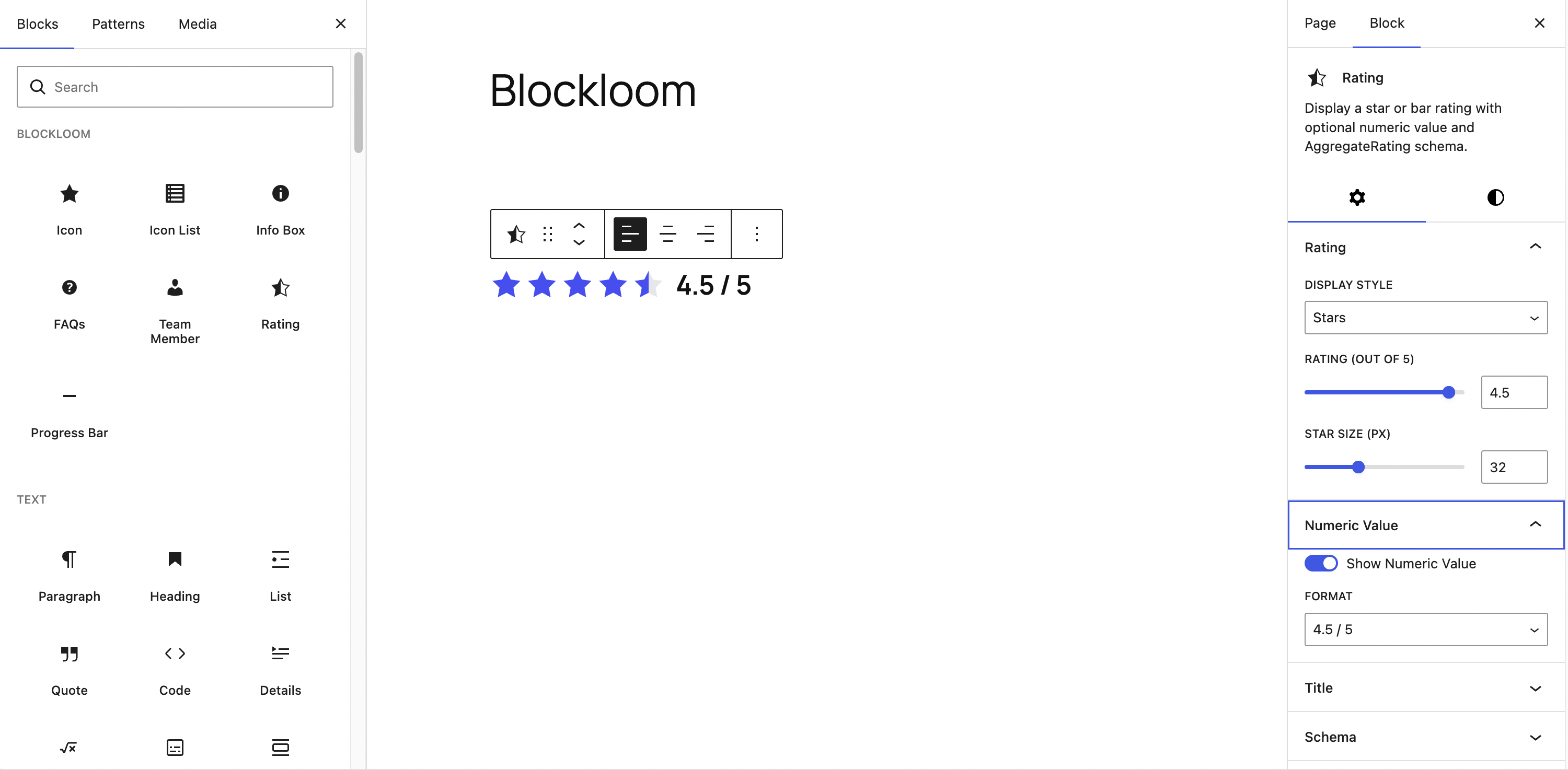
Rating block — star style with half star and numeric value
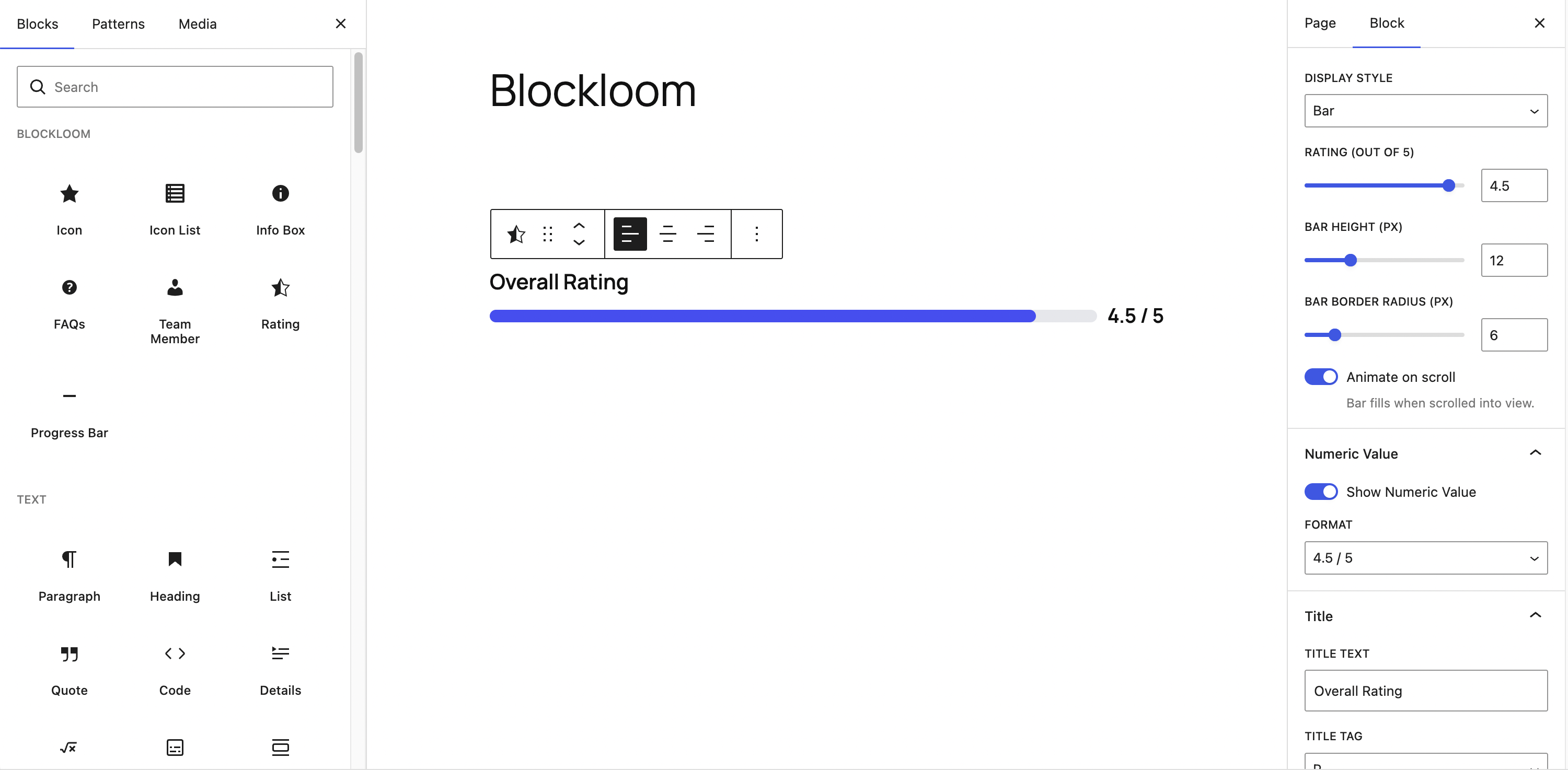
Rating block — bar style with scroll animation
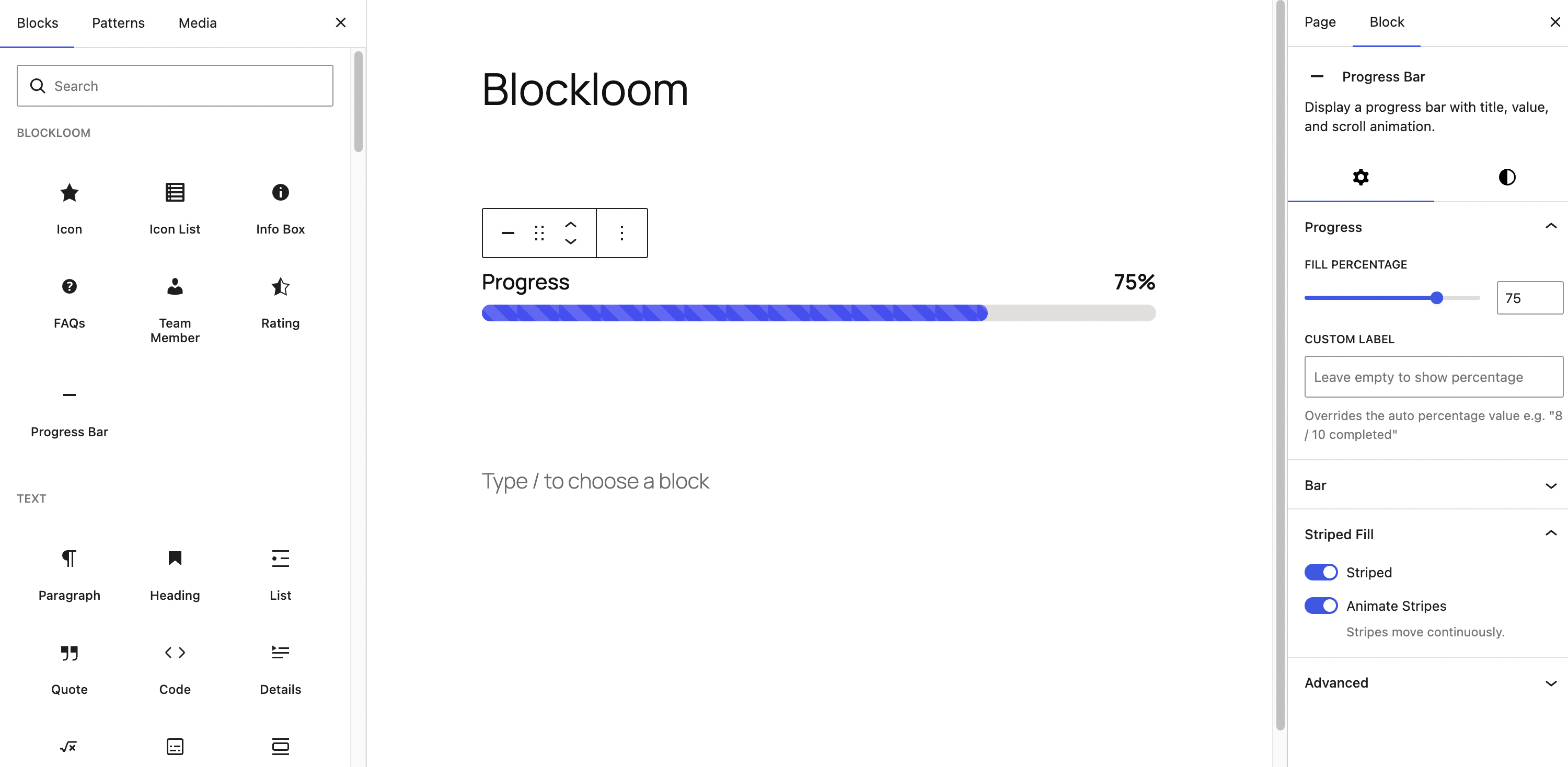
Progress Bar block with striped fill and custom label
Faq
No. Blockloom is built exclusively for the WordPress block editor (Gutenberg). It does not work with Classic Editor or page builders like Elementor or Divi.
No. Assets are only enqueued on pages that actually contain a Blockloom block. The frontend JavaScript file is small and only handles the FAQ accordion, rating/progress bar animations, and JSON-LD schema injection.
Yes. Blockloom uses minimal structural CSS and inherits your theme’s typography and colours by default. All colours can be customised per block via the Styles tab in the block inspector.
Yes. All colour pickers in Blockloom show your theme’s registered colour palette alongside the custom colour picker.
Blockloom uses Font Awesome Free — over 1,400 icons across Solid, Regular, and Brands categories. Icons are rendered as inline SVG so no icon font, CDN, or API key is required. The icon picker includes search and category filtering.
Yes. The FAQs block has an optional Enable FAQ Schema (JSON-LD) toggle that injects a FAQPage structured data script into the page head for SEO.
Yes. The Team Member block has an optional Enable Person Schema (JSON-LD) toggle that injects a Person structured data script including name, job title, image, and social URLs.
Yes. The Rating block has an optional Enable AggregateRating Schema toggle. When enabled, provide the item name and rating count to generate valid AggregateRating JSON-LD.
Yes. Each Icon List Item block has its own icon picker. The parent Icon List block controls the size, position, spacing, and colours for all items.
Yes. The FAQ accordion uses native button elements with aria-expanded attributes. It supports full keyboard navigation including the Escape key to close open items.
The progress bar uses the IntersectionObserver API to detect when the bar enters the viewport, then animates the fill width using a CSS transition. A fallback is included for browsers that do not support IntersectionObserver.
No. The stripe animation is a pure CSS background-position animation — no JavaScript is involved after the initial render.
Reviews
Changelog
1.0.0
- Initial release