Booking Slots For Elementor Forms
Booking Slots For Elementor Forms
Description
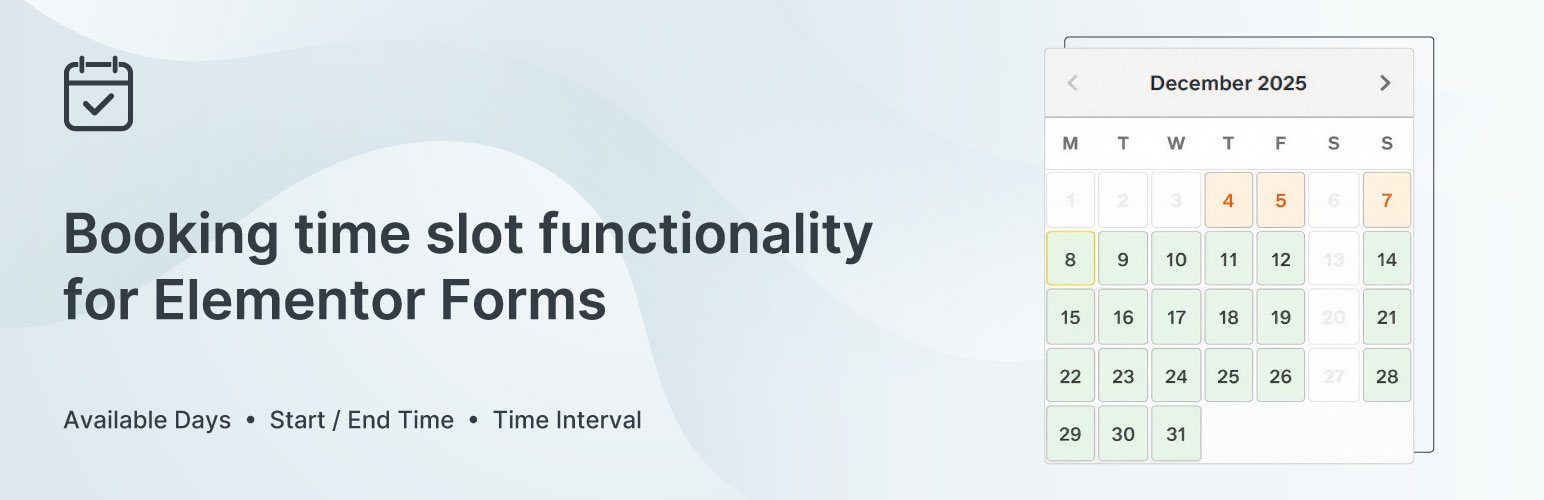
Booking Slots for Elementor Forms adds a booking field to Elementor Pro Forms, allowing you to create simple appointment booking systems directly within your Elementor pages.
This is an addon for Elementor Pro – it extends the Elementor Pro Forms widget to add booking functionality. You must have both Elementor (free) and Elementor Pro installed and activated for this plugin to work.
Free Version Features:
- Basic booking slots with date and time picker
- Perpetual weekday mode (bookings up to 1 year ahead)
- Global time interval settings
- Manual booking management
- Shared booking slots across all forms
- Admin page to view and manage bookings
- User control over data retention via Settings page
How It Works:
- Install and activate the plugin
- Edit any page with Elementor
- Add a Form widget to your page
- Add the \”Booking Slots\” field to your form
- Configure available weekdays and time settings
- Users can now select date and time when submitting the form
Requirements:
- WordPress 5.0 or higher
- Elementor (free version)
- Elementor Pro (for Forms widget)
- PHP 7.4 or higher
PRO Version Available:
The PRO version includes additional features:
* Specific date ranges with custom intervals
* Per-range time interval configuration
* Minimum booking notice
* Extended perpetual mode (up to 10 years)
* Multi-form slot isolation
* Custom calendar colors
* Advanced filtering and search
* Bulk delete operations
* Priority support
Installation
- Upload the plugin files to
/wp-content/plugins/booking-slots-for-elementor-forms/or install via WordPress plugin installer - Activate the plugin through the \’Plugins\’ menu in WordPress
- Ensure both Elementor and Elementor Pro are installed and activated
- Edit a page with Elementor and add a Form widget
- Add the \”Booking Slots\” field to your form
- Configure your booking settings
- View and manage bookings in Dashboard Booking Slots
Screenshots

Frontend

Calendar

Timeslots

Dashboard

Elementor Widget

Elementor Widget
Faq
This plugin is an addon that extends Elementor Pro\’s Forms widget to add booking functionality. It\’s similar to how WooCommerce extensions require WooCommerce to be installed. Without Elementor Pro, there are no forms to add booking slots to.
No. This plugin extends the Elementor Pro Forms widget, so you need both Elementor (free) and Elementor Pro installed and activated. Think of this as an enhancement to Elementor Pro\’s forms functionality.
In the free version, all forms share the same booking slots. The PRO version includes multi-form isolation for independent booking slots per form.
Navigate to Dashboard Booking Slots to view and manage all bookings.
Yes, you can configure available weekdays and time intervals in the field settings within Elementor.
All bookings are stored in your WordPress database. No data is sent to external servers.
By default, your booking data is preserved when you uninstall the plugin. This allows you to safely upgrade to the PRO version or temporarily remove the plugin without losing data. You can control this behavior in Dashboard Booking Slots Settings.
Yes! The free version is designed to preserve your booking data during version switches. All your existing bookings will be available immediately after upgrading to PRO.
Reviews
Changelog
1.0.0
- Initial WordPress.org release
- Basic booking slots functionality
- Perpetual weekday mode (1 year)
- Admin bookings management
- Settings page for data retention control
- Safe upgrade path to PRO version
- GPL-compliant free version