Bookster Search Form
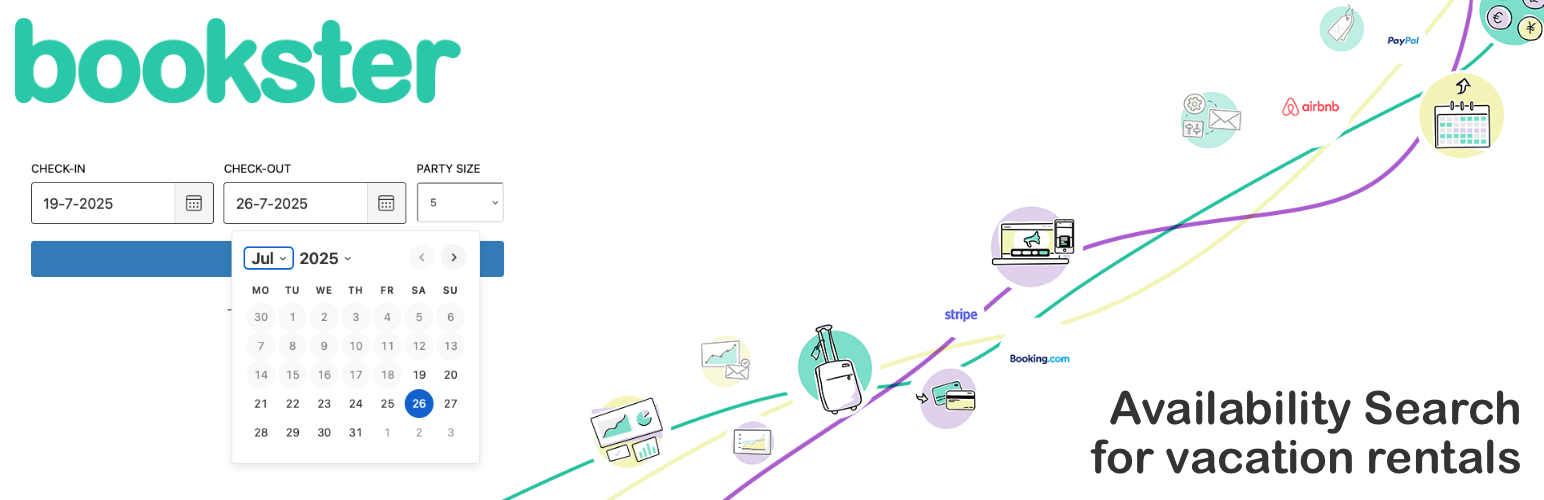
Bookster Search Form
Description
This plugin allows visitors to search your holiday or rental properties by availability date, from a convenient widget on your website.
The plugin is powered by Bookster, Property Management Software for holiday rental owners & managers – where you can attract bookings, take care of guests and manage bookings. The plugin connects your WordPress website to your Bookster account – you need a Bookster account to use the plugin.
The widget allows visitors to select check-in and check-out dates and perform an availability search on Bookster for all properties in your Bookster Subscription.
Requirements
If you are a Bookster user with an active Subscription and at least one property, you can use this plugin to add a search form to your pages and posts.
Once you’ve added your Bookster Subscription ID, the plugin will create a shortcode that you can add to any of your posts and pages.
Terms of Service
- Bookster Privacy Policy
- Bookster Frequently Asked Questions
Installation
To install, please do the following:-
- Upload the plugin to the
/wp-content/plugins/directory or use the Add New feature - Activate the plugin through the ‘Plugins’ menu in WordPress
- Add your Bookster Subscription ID
- Place
[bookster_search_form sub_id="1234567"]in any page.
Screenshots

Search Form with date pickers

Responsive - will collapse down on smaller screen sizes

WordPress settings screen - just enter your Bookster Subscription ID

Bookster Search Engine - the form jumps you into the Bookster property listings to enable guest booking

A simple search form for your holiday rentals website

User Journey