Bookwize Form
Bookwize Form
Description
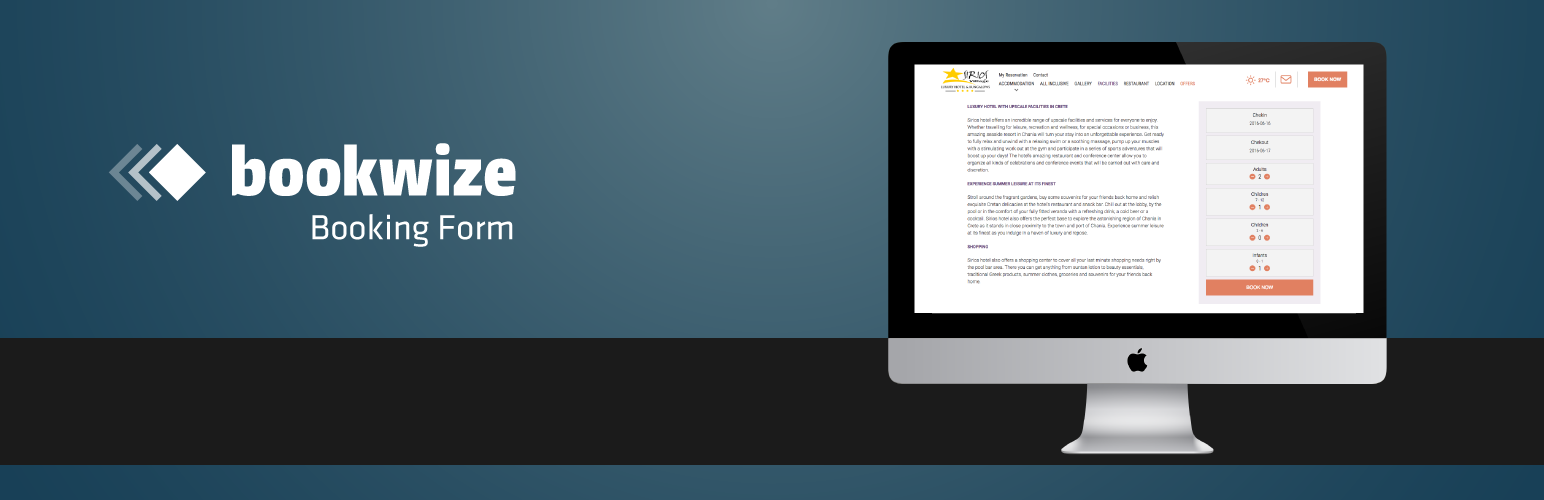
This Plugin will help you to easily connect your Bookwize Hotel Booking System with your WordPress website or blog. Bookwize Booking Form will display a form for users to choose dates and guests and check the availability of your hotel.
In order to use the plugin you will need to have an active supscription with Bookwize Hotel Booking System and the necessary credentials provided by Bookwize Support team.
Installation
- Install the plugin by uploading the zip file (Plugins > Add New > Upload)
- Activate the plugin through the Plugins menu in WordPress
- Go to the settings page of the plugin to setup the form
- Add the credentials provided by Bookwize Support (API Key, Hotel ID, Hotel Url) and customize your form
- You can insert Bookwize Form in pages/posts adding shortcode [bookwizeform] or use Bookwize Booking Form Widget on Appearance > Widgets section
Screenshots

Bookwize Default Theme

Bookwize Horizontal Theme 1

Bookwize Horizontal Theme 2

Bookwize Vertical Theme 1

Add Extra Fields (Boards & Coupon Code) & Themes
Faq
Can I override the default template?
Yes, simply create a file bookwize-form-template.php in your theme directory
How can I get my API Key, Hotel ID and Hotel Url ?
Contact Bookwize Support Team on support@bookwize.com. Please note that you will need to have an active subscription to Bookwize Hotel Booking System.
Google analytics cross-domain tracking
If you would like to setup cross-domain linking, then you will have to require the “linker plugin” and call its autoLink method in Google Analytics code.
Replace destinationLink with your hotel url on Bookwize (eg: presentation.bookwize.com).
ga(‘create’, ‘UA-XXXXX-Y’, ‘auto’, {‘allowLinker’: true});
// Loads the Linker plugin
ga(‘require’, ‘linker’);
// Instructs the Linker plugin to automatically add linker parameters
// to all links and forms pointing to the domain “destination.com”.
ga(‘linker:autoLink’, [‘destinationLink’], false, true);
Contact Bookwize Support Team on support@bookwize.com. Please note that you will need to have an active subscription to Bookwize Hotel Booking System.
Reviews
Excellent
By 
Excellent plugin for a hotel site. It's wonderfully simple.
Great! Nice design and easy to use.
By 
This hotel booking form is great to add Bookwize in your hotel's website.
I have added it to three hotel websites and was able to customize and integrate it easily.
I'd love it if it was possible to add tracking code as well.