Booqable Rental Plugin
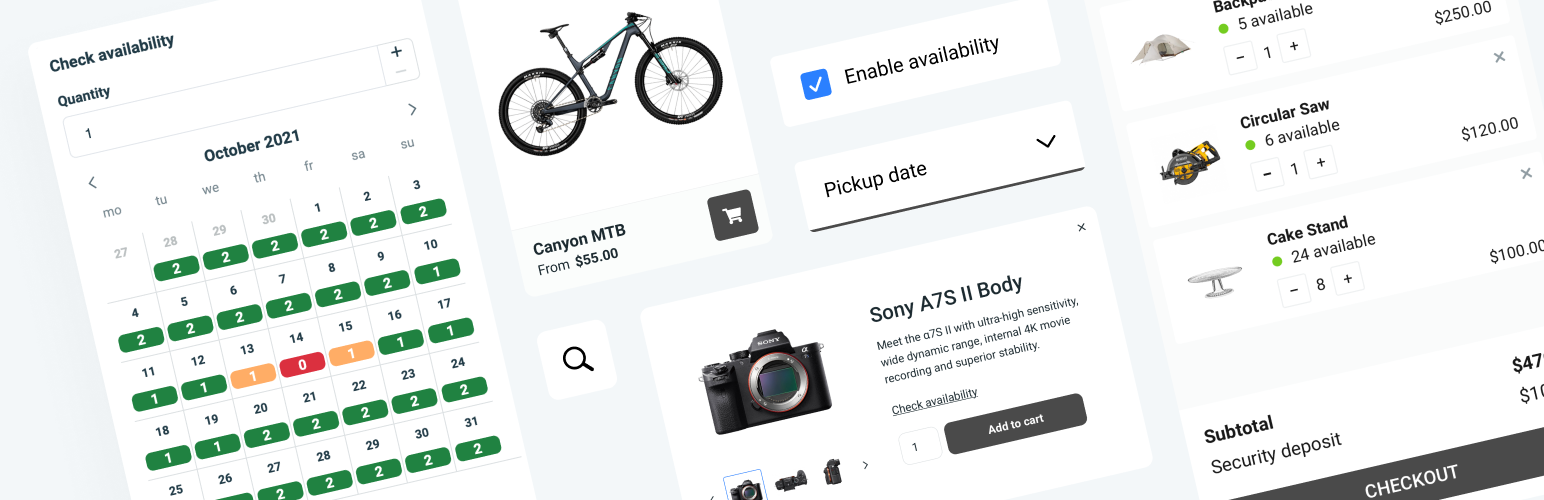
Booqable Rental Plugin
Description
Booqable – WordPress Rental Plugin
Accept rental bookings directly on your WordPress site with Booqable. Install the plugin, embed your rental products with shortcodes, and let customers check availability and book online.
Booqable handles inventory, payments, orders, and contracts, while WordPress manages your site’s design and content. The plugin connects your site to your Booqable account in minutes.
Trusted by thousands of rental businesses worldwide, Booqable is rental software built specifically for inventory-based rentals.
What the plugin does: Adds a rental booking system to your WordPress site. Customers can browse products, check real-time availability, choose their rental period, and complete their booking through the Booqable checkout.
Key features:
– Display your inventory using shortcodes, works with any theme or page builder
– Real-time availability, with the option to show or hide stock levels
– Flexible rental periods: fixed durations, time slots, or free date selection
– Payments: collect in advance, charge a deposit, or offer pay later
– Delivery charges: flat fee or distance-based
– Customizable checkout: collect exactly the information you need
– Set your own pricing structure and adjust rates for weekends or peak seasons
– Configure the checkout for direct bookings or quote requests
– All orders, inventory, and contracts managed in Booqable
Works for all rental businesses: Event and party supplies, tools and equipment, trailers, bikes and e-bikes, AV and camera gear, sports and outdoor equipment, cars and RVs, and more. If you rent it, Booqable handles it.
Getting started: Install the WordPress rental plugin, connect your Booqable account, and embed your inventory. Start your free 14-day trial at booqable.com, no credit card required.
Installation
Sign up for a Booqable account here if you haven’t already.
To connect the plugin to your Booqable account, you’ll need to enter your company ID.
In Booqable:
1. Go to Settings > Online reservations > Installation
2. Click WordPress Plugin
3. Copy your Company ID
Then, in WordPress:
4. Click Settings > Booqable
5. Paste your company ID in the corresponding field
To embed products:
– In Booqable: make sure you have at least one rental product
– In WordPress: Embed a product, product button, or product list on any page or post using shortcodes
Screenshots
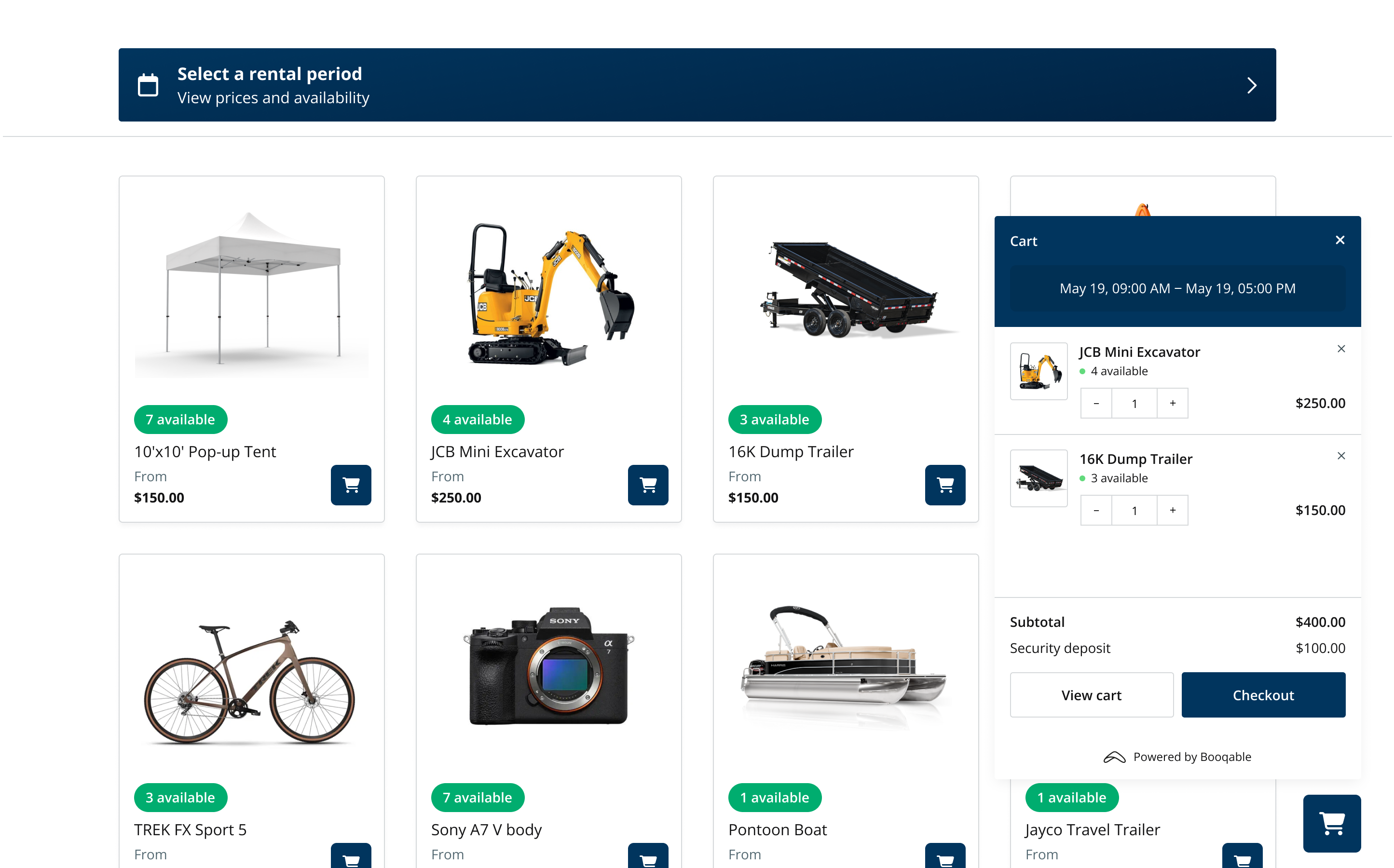
Allow people to browse and book your inventory online
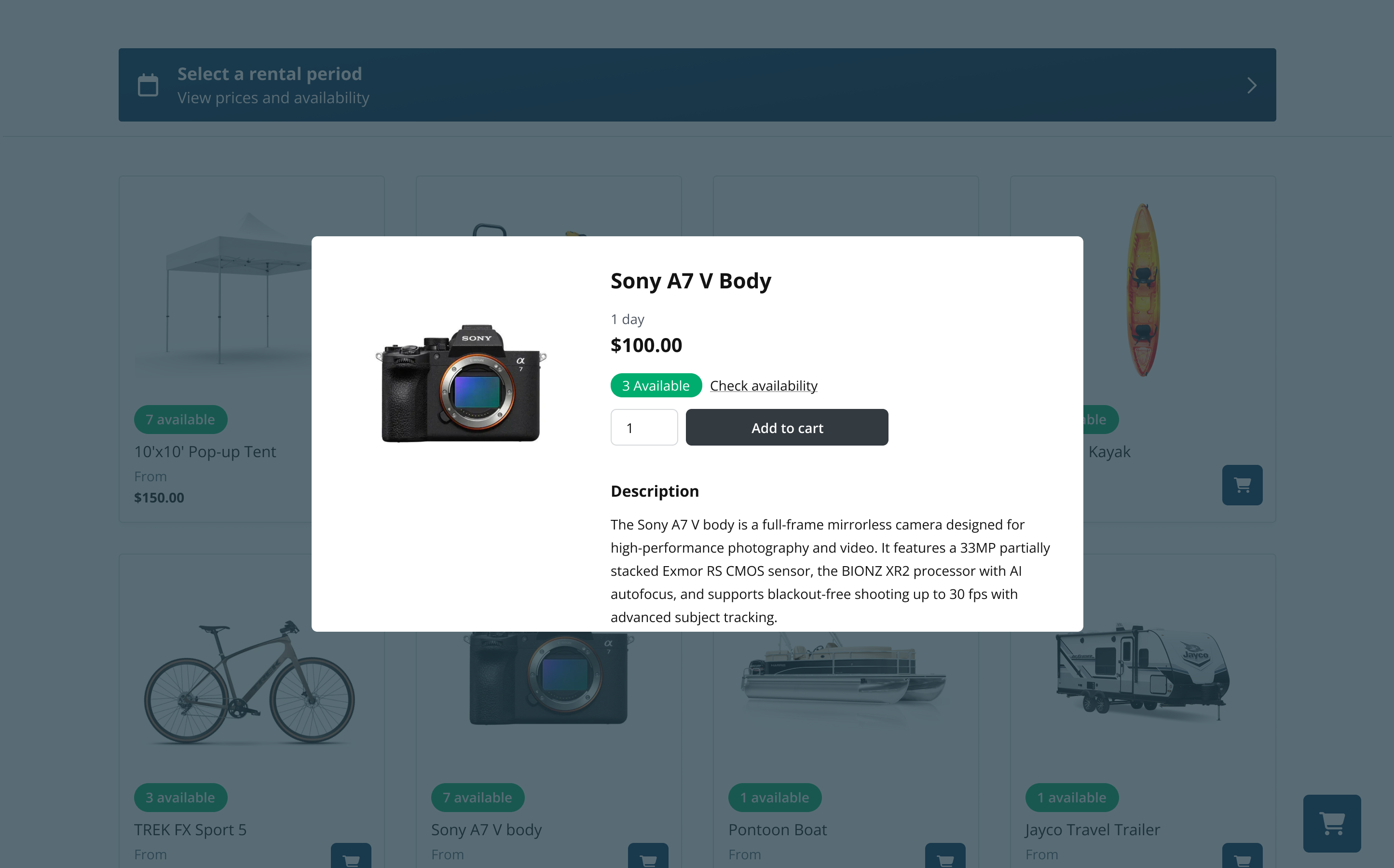
Show when items are available to rent (optional)
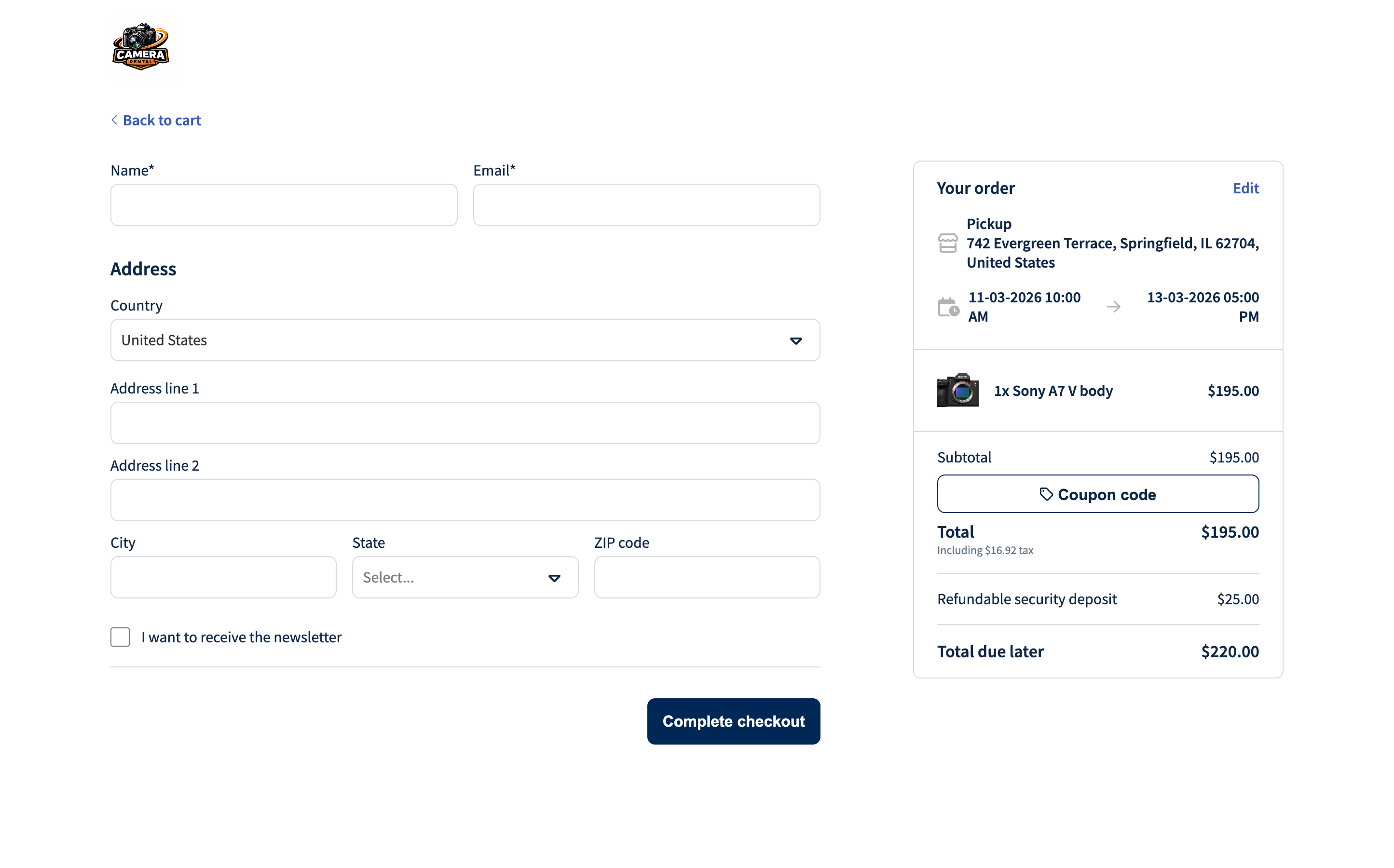
Let your customers pay online or request a quote
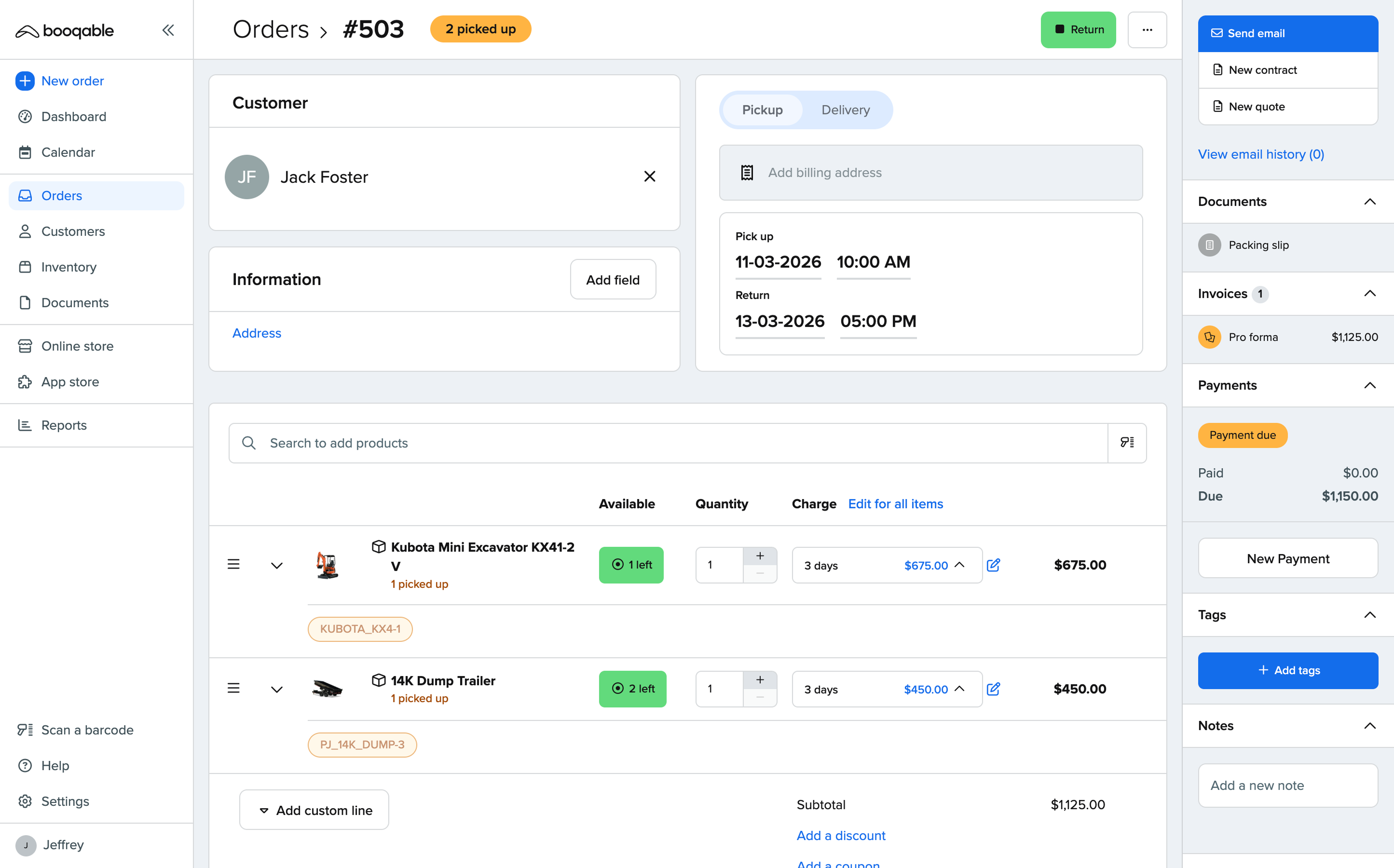
Manage orders in your Booqable account
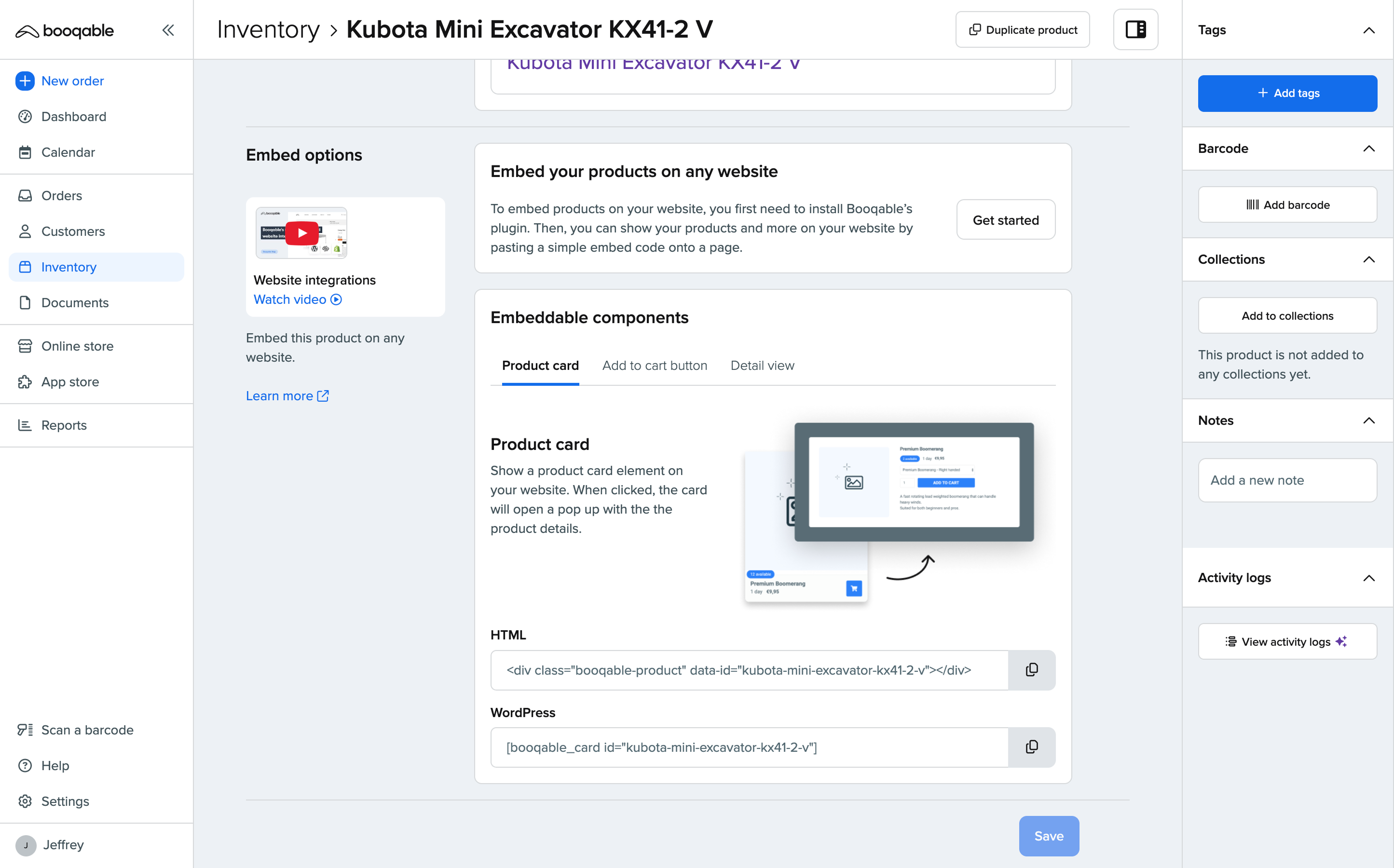
Quickly add your products by copy-pasting shortcodes
Reviews
NOT A FREE TRAIL
By 
got my refund.
Excellent Plugin and Service
By 
Booqable covers everything you could ask for from a rental management application - you can run a multi-million dollar rental company using it, or just a small side business. We used it at our company for years and I don't have a single complaint - I just wish all software services were as straightforward and full-featured as Booqable.
Great booking app
By 
This app suits my rental workflow. It is fast and easy to use for my clients. Very satisfied with the product.
Good Plugin, easy!
By 
Fantastic rental management platform
By 
One stop rental management software
By 
Easy to manage content from one system
By 
Very well functioning rental management software
By 
SCAM PLUGIN
By 
Not Free at all
By 
Changelog
2.4.26
- Solve PHP 8.x warnings
2.4.25
- Update screenshot descriptions
2.4.24
- Change image formats
2.4.23
- Improve description formatting
2.4.22
- Updated tested up to
- Updated screenshots
- Updated description
2.4.21
- Updated tested up to
2.4.20
- Updated readme
2.4.19
- Added collection shortcode
2.4.18
- Updated readme
2.4.17
- Updated tested up to
2.4.16
- Escape attributes for company id input
2.4.15
- Fixed outdated links
- Improved plugin interface
2.4.14
- Improved plugin interface
- Improved help text
2.4.13
- Sanitize attributes
- Updated tested up to
2.4.12
- Updated brand assets
2.4.11
- Updated screenshots
- Updated tested up to
2.4.10
- Updated plugin name
- Updated tested up to
- Updated description
2.4.9
- Updated tested up to
- Updated description
2.4.8
- Updated screenshots
- Improved description formatting
2.4.7
- Updated banners and screenshots
- Updated description
- Updated tags
2.4.6
- Update asset URL
2.4.5
- Update readme
2.4.4
- Added new options to embeddable cart sidebar and lines
2.4.3
- Fixed embeddable cart button href option
2.4.2
- Fixed product list not filtering by category
2.4.1
- Fixed a syntax issue
2.4.0
- Added embeddable cart shortcodes
- Added category list shortcode
- Added filter bar shortcode
- Added sidebar shortcode
2.3.2
- Update copy
2.3.1
- Update branding
2.3.0
- Added datepicker shortcode
2.2.1
- Fixed an issue with PHP < 5.5
2.2.0
- Improved user experience by improving settings page
- Improved plugin security
- Updated plugin description
2.1.1
- Added provider tracking fix
2.1.0
- Added product search shortcode
2.0.2
- Update compatible WordPress versions
2.0.1
- Update plugin name
2.0.0
- First beta release
1.0.1.beta
- Improve security
- Add documentation
1.0.0.beta
- First beta release