Boosted Front-end Login
Boosted Front-end Login
Description
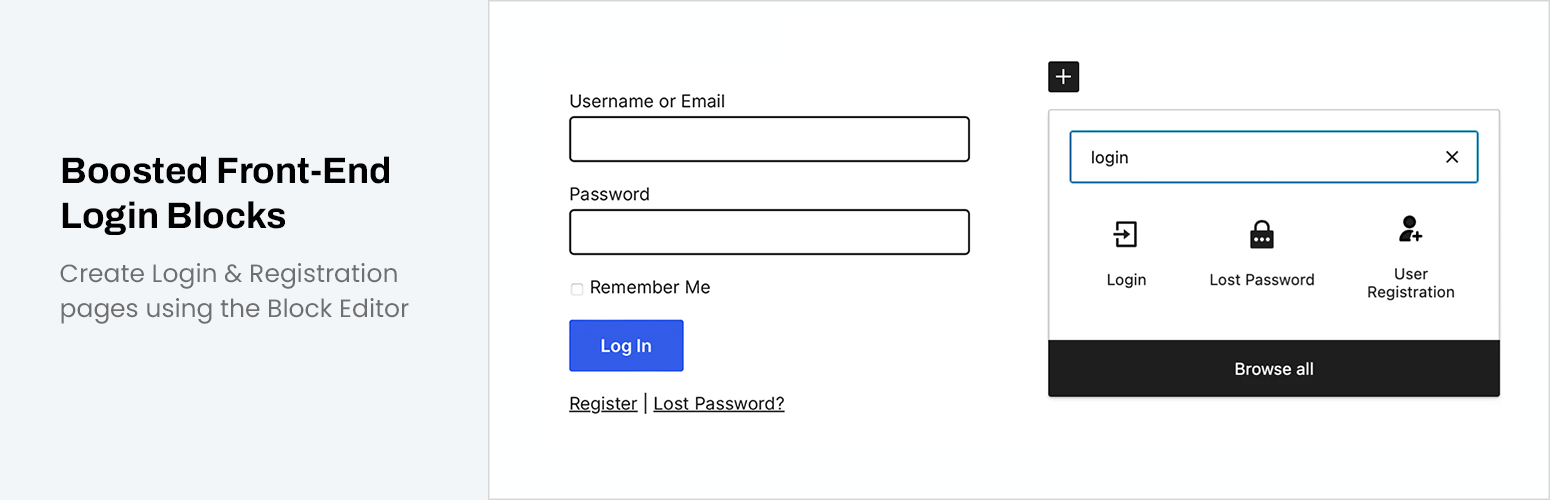
Create Login, Registration, & Lost Password pages using the Block Editor.
Features
- Add forms to any pages using the block editor
- Login, Registration, & Lost Password pages are created automatically upon plugin activation
- Add custom redirects upon form submissions
- All options are managed within block editor
- Extremely lightweight plugin with no added CSS or JavaScript
- Built-in verification email for registration (New users are placed in “pending” role)
Contribute
Visit the GitHub repository for full source code and to report any bugs.
Installation
- Install and acivate the “Boosted Front-end Login” plugin.
- Click to “Add Block” within the block editor to add a new block.
- You will find the Login, Lost Password, and User Registration blocks under the heading “Boosted Front-End Login”
Faq
You can adjust the redirects after logging in while editing the Login block. Simply select the block and you will find redirection options on the right editor panel.
This plugin does not include any CSS or JavaScript. All styling is inherited from the theme styling.
When registering, users will be placed in a “Pending” role until verified via automated email.
Reviews
Changelog
1.0.01
- Tested with WordPress 6.9.1
- Minor maintenance update
1.0.0
- Initial Release