Bot for Telegram on WooCommerce

Bot for Telegram on WooCommerce
Description
Bot for Telegram on WooCommerce
🎉 Great news! We’ve added the Pro plugin features to our free plugin! 🚀 The Pro plugin is no longer supported — all those awesome features are now available for free! 🎁 If you were using the Pro version, make sure to deactivate it. 🙌
Many sites on WordPress use eCommerce with WooCommerce. Nowadays we have a lot of trading platforms apart from WebSite. And one of them is Telegram, currently growing into powerful chat system with channels and automatic notices from bots.
🟢 Bot demo
This plugin will give you an opportunity to sell products via Telegram. All you need is to create bot and add it in the WooCommerce settings.
Supported product types
- Simple
- Grouped
- Affiliate
- Variable
Features
- Automatic registration with phone number
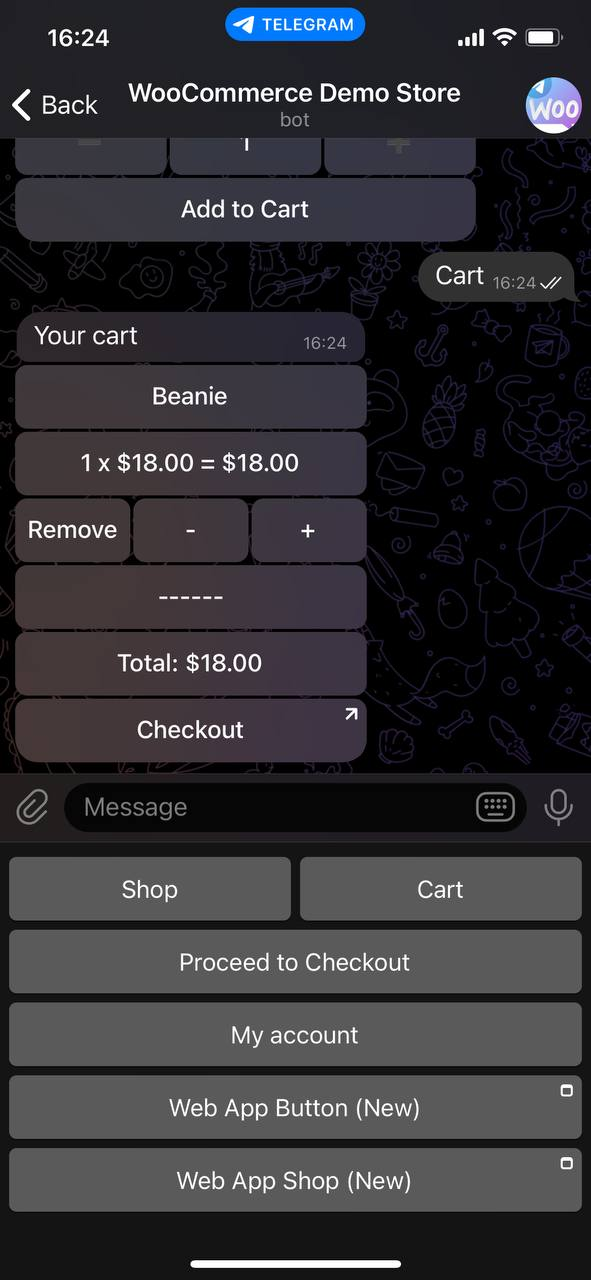
- Synchronized cart between Telegram and WooCommerce
- NEW!!! Telegram Login
- Product catalog based on WP Rest API
- Native integration in WooCommerce settings with option to translate Telegram buttons from WordPress admin dashboard
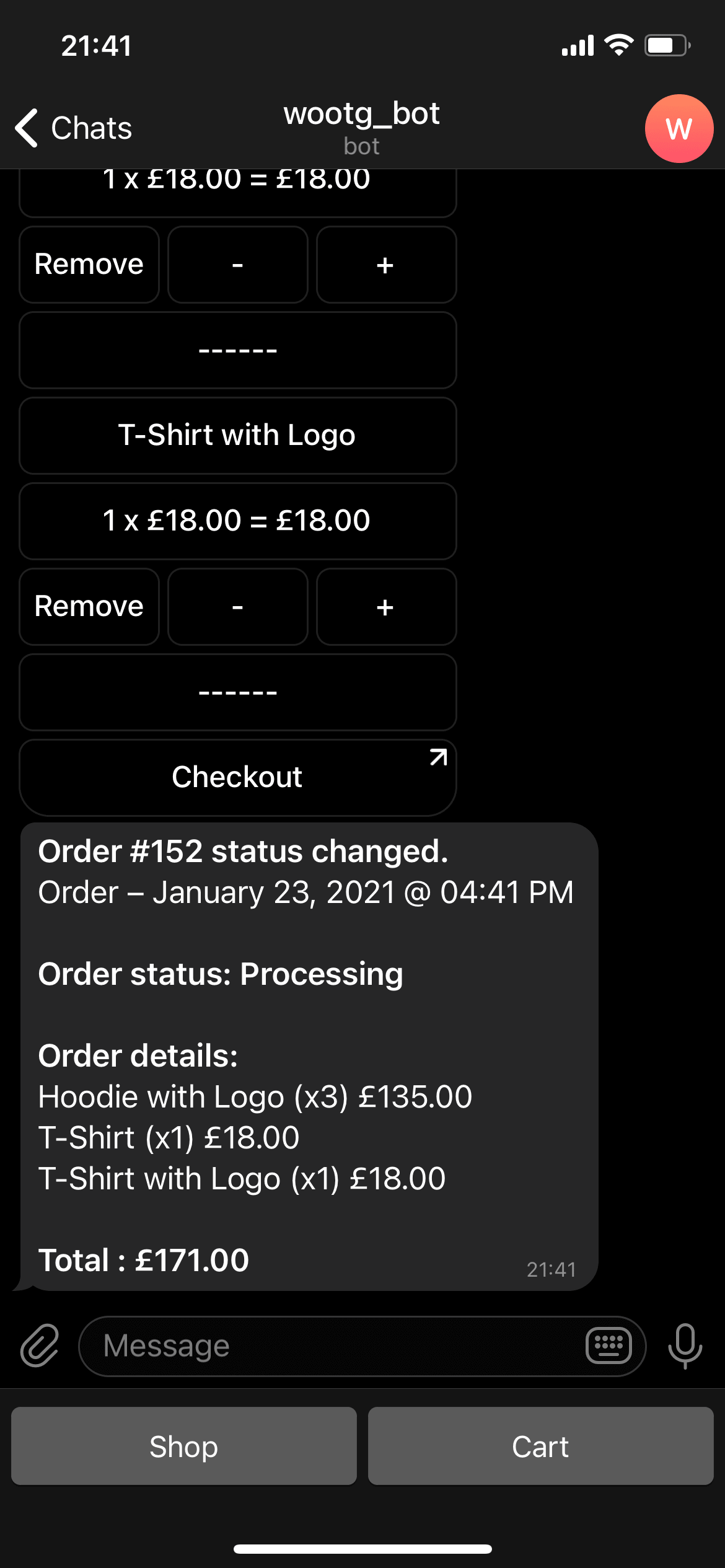
- Automatic notice on order status change
- WooCommerce categories
- Fast Checkout
- My account section
- My orders section
- Order notifications on status changed
- Notification when new users are registered
- Parse user location
- Sending messages to all users of the bot
- Select categories to display in the bot
- Search products
- Custom Buttons
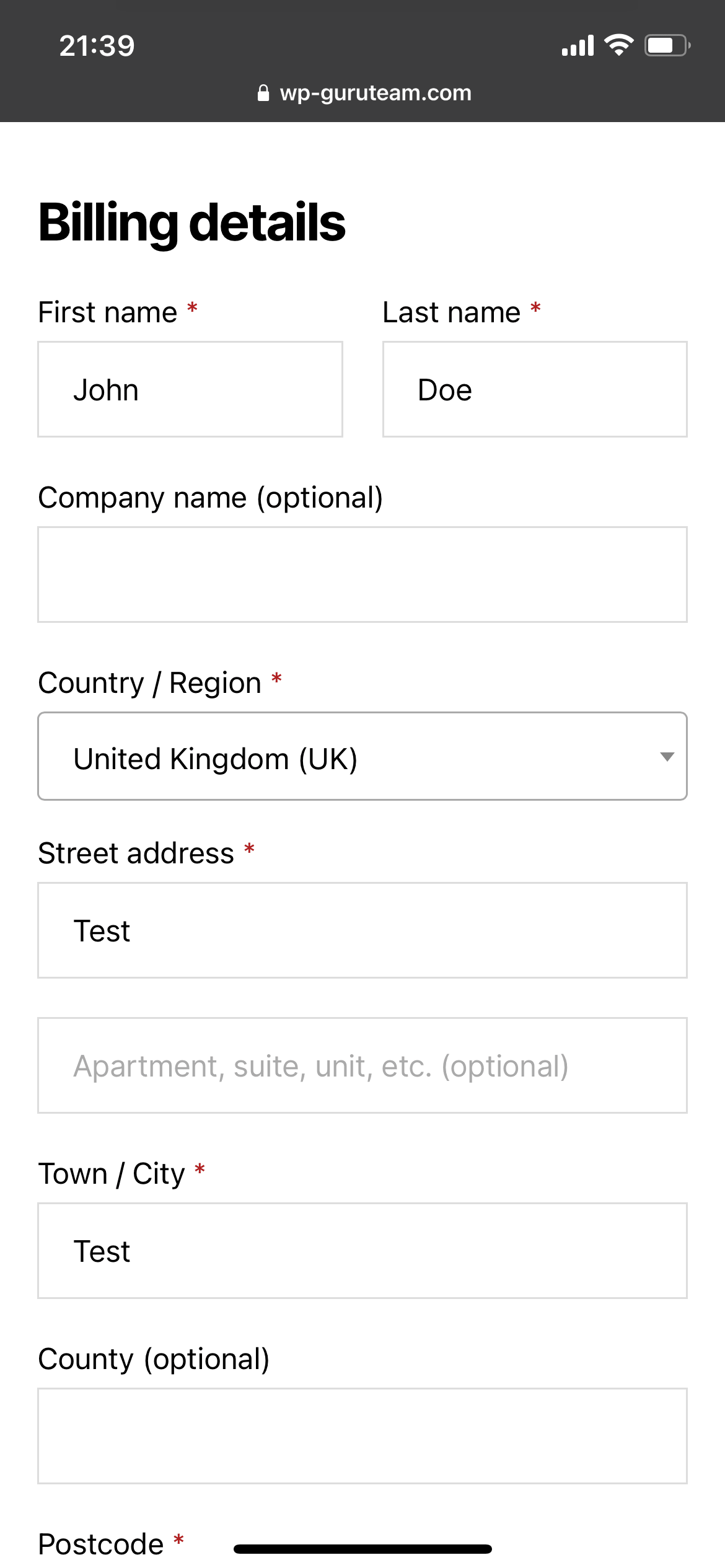
- Checkout in telegram (without redirect to the website)
- New!!! Web App setting in custom keyboard
- New!!! Resend WooCommerce emails to Telegram
Installation
- Download the plugin .zip file and make note of where on your computer you downloaded it to.
- In the WordPress admin (example.com/wp-admin) go to Plugins > Add New or click the “Add New” button on the main plugins screen.
- On the following screen, click the “Upload Plugin” button.
- Browse your computer to where you downloaded the plugin .zip file, select it and click the “Install Now” button.
- After the plugin has successfully installed, click “Activate Plugin” and enjoy!
Screenshots
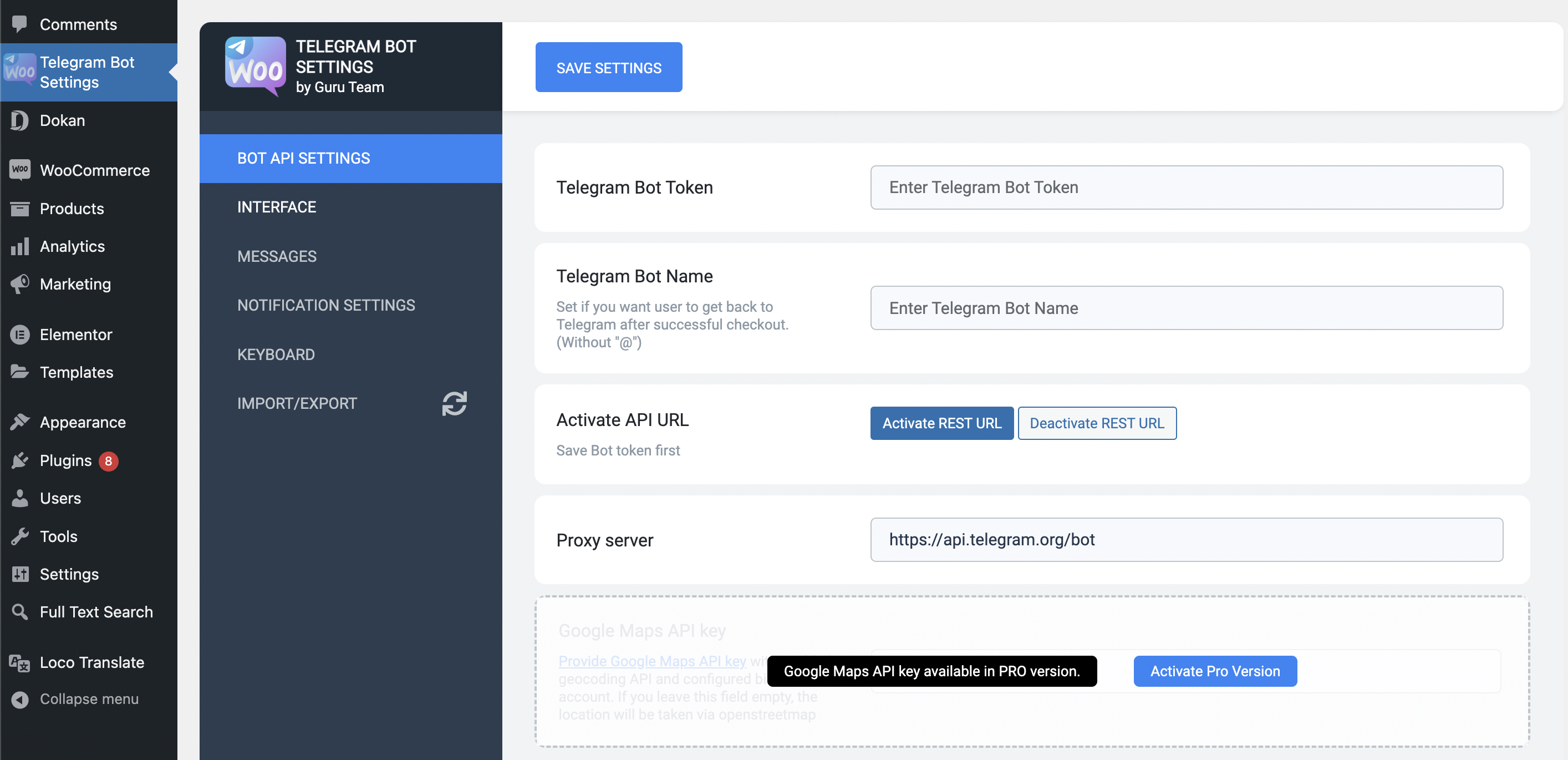
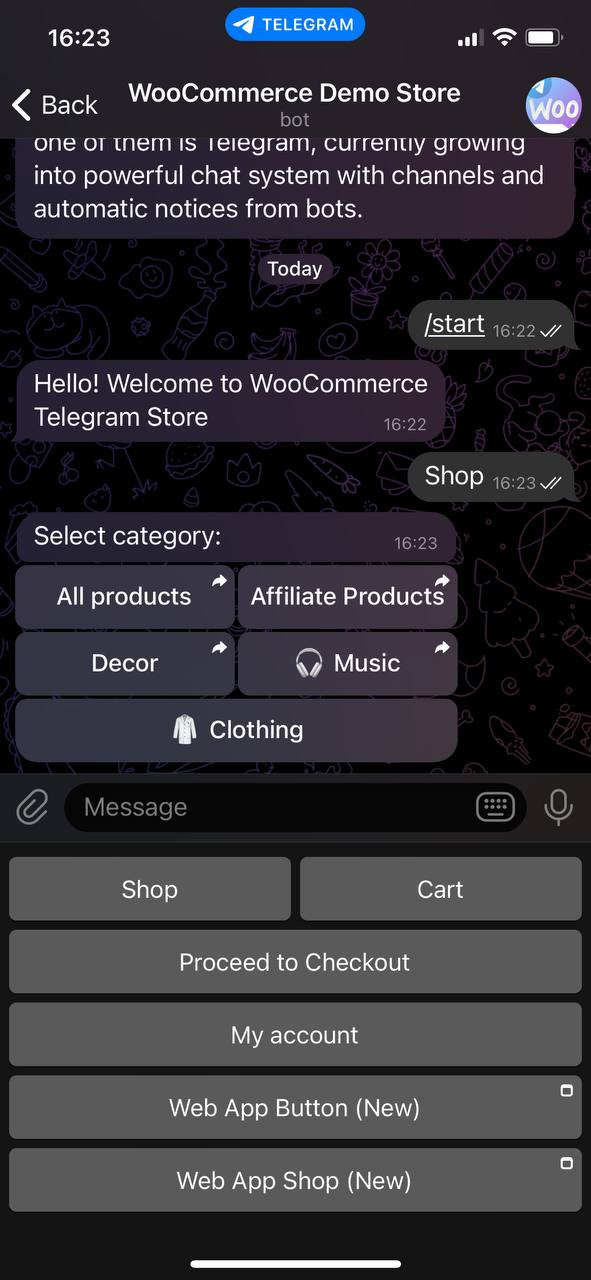
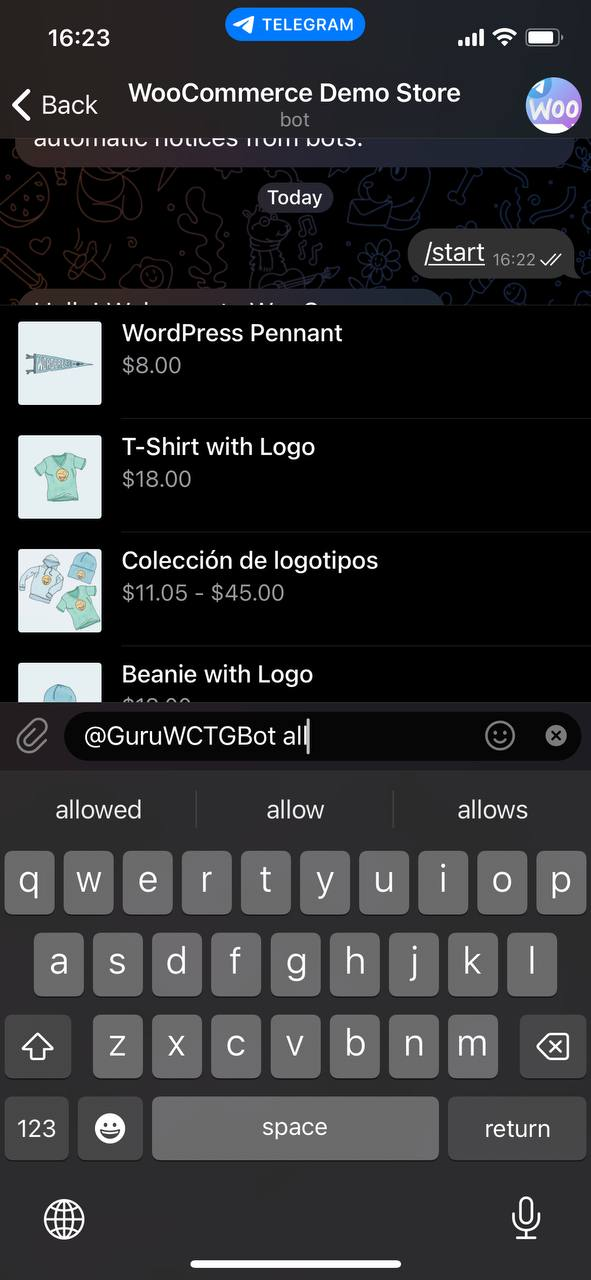
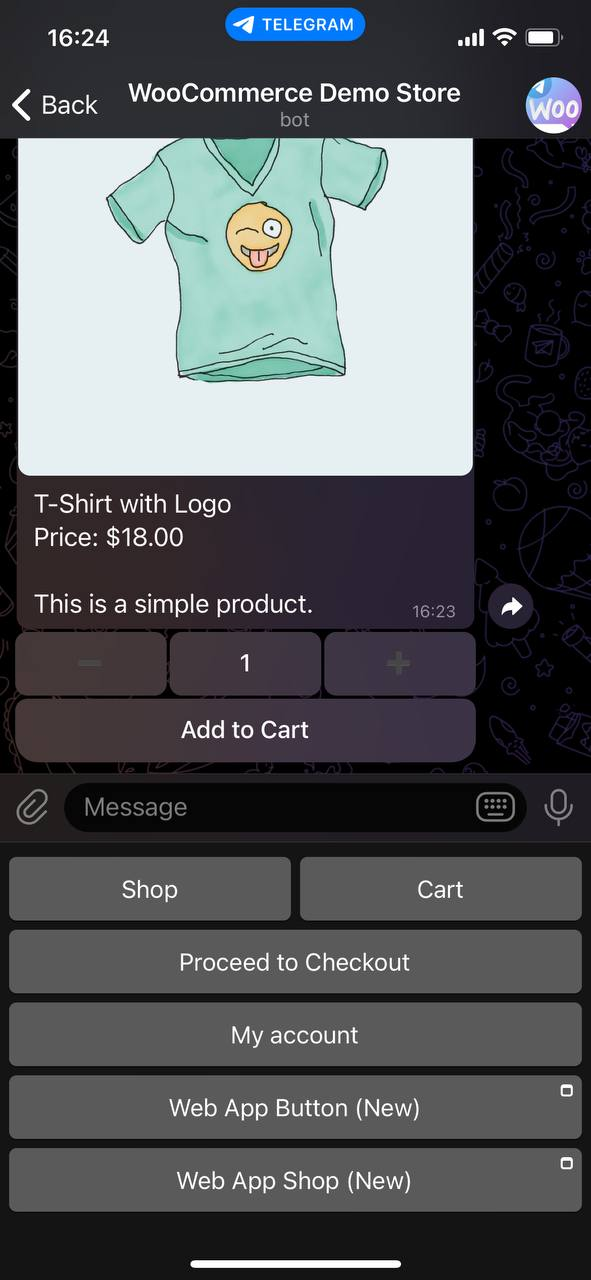
Faq
Step-by-step instructions:
- You need a website with a configured WooCommerce
- In the “Telegram Bot Settings” page, enter the token you received when creating the bot and the name of the bot.
- Enable inline mode for your bot. Send the /setinline command to @BotFather, select your bot and provide the placeholder text that the user will see in the input field after typing your bot’s name.
- Press “Activate Rest Url” button on Telegram Bot Settings page
- Fill in the remaining fields
- Start the bot
- Send the /setdomain command to @BotFather choose your bot, after that send your site domain
- After that go to the Telegram Bot Settings page, (“Telegram Login Settings” Tab)
- Enable Telegram Login
- You can customize Telegram Login Button and Choose button location
- You can use bftow_login shortcode to add telegram login on any pages
- Check the permalink settings it should be “post name”
- Check the hello message, it should be filled
Please set the permalinks setting to “post name”
You have to enable inline mode for your bot.** Send the /setinline command to @BotFather, select your bot and provide the placeholder text that the user will see in the input field after typing your bot’s name.
You have to create global attributes and use them for your variable products
Check your settings, maybe “Disable checkout” or “Hide cart button” settings are enabled
By default, we hide products that are out of stock. You can show them. To do this, turn on the “Show out of stock products” setting
Reviews
variable product not working
By 
variable product not working good 🙁
PRO
By 
Everything worked fine, but now after placing an order on the site, it does not display the order from the client in telegrams. Although they are in the order history and the order itself is processed on the site. Only the client does not know about it.
the products not showing
By 
the products not showing
nessun supporto
By 
Не работает на кирилице
By 
The best support !!
By 
This is the best telegram bot for WooCommerce
By 
Nice!
By 
"https://sitename/go-to/productname".variable products not showing
By 
Works as described, great plugin 🙂
By 
Changelog
1.2.9- 2025-31-05
- Fixed order notifications functionality
1.2.8- 2025-26-05
- Fixed security issues
1.2.7- 2025-15-05
- Fixed security issues
1.2.6- 2025-17-04
- Added PRO Features
- Added the ability to resend WooCommerce emails to Telegram
- Fixed security issues
1.2.5- 2024-22-12
- Fixed fatal error
1.2.4- 2024-10-10
- Added downloads for downloadable products
- Fixed security issues
- Updated nuxy framework
1.2.3- 2022-12-28
- New!!! Added telegram Login Feature
1.2.2- 2022-12-04
- Fixed stock managing in variable products
1.2.1 – 2022-07-22
- Fixed telegram mailing (PRO version)
1.2.0 – 2022-07-20
- Added order info to wordpress dashboard
- Updated vue.js version
- Bug fixes
1.1.9.1 – 2022-01-23
- Fixed Search
1.1.9 – 2022-01-09
- Added option to show all products, including out of stock products
- Added the ability to block user (PRO)
- Added the ability to replace the redirect to the cart page instead of the checkout page (PRO)
- Added option to display categories in hierarchy (PRO)
- Added option to request user location for every order (PRO)
- Added Openstreetmap API, you can get user location without Google Maps API key (PRO)
- Fixed “button does not work if there is a space at the end of the word”
1.1.8 – 2021-09-20
- Added – Option to add checkout button
- Added – Option to hide cart button
- Added – Proxy setting
1.1.7 – 2021-09-20
- Fixed – Bot not start
1.1.5 – 2021-09-12
- Fixed – Variable product not shown
- Added – new settings page
1.1.4 – 2021-07-31
- Fixed – error BFTOW_PRO_URL not defined
1.1.3 – 2021-07-31
- Added – Possibility to hide a product from the bot
- Updated – Removed category button, if only it is displayed
1.1.2 – 2021-06-22
- Added – SKU to product list
- Fixed – Price in variation product
1.1.1 – 2021-06-13
- Added – New option “Categories per row”
- Added – New option “Show only parent categories”
- Added – New option “Show SKU”
1.1.0 – 2021-05-20
- Fixed – Wont show add to cart
1.0.9 – 2021-05-01
- Fixed – Price in product list
- Fixed – Variation name in
- Added – Sale and regular price in single product
1.0.8 – 2021-04-18
- Added – filter bftow_get_product_categories
1.0.7 – 2021-04-14
- Fixed – Variable products are not displayed
1.0.6 – 2021-03-15
- Added – More order information
- Added – Selected variations in a cart
- Fixed – Some products are not displayed
- Added – Russian translations
- Fixed – added to cart text available to translate
1.0.5 – 2021-03-01
- Added – WooCommerce install notice
- Added – No token notice
1.0.4 – 2021-02-24
- Added – Variable products support
- Added – Total in cart
- Added – Option to show short description in product view
- Added – Option to customize “Price:” text
1.0.3 – 2021-02-14
- Fix – Cyrillic text in buttons and categories
1.0.2 – 2021-02-07
- Fix – Message fields
- Fix – Checkout button after share phone
- Added – Fast checkout option
- Added – Option to disable quantity input in product view
1.0.1 – 2021-02-02
- Fix – Category filter same products fixed