CITS Bridal Live Appointment
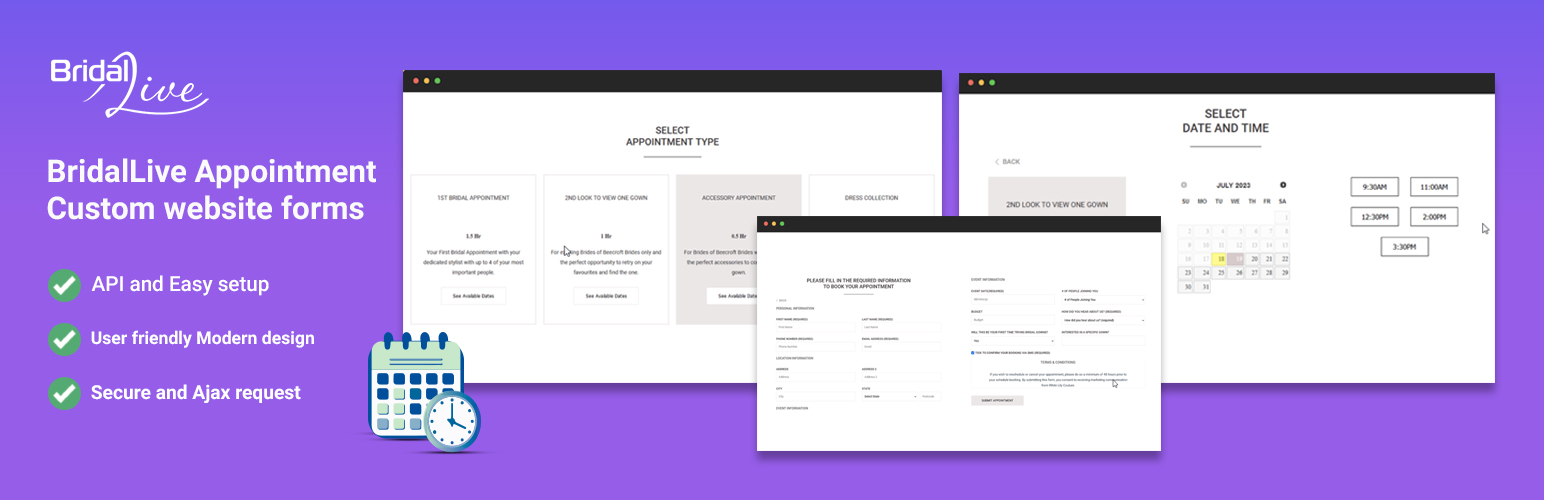
CITS Bridal Live Appointment
Description
BridalLive Software’s default iframe booking system has limitations, which led us to develop a custom form system using the BridalLive API. Users must have a BridalLive Retailer Account and connect using a Retailer ID and API Key. The plugin allows for easy placement of the booking form on your website using a shortcode.
External Service Usage
This plugin integrates with BridalLive, a third-party service, to manage appointments. The data interactions are handled securely through BridalLive’s API.
- BridalLive Website: Visit BridalLive
- Terms of Service: BridalLive Terms of Use
- Privacy Policy: BridalLive Privacy Policy
Overview
This plugin utilizes the BridalLive API to offer a custom form system for booking appointments in bridal shops, as an alternative to BridalLive’s default iframe booking system. It requires a BridalLive Retailer Account to connect via Retailer ID and API Key.
Installation
- Login in your WordPress admin panel.
- Navigate to Plugins => Add New from left menu bar.
- Now search “CITS Bridal Live Appointment” in search box.
- Click on Install Now button
- Then activate the plugin.
- Now you need to configure your Retailer and API key.
- Then Copy the Shortcode and paste where you want to show the form.
Screenshots

Set Retailer ID and API Key

Place the Shortcode where you want to show the Form

Form Settings for Static Content

Showing Booking packages form BridalLive

Booking Step 2

Final Step of Form
Faq
[ci_bridal_live]
php

// do_shortcode('[ci_bridal_live]')
Reviews
Changelog
1.0.0
- Plugin released.
1.1.1
- Fixes issues.
1.1.2
- Fixes issues.