MCQ, Quiz, Question Addon For Elementor
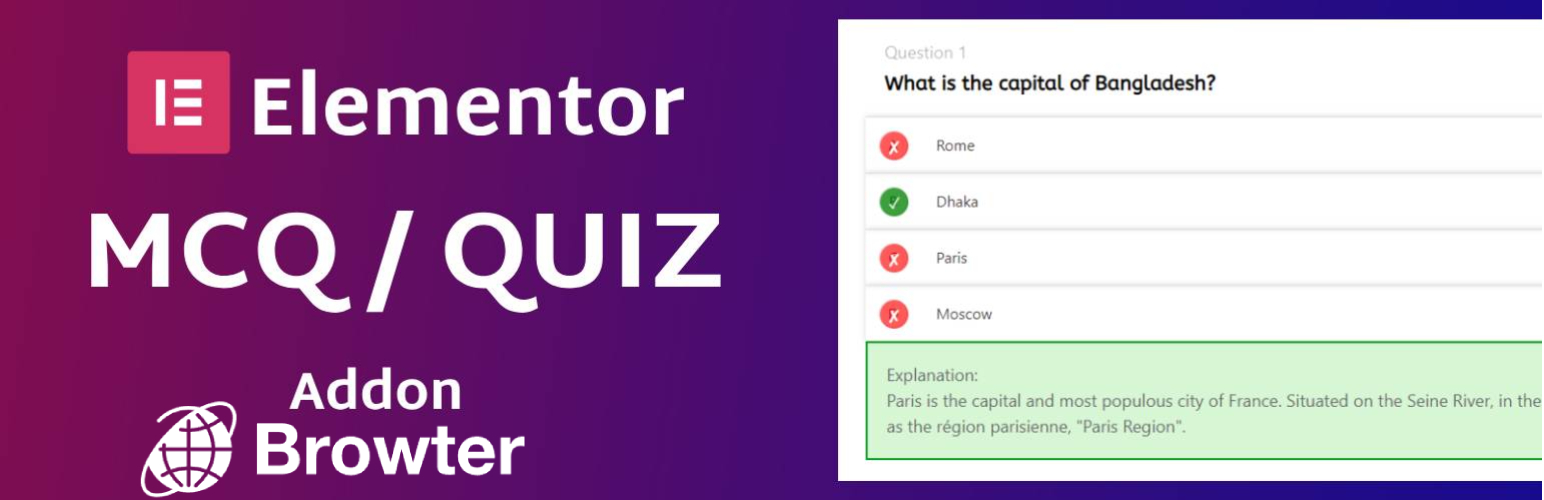
MCQ, Quiz, Question Addon For Elementor
Description
MCQ, Quiz, Question Addon is a lightweight extension for Elementor, enabling you to effortlessly integrate quizzes and questions into your WordPress site. Enhance user engagement and interaction with customizable quiz options.
Features
- Easily integrate quizzes into your Elementor pages.
- Create multiple-choice questions effortlessly.
- Customize quiz styles and appearance.
- Requires Elementor plugin for optimal functionality.
Usage
- After installation, you will find the MCQ, Quiz, Question widget in the Elementor editor.
- Drag and drop the widget onto your desired section.
- Customize quiz settings, questions, and styles within the Elementor editor.
Credits
- Elementor – The leading WordPress page builder.
Support
For support or inquiries, visit https://greatkhanjoy.netlify.app.
License
This project is licensed under the MIT License – see the LICENSE file for details.
Acknowledgments
Thank you for using MCQ, Quiz, Question Addon for Elementor!
Installation
- Upload the
mcq-quiz-question-addonfolder to the/wp-content/plugins/directory. - Activate the plugin through the ‘Plugins’ menu in WordPress.
- Ensure Elementor is installed and activated.
Screenshots

Quiz Settings in Elementor Editor

Customizable Quiz Styles
Faq
Yes, MCQ, Quiz, Question Addon is designed to work seamlessly with both free and pro versions of Elementor.
Reviews
Changelog
1.0
- Initial release