BubbleForge for WooCommerce

BubbleForge for WooCommerce
Description
BubbleForge for WooCommerce is a lightweight, high-performance plugin that lets merchants create unlimited product badges (“bubbles”) using an advanced rule engine. Replace the standard WooCommerce sale badge with a fully visual, condition-driven system.
Key features
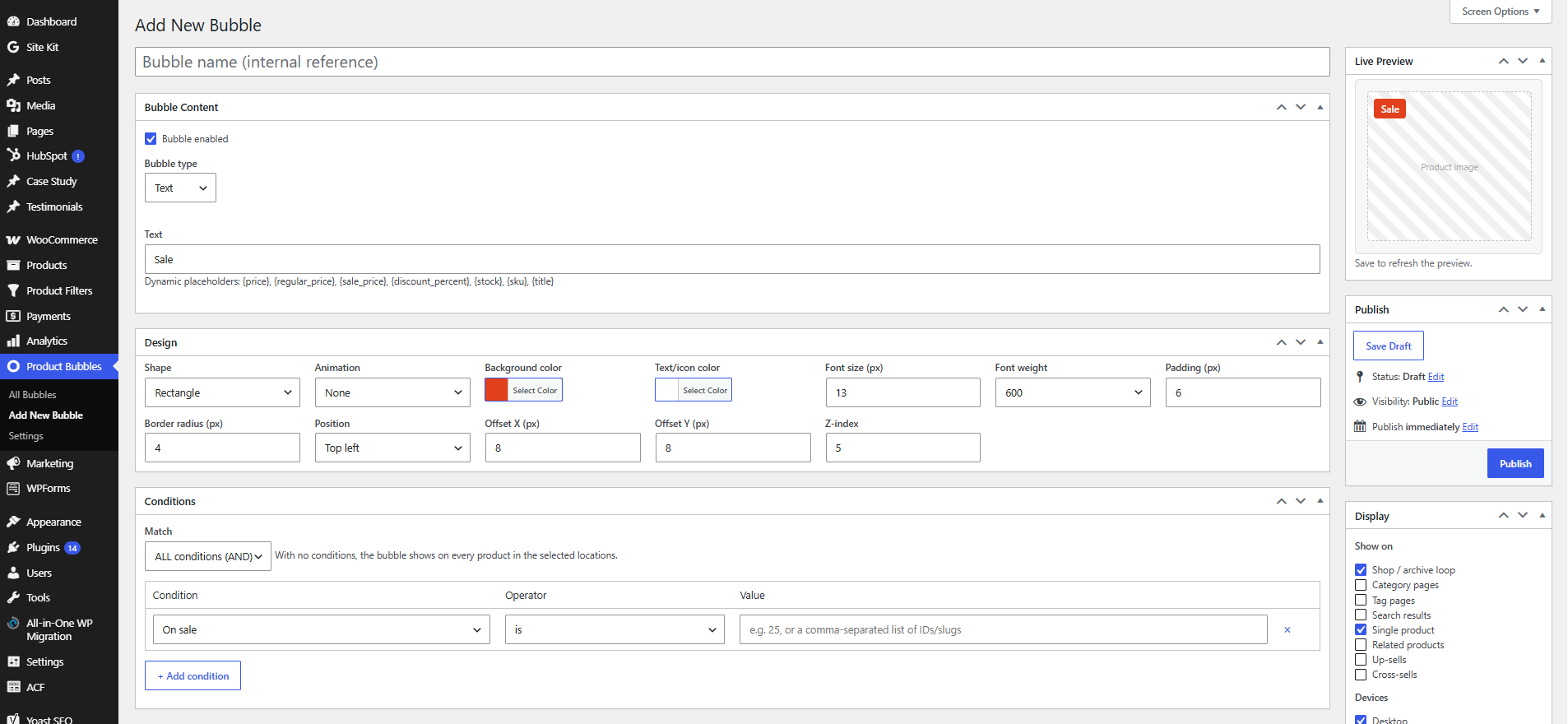
- Bubble types — Text, Emoji, Dashicon, Image, and inline SVG.
- Dynamic placeholders —
{price},{regular_price},{sale_price},{discount_percent},{stock},{sku},{title}. - Advanced rule engine — combine any number of conditions with AND/OR logic:
- Products, categories, tags, attributes, brands, product type
- On sale, discount %, price, featured
- Stock status and stock quantity
- Best sellers, top rated, newly added
- User roles, customer country, device, date schedule
- Display locations — shop/archive loop, categories, tags, search, single product, related, up-sells and cross-sells.
- Design builder — colors, typography, shapes (rectangle, circle, ribbon, flag, star), animations, drag-free positioning with offsets, and responsive device visibility.
- Performance first — conditional asset loading and a cached active-bubble set.
- Compatibility — WooCommerce HPOS (High-Performance Order Storage) and Cart/Checkout blocks compatible.
- Import / Export — move bubbles between sites as JSON.
Installation
- Upload the
bubbleforge-for-woocommercefolder to/wp-content/plugins/, or install via Plugins Add New. - Activate the plugin through the Plugins menu in WordPress.
- Make sure WooCommerce is installed and active.
- Go to Product Bubbles Add New to create your first badge.
Screenshots
The bubble editor with content, design and condition panels.
Rule engine with AND/OR condition matching.
Bubbles rendered on the shop archive.
Faq
Yes. The plugin declares HPOS and Cart/Checkout blocks compatibility.
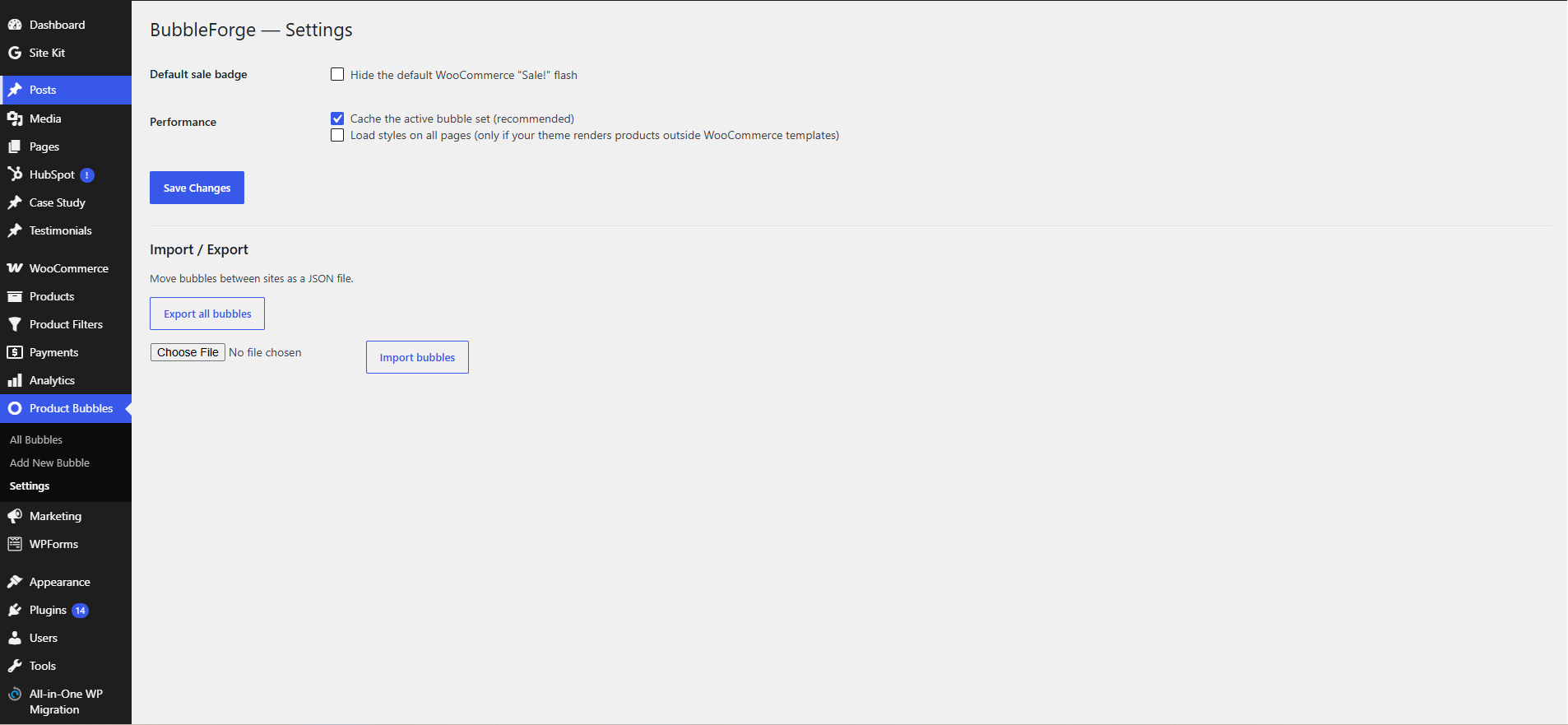
Optionally. Enable Product Bubbles Settings Hide the default WooCommerce “Sale!” flash.
The plugin hooks into the standard WooCommerce template actions (woocommerce_before_shop_loop_item_title and woocommerce_before_single_product_summary). Highly customized themes or page builders that don’t use these hooks may need the bbfgw_should_enqueue_frontend filter or a custom hook location.
Yes, use the bbfgw_evaluate_condition filter to implement custom condition types.
Reviews
Powerful Badge Plugin with an Amazing Rule System
By 
I'm honestly surprised this plugin doesn't have more reviews yet. After trying a few different WooCommerce badge plugins, this is the first one that gave me complete control without feeling bloated.
The rule engine is the standout feature. I was able to create different badges for sale products, new arrivals, stock levels, and specific categories using AND/OR conditions, and everything worked exactly as expected. The design options are also much better than I expected, with text, emoji, SVG, and image badges that are easy to customize.
What impressed me most is how lightweight it feels. The badges load quickly, it works perfectly with WooCommerce, and I haven't noticed any performance issues. It's clear that a lot of thought went into both the functionality and the user experience.
This has become one of those plugins I install by default on WooCommerce stores. Highly recommended..
Changelog
1.1.1
- Updated PHP compatibility declaration to 8.3.
- Version update.
1.0.1
- Fixed product bubble display issue.
- Improved rule handling.
1.0.0
- Initial release.