BuildAPendant

BuildAPendant
Description
BuildAPendant is a WooCommerce extension that allows jewelry stores to offer customers a complete pendant customization experience. Shoppers can browse diamonds (lab-grown, natural, or colored) and combine them with a wide selection of pendant settings. The plugin intelligently recommends compatible settings based on the chosen diamond shape, carat weight, and other parameters.
Features
- Real-time integration of natural, lab-grown, and colored diamonds from any marketplace or individual supplier.
- Define tiered markups for diamonds based on carat and price ranges, with separate markup rates for different suppliers or marketplaces.
- Manual addition of pendant settings through the WordPress admin panel.
- Bulk import of pendant settings from multiple suppliers for easier management.
- Flexible markup rules for pendant settings based on price ranges and suppliers.
- Bulk diamond import (lab-grown, natural, or colored) via the admin panel.
- Real-time diamond integration through API, FTP, Google Sheets, or static Excel sheets.
- Intelligent recommendations – suggest pendant settings that match selected diamonds (by shape, carat, etc.) and vice versa.
- Advanced search filters for diamonds: shape, carat, color, clarity, and more.
- Pendant setting filters by style, metal type, color, and compatible shapes.
- Three-step customization process – start with a diamond or start with a pendant setting.
- Live preview gallery – customers can view their selected pendant in real-time before checkout.
- Seamless WooCommerce integration with your shopping cart and checkout.
- Responsive design for smooth performance across all screen sizes and devices.
Support Information
You can receive timely and friendly support for the BuildAPendant plugin and its add-ons through our official website: www.belgiumwebnet.com
For assistance, feel free to contact us:
📞 +1 (646) 992-9024
📧 Email: sales@belgiumwebnet.com
We are always here to help you!
Installation
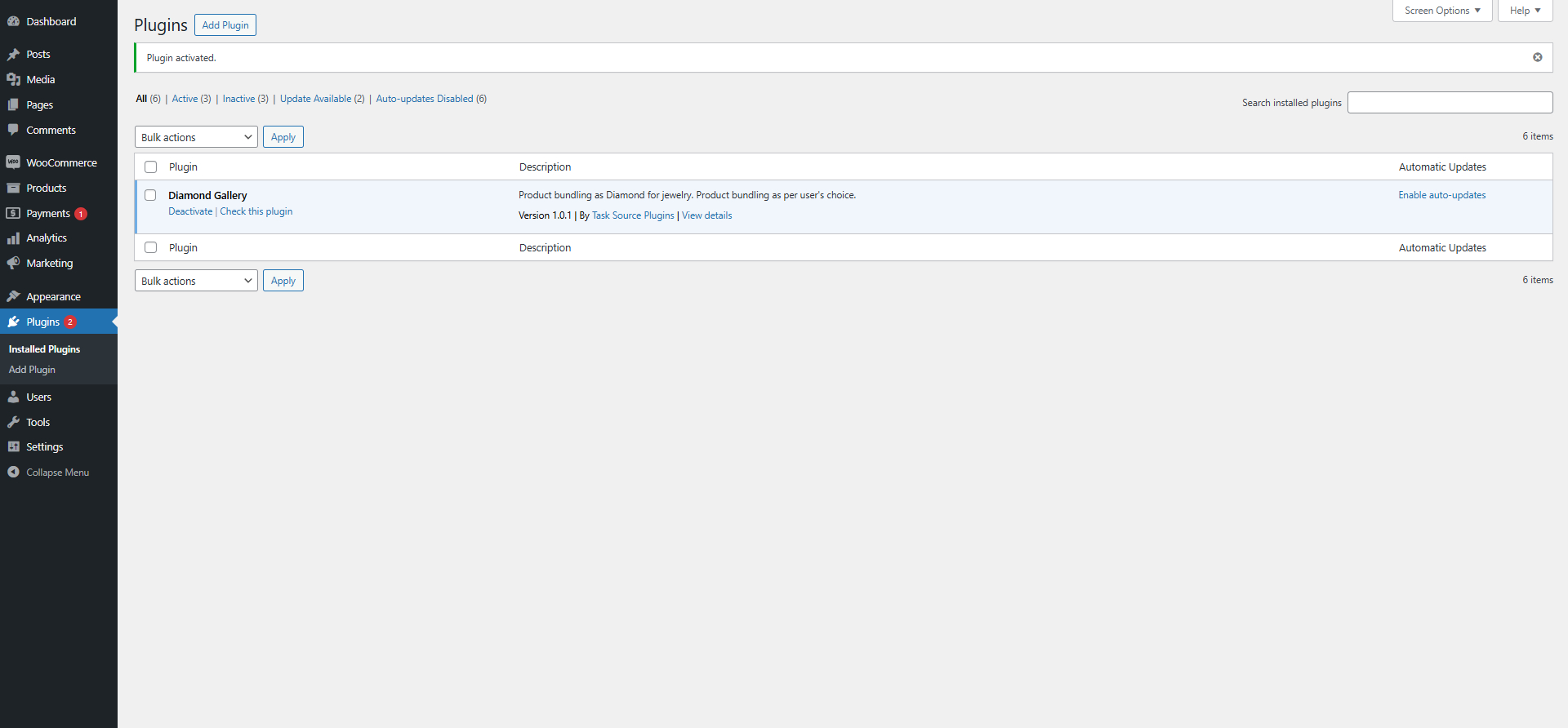
- Go to your WordPress dashboard Plugins Add New Upload Plugin.
- Upload the
buildapendant.zipfile. - Activate the plugin.
- Add the shortcode
[buildapendant]to any page.
Screenshots
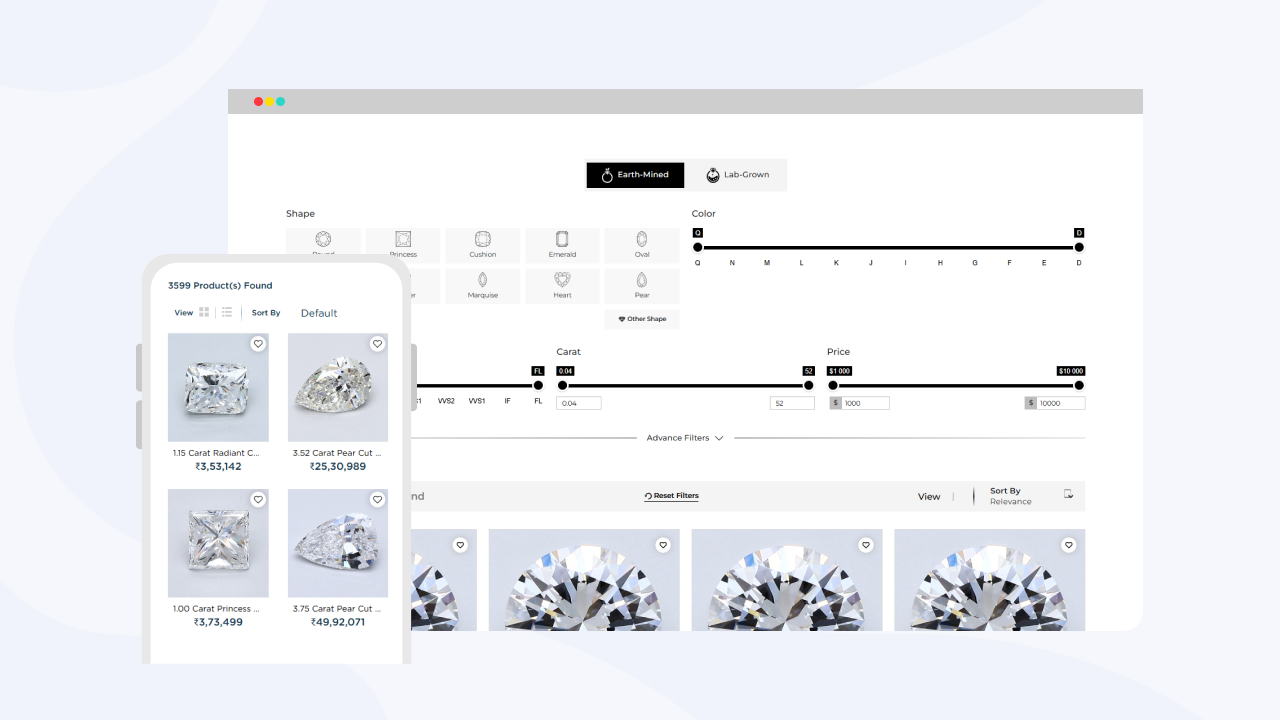
BuildAPendant frontend interface showing ring preview.
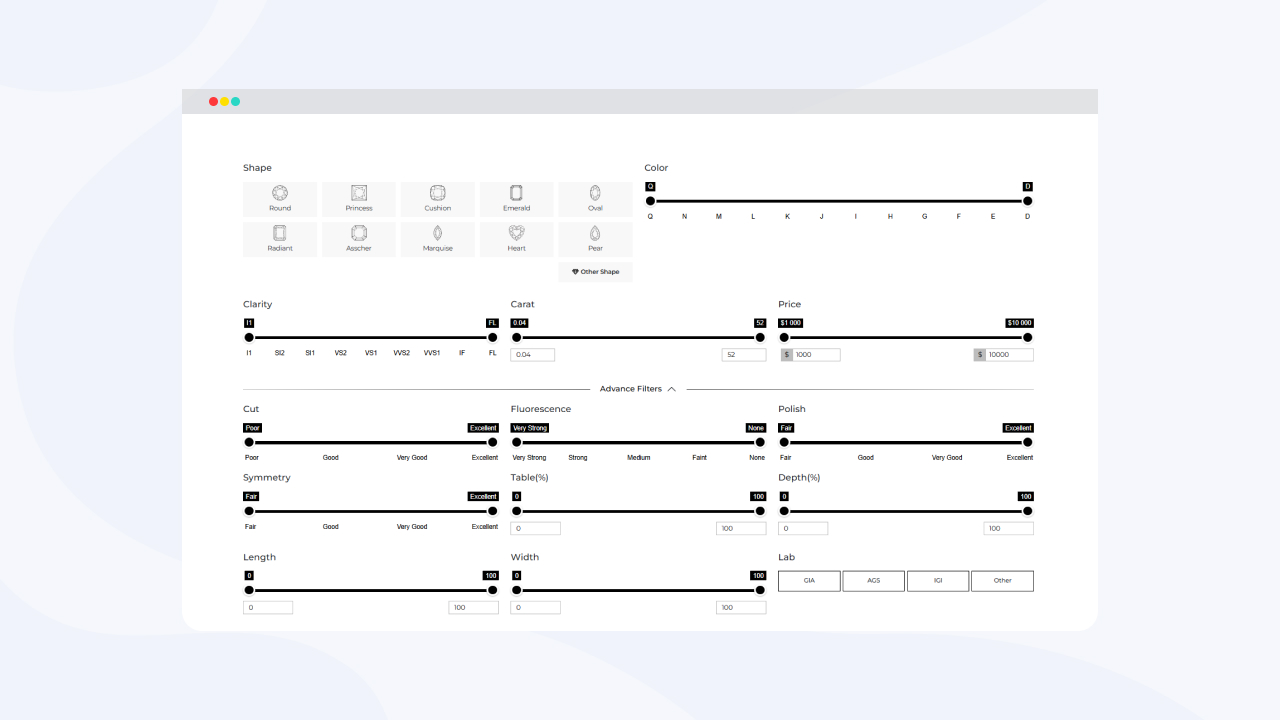
Customization options panel for pendant attributes.


Faq
Use the shortcode [buildapendant] anywhere you want the builder to appear.
Yes, you can customize the styles by editing the CSS file located in the assets/css/ folder.
Reviews
Exellent Plugin for Pendent Builder
By 
A powerful pendant builder with custom styles, profiles, widths, and finishes.
Changelog
1.0.0
- Initial release