Bulk Classic to Block

Bulk Classic to Block
Description
Bulk Classic to Block is a powerful WordPress plugin designed to help you seamlessly migrate from the Classic Editor to the Gutenberg Block Editor. If you’ve upgraded to WordPress 5.0+ and have existing content created with the Classic Editor, this plugin automates the conversion process, saving you hours of manual work.
The Problem:
When you upgrade to WordPress 5.0+, all your existing Classic Editor content gets wrapped in a “Classic” block. To properly convert this content to individual Gutenberg blocks, you would normally need to edit each post manually and click “Convert to Blocks” – a tedious process if you have hundreds or thousands of posts.
The Solution:
Bulk Classic to Block automates this entire process. It scans your entire site, identifies all classic editor content, and allows you to convert everything to proper Gutenberg blocks with just a few clicks.
Key Features:
* Universal Post Type Support – Works with posts, pages, and all custom post types
* Smart Scanning – Automatically detects classic editor content across your entire site
* Flexible Conversion – Convert all content at once or select specific posts to convert
* Post Type Filtering – Filter and convert by specific post types (posts, pages, or custom types)
* Status Filtering – Filter by post status (published, draft, scheduled, private)
* Individual Control – Convert posts one at a time or use bulk actions
* Automatic Indexing – New content is automatically indexed as you create it
* Safe & Efficient – Uses WordPress core APIs for reliable conversion
How It Works:
1. Scan – The plugin scans your content to identify posts created with the Classic Editor
2. Review – View a detailed list of all posts that need conversion, organized by post type
3. Convert – Choose to convert all posts at once, or select specific posts using checkboxes
4. Done – Your classic content is now properly structured as Gutenberg blocks
Perfect For:
* Sites migrating from Classic Editor to Gutenberg
* Users with large amounts of existing content
* Developers managing multiple sites
* Anyone who wants to modernize their content structure
Important: The conversion process is irreversible. Always create a full backup of your site before converting content. We recommend testing on a staging site first.
Installation
- Upload the plugin files to
/wp-content/plugins/bulk-classic-to-block/directory - Activate the plugin through the ‘Plugins’ menu in WordPress
- Navigate to Tools > Classic to Block (or click “Settings” on the plugins page)
- Select a post type from the dropdown (or choose “All Types” to scan everything)
- Click “Scan Content” to find all classic editor posts
- Review the scan results showing how many posts need conversion
- Choose your conversion method:
- Click “Convert All” to convert everything at once
- Or select specific posts using checkboxes and use the bulk actions dropdown
- Or click “Convert” on individual posts
- Wait for the conversion to complete – you’ll see progress updates
- Done! Your content is now using Gutenberg blocks
Screenshots
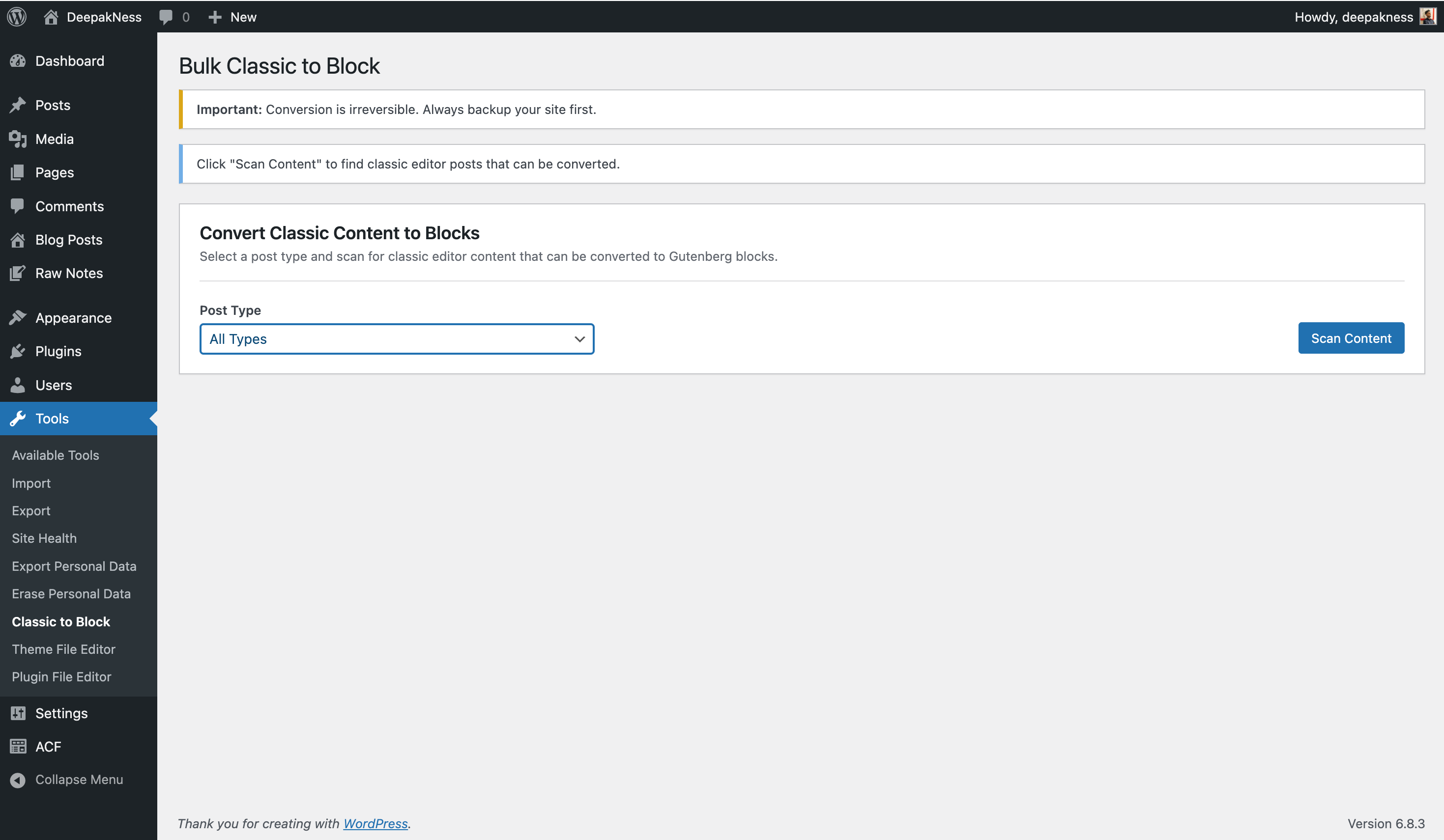
Main conversion interface - Initial screen showing the warning message and conversion controls box with post type selector and "Scan Content" button
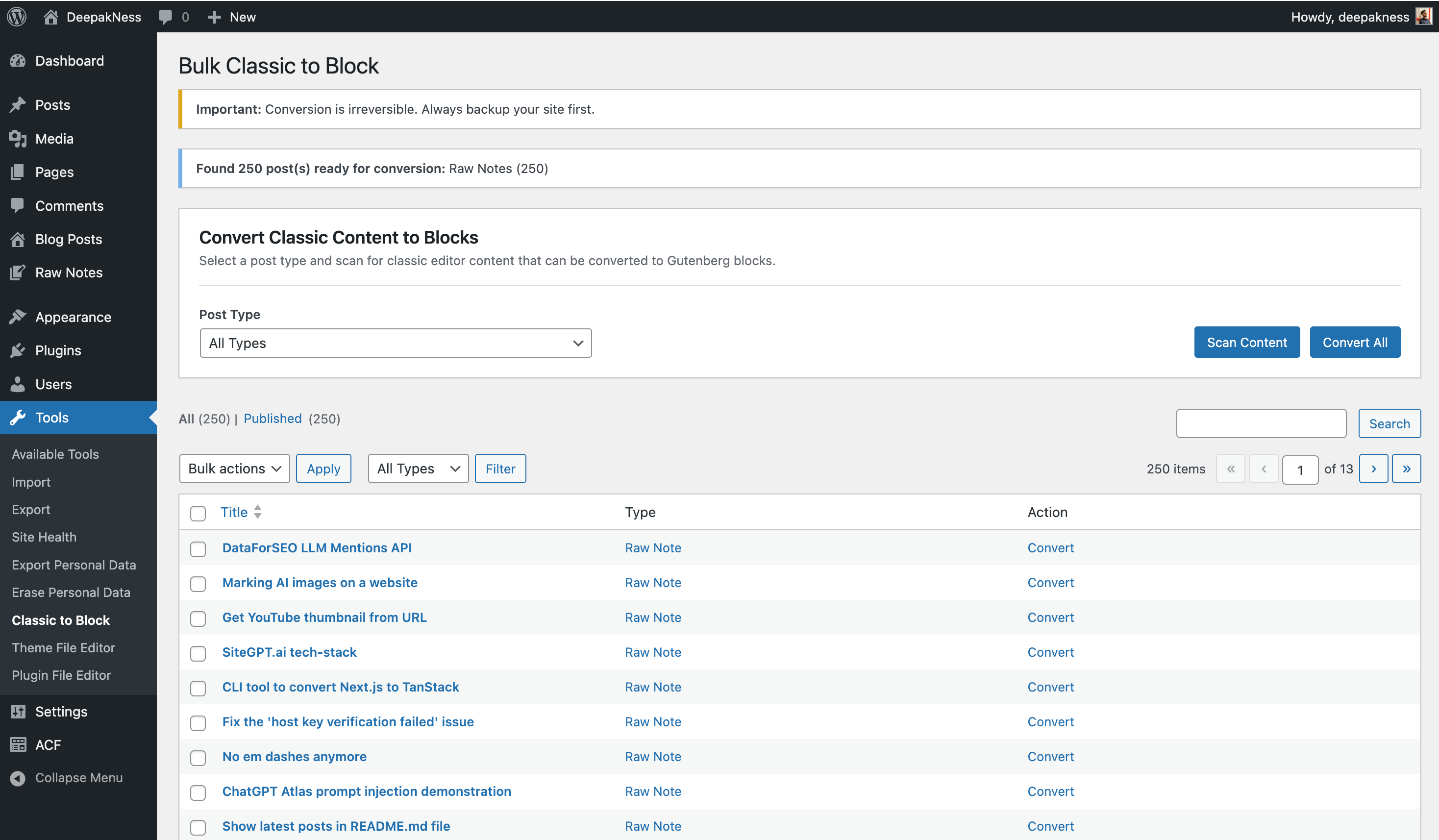
After scan - Results display showing the number of posts found ready for conversion, along with the full results table listing all posts with checkboxes and convert options
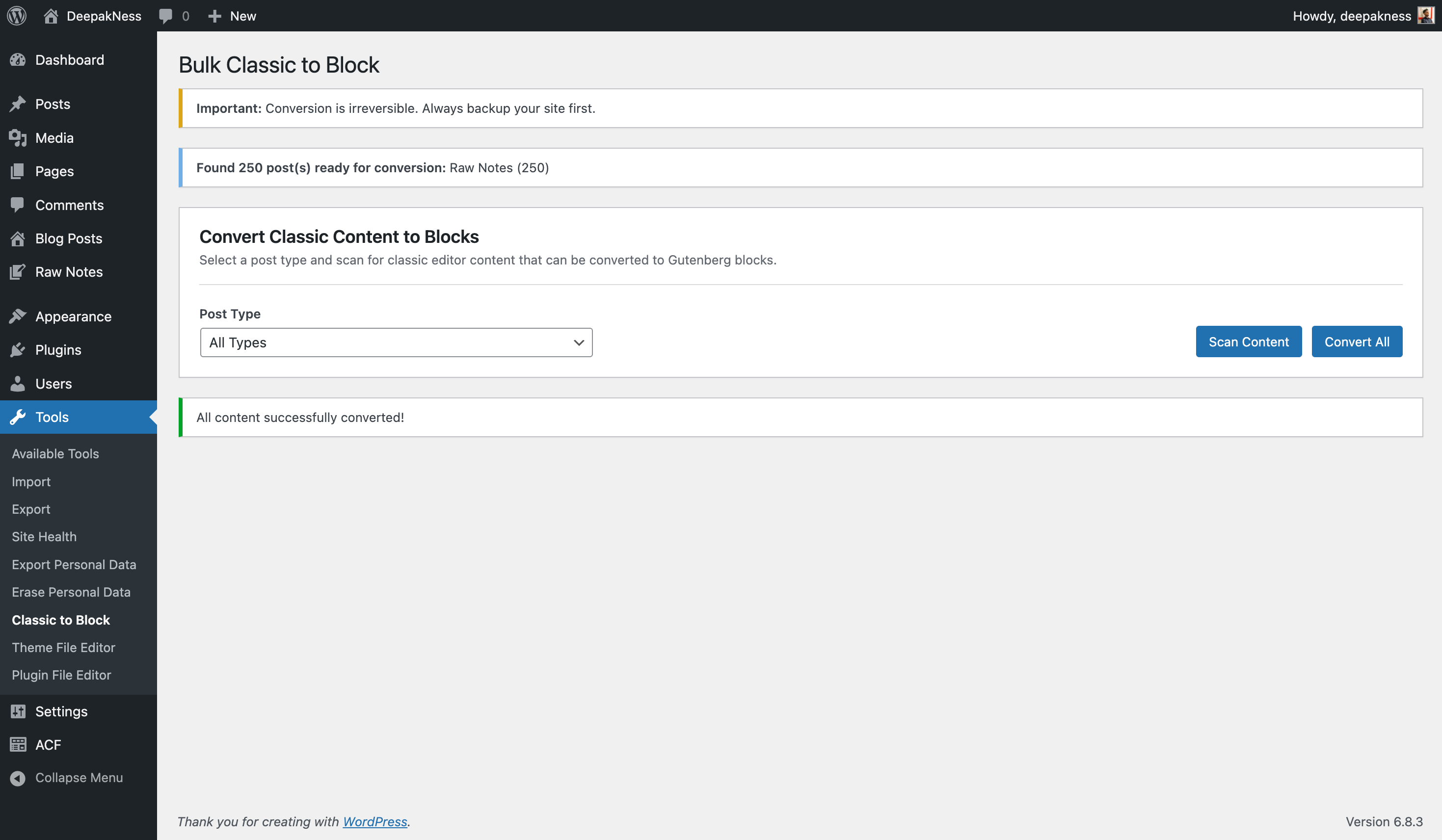
After convert all - Success message confirming that all content has been successfully converted to Gutenberg blocks
Faq
Yes! The plugin supports all registered post types including custom post types.
Yes. After scanning, you can select individual posts using checkboxes and convert them using the bulk actions dropdown.
No. The conversion process is irreversible. Always create a backup before converting.
Your content is converted from classic editor format to Gutenberg blocks. The actual content remains the same, but it’s now structured as blocks.
Reviews
Changelog
1.0.0
- Initial release
- Support for all post types including custom post types
- Bulk and individual conversion
- Post type filtering
- Status filtering
- Automatic content indexing