Business Card Block – present your team and contact info in style

Business Card Block – present your team and contact info in style
Description
Your contact details are probably sitting on your site as plain text. Someone who wants to call you has to select the number, copy it, switch apps and paste it. Most people will not bother.
Business Card Block turns that block of text into a card people can act on. Phone numbers become one tap to call. Email addresses open the mail app. A QR code lets a visitor point a phone camera at the screen and save your whole contact at once, and a Save Contact button hands them a proper .vcf file.
You build the card in the WordPress block editor, and place it with a block, a shortcode, or the Elementor widget — whichever suits the page.
Who it is for
- Freelancers and consultants who want a shareable contact card rather than a contact form.
- Local businesses — clinics, salons, restaurants, trades — where the goal is a phone call.
- Agencies building profile pages and staff pages for clients.
- Link-in-bio and about pages that need scan-to-save instead of a row of icons.
A card visitors can use, not just read
Phone, email, website and address rows become real actions: tel:, mailto: and a map link. WhatsApp, Telegram and Skype open the right app. IMO and WeChat publish no web link of their own, so those show a copy button instead of a broken one.
Every action is a proper link or button with a screen-reader label and a visible focus ring, so keyboard and screen-reader visitors get the same card everyone else does.
A QR code that saves the contact
By default the code carries your details as a vCard, so scanning it offers to add you to the phone’s address book immediately — no browser step in between. You can point it at the page’s own URL or a custom link instead.
The code is generated on your server as a sharp SVG and cached, so no QR JavaScript library is loaded for your visitors.
Or keep the code out of the way until it is wanted
The QR does not have to sit in the layout. Two interactive presentations keep the card focused on who you are, and bring the code forward only when someone wants it:
- Reveal puts a small QR icon in a corner of the card. Hovering it opens the code across the whole card, and a close button returns to your details. Choose which corner the icon sits in.
- Interactive Flip gives the card a second side. The front stays exactly as it is and the code moves to the back, positioned wherever you like from nine presets or placed by hand.
Both take their background, corners and shadow from the card they belong to, so the new surface looks like the same card rather than a panel dropped on top. Both work on hover, on tap, and from the keyboard, and both respect the reduced-motion setting.
A vCard file that actually imports
The downloaded .vcf follows the vCard 3.0 spec — correct line endings, proper escaping, structured name and address fields, and full UTF-8 — so accented and non-Latin names arrive intact in iOS Contacts, Google Contacts and Outlook.
Readable by search engines
Each card can output Schema.org structured data describing the name, job title, employer, phone, email, website and address. Leave it on Automatic, or choose Person, Organization or Local Business yourself. You can switch it off per card if an SEO plugin already covers that page.
Design it without writing CSS
Choose a layout, then set widths, padding, alignment, backgrounds and text and icon colours from the block sidebar. Add a profile photo and a company logo with mask shapes and shadow styles, and switch on entrance animations with control over duration, delay and stagger.
Free version includes
- One Business Card block with five layouts: Default, Minimal QR, Theme 1, Theme 2 and Theme 3.
- Name, job title, company, tagline, profile photo and company logo.
- Ten contact types: Address, Phone, Email, Website, WhatsApp, Telegram, Skype, IMO, WeChat, and a free-form option.
- Clickable contact actions, with copy-to-clipboard for the apps that have no web link.
- QR code with a choice of what it encodes, plus size, error-correction level, an optional label and caption, and an optional centre mark using your initials or logo.
- Three QR presentations: standard, inside the card; a corner icon that opens the code over the whole card; or an interactive flip that turns the card over — each with its own placement options.
- Downloadable
.vcffile with an editable button label. - Schema.org output with a choice of Person, Organization or Local Business.
- Shortcode support, including attributes for reusing one card with a different design or contact value.
- An Elementor widget, loaded only when Elementor is active.
- Five entrance animations — Reveal, Slide, Flip, Polaroid and Zoom — with duration, delay, stagger and easing controls.
- Backgrounds using solid colours, gradients or images, plus padding, alignment, separators, and name, title, company and contact colours.
- Five avatar mask shapes (circle, squircle, hexagon, blob, diamond), three shadow styles, a zoom hover effect, a monochrome mode for the logo, and overlap or stack branding layouts.
- A Business Cards screen for managing saved cards, and a blocks manager for turning individual card blocks on and off.
Business Card Block Pro
The free version builds a complete, publishable card. Pro is for when the design has to match a brand exactly, or when you want a layout already shaped for your industry.
More designs
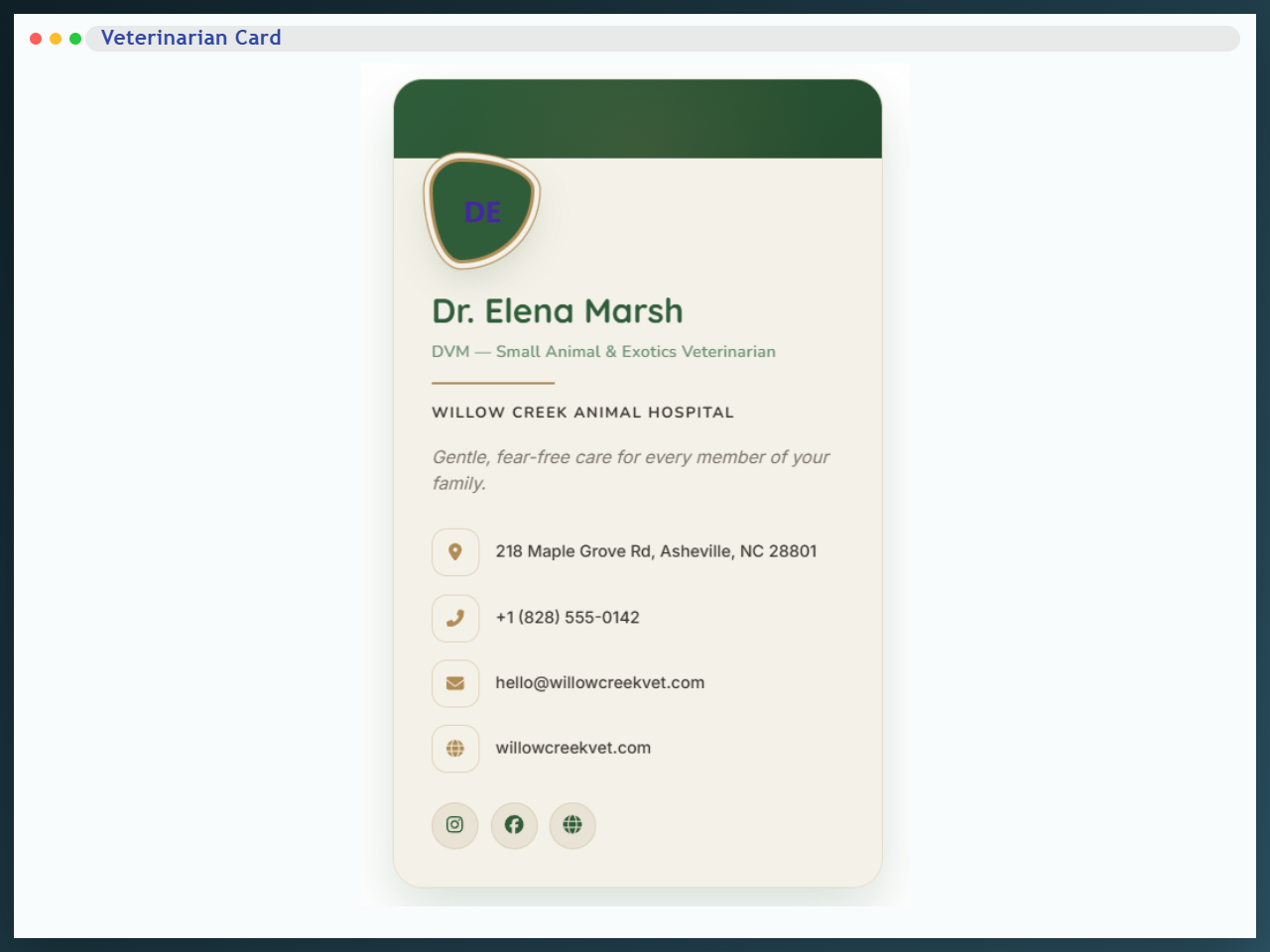
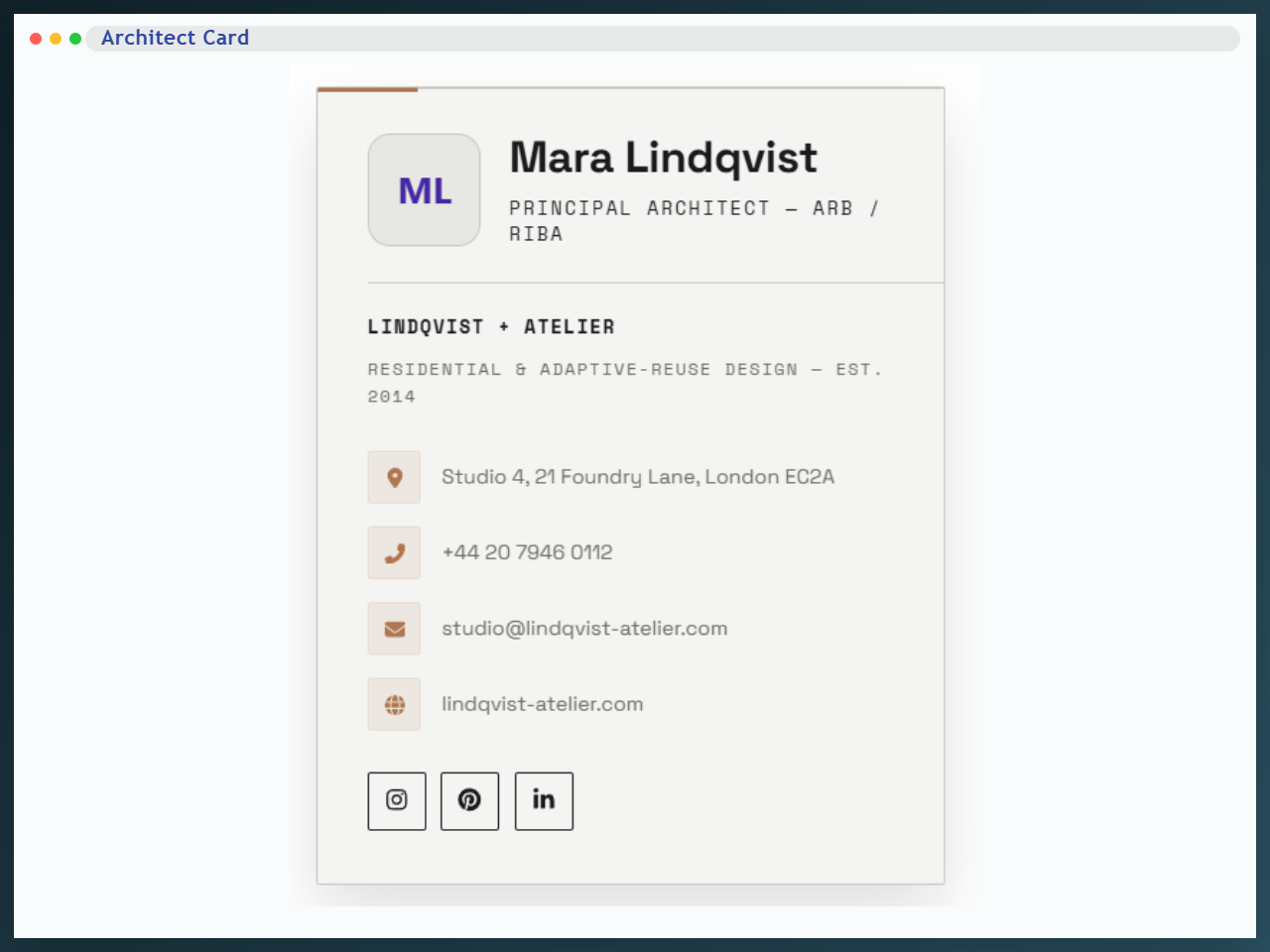
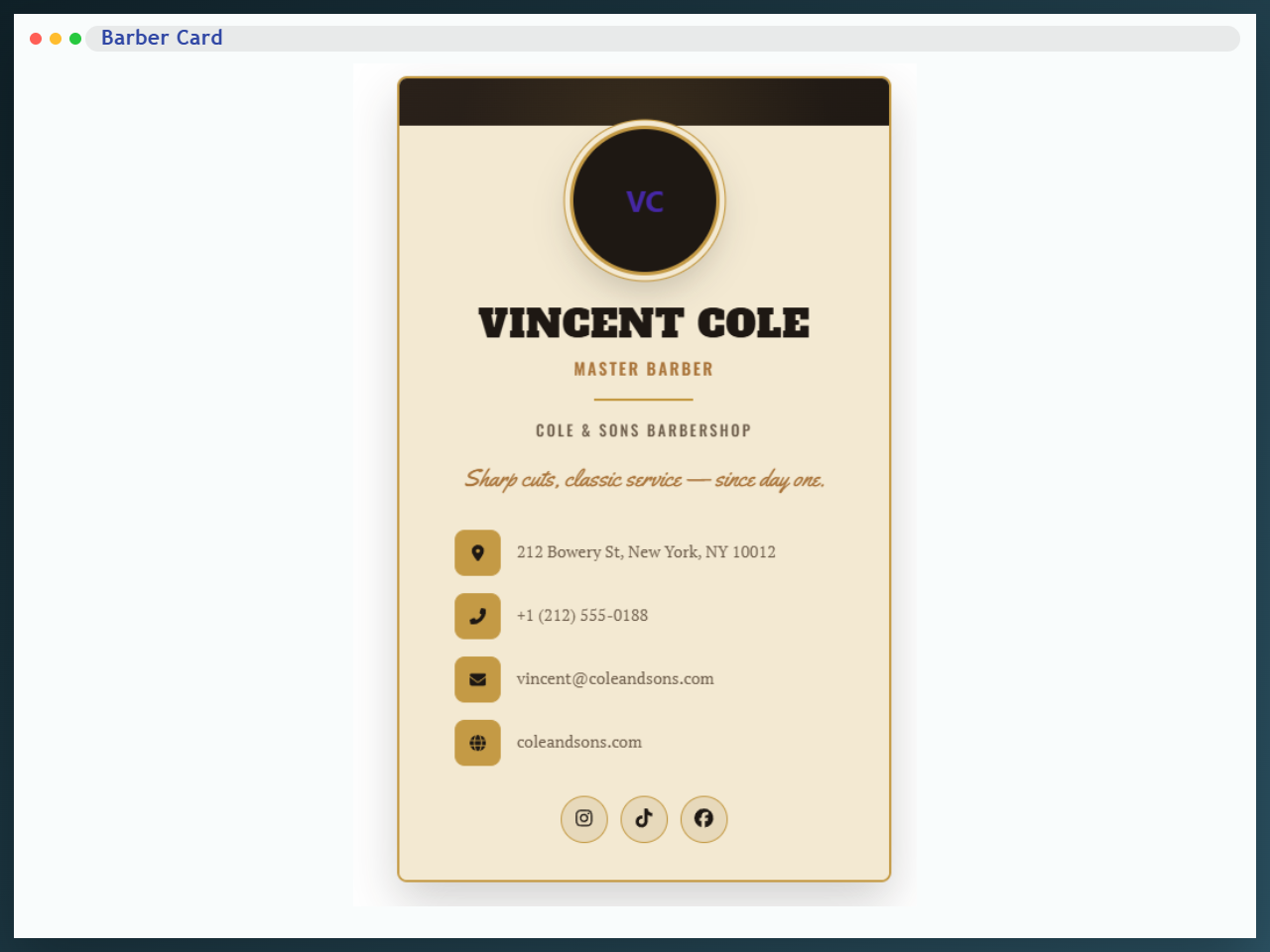
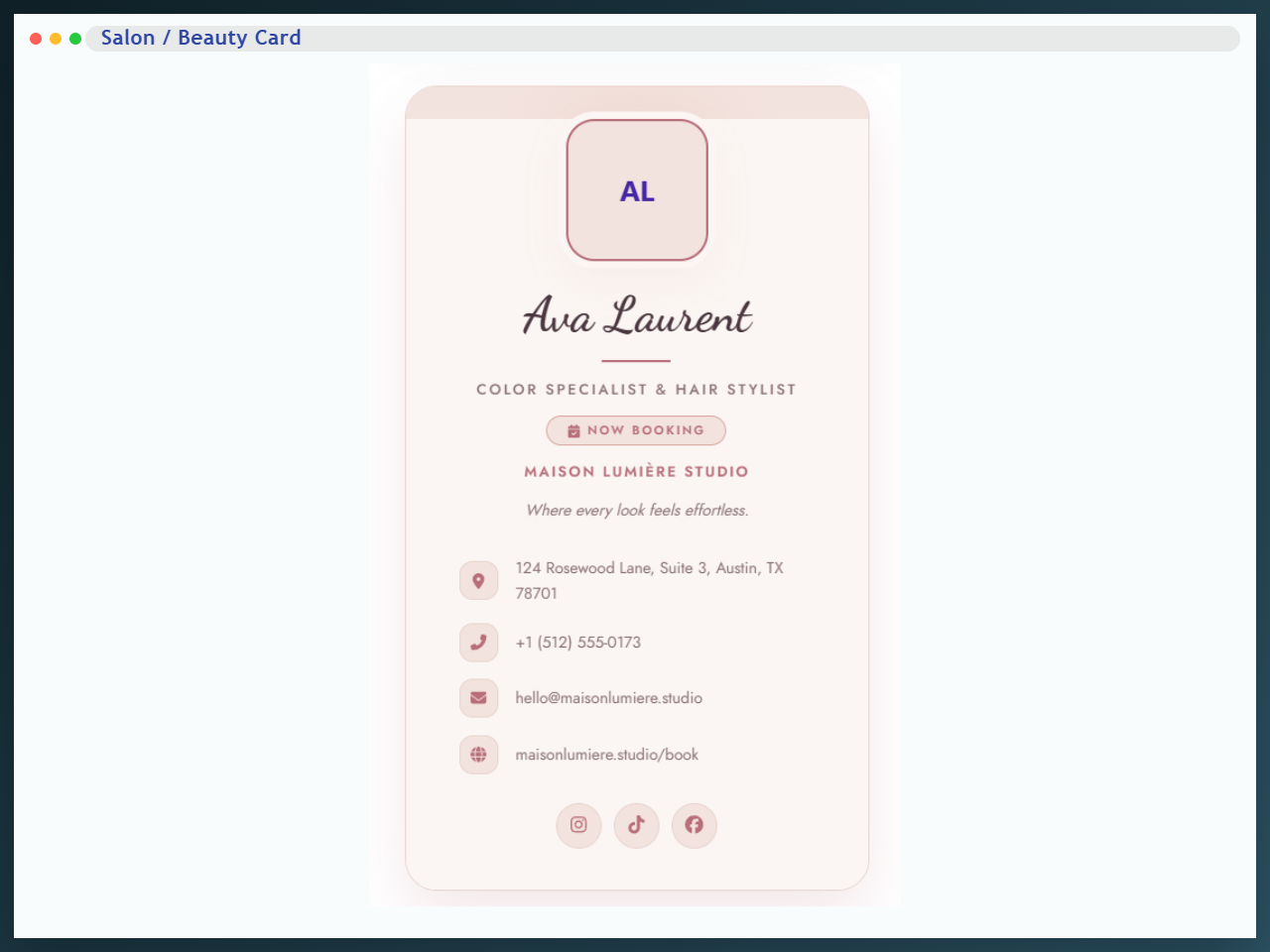
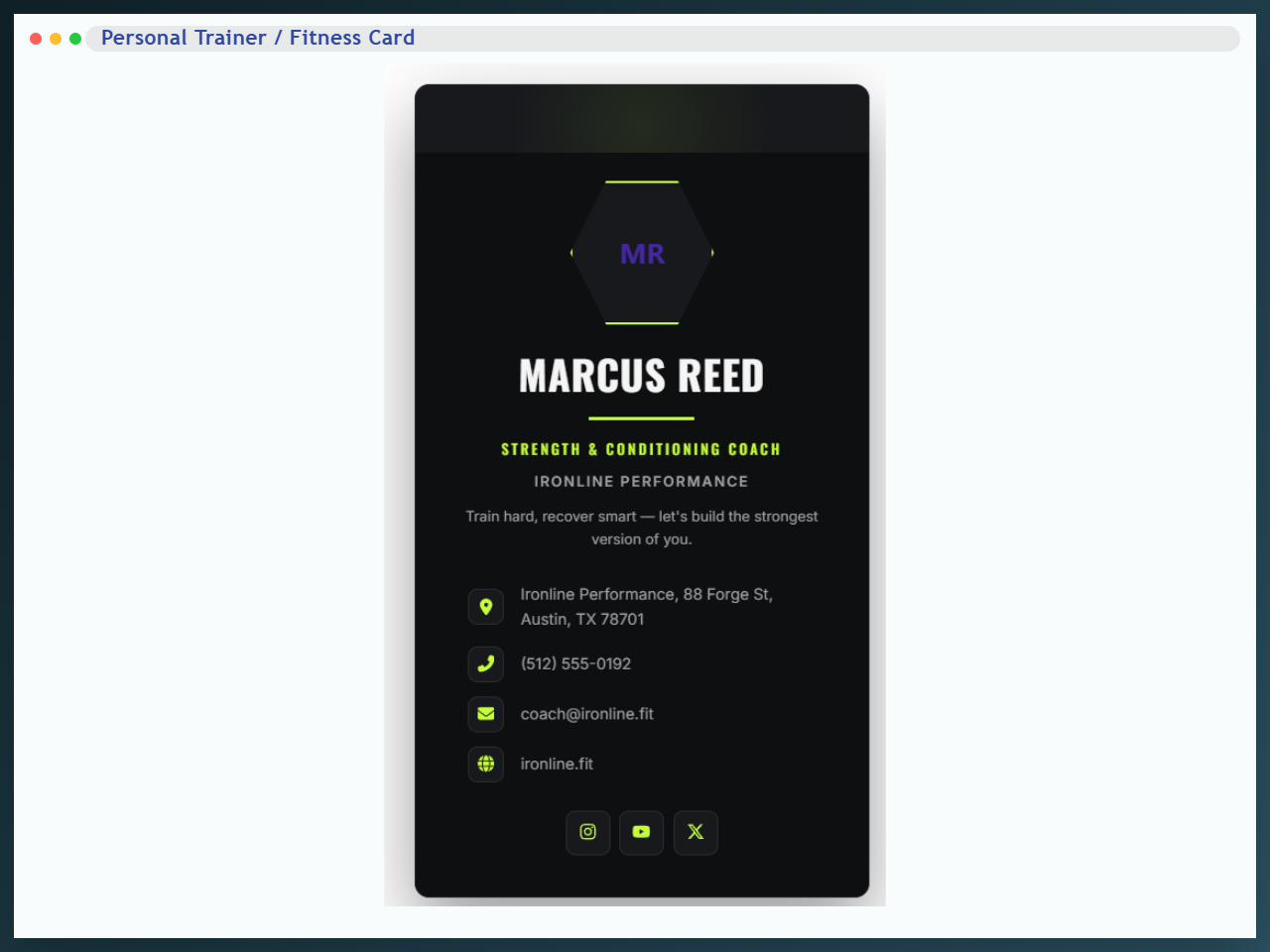
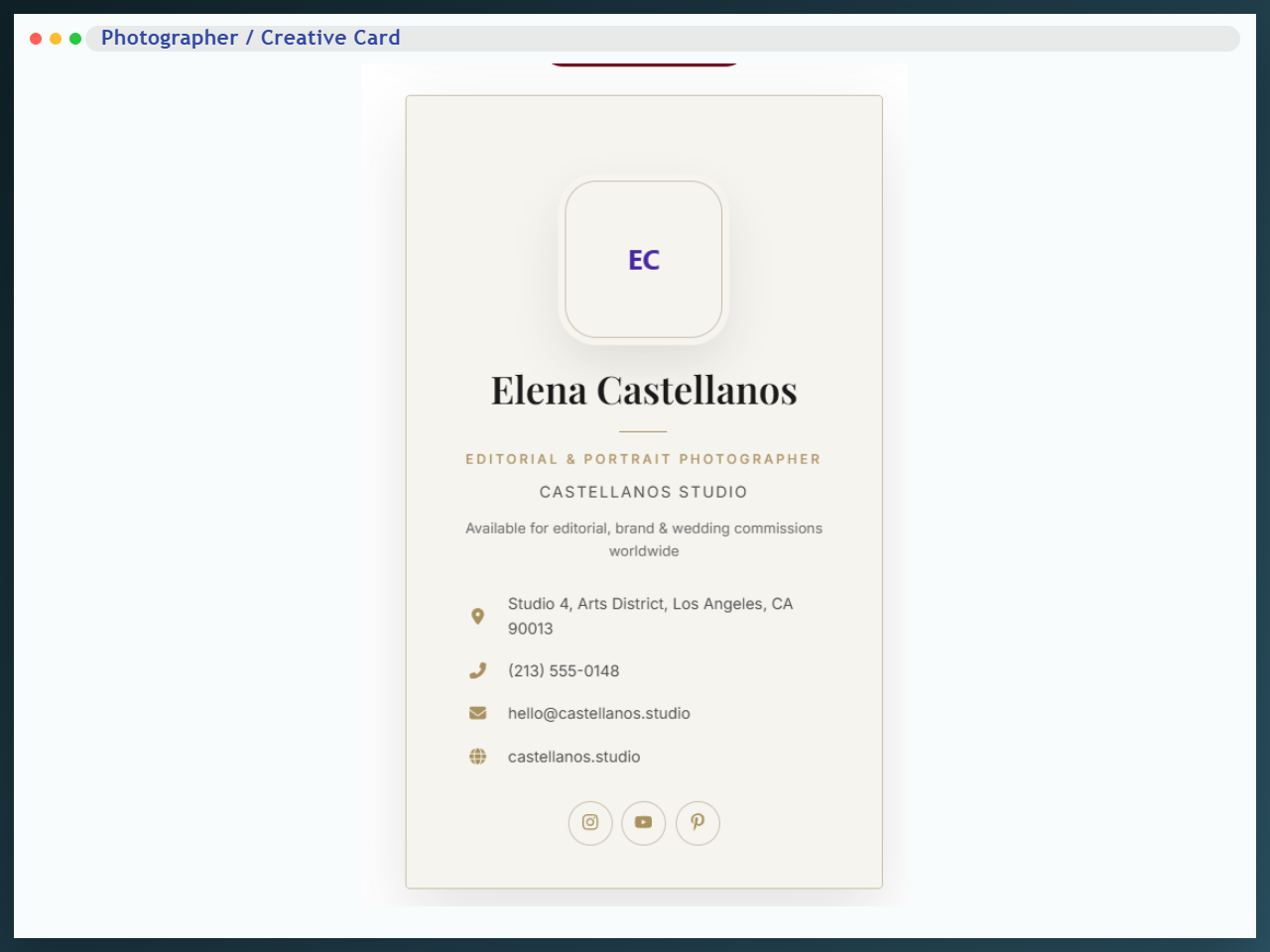
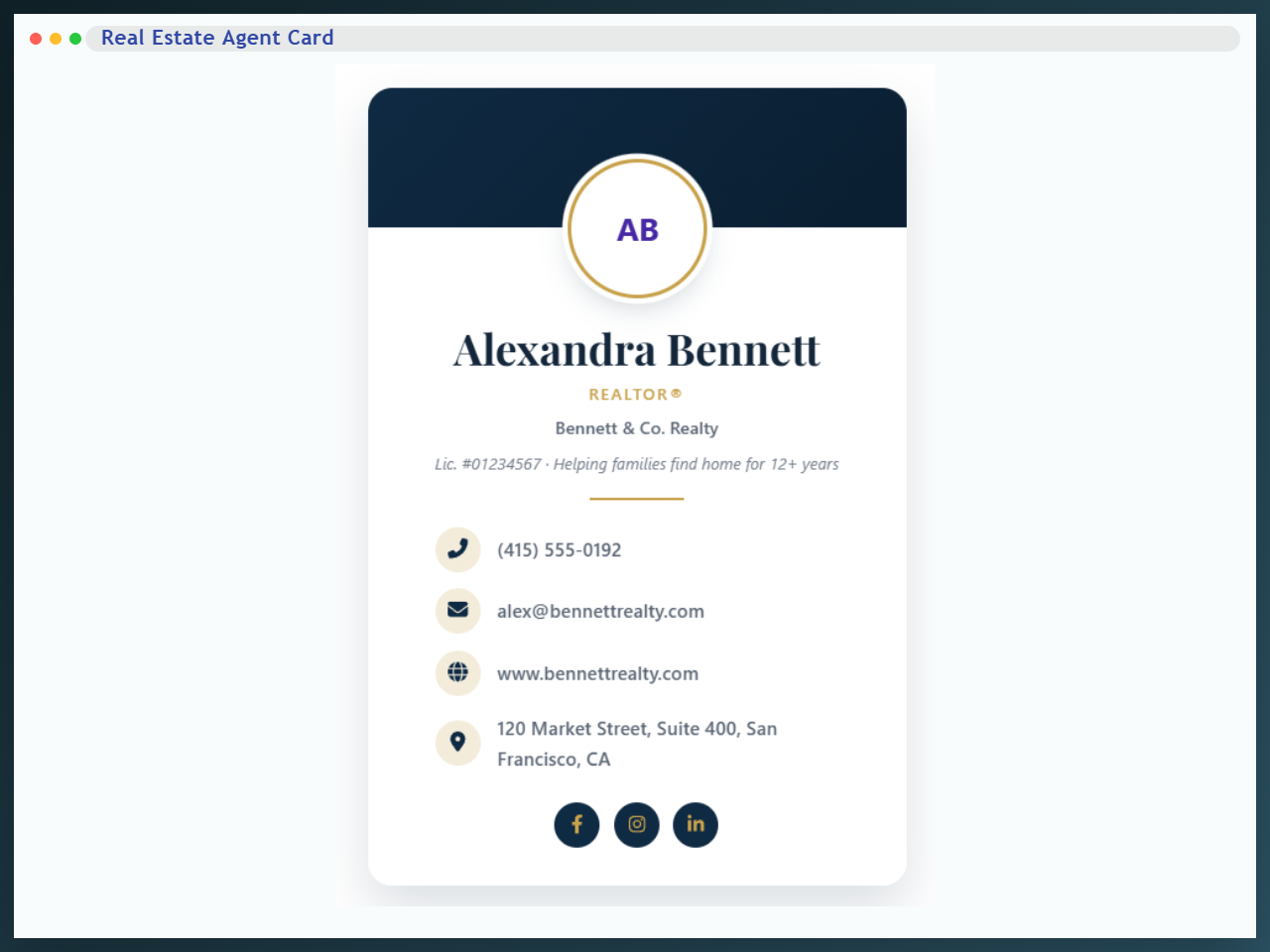
Pro adds Themes 4 to 8, plus fourteen industry card blocks — each one a purpose-built version of the Business Card:
- Real Estate Agent — realtors and brokers.
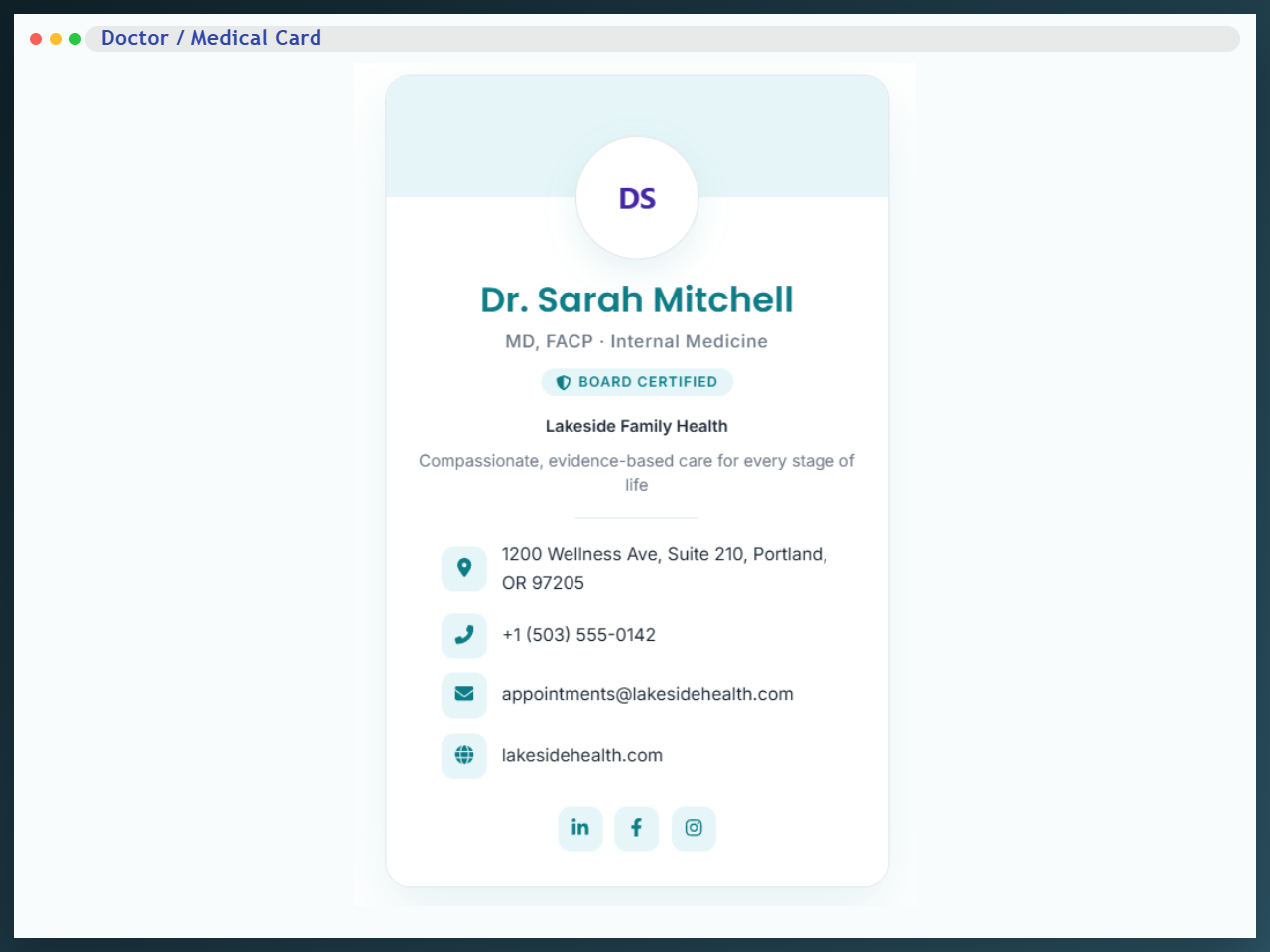
- Doctor / Medical — physicians, dentists and clinics.
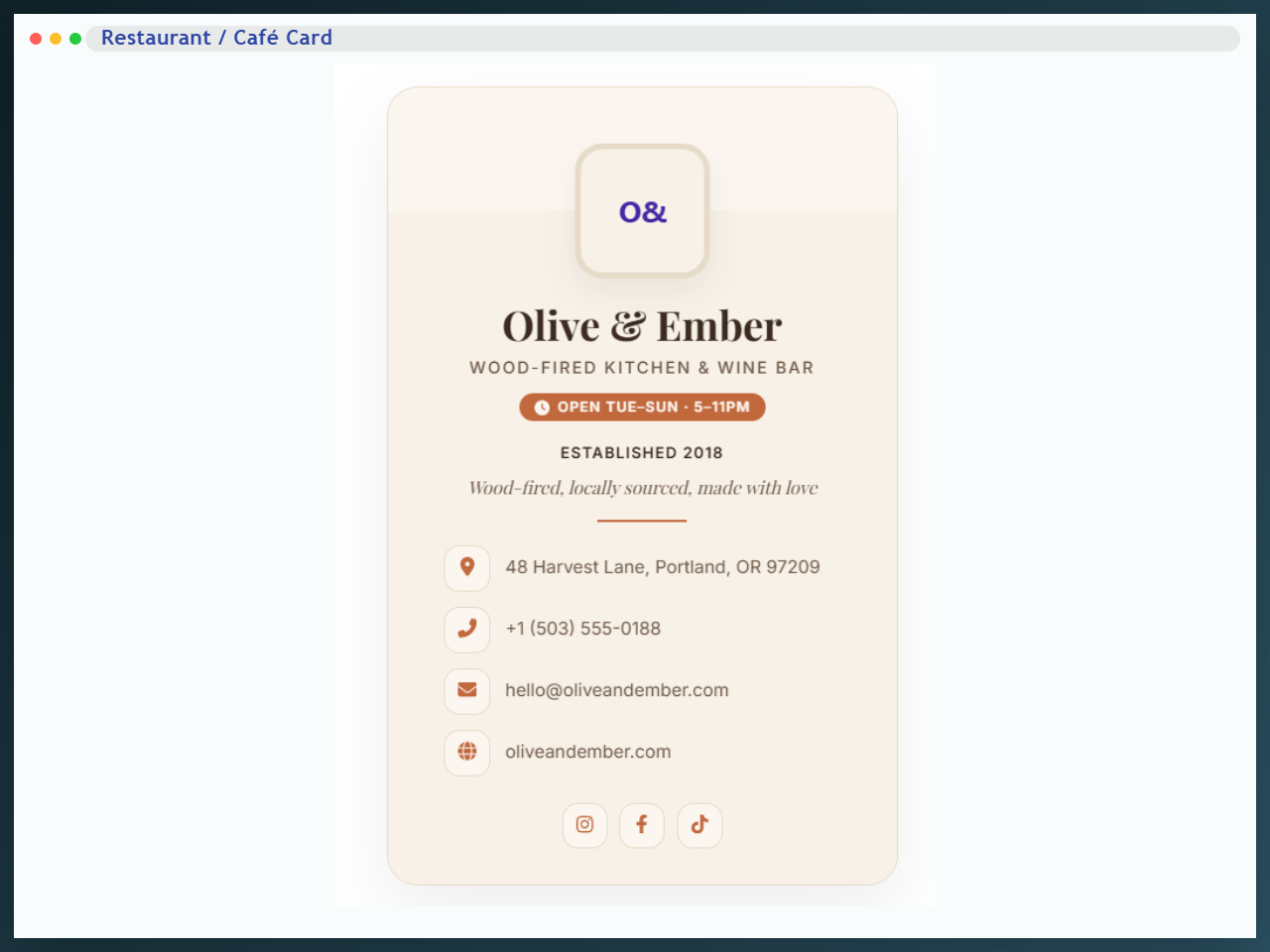
- Restaurant / Café — restaurants, cafés, bakeries and chefs.
- Photographer / Creative — photographers, videographers and studios.
- Architect — a Swiss-minimalist card for architects and interior designers.
- Barber — a vintage card for barbershops and men’s grooming.
- Veterinarian — a botanical card for vets, clinics and pet-care providers.
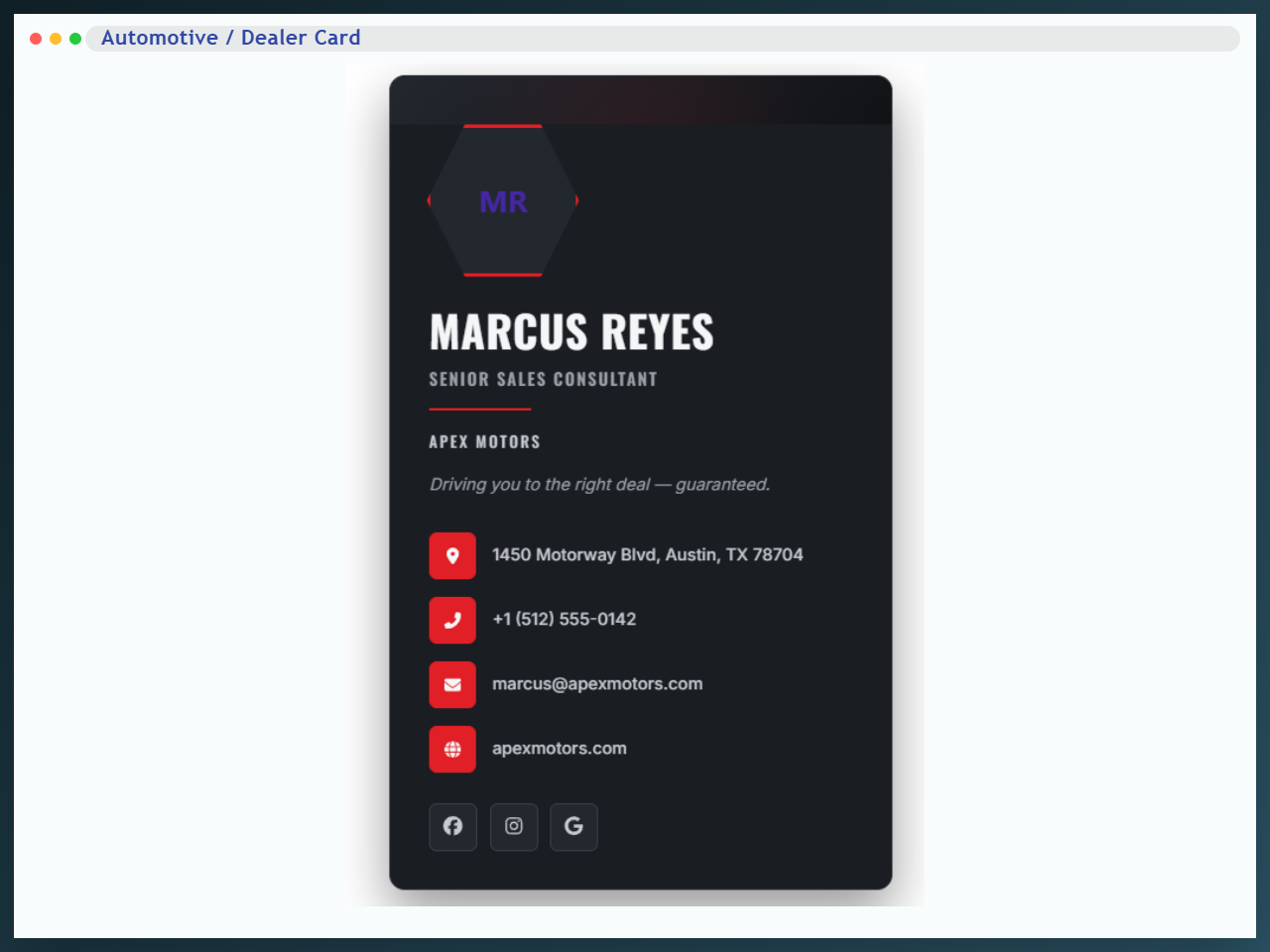
- Automotive / Dealer — sales consultants, repair shops, detailers and mobile mechanics.
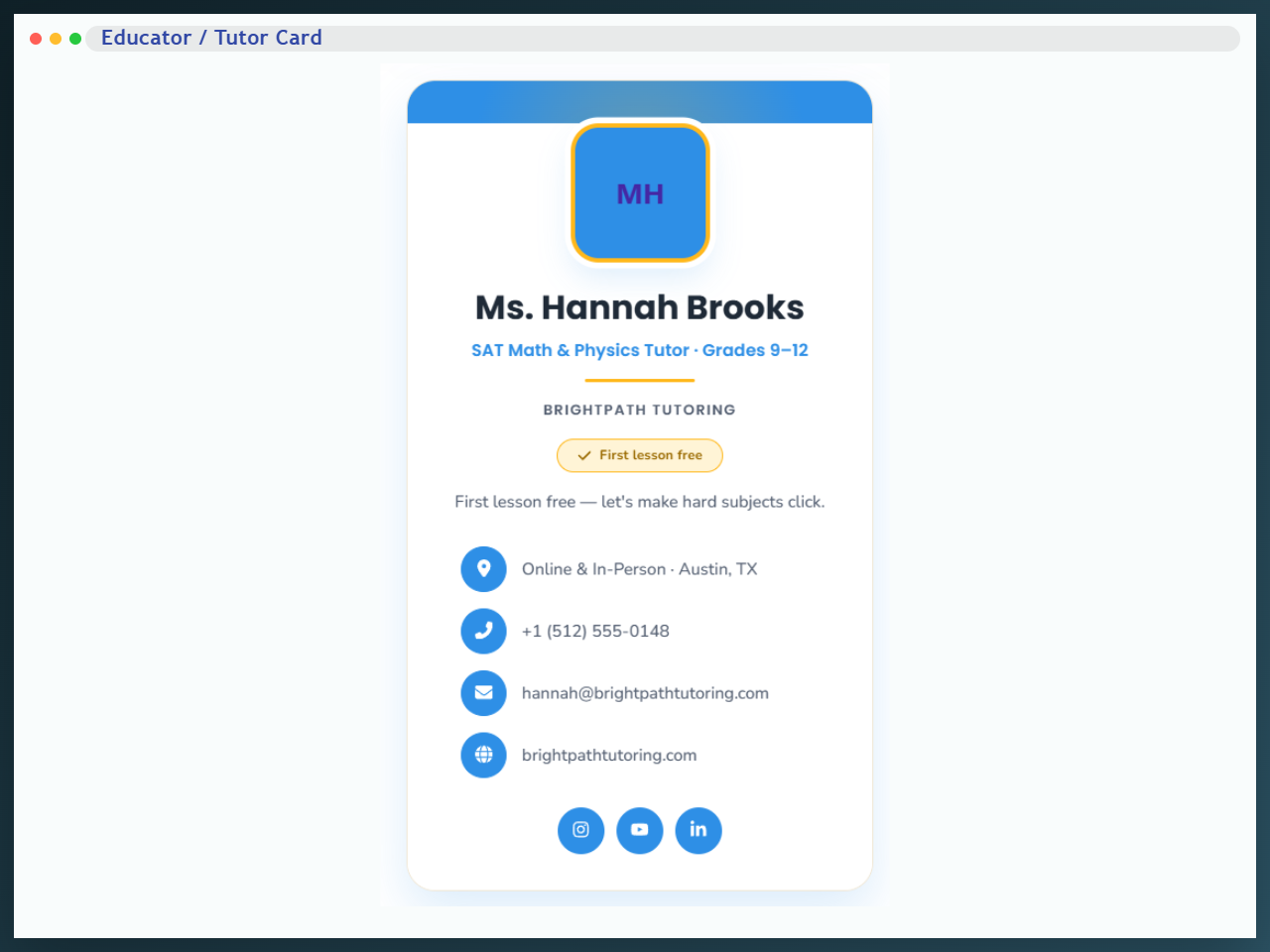
- Educator / Tutor — private tutors, test-prep coaches and language teachers.
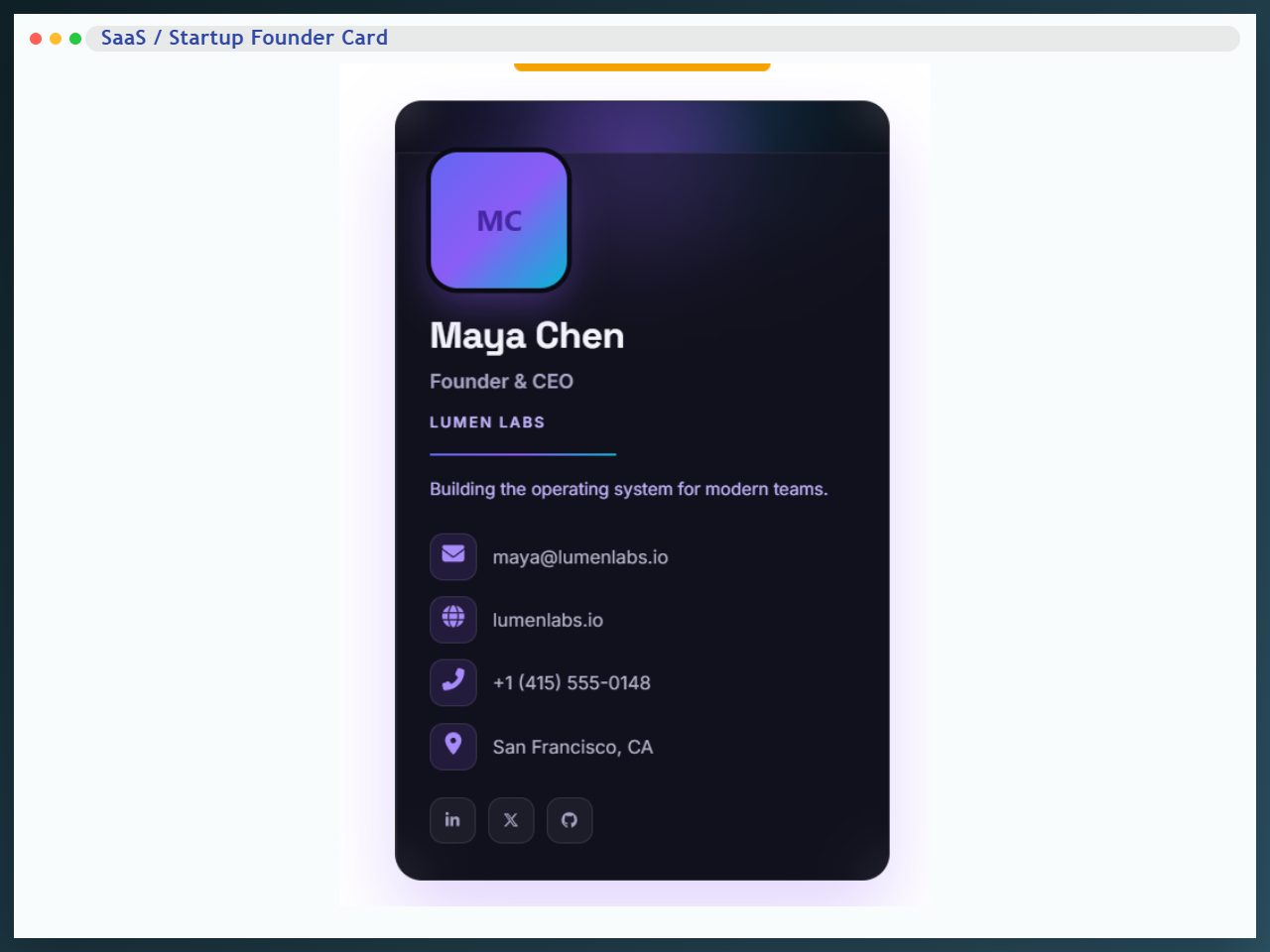
- SaaS / Startup Founder — founders, product managers and tech consultants.
- Personal Trainer / Fitness — trainers, online coaches, gyms and studios.
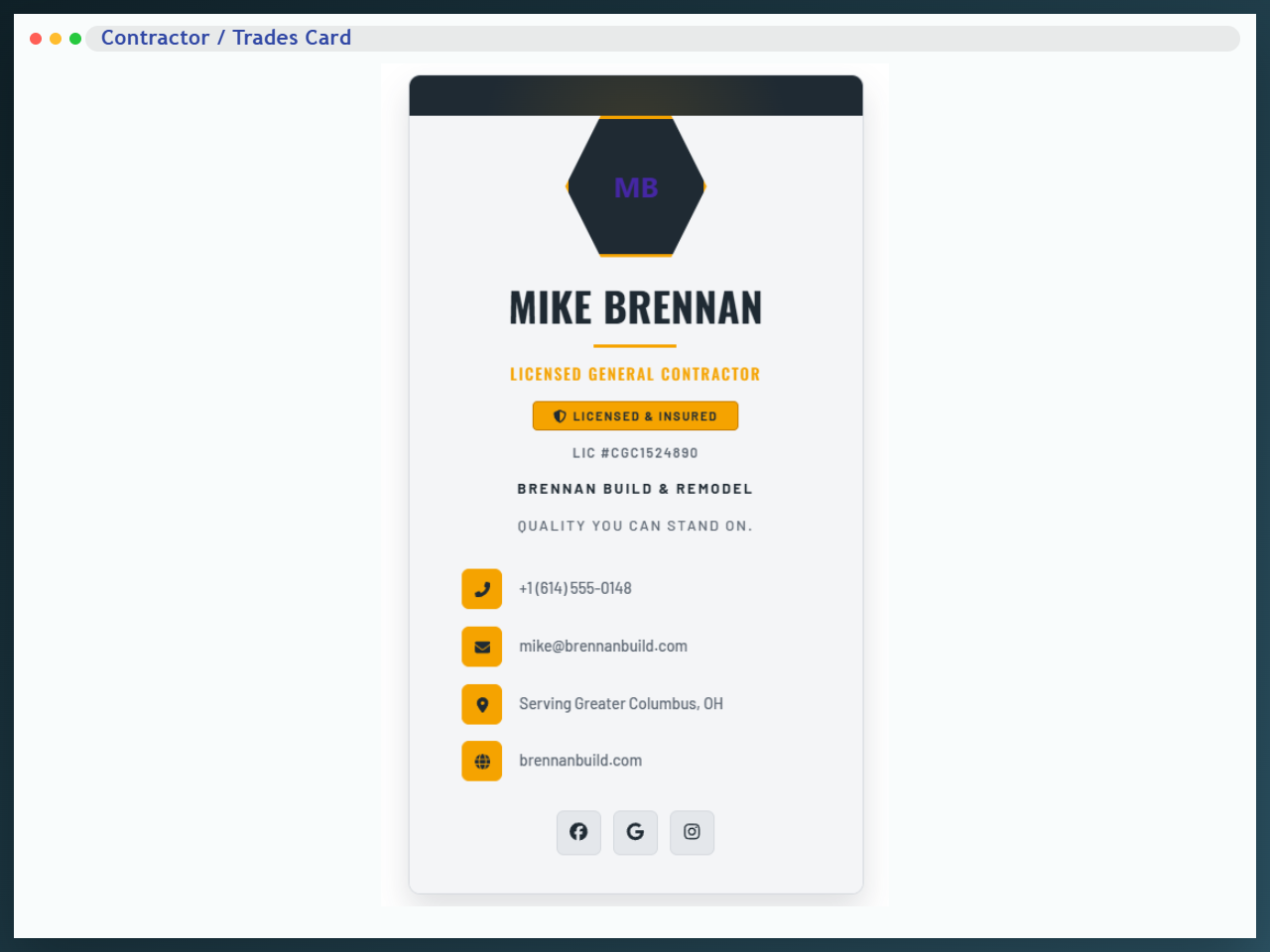
- Contractor / Trades — builders, plumbers, electricians, roofers and home services.
- Salon / Beauty — hairstylists, nail techs, estheticians and day spas.
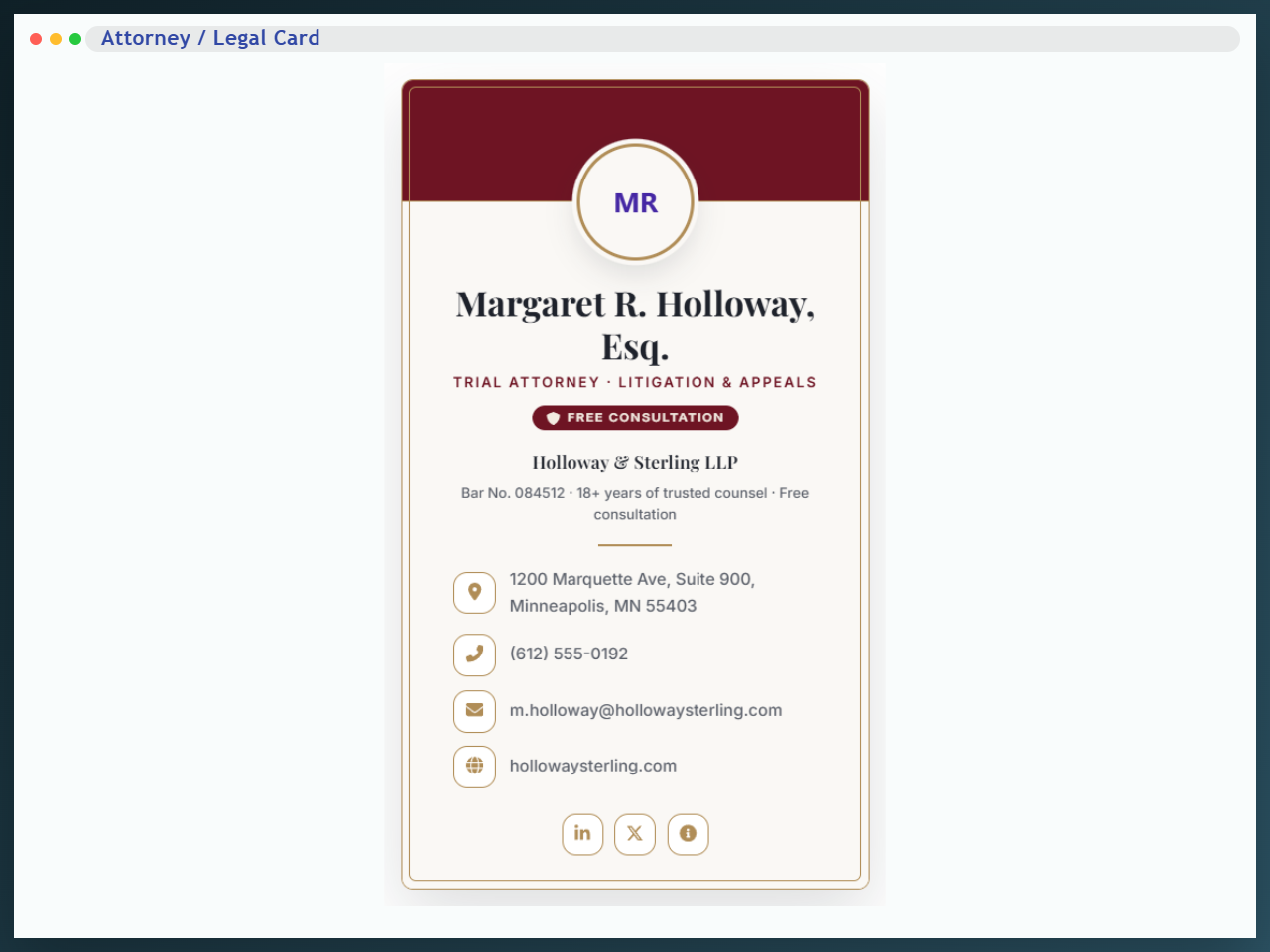
- Attorney / Legal — law firms, solo attorneys and legal counsel.
Finer design control
- Typography for the name, title, company, tagline and contact text — family, size, weight and spacing, with separate desktop, tablet and mobile sizes.
- Borders, radius and box shadows on the card and its header.
- Section styling for the header, sidebar and top background, plus the decorative shape colours some themes use.
- Icon styling — contact icon sizes and social icon colours.
- Download button styling — position, typography, colours, border, radius and padding.
Free and Pro at a glance
In both versions: the QR code, the downloadable vCard, all ten contact types with clickable actions, Schema.org output, shortcode and Elementor support, backgrounds, colours, spacing, entrance animations and the branding options.
Free gives you five card layouts — Default, Minimal QR, Theme 1, Theme 2 and Theme 3.
Pro adds five more layouts (Themes 4 to 8), fourteen industry card blocks, typography controls for every text element, borders, radius and box shadows, header and section styling, contact and social icon styling, and full styling for the download button.
Everything in the free list stays free. Pro adds designs and styling depth on top of it.
Product page | Documentation | Pricing | Support | Live demos
Other plugins by bPlugins
Html5 Video Player – Display videos as single and playlist in multiple skins.
PDF Poster – Display/Embed PDF files with different styles.
Html5 Audio Player – Listen audios with awesome visuals.
StreamCast – Customizable radio player with different skins.
3D Viewer – Embed 3D models and 3D products with interaction.
Advanced Post Block – Show posts and custom posts in different layouts.
bBlocks – A blocks collection and page building tool for Gutenberg.
Installation
From the block editor
- Go to Plugins Add New and search for Business Card Block.
- Install and activate it.
- Edit any post or page, add the Business Card block, and fill in your details.
Upload a zip
- Download the plugin zip file.
- Go to Plugins Add New Upload Plugin, choose the file, and click Install Now.
- Activate the plugin.
Manually
- Upload the plugin folder to
/wp-content/plugins/. - Activate it from the Plugins menu.
Using the shortcode
- Go to Business Cards in the admin menu and create a card.
- Copy its shortcode from the ShortCode column, for example
[bcb id="12"]. - Paste it into any post, page or widget area — or call
echo do_shortcode( '[bcb id="12"]' );in a template file.
Using the Elementor widget
- Edit a page with Elementor.
- Search the widget panel for Business Card.
- Drag it in, then either choose a saved card or fill in the details in the widget panel.
Screenshots
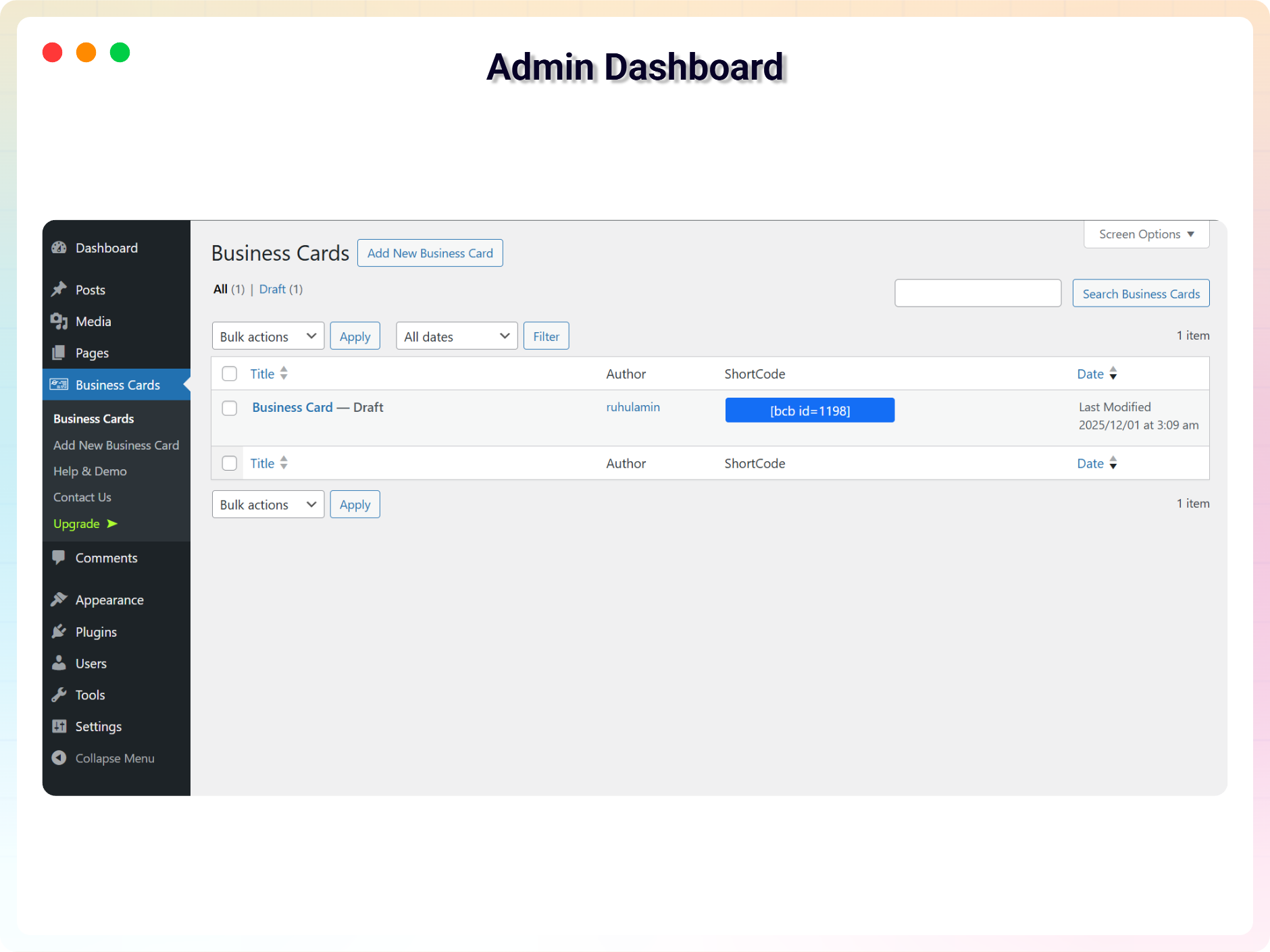
The Business Cards dashboard, with help, demos and the blocks manager
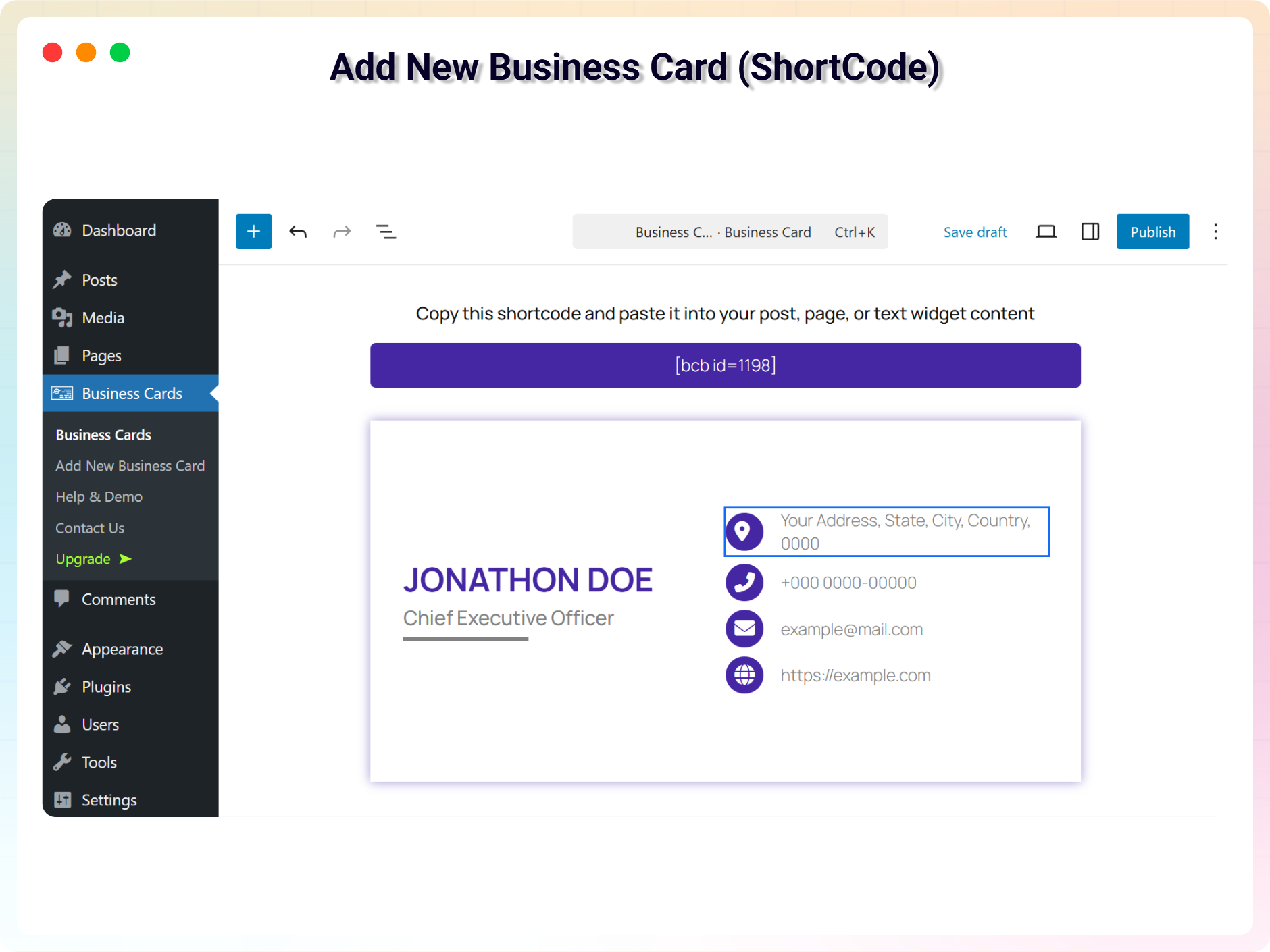
Creating a saved card and copying its shortcode
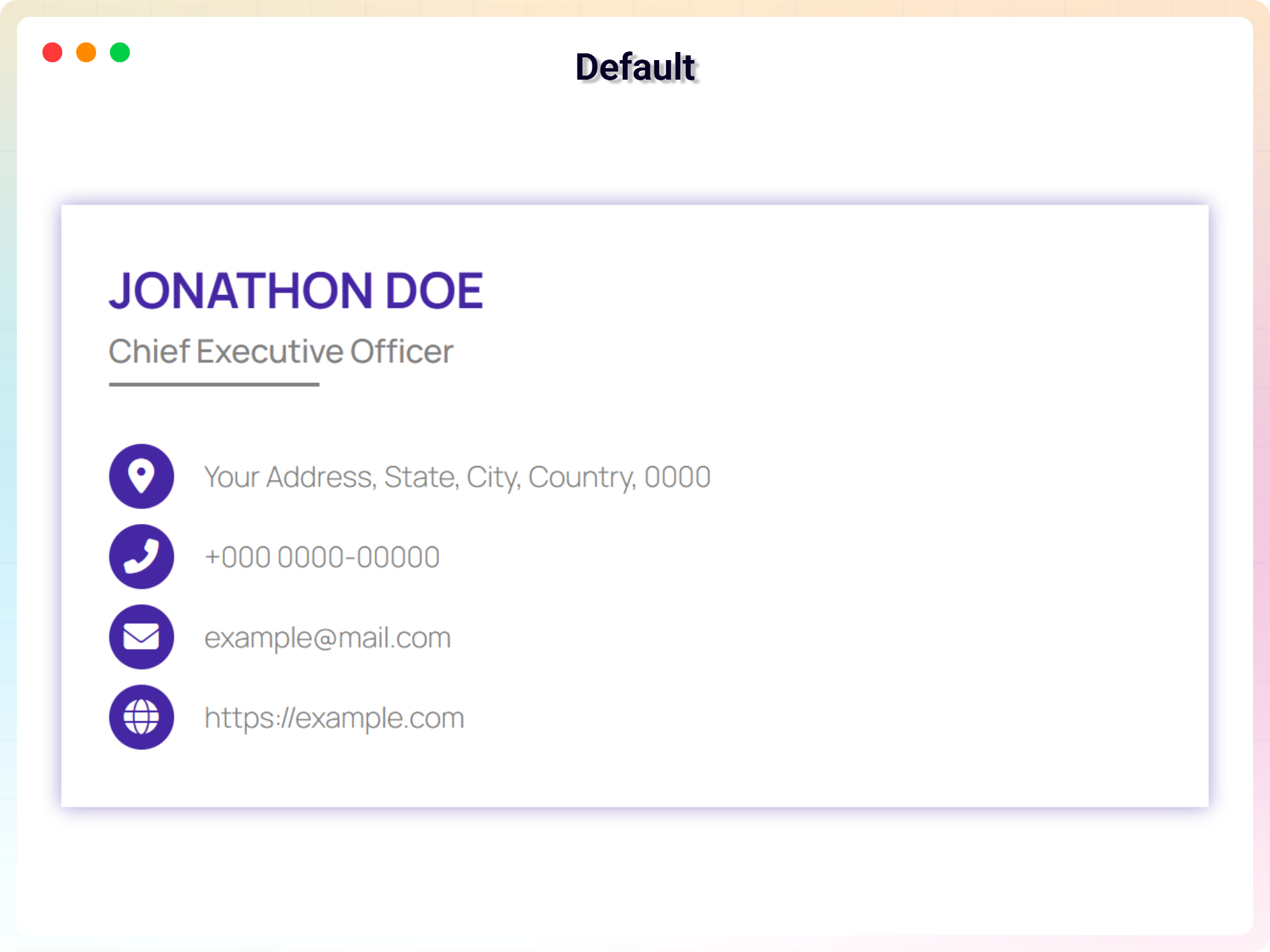
Default layout with contact actions and a QR code
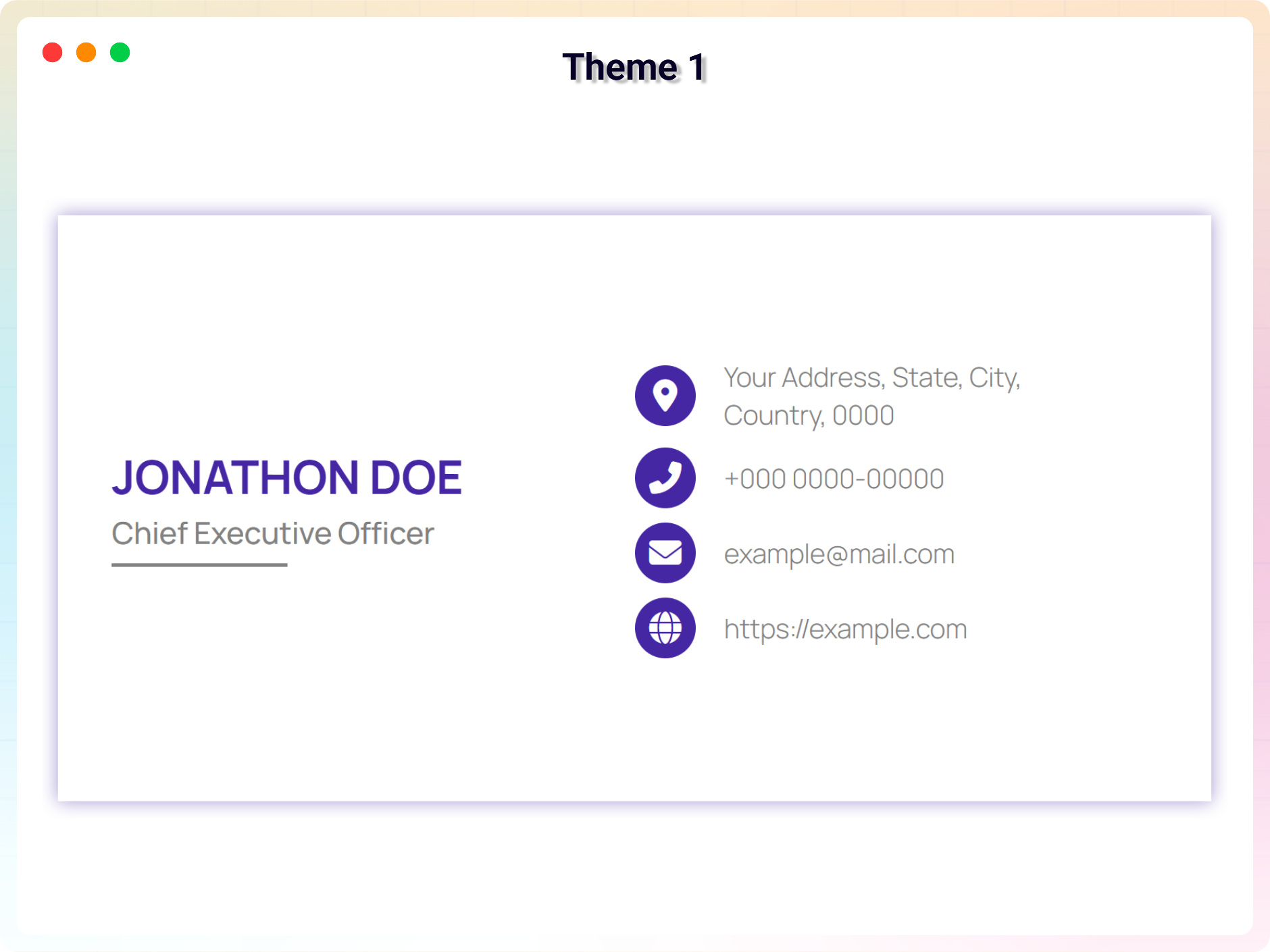
Theme 1
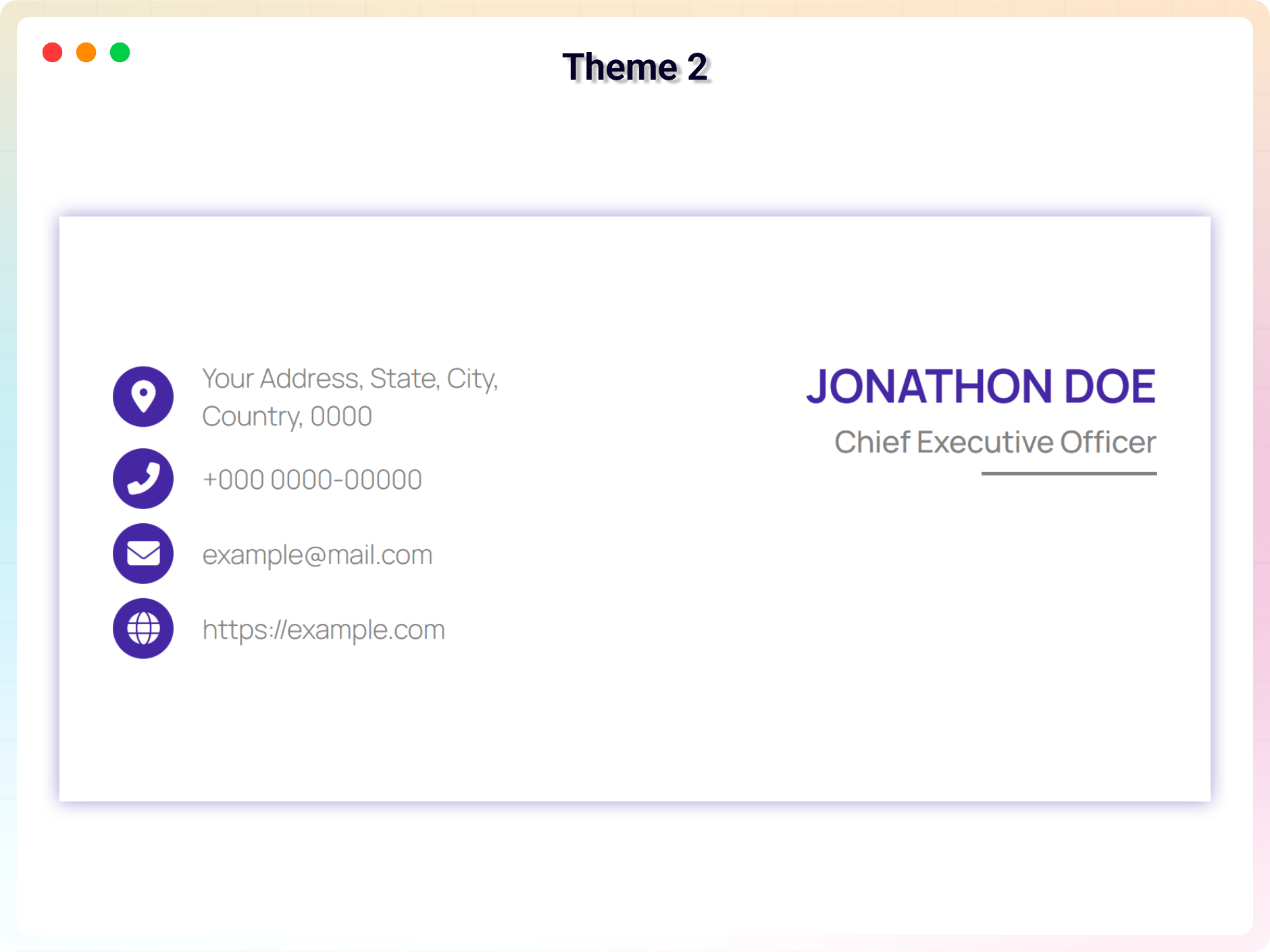
Theme 2
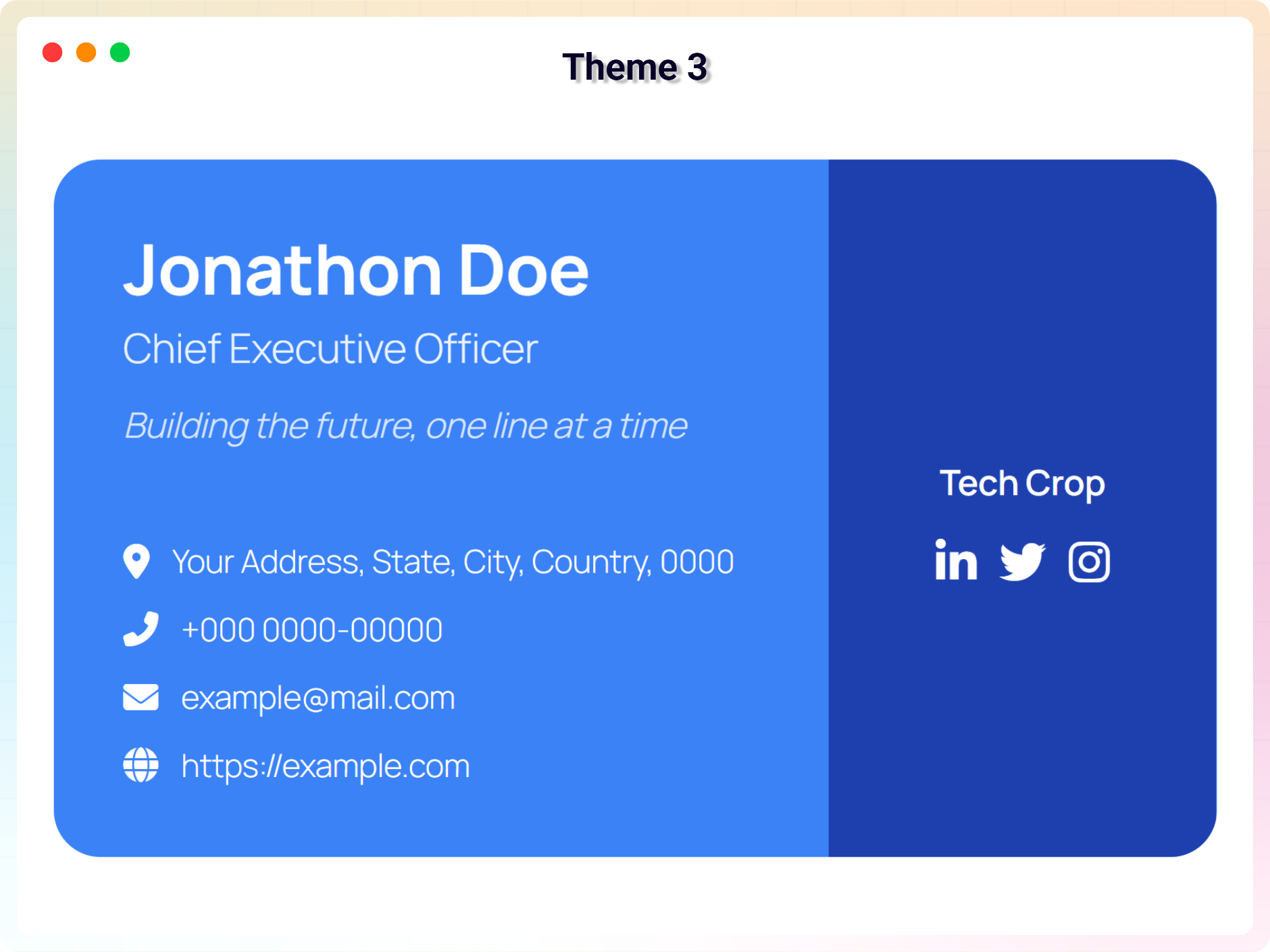
Theme 3
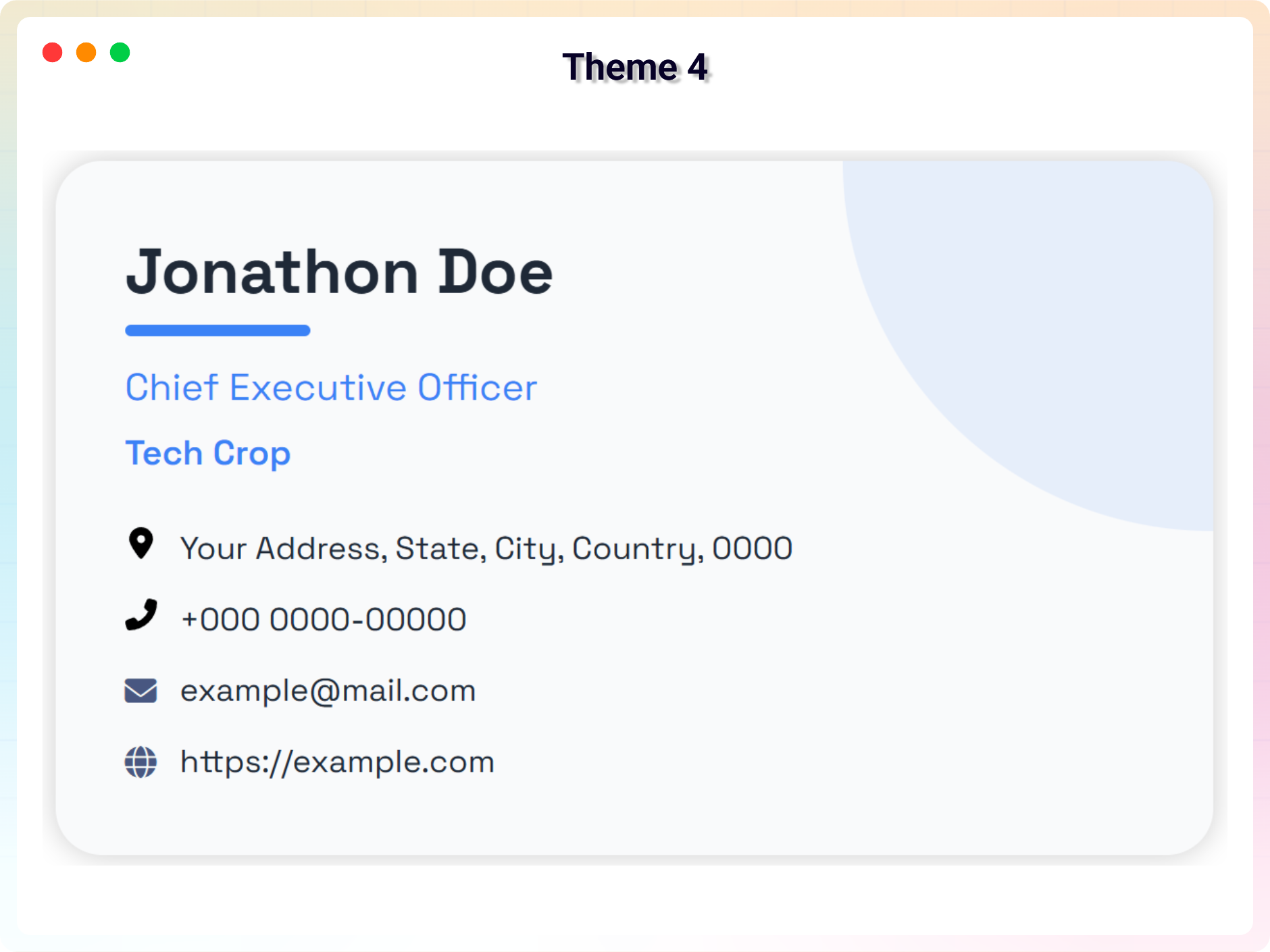
Theme 4 (Pro)
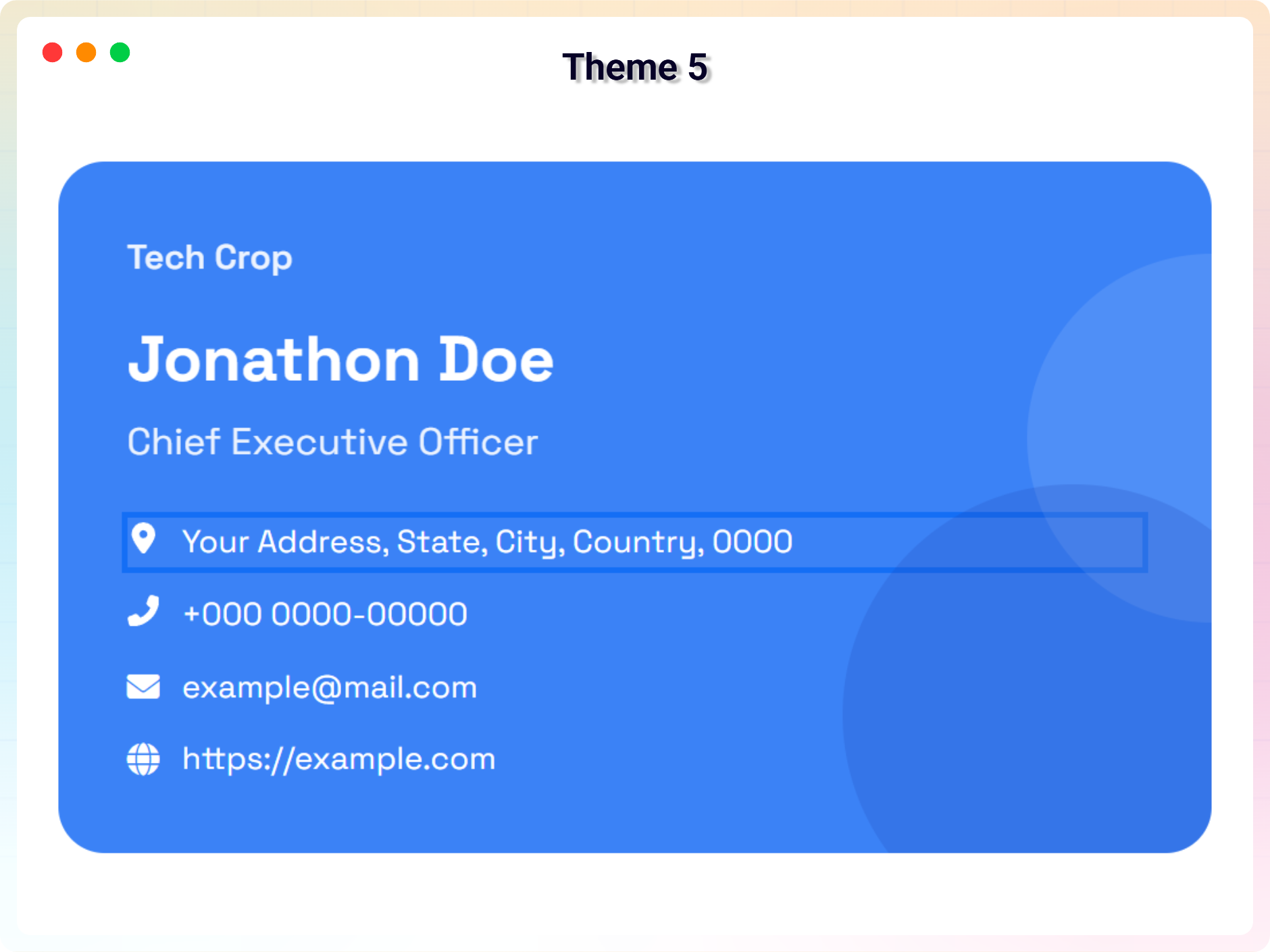
Theme 5 (Pro)
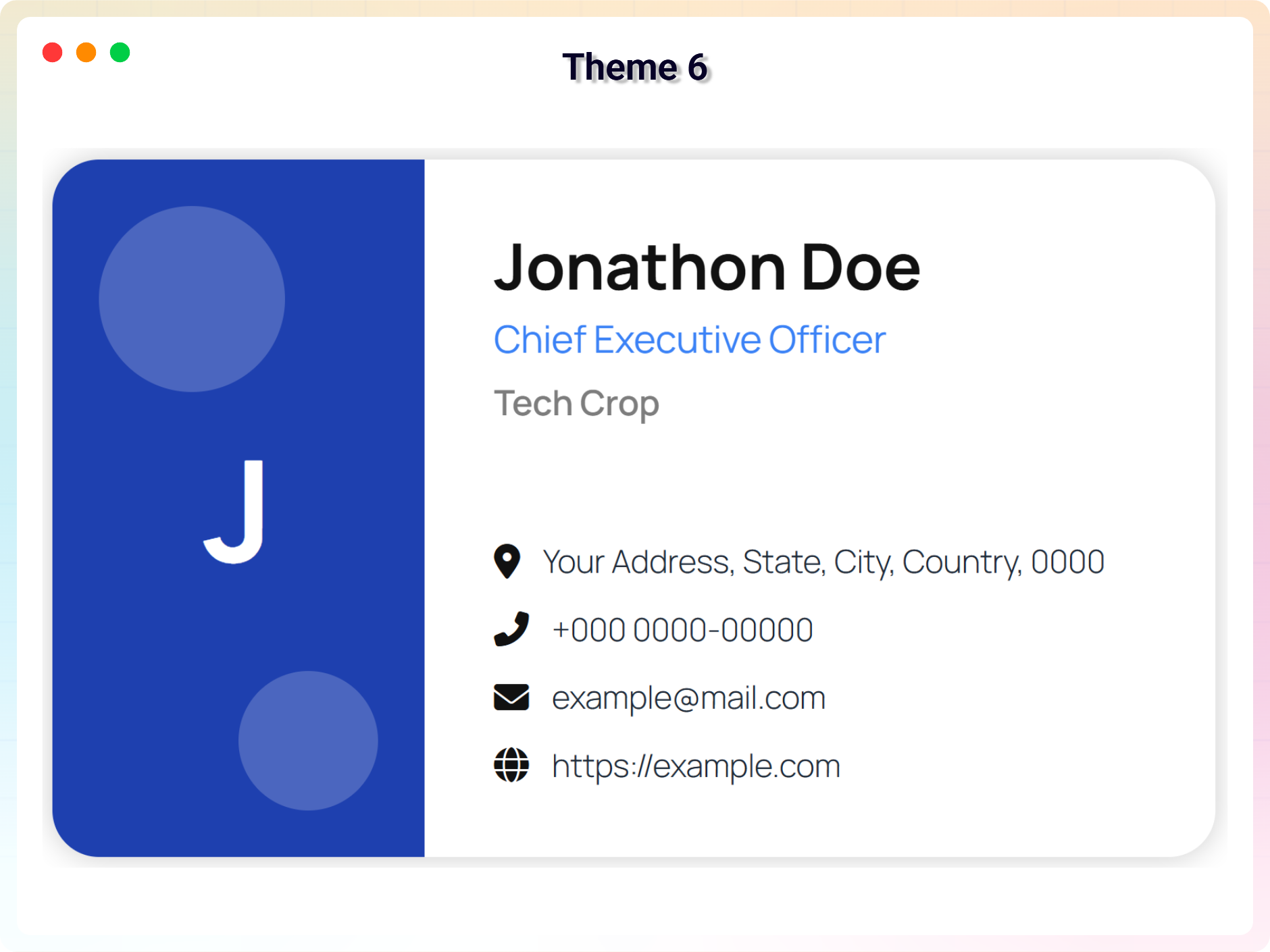
Theme 6 (Pro)
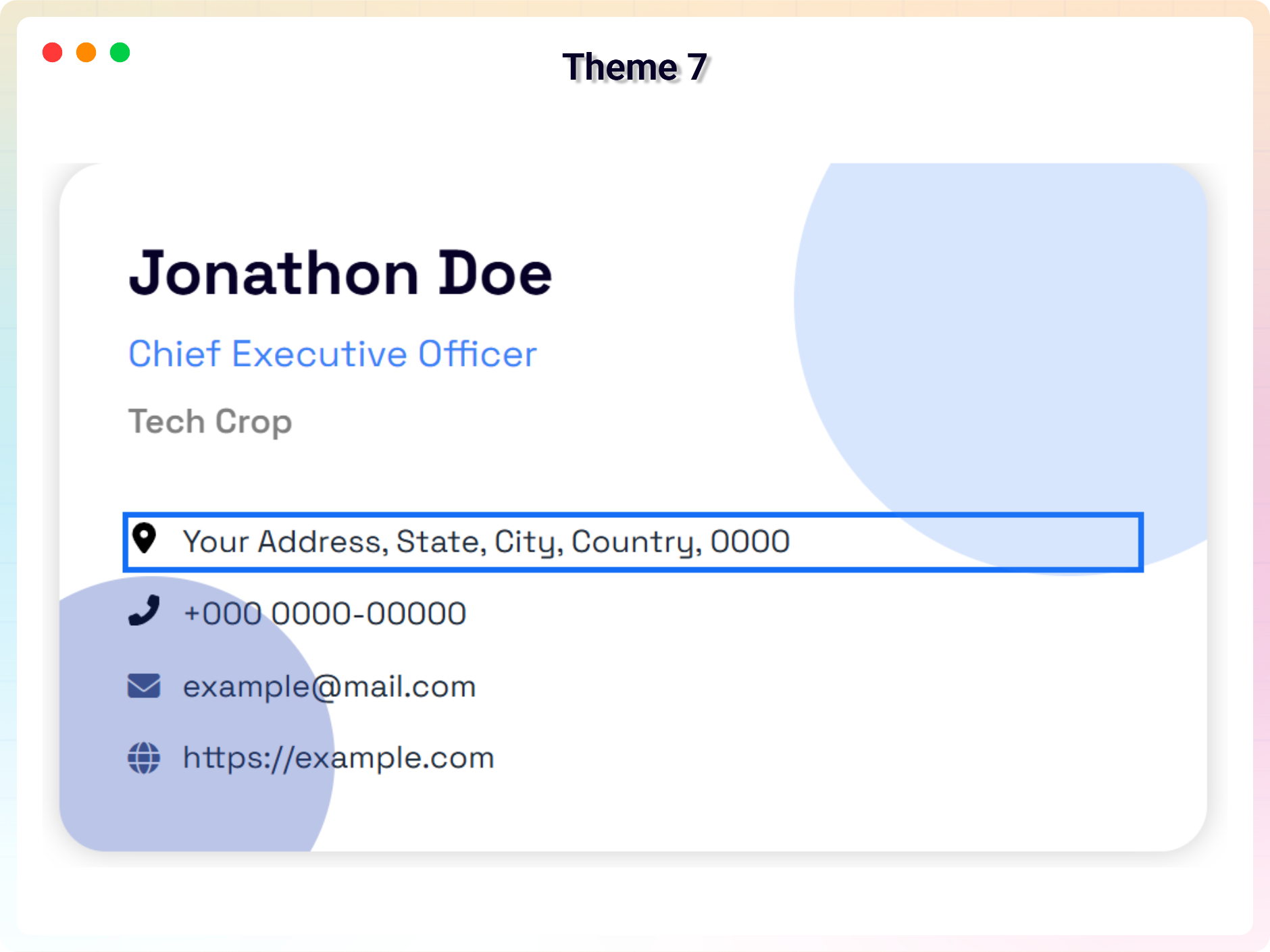
Theme 7 (Pro)
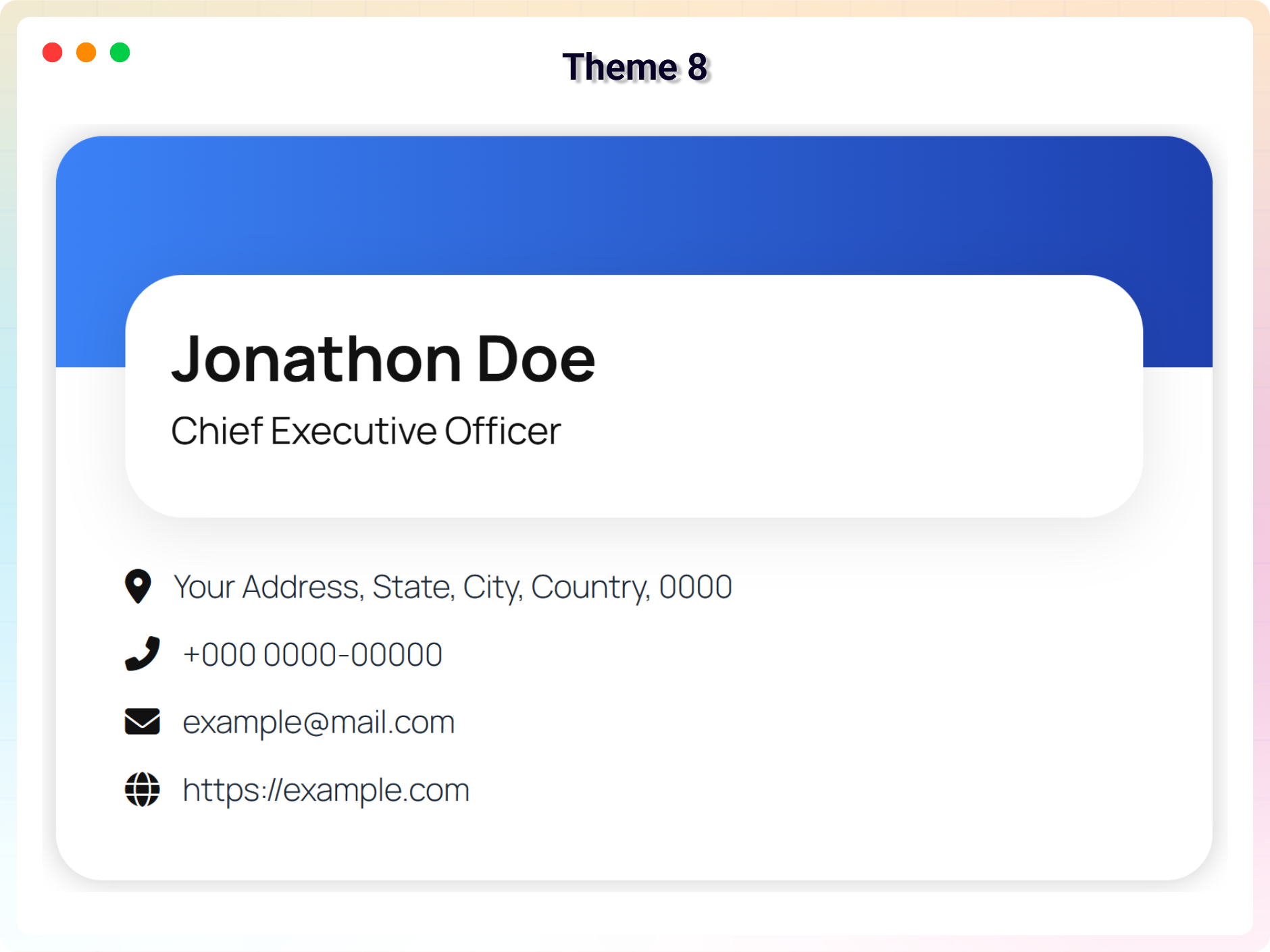
Theme 8 (Pro)
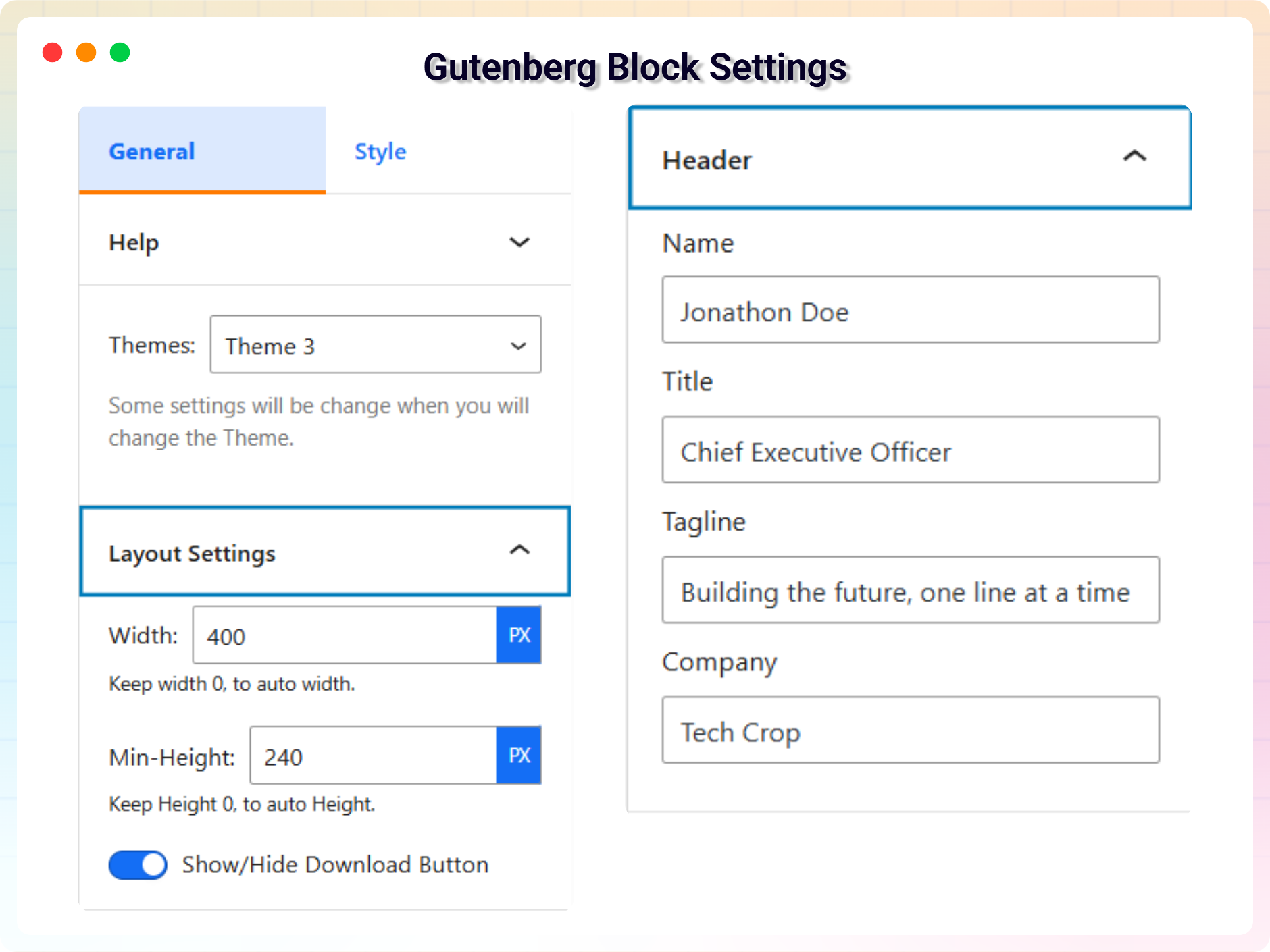
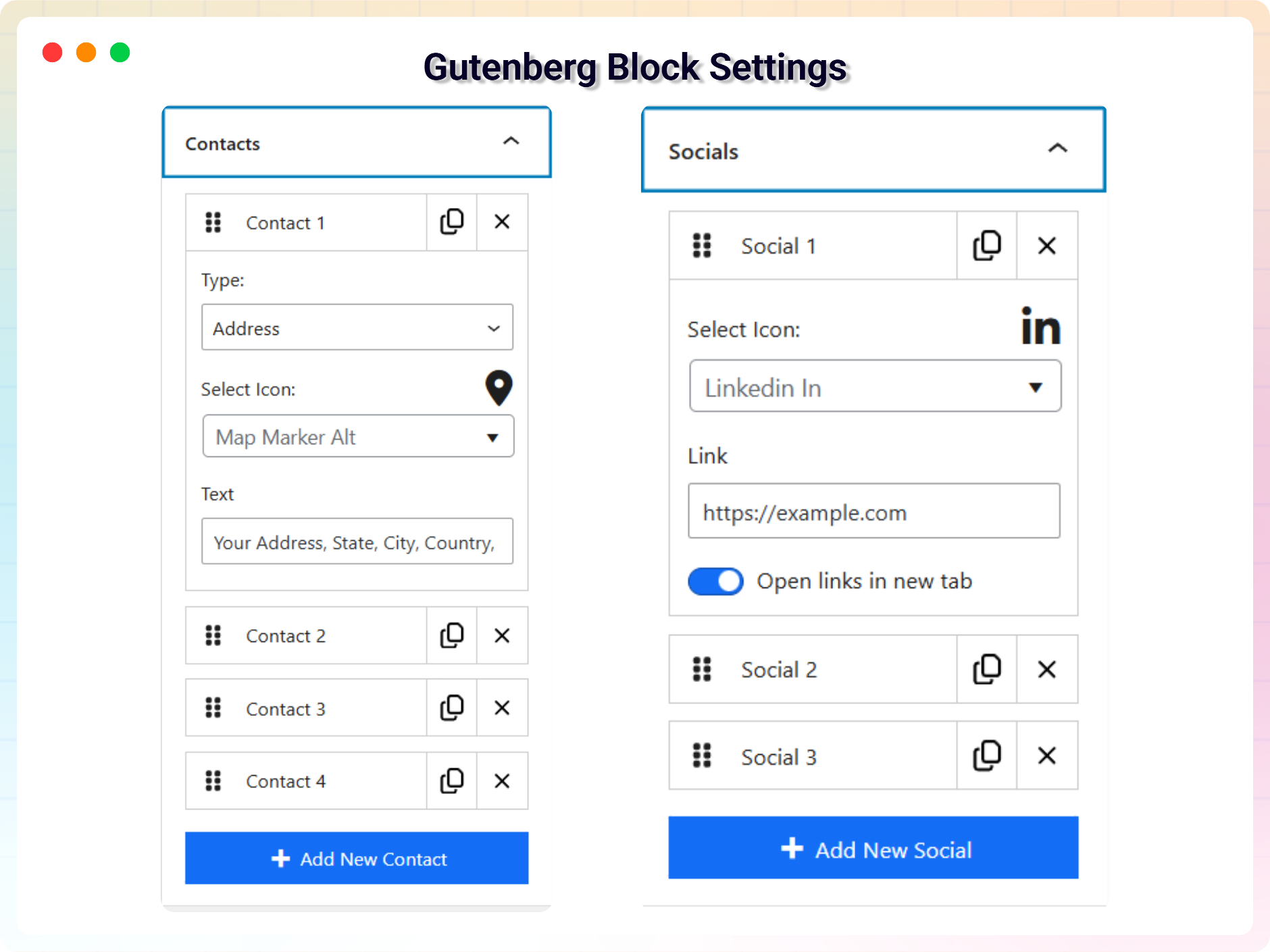
Block settings — layout, QR code and contact methods
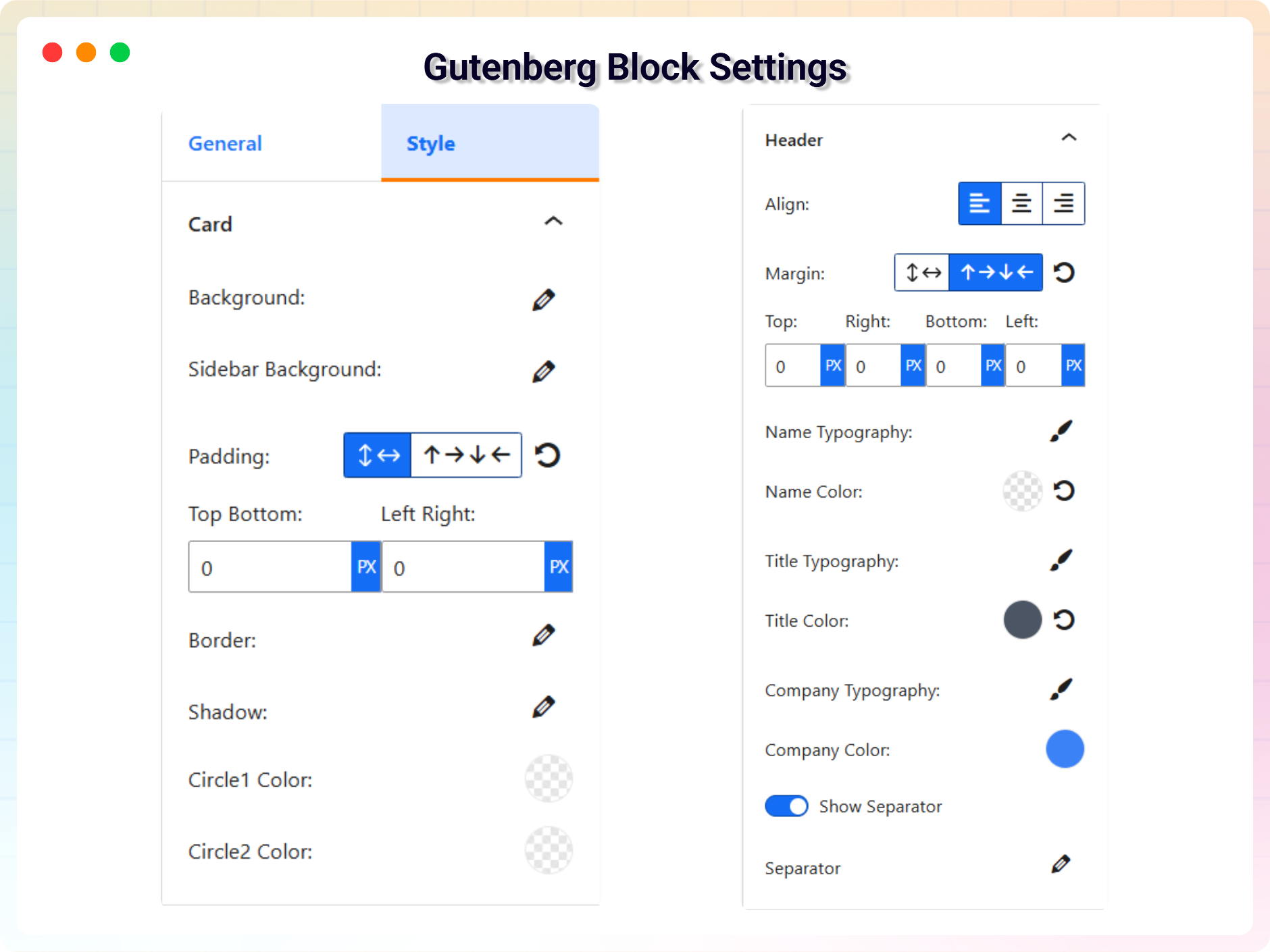
Block settings — identity, photo and logo
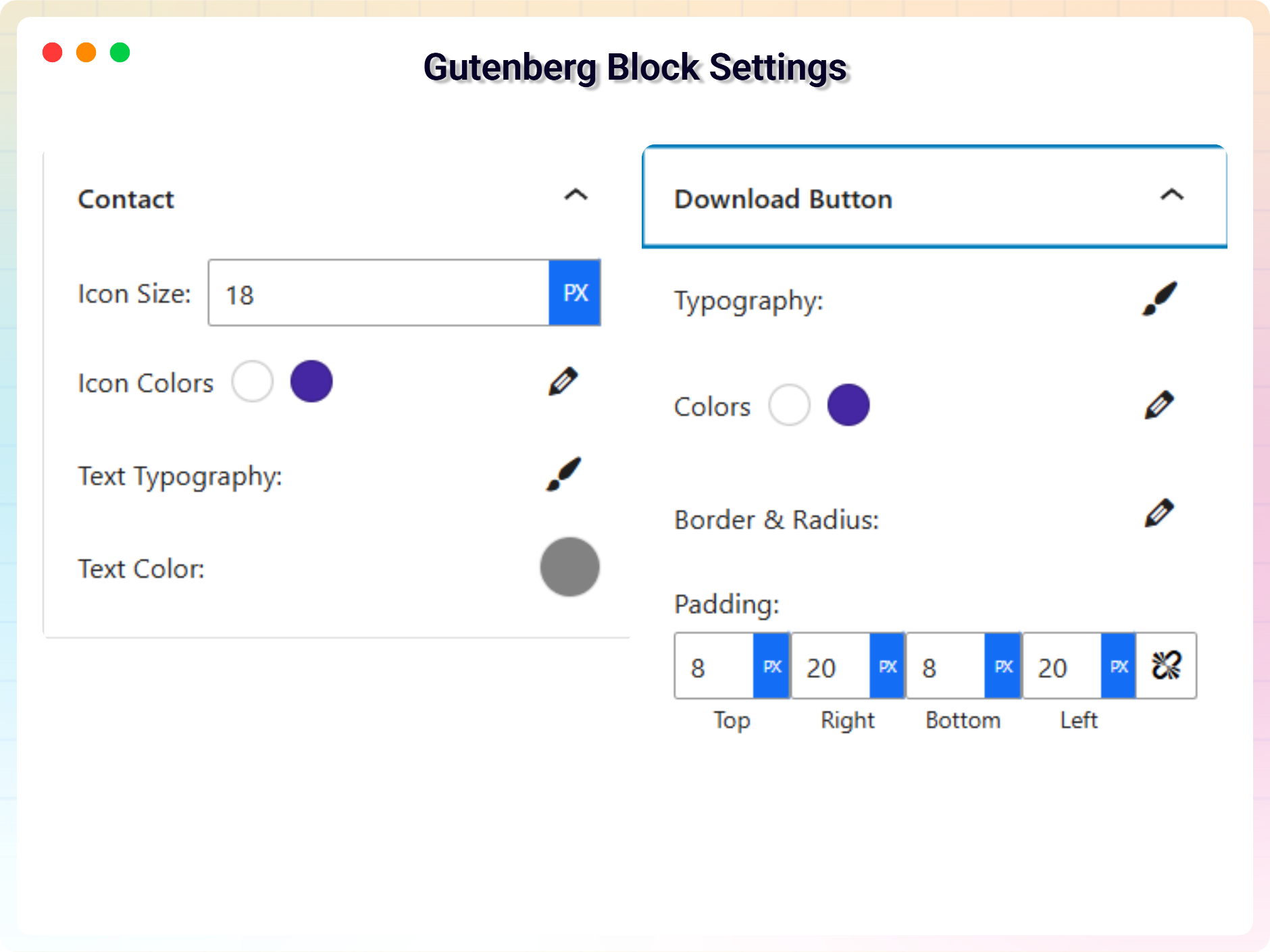
Block settings — colours and typography
Block settings — entrance animations
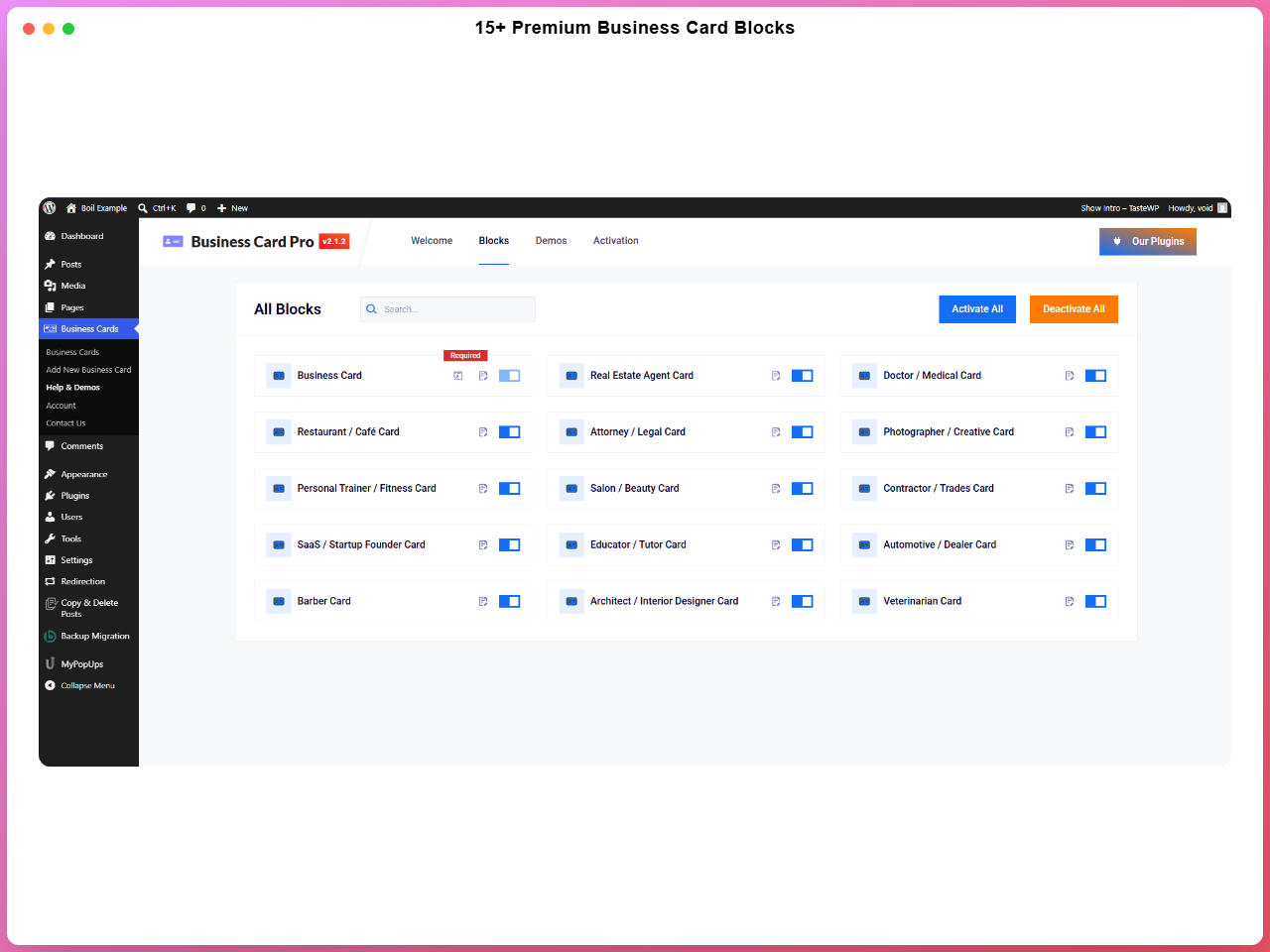
The industry card blocks included with Pro
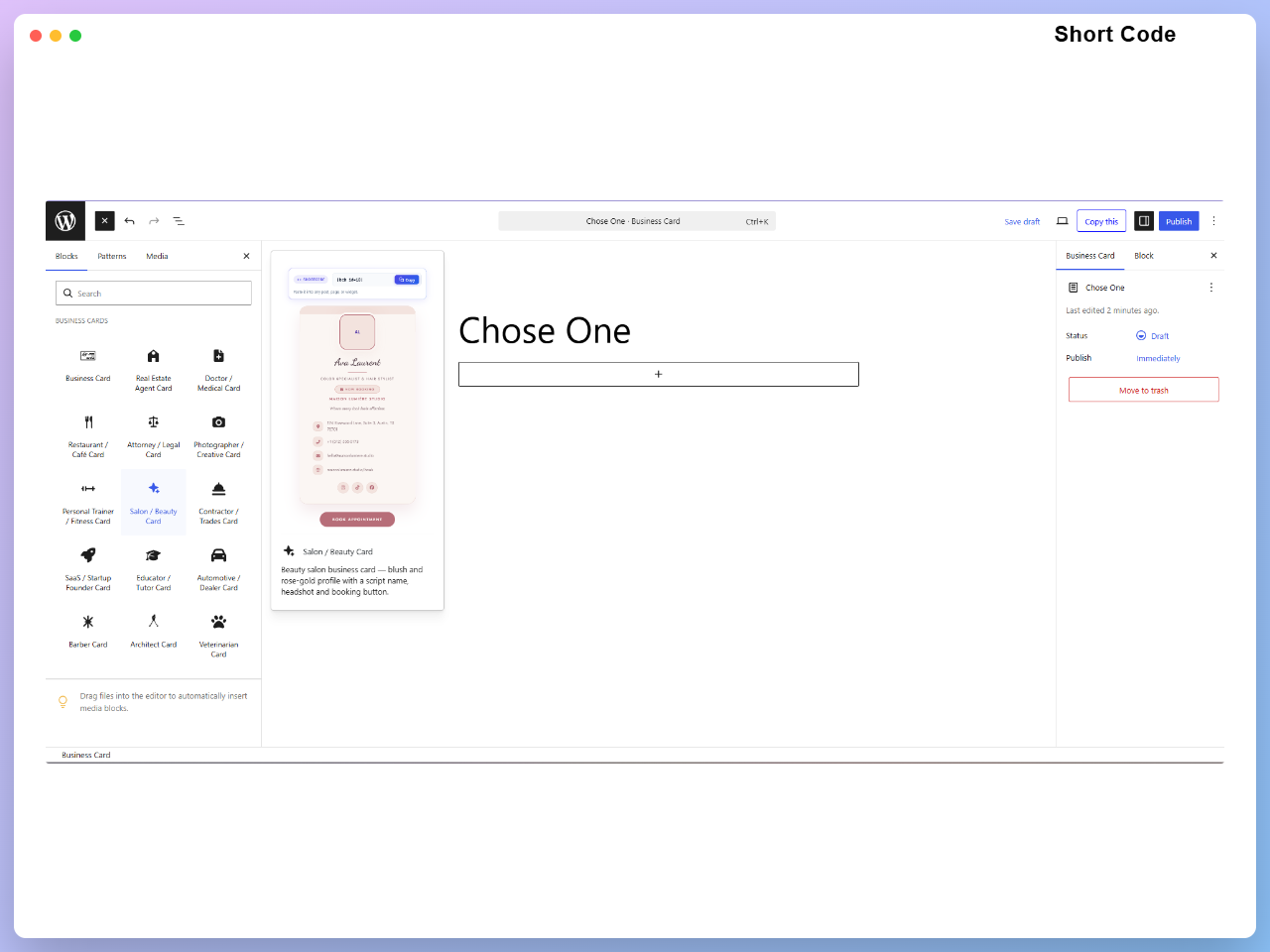
Placing a card anywhere with its shortcode
Faq
No. Layouts, colours, spacing, backgrounds and animations are all set from the block sidebar.
By default it encodes your contact details as a vCard, so scanning it with a phone camera offers to save you to the address book straight away. You can switch it to encode the page’s own URL or a custom link instead.
No. Set the QR display to Reveal and a small icon sits in a corner instead, opening the code over the whole card when someone hovers, taps or focuses it — with a close button to go back. Interactive Flip is the other option: the card turns over and the code lives on the back. Either way the front keeps its existing design, and existing cards are unaffected unless you switch one of these on.
No. It is generated on your server as an SVG and cached, so no QR JavaScript library is loaded for visitors.
Yes. It follows the vCard 3.0 spec, including correct line endings, escaping and UTF-8, so accented and non-Latin names import intact.
Yes. Every saved card has a shortcode you can paste into a post, page, widget area or template file, and there is an Elementor widget if you build with Elementor.
Yes, it works with any standard WordPress theme. The card takes its colours and spacing from the block settings rather than depending on the theme.
Contact actions are real links and buttons with screen-reader labels and visible focus states, and the QR image carries alternative text.
As many as you like, in both the free and Pro versions.
Post your question on the support forum, or email support@bplugins.com.
Reviews
what I was looking for
By 
Great plugin easy and simple to set up, with good support.
I reported a few issues, and they were resolved within 48 hours.
Thanks to Gausul Azam.
Can't do a simple task
By 
A: Broken links: The cursor changes, and the text highlights when you click it, but it won't follow the link. I know it can. It easily follows the Social links. Links and formatting are the easiest things to program. Sure, not for everyone, but that's why fancy things are an upgrade. This simple, non-pro theme shouldn't be such a struggle. If you can't get it to work on such a simple theme, why should I trust you can do it on one of the other 2 dozen pro forms?
B: Download vCard Broken: Ok, the free version only has it on theme #3 (The 4th theme). I questioned whether it only downloaded one voice, one email, and one web field. I would say that might be a pro feature, but it's not, and that's the first thing I checked both before I downloaded and again when it didn't work. If they silently left it off to get me to download it, SHAME on you (I'll downgrade to 1 star). If it's just broken, let me know when it's fixed, and I'll raise the star rating based on how this plugin feels at that time.
Awesome.
By 
Looking for more themes and upgrades
A Must-Have Plugin for Professional Networking!
By 
I stumbled upon the Business Card Block plugin while searching for an efficient way to showcase my business card on my WordPress website, and I must say, it exceeded my expectations!
This plugin is a game-changer for anyone looking to make a lasting impression online. The simplicity of integration, coupled with its sleek design options, allows me to effortlessly display my business card, giving my website a professional and polished look.
What I love most about this plugin is its responsiveness. Whether viewed on a desktop, tablet, or mobile device, my business card looks stunning and adapts seamlessly to different screen sizes. It's essential for reaching a broader audience.
The customization options are another standout feature. I can easily personalize the colors, fonts, and layout to match my brand identity, ensuring a cohesive and visually appealing representation of my business.
The Business Card Block plugin has not only enhanced the aesthetic appeal of my website but has also proven to be an effective tool for networking. The one-click sharing option makes it easy for visitors to save my contact details or share them with others effortlessly.
Additionally, the plugin is user-friendly, making it accessible for users with varying levels of technical expertise. The documentation provided is clear and concise, making the setup process a breeze.
In conclusion, if you're serious about making a strong online presence and want to stand out in the professional sphere, the Business Card Block plugin is a must-have. Kudos to the developers for creating such a valuable and user-friendly tool!
Changelog
2.1.7 – 13 October 2026
- New – Phone numbers can now be marked as Mobile, Work, Home or Fax, and the downloaded vCard labels them accordingly instead of exporting every number as a mobile.
- Fix – The plugin can now be translated. Every string in the editor and on the card was registered under a text domain the plugin does not declare, so no translation could ever load, in any language.
- Fix – Translations are now loaded for all JavaScript. WordPress has no automatic fallback for script translations, and the call that registers them was missing, so translated strings stayed English even where a translation existed.
- Fix – Translation files are now named for the plugin’s text domain. The previous names could never be found by WordPress, however complete the translation was.
- Fix – Two settings labels in the card block were hard-coded in English and could not be translated at all.
- Tweak – Fixed the tooling that builds the translation template, which had been writing it under a name and text domain WordPress does not look for.
- Tweak – The fourteen industry card blocks had been left on an older version number than the plugin itself; all blocks now report the release they ship in.
- Tweak – Cut roughly 1 MB from every block’s editor assets by no longer bundling a code editor the plugin does not use. The download is smaller and the block editor loads less on every page.
- Tweak – Updated the Freemius SDK to 2.13.4.
2.1.6 – 14 September 2026
- Fix – The company field in block settings was not being saved, defaulting to “Tech Crop” for all new cards. The default is removed and the field now respects user input.
- Fix – Contact rows, particularlyIMO and WeChat, were sometimes shown with an icon even when they had no value. The block now only renders a contact row when there is actual content.
2.1.5 – 10 September 2026
- Fix – Downloaded vCard files started with a byte-order mark, which made strict address books refuse to import them — iOS Contacts and Windows Contacts among them. The mark is gone and the character encoding is declared on the download itself.
- Fix – The QR code Size control had no effect on several card designs, where a built-in size overrode the chosen value. Per-design sizes now act as an upper limit, so the control works on every card.
- Fix – Contact rows used different markup in the editor preview than on the published page, so spacing and alignment drifted between the two. Both now render the same structure.
- Fix – Admin styles and scripts could be served from a stale browser cache after an update, because the asset version had stopped tracking the plugin version.
- Fix – The website exported to the vCard is now a complete URL. A value typed without “https://” was written to the file verbatim, which some address books stored as an unusable link.
2.1.4 – 30 August 2026
- New – Added QR code sharing (vCard, URL, custom link) generated on the server as SVG with zero client-side JavaScript overhead.
- New – Added “Reveal” QR display mode with hover/tap/keyboard triggers, customizable corner icon placement, and readable background fallbacks.
- New – Added “Interactive Flip” QR display mode with 3D card rotation, 9 placement presets, custom positioning, and accessibility respect for reduced motion.
- New – Added optional label, caption, and center mark (initials or logo) for QR codes, with automatic error correction adjustments.
- New – Added dedicated contact fields for WhatsApp, Telegram, Skype, IMO, and WeChat.
- New – Added clickable contact actions (
tel:,mailto:, map links, direct messaging app launches, and copy-to-clipboard for IMO/WeChat). - New – Added Schema.org JSON-LD structured data output (Person, Organization, LocalBusiness) with automatic detection and per-card toggles.
- New – Added “Minimal QR” card layout optimized for clean, QR-first visual presentation.
- Fix – Security: Restricted shortcode rendering to prevent unauthorized access to draft, private, password-protected, or non-card post types.
- Fix – Security: Enforced protocol allow-lists on social links to prevent cross-site scripting (XSS) via
javascript:URIs. - Fix – Security: Server-side enforcement added for premium themes to prevent client-side paywall bypasses.
- Fix – Resolved RFC 2426 compliance issues in vCard exports (line folding, character escaping, structured fields, UTF-8 encoding).
- Fix – Unified editor preview and frontend vCard generator to eliminate data mismatch issues.
- Fix – Fixed an issue in industry blocks where setting panel text/link inputs wiped existing field values on open.
- Tweak – Integrated QR sections directly into card design layouts, respecting local accent colors, corner radii, and responsive sidebars.
- Tweak – Enhanced downloaded
.vcffiles to include profile photo references and messaging handles. - Tweak – Improved typography and layout wrapping for contact/QR text on narrow mobile viewports.
- Tweak – Added visible focus rings and dedicated screen-reader labels for all interactive contact actions.
- Tweak – Made the vCard download button label fully customizable.
2.1.3 – 5 July 2026
- Improvement: Added demo previews for 14 new industry-specific Business Card blocks
- Improvement: Added new screenshots to the readme to showcase the latest features and block designs.
2.1.2 – 29 June 2026
- New: Add Short Code Support For All Child Blocks
- Fix: enhance LicenseActivation with i18n, PHPDoc, and validation improvements
2.1.1 – 24 June 2026
- Improvement: Global Bug Fix: Added strict max character constraints (50-255 characters) to all inputs across all 15 blocks to prevent layout-breaking text.
- Improvement: UI Fix: Adjusted the rendering fallback logic for empty social items and empty SVGs to fix object rendering bugs.
- Improvement: Layout Fix: Enabled safe flex wrapping and word breaks across core elements to preserve geometry under edge cases.
- Improvement: Stability Fix: Updated text fields, constraints, and inputs directly on native controls.
2.1.0 – 23 June 2026
- New: Added 14 new industry-specific Pro Business Card blocks (Restaurant, Medical, Real Estate, Veterinarian, Architect, Barber, Automotive, Tutor, SaaS Founder, Contractor, Salon, Fitness, Photographer, Legal).
- Improvement: Redesigned the Admin Dashboard with a modern Welcome page and a new Blocks manager to enable/disable specific cards.
- Improvement: Grouped all plugin blocks under a dedicated “Business Cards” category in the block inserter.
2.0.5 – 11 June 2026
- New: Added High-Performance Animation System with viewport-aware triggering, 5 animation types, and granular controls.
- New: Added Advanced Branding & Identity System with Overlap/Stack layouts, custom masking, hover effects, and Monochrome mode.
- Improvement: Improved Responsive Architecture 2.0 with intelligent stacking, identity auto-scaling, and contact word-breaking.
- Improvement: Enhanced Performance & Stability with compositor-thread optimization and CSS variable engine.
- Fix: Fixed Help & Demos dashboard rendering blank by loading its assets on every entry URL and including the required wp-api-fetch dependency.
2.0.4 – 2 June 2026
- Improvement: update vCard
2.0.3 – 23 February 2026
- Improvement: Update Admin Dashboard
2.0.2 – 10 February 2026
- Fix: fix header margin issue
2.0.1 – 30 December 2025
- Fix: Bug fix: corrected broken links.
2.0.0 – 17 December 2025
- New: Added six new themes for improved design and customization.
1.0.6 – 14 December 2025
- Improvement: Improve security
1.0.5 – 12 February 2025
- Improvement: Reduce assets load
1.0.4 – 10 April 2023
- New: Add translate feature
1.0.3 – 17 July 2022
- Fix: Fix Width
1.0.2 – 10 May 2022
- Fix: Fix HTML Render
1.0.1 – 17 April 2022
- Fix: Fix CSS issue
1.0.0 – 12 April 2022
- Improvement: Initial Release.