Cache External Scripts

Cache External Scripts
Description
Often when trying to optimize the Google Pagespeed score, there is one script which still causing the ‘Leverage browser caching’ rule popping up: Google’s own gtag.js and/or analytics.js file…
With this plugin you will be able to cache this file on your local server and enable browser caching for longer than 2 hours. The plugin will check every day if there is a newer version of the file to keep the cache up to date.
Installation
Installation is very easy;
- Upload the plugin directory
cache-external-scriptsto the/wp-content/plugins/directory or install it directly from the WordPress plugin directory. - Activate the plugin through the ‘Plugins’ menu in WordPress
- Once the external script is cached by the plugin, it will automatically replace the url in your current Google Analytics code (meaning you can use your current Google Analytics plugin).
Screenshots
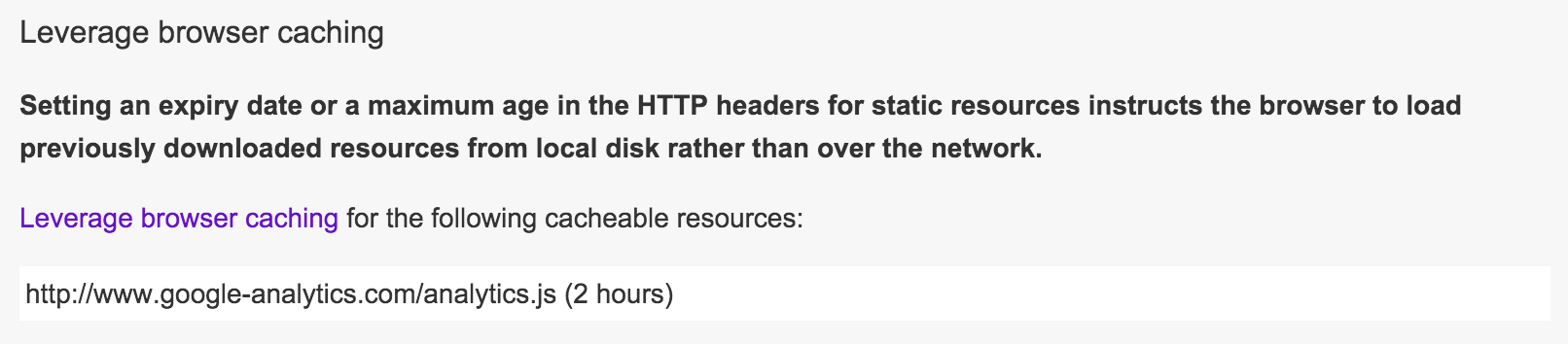
Fix this last Google Pagespeed problem
Faq
I have installed the plugin, but I can’t find the Google Analytics code in the page source code
This plugin only caches the script and replaces it in your current Analytics code, containing ‘gtag.js’, ‘analytics.js’ or the older ‘ga.js’ script.
We chose not to insert the Analytics code itself because there are tons of plugins for that already, and some users require modifications in the code.
How can I check if the Analytics code is properly cached
We store the cached file in the wordpress uploads directory, in the folder called cached-scripts. If this folder doesn’t exist or is empty, please visit the settings page of the plugin to manually fetch the script.
Reviews
80
By 
Great job for google analytics (only)
By 
works like a charm!
By 
works very well
By 
best service
By 
Ok!
By 
Nice little Cache Plugin!
By 
Nice Plugin
By 
It is not up to date, is a good idea to use this plugin?
By 
Great plugin
By 
Changelog
0.4
- Added support for new Google Analytics tracking code using gtag.js
- Added missing semicolon which rarely caused a JavaScript issue in certain cases when minifying source code
0.3
- Added support for new Google Analytics tracking codes using https protocol as standard
- Small bug fix where cache being checked against the wrong file
0.2
- Added support for (old) Google Analytics tracking codes using
ga.jsscript
0.1
- Initial release