Caledros Helper
Caledros Helper
Description
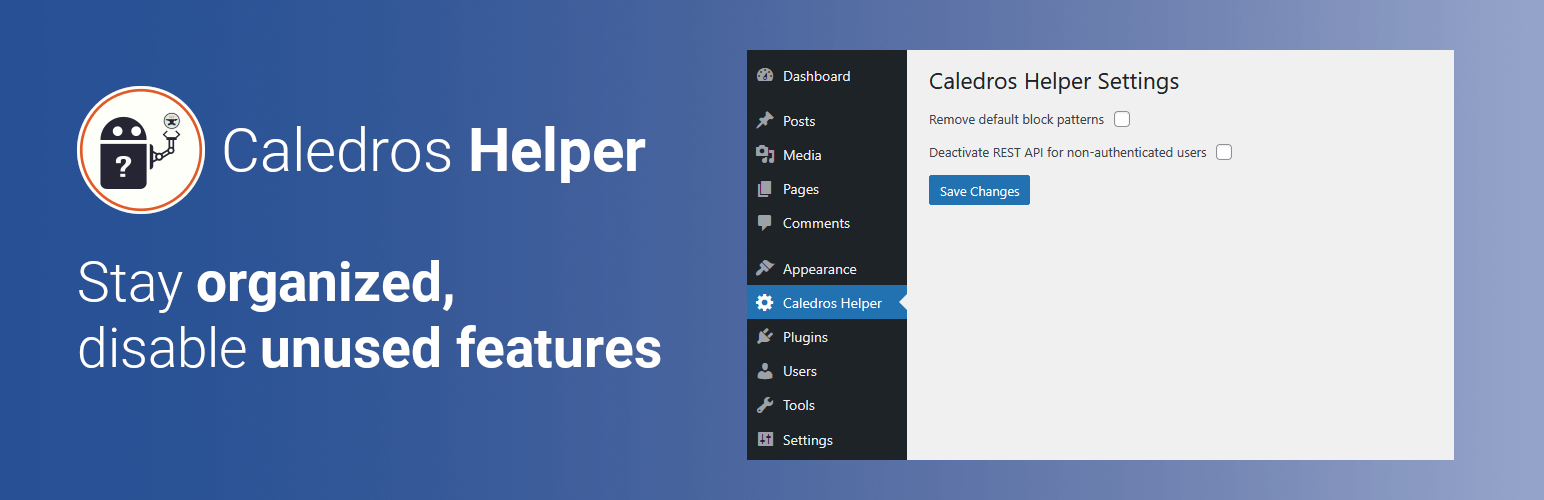
This plugin creates a custom Admin Menu with two checkboxes:
-
The first checkbox allows the user to remove the core block patterns from the Gutenberg editor. This feature can be activated or deactivated.
-
The second checkbox allows the user to deactivate the WordPress REST API for non-authenticated users. This feature can be activated or deactivated.
After plugin activation, both options will be disabled by default.
Installation
You have two easy ways to install the Caledros Helper plugin:
Option 1: From Your WordPress Dashboard
1. Go to your WordPress admin area.
2. Navigate to Plugins → Add Plugin.
3. In the Search Plugins box, type “Caledros Helper”.
4. Click Install Now, then Activate.
Option 2: Manual Installation
1. Download the plugin ZIP file from WordPress.org.
2. In your WordPress admin area, go to Plugins → Add Plugin → Upload Plugin.
3. Choose the ZIP file you downloaded and click Install Now.
4. Activate the plugin after installation.
Screenshots

Plugin Admin Menu containing both options.
Faq
Yes, both features can be easily deactivated from the custom Admin Menu added by the plugin.
No. The plugin only disables theme support for the core block patterns while the option is active. If you turn off the option, the default block patterns will reappear.
No. The REST API is only disabled while the checkbox is enabled. If you uncheck the option, the REST API will be re-enabled.
Reviews
Changelog
1.0.0
- Added two options. One for removing the default block patterns and one for deactivating the WordPress REST API.