Calenderify
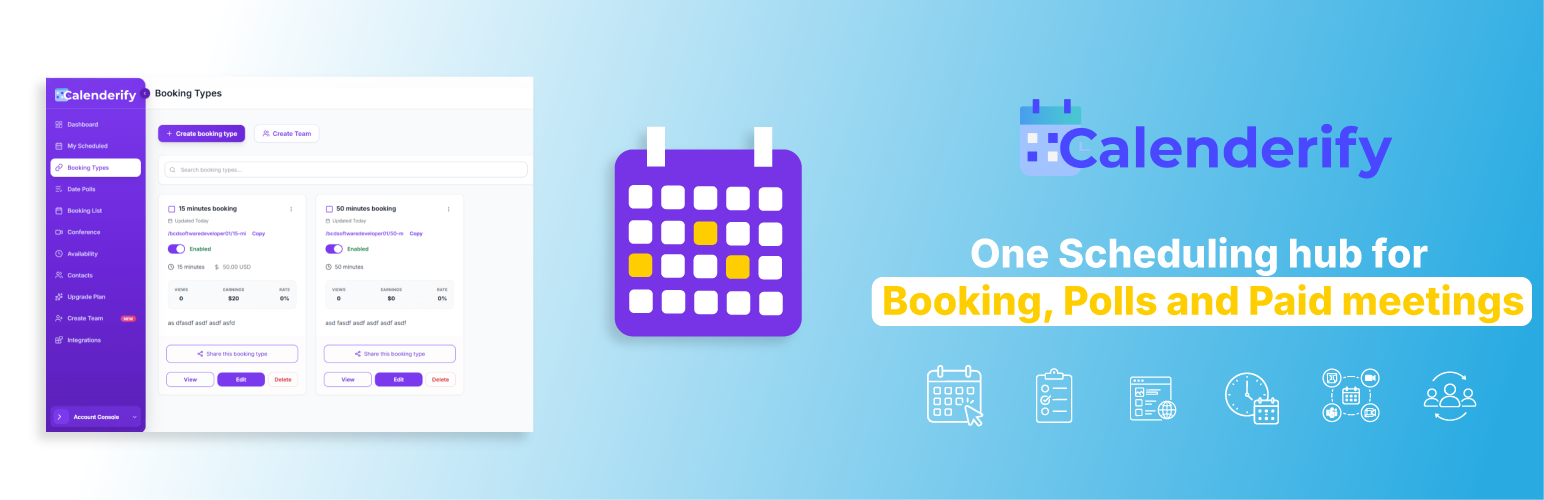
Calenderify
Description
Calenderify connects your Calenderify account to WordPress in one click using an API key.
Features
- API Key Connect — Paste your key from Calenderify dashboard, auto-fill username & booking types
- Auto Embed Origins — WordPress site URL added to Calenderify automatically on connect
- Booking Embed — iframe embed for all booking types or one specific event
- Floating Button — Optional “Book a Meeting” button with popup or new-tab mode
- Date Poll — Styled button linking to your Calenderify poll
- Gutenberg Block — Calenderify Booking block in the editor
Setup
- In Calenderify: Integrations WordPress Plugin Generate WordPress API Key
- Install this plugin in WordPress
- Dashboard Calenderify Paste API key Connect
- Add
[calenderify_booking]to any page
Installation
- Upload
calenderifyto/wp-content/plugins/ - Activate the plugin
- Generate an API key in Calenderify (Integrations WordPress Plugin)
- Go to Dashboard Calenderify and click Connect to Calenderify
- Add
[calenderify_booking]to a page
Faq
Log in to Calenderify at https://app.calenderify.com Integrations WordPress Plugin Generate WordPress API Key.
No, if you connect with an API key the plugin registers your WordPress URL automatically. Manual username setup still requires adding origins in Calenderify.
The plugin defaults to https://app.calenderify.com. Change it under Appearance Advanced if needed.
Reviews
Changelog
1.0.1
- Add plugin directory banner and icon assets
1.0.0
- Initial release on WordPress.org
- API key connect with Calenderify
- Booking embed, floating button, date poll, and Gutenberg block