Caresort Testimonial Slider for Elementor
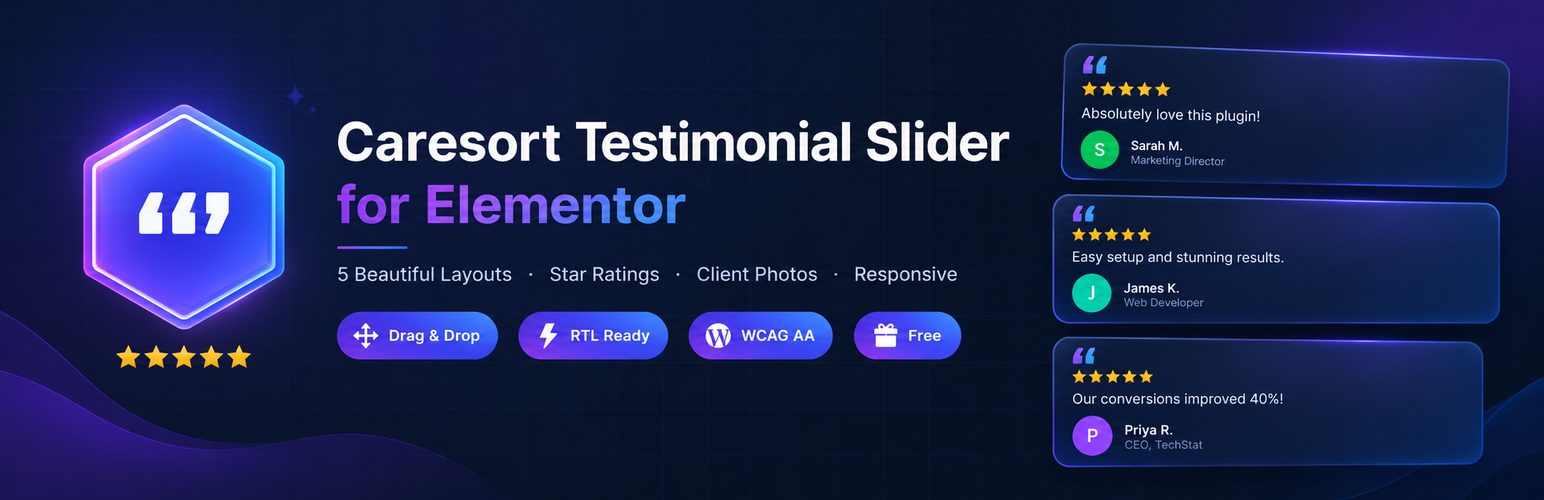
Caresort Testimonial Slider for Elementor
Description
Caresort Testimonial Slider for Elementor adds a new “Testimonial Slider” widget to Elementor’s free page builder. Build a list of testimonials through a simple repeater, then choose how to display them:
- Carousel – a swipeable, autoplaying slider with arrows and dots
- Grid – a responsive multi-column grid
- Masonry – a Pinterest-style staggered column layout
- List – horizontal cards with photo on one side and content on the other
- Single Card – one featured testimonial, with an optional full-width mode
Features
- Visual “Choose Style” thumbnail picker for layouts — click a preview image instead of picking from a dropdown
- Drag-and-drop testimonial widget with 0-5 star ratings (including half stars)
- 5 layout designs: carousel, grid, masonry, list, single card
- Client photo, name, position/company, and company logo fields
- Full Elementor style controls: colors, typography, spacing, borders, shadows, hover animation toggle
- Accent color control that re-colors the gradient ring, quote badge and arrows in one place
- Responsive column and breakpoint controls
- No external JS libraries – lightweight, dependency-free carousel
- Works with the free (non-Pro) version of Elementor
Requirements
- Elementor 3.5.0 or higher (free version is enough — tested up to 3.27)
- PHP 7.4 or higher
Installation
- Upload the
caresort-testimonial-slider-for-elementorfolder to/wp-content/plugins/, or install the plugin ZIP directly through Plugins Add New Upload Plugin in your WordPress admin. - Activate the plugin through the Plugins screen.
- Make sure Elementor is installed and activated.
- Edit any page with Elementor, search for “Testimonial Slider” in the widget panel, and drag it onto the page.
- Add your testimonials in the Testimonials section of the widget’s Content tab, choose a layout, then style it under the Style tab.
Screenshots

The Carousel layout with navigation arrows and dot indicators.

The Grid layout showing multiple testimonials in a responsive column grid.

The Elementor editor panel — Testimonials repeater and layout controls.

The visual Style Picker control for choosing layouts by thumbnail.
Faq
No. It only requires the free version of Elementor.
Yes, use the Columns control in the Layout section – it applies to both the Grid and Carousel layouts.
Yes, toggle “Autoplay” off under the Layout section when the Carousel layout is selected.
Yes, use the “Hover Animation” switch under Style > Card.
Reviews
Changelog
1.0.1
- Updated plugin identity, dependencies and code prefixes for WordPress.org directory compliance.
- Fixed plugin header formatting.
1.0.0
- Initial release.
- Drag-and-drop Elementor testimonial widget with 5 layouts: Carousel, Grid, Masonry, List, Single Card.
- Star ratings (0–5 including half stars), client photo, name, company, and logo fields.
- Custom visual style-picker control for layout selection.
- No external JS dependencies — lightweight custom carousel.