Carousel – Image Carousel, Post Slider, Product & Video Gallery

Carousel – Image Carousel, Post Slider, Product & Video Gallery
Description
Carousel is a lightweight, responsive, and developer-friendly WordPress carousel plugin built to create high-converting image sliders, blog post carousels, video showcases, and WooCommerce product galleries.
Re-engineered from the ground up in version 2.0.0, Carousel utilizes modern PHP architecture to deliver maximum performance, optimized CSS/JS enqueuing, and zero Cumulative Layout Shift (CLS). Whether you are building a simple brand logo carousel, a portfolio showcase, or a dynamic blog post slider, Carousel gives you full control over layout, responsiveness, and autoplay settings without slowing down your website.
🚀 Key Free Features
- Unlimited Images & Slides: Add as many slides, images, and captions as you need—no artificial limits on the free version.
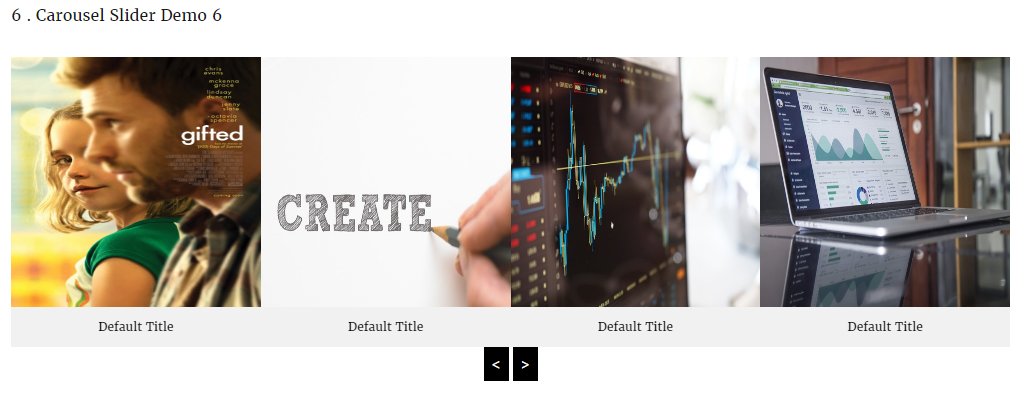
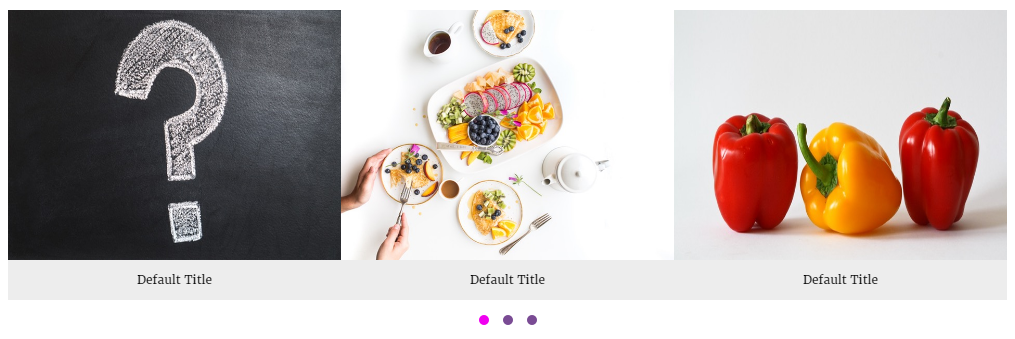
- Custom Image Carousel: Easily create image sliders with drag-and-drop ordering, custom links, and lightbox previews.
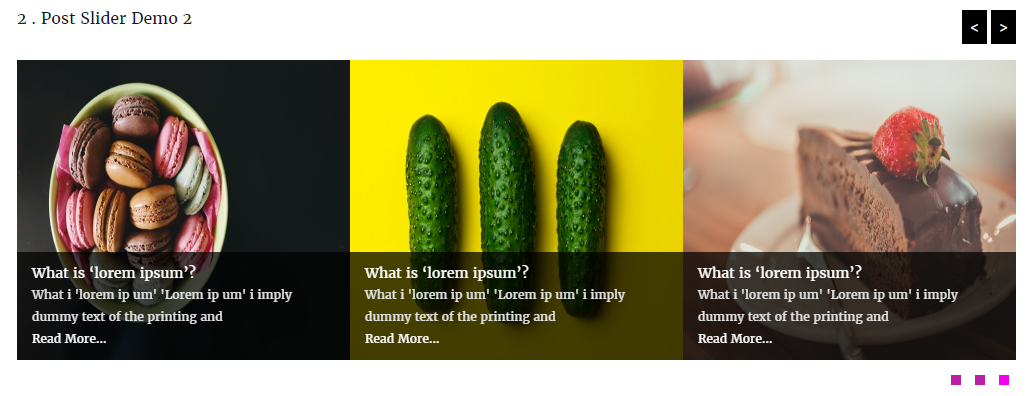
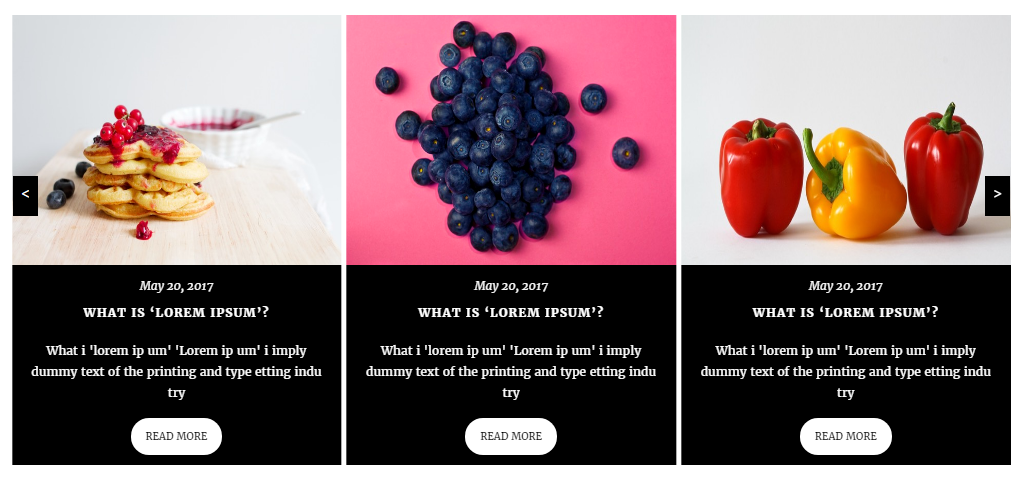
- Dynamic Post Slider: Display recent posts, filter by categories, and toggle post titles, dates, authors, excerpts, and “Read More” buttons.
- Video Carousel: Embed responsive YouTube, Vimeo, and self-hosted MP4 videos inside your sliders.
- WooCommerce Product Carousel: Display featured, top-rated, on-sale, or category-specific products with live “Add to Cart” buttons.
- Zero Cumulative Layout Shift (CLS): Pre-calculated aspect ratios keep your site layout stable during page loads.
- Smart Asset Loading: Enqueues scripts and stylesheets only when a carousel or shortcode is actively present on the page.
- Full Responsive Breakpoints: Custom controls for columns and spacing across Desktop, Tablet, and Mobile devices.
- Page Builder Ready: Seamlessly works with Gutenberg blocks, Elementor, Divi, Beaver Builder, and classic shortcodes.
- Touch & Drag Enabled: Smooth touch-swipe navigation optimized for mobile devices and tablets.
- Customizable Controls: Toggle autoplay, autoplay speed, hover pause, infinite loop, navigation arrows, pagination dots, and slide transition effects.
💎 Pro Features
Upgrade to Carousel Pro to unlock advanced layouts, multimedia support, and dynamic ecommerce integrations:
* Standard Grid & Masonry Layouts: Switch seamlessly between smooth sliders, structured grids, and fluid masonry layouts.
* Content Overlay Design Style: Display title, meta, and button content as modern hover overlays on top of images.
Installation
- Log into your WordPress Dashboard.
- Go to Plugins > Add New.
- Search for Carousel.
- Click Install Now and activate the plugin.
- Navigate to Carousel > Add New in your sidebar to create your first slider!
- Copy the generated shortcode and paste it into any post, page, widget, or page builder element.
Screenshots

Carousel Manager: Clean interface to build image carousels, video carousels, product carousels, and post sliders.

Settings Panel: Full control over responsiveness, autoplay, loops, and navigation.

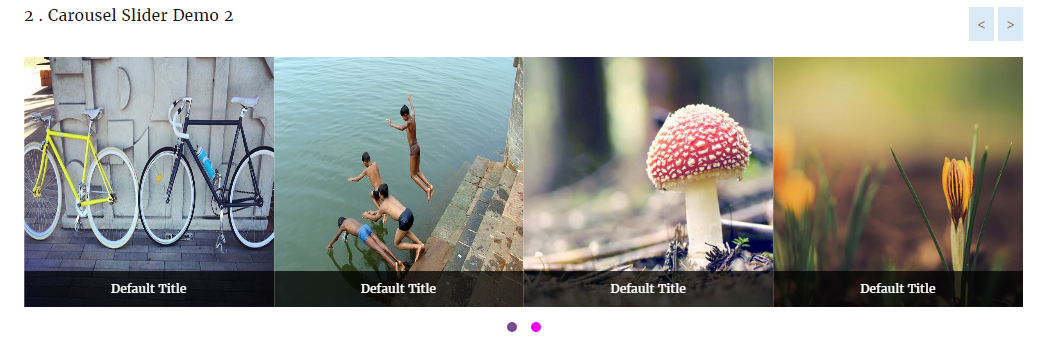
Frontend Image Slider: Responsive image carousel with touch-swipe enabled.

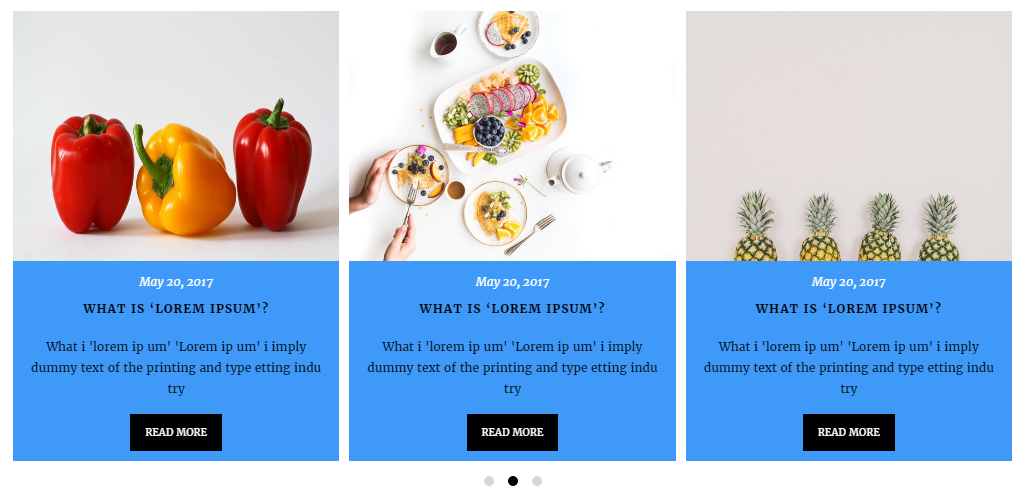
Post Slider Layout: Dynamic post query settings with title, category, and date toggles.

Faq
Yes! You can specify exact column counts and spacing for Desktop, Tablet, and Mobile devices individually.
Absolutely. Carousel provides shortcode compatibility across all major page builders, as well as native integration components.
No. The free version allows unlimited images, slides, and post sliders.
You can upgrade directly from your WordPress admin dashboard under Carousel > Account or via our official website.
Reviews
We are not hurry to get five star feedback !
By 
Don't waste your time!
By 
Fake Plugin
By 
Very prompt after sales support but interface is not user friendly at all.
By 
Not Good
By 
I subscribed just to rate this plugin
By 
And to say it shouldn't exist. No documentation, very bad interface and a constant appeal to "buy pro version".
Empty plugin with nothing in it!! No shortcodes!!
By 
No documentation or any new tab that's created in the dashboard. Waste of time downloading and installing.
Bug
By 
Fonctionne très mal.
Documentation please!
By 
I couldn't find any documentation. What's the shortcode to use? What are the parameters, if any? Without that piece of information I couldn't make it work at all.
Changelog
2.0.0 – September 30, 2026
- Major Release: Complete codebase rewrite using modern PHP OOP architecture.
- Performance: Introduced conditional frontend asset loading (scripts load only when shortcode/block is present).
- UX Fix: Added CSS aspect-ratio placeholders to eliminate Cumulative Layout Shift (CLS).
- Feature: Refactored metabox settings UI with visual option selectors.
- Feature: Added Video, WooCommerce Products, Grid, and Overlay layouts.
- Fix: Resolved jQuery dependency conflicts and improved script initialization on dynamic page loads.
- Security: Hardened shortcode output sanitization and metabox nonce validation.
1.8
Release Date – 03 Jan, 2018
* Fix Color Picker Issues.
* Update Css File.
1.7
Release Date – 24 Sep, 2017
* Update Option Page.
* Update Css File.
* Added New Options.
* Added New Options Page.
* Remove Old Options page.
* Change Admin Interface.
1.6
- Update Option Page.
1.5
Release Date – 23 May, 2017
* Fix loading unnecessary fonts Issues
1.4
Release Date – 14 Feb, 2017
- Added Shortcode generation option.
- Added new themes.
- Auto play Enable/Disable option.
- Auto play Stop On Hover option.
- Enable/Disable Pagination option.
- Enable/Disable Navigation option.
- Align Pagination ( left, center, right).
- Multiple post query.
- Display Carousel/post By Multiple Category.
- Carousel Post Excerpt Length.
- Carousel from post with Read More.
- Enable/Disable Read More Option.
- Show/Hide Carousel or Post title option.
- Carousel / Post Title Font Size option.
- Carousel / Post Title Text Align option.
- Carousel / Post Title Color option.
- And many more option.
1.3
Release Date – 03 Jan, 2017
- Update Post Columns Filter
1.2
- Added New Post type called “Carousel Free”
- Fix Multiple Carousel in same page/post or widget.
- Added Post into carousel option.
- Added Internal or External Link Option.
- Added Slider option.
- Added Category Option for display Multiple carousel by ID.
- Fix Some Css Issues.
- Update Visual Tinymce Editor.
- Added New Option In Tinymce Editor.
- Change Tinymce Icons.
1.1
- Check latest version compatibility
1.1
- Fix shortcode issues
- Update Option Page
- Fix css issues
1.0
- Initial release