CartRetain Recovery for WooCommerce
CartRetain Recovery for WooCommerce
Description
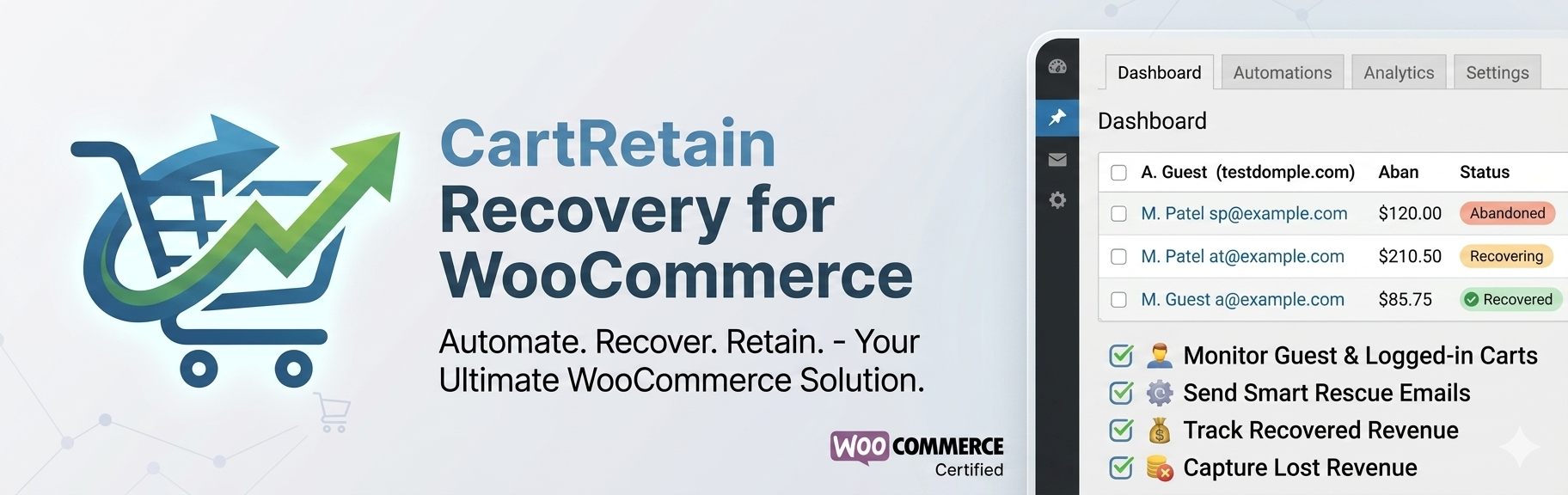
CartRetain Recovery for WooCommerce is a simple, privacy-respecting WooCommerce abandoned cart tracker. It lets you monitor guests and logged-in users who added items to their cart but did not complete a purchase.
Lite Features
- View a list of all abandoned carts in your WooCommerce store
- Write Manual Rescue Emails — Send up to 5 custom recovery emails directly from the dashboard!
- See cart contents, cart totals, and the date/time of abandonment
- Tracks both guest users (via email capture on checkout) and logged-in users
- Automatically marks carts as “recovered” when an order is placed
- Clean, native WordPress admin dashboard UI
- Lightweight — no external API calls or third-party tracking
PRO Features (Upgrade Required)
Want more power? Upgrade to Abandoned Cart PRO for:
- ✅ Unlimited Manual Emails
- ✅ Full Email Reveal — See the complete email address of every abandoner
- ✅ Automated Recovery Email Sequences — Send follow-up emails automatically
- ✅ AI Retention Engine — Smart embedded AI generates recovery emails for you
- ✅ Advanced Analytics & Reporting — Revenue trends, recovery rates, and more
- ✅ CSV Export — Export all abandoned cart data
- ✅ Priority Support
For inquiries, contact: shoivehossain100@gmail.com
Installation
- Upload the
cartretain-recovery-woocommercefolder to the/wp-content/plugins/directory, or install directly via the WordPress Plugins screen. - Activate the plugin through the Plugins screen in WordPress.
- Ensure WooCommerce is installed and active — this plugin requires it.
- Navigate to Abandoned Carts from your WordPress admin menu to start monitoring.
Screenshots

Admin dashboard showing abandoned carts list with masked emails and Action buttons.

Interactive email writing modal to rescue carts.
Faq
Yes! The Lite version allows you to send up to 5 manual recovery emails directly from the interactive dashboard. For unlimited manual emails, automated email recovery, and AI-powered sales copy, you can upgrade to the PRO version.
Yes! Guest users are tracked once they type their email on the WooCommerce checkout page. The email is captured before the order is submitted.
Yes. Cart data is updated immediately when a user adds or modifies cart contents and provides their email.
The plugin stores only the cart data and email address of users who interact with the checkout. No data is sent to external servers. You should update your site’s privacy policy to disclose that cart data is retained.
Reviews
Changelog
1.0.3
- Tweak: Enhanced dashboard
1.0.2
- Feature: Added Interactive Email Box to send manual recovery emails (Up to 5 free sends!)
- Tweak: Full internationalization (i18n) support for 100% WordPress.org compliance
- Tweak: Enhanced dashboard UI and Action column
1.0.1
- Added “Upgrade to PRO” button and features banner in the admin dashboard
- Added PRO upsell modal (click-triggered, not automatic)
- Email masking in Lite version — shows only domain (e.g.,
***@gmail.com) - Removed external Google Fonts for privacy compliance
- Improved plugin headers for WP.org submission compliance
- Static versioning for proper browser caching
1.0.0
- Initial release
- WooCommerce abandoned cart tracking for guests and logged-in users
- Admin dashboard with pagination
- Automatic cart removal on order completion