CatalogPulse for WooCommerce

CatalogPulse for WooCommerce
Description
CatalogPulse for WooCommerce helps store managers find common product data issues before they affect customers.
Version 1.0 includes:
- Product health scanning.
- Store Health Score.
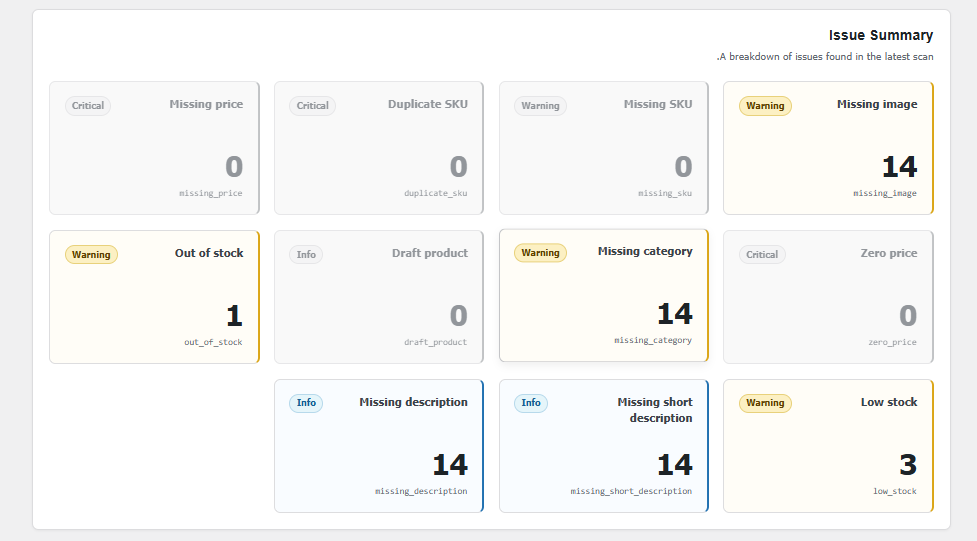
- Issue severity levels.
- Issue summary cards.
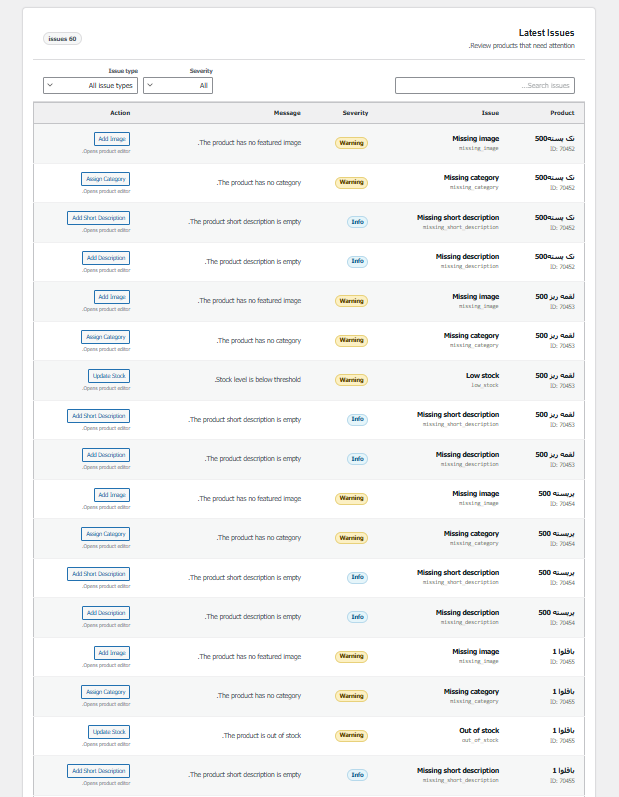
- Latest issues table.
- Client-side search and filters.
- Quick navigation to edit affected products.
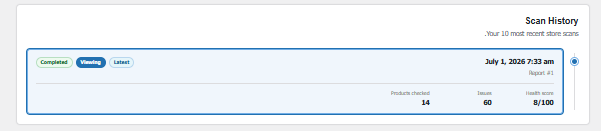
- Scan history.
- CSV and JSON export.
- Batch-based scanning for larger stores.
The plugin does not automatically modify product data in version 1.0. It reports issues and helps you navigate to the correct product editor screen.
Installation
- Upload the
catalogpulse-for-woocommercedirectory to/wp-content/plugins/. - Make sure WooCommerce is installed and active.
- Activate CatalogPulse for WooCommerce through the WordPress Plugins screen.
- Open CatalogPulse from the WordPress administration menu.
Screenshots
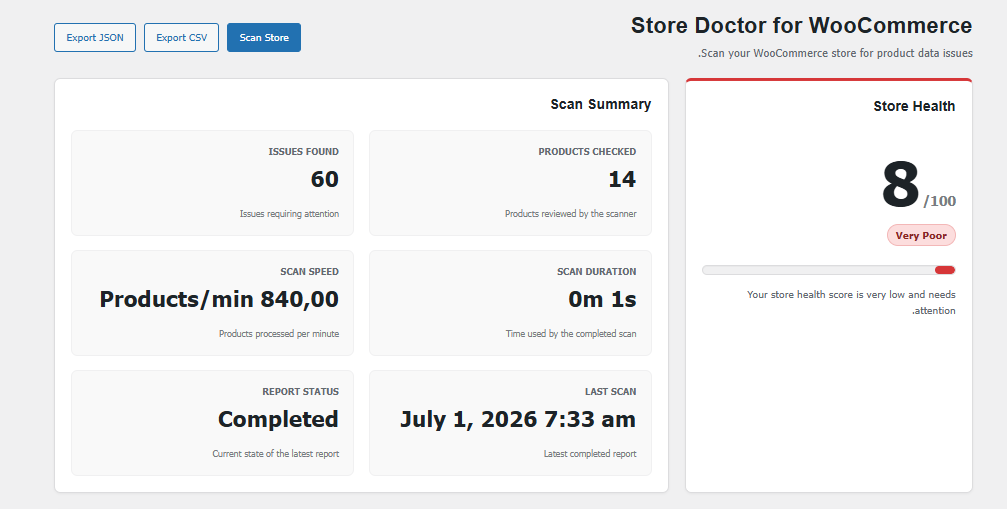
Dashboard with Store Health Score and issue summary.
Latest issues table with search, filters, and quick navigation.
Settings page.
Faq
No. Version 1.0 is scan, report, export, and quick navigation only.
Yes. The plugin does not initialize its features unless WooCommerce is active.
Yes. Completed reports can be exported as CSV or JSON.
Reviews
Changelog
1.0.0
- Initial public release.
- Added batch product scanning.
- Added health score and severity mapping.
- Added dashboard, issue summary, search, filters, history, and exports.