CB Custom Beaver Builder Modules

CB Custom Beaver Builder Modules
Description
Crafty Beaver Custom Modules is custom Beaver Builder development shop and this is our free suite of elegant custom modules for for Beaver Builder. These modules come from client requests and typically highlight photography with smooth animations, interactions, and hover effects. This is an extension of the Beaver Builder page builder plugin.
Current Modules
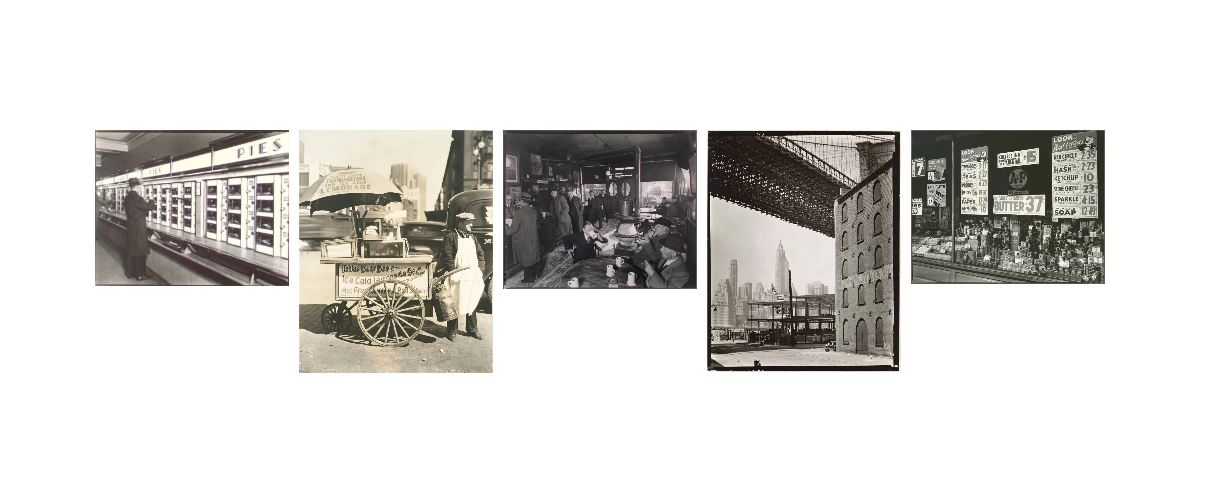
- Poise – Poise is an adaptation of the default WordPress image gallery that highlights images on hover, literally elevating the image with a CSS3 transform and sleek diffused shadow. Clicking on images opens them in the beautiful default BB lightbox.
- Shade – Add sleek hover effects and custom colors to your background images. Overlay them with custom WYSIWYG content and even make them clickable.
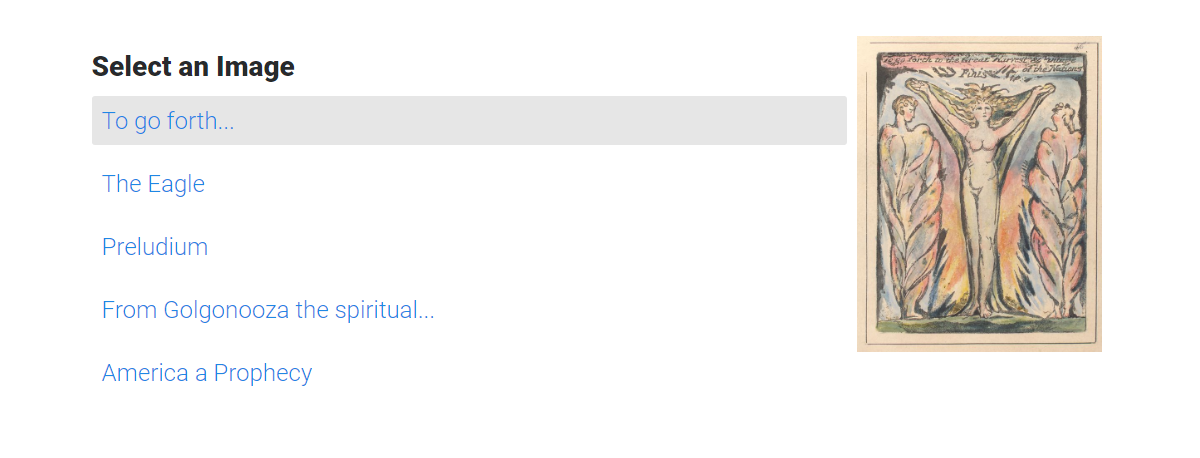
- Spotlight – Create your own list of custom links on one side that each replaces the ‘spotlight’ photo on the other. Customize column sizes and more.
- Broadside – Horizontal slider to showcase design work, posters, photography, and more. Responsive and responds to touch on mobile. Clicking on images opens them in the beautiful default BB lightbox.
- Scout – Sticky navbar that fixes to the top of the screen when it gets there, allowing smooth scrolling to other elements on the page.
- Dust – Utilizing the popular Particles.js library, this module helps you make custom heroes with cool interactive, animated backgrounds.
- Slice – Animated photo gallery with stacked, ‘sliding cards’ effect. Integrates with the default Beaver Builder lightbox.
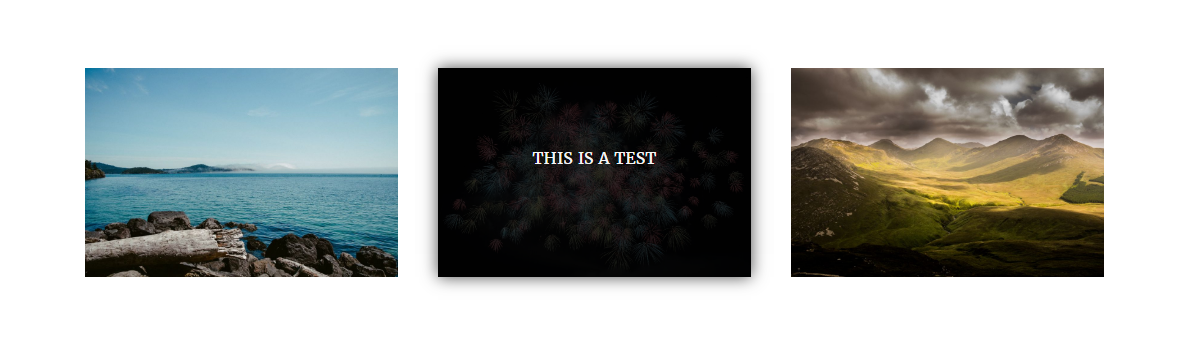
- Legend – Standard photo module but with a twist- hidden content is revealed on hover.
- Link List – Create a list of files/links for users, displayed in rows with a custom icon and color scheme. +
- Button List – Create of list of files/links, displayed as buttons with a custom icon and color scheme. +
- Simple Events – Create a simple list of events with great responsive styling options and no need for an extensive plugin.
- CB Advanced Menu – Playing on the default BB Menu Module, this horizontal menu style is called… the Pancake Menu. +
- Drawerfolio – Custom photo portfolios with dropdown content areas.
Layout Settings
* Dust – The “Dust” module is now available as a row background in addition to being it’s own module. (Utilizing the popular Particles.js library, this module helps you make custom heroes with cool interactive, animated backgrounds.)
For more information and module demos, visit Crafty Beavers.
If you have need for new modules or enhancements to current modules, please contact us or visit the github repo.
+ Some features of this module may require the Paid version of Beaver Builder.
++ Some features of this module may require Beaver Builder 2.0+.
Installation
- Be sure that you have the Beaver Builder Plugin installed and activated.
- Upload the plugin files to the
/wp-content/plugins/cb-custom-modulesdirectory, or install the plugin through the WordPress plugins screen directly. - Activate the plugin through the ‘Plugins’ screen in WordPress
Screenshots
Poise

Shade
Spotlight

Broadside

Dust

Scout

Slice
Legend

Simple Events

CB Advanced Menu
Faq
Can I install this plugin without Beaver Builder?
Yes, but it won’t do anything. This plugin is an extension to Beaver Builder. Be aware that some modules require the paid version of Beaver Builder and some modules require Beaver Builder 2.0+.
What about browsers?
CB Custom Modules uses some modern CSS specs like Flexbox and animations. Modules will all work, but with older versions of IE you might see a less-refined version.
Are these modules responsive?
Yes. Some modules maintain their same behavior on mobile, but modules that rely on hover effects provide an experience tailored to touch screens.
Is this plugin open source?
Yes. Feel free to use and adapt as needed. Or reach out to me with any feature requests.
For the scout module, how do I make the page scroll to another part of the page?
- Find the row or element you want to scroll to, find the Advanced Settings tab, give that element a unique id such as gallery.
- When you add your link to the module, the link field would need to be #gallery. The plugins do the rest.
The Beaver Builder team also has a great breakdown of this technique with screenshots.
Can I get a custom module made for me or my client?
Of course! Visit our website to learn more about requesting a custom module.
Does CB Custom Modules work with Beaver Themer?
Yes! Most modules have Beaver Field Connections where appropriate.
Reviews
About the plugin
By 
this is worth a bunch of money!!
By 
Exceeded my expectations
By 
Top Notch Plugin
By 
Great additional Options
By 
Brilliant plugin - great work, and well-thought out modules for Beaver Builder
By 
5 stars from me! ql addon for beaver builder
By 
Thank you!
By 
Fantastic additional modules for BB!
By 
Awesome plugin and support!
By 
If you want some magic effects inside Beaver Builder, let go trough this plugin! Amazing modules and support. Thanks again Brian!
Changelog
1.6.1
- Bug Fix: Link list now compatible with BB 2.2+
1.6.0
- New Feature: Dust is now available as a row background
1.5.9
- Bug fix: Fixes button styles not loading on Button List module with multiple buttons
1.5.8
- Bug fix: Fixes button styles not loading on Button List module
1.5.7
- New Module: Drawerfolio
- Dust Update: Set the color of the particles
1.5.6
- Adds text domain for internationalization
1.5.5
- Bug Fix: Clears php error for Button List Module
- Bug Fix: Hides certain modules from the Beaver Builder Lite to keep from whitescreen error.
1.5.4
- New Module: CB Advanced Menu
1.5.3
- Bug fix: fixes an issue with Events Calendar
1.5.2
- New Modules: Simple Events
- Updated with more BB 2.0 support
1.5
- Adds Support for Beaver Themer
1.4.3
- Adds “Link Target” option to Link List Module
1.4.2
- Adds support for WP Retina 2x
1.4.1
- Fixes conflict with beaverlodge
1.4
- New Module: Link List
- New Module: Button List
- New Feature: Use links inside of Dust
1.3.3
- Update to fix bugs with new module: Legend
1.3
- Update to branding
- New ‘Legend’ Module
1.2.2
- Update to fix bug with Scout Module caching admin bar override
1.2.1
- Update to fix bug that may cause conflicts with other custom modules
1.2.0
- New Module: Slice, a photo gallery module
- New design in Dust module: Bubbles
1.1.1
- Adds offset option to CB Scout Module, allowing you to set the distance from the top of the screen.
1.1.0
- Adds two new modules: Dust and Scout
- Streamlines settings layout for multiple modules
- Adds vertical align options to Shade module
1.0
- Initial Version