CBX Changelog & Release Note

CBX Changelog & Release Note
Description
CBX Changelog & Release Note helps you create and display well-organized changelogs for your WordPress themes, plugins, or digital products.
Keep your users informed about every update, improvement, and fix — directly inside your WordPress site.
This plugin lets you easily add, manage, and showcase version histories with a clean interface and developer-friendly structure.
🧩 Developed by Codeboxr
📺 Live Demo
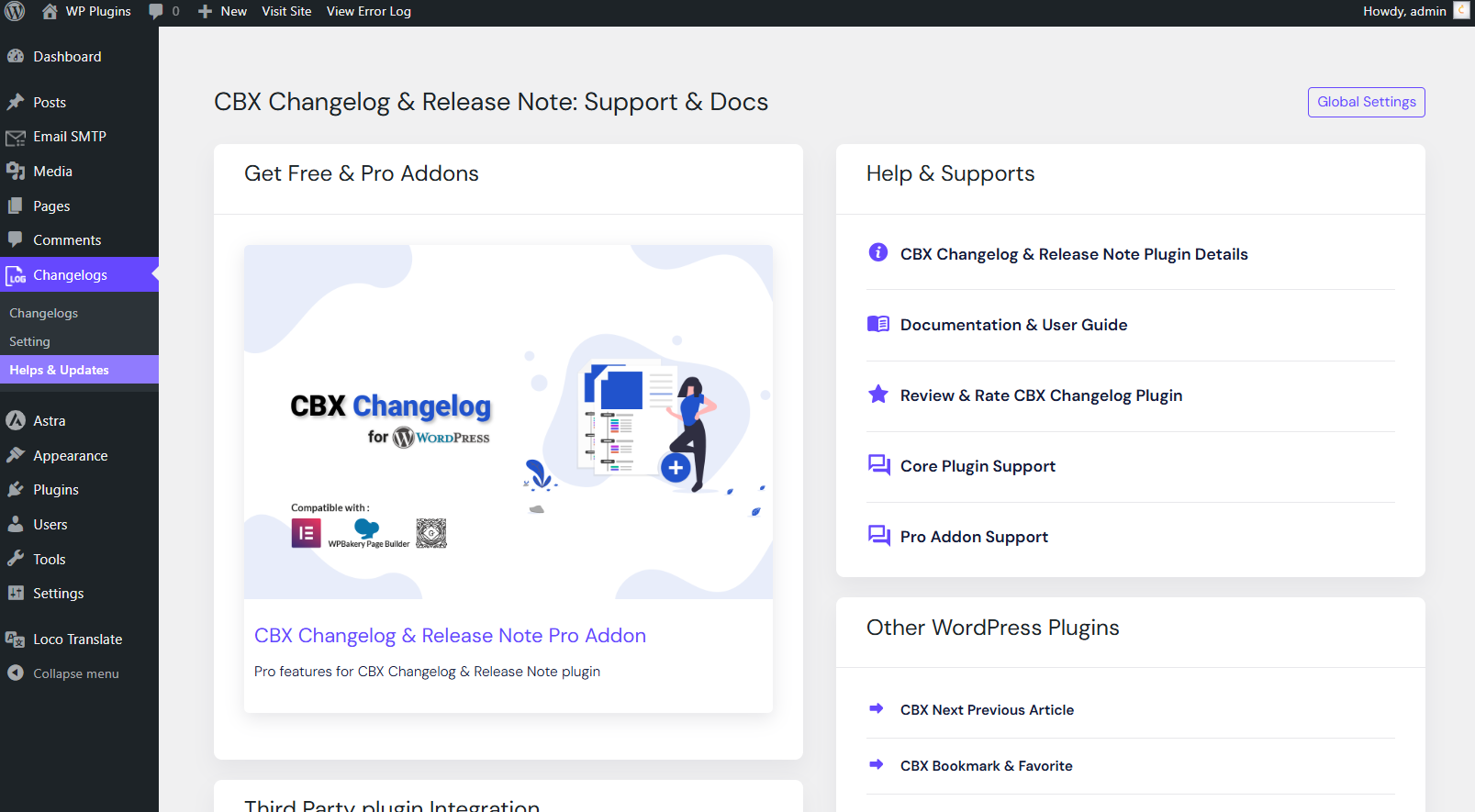
📚 Documentation
⭐ Upgrade to PRO
💬 Free Support
👨💻 Pro Support
📱 Contact Us
💡 If you think a feature is missing, let us know — we actively add new features based on user feedback.
Install the free version on a dev site and explore all features.
✨ Core Features
- Create and manage changelogs and release notes for your themes, plugins, or projects.
- Embed all releases or a single release via shortcode.
- Markdown syntax supported for changelog text.
- Option to show or hide labels and release dates (since v1.0.6).
- Seven predefined issue labels: Added, Fixed, Updated, Improved, Removed, Deprecated, Compatibility.
- Two display layouts for frontend presentation.
- Clean, responsive frontend design compatible with all default themes and Hello Elementor.
🧱 Widgets & Page Builders
- Classic WordPress Widget (since v1.0.6)
- Gutenberg Block support
- Elementor Widget (since v1.0.6)
🧩 Shortcodes
[cbxchangelog id="post_id"][cbxchangelog id="post_id" release="release_number"]
💎 CBX Changelog & Release Note Pro Features
- Add changelogs to any post type (built-in or custom)
- Add a WooCommerce tab to display changelogs in product pages
- Auto integration with any post type (appends changelogs automatically)
- Two additional display layouts
- Dokan integration (since v1.1.2)
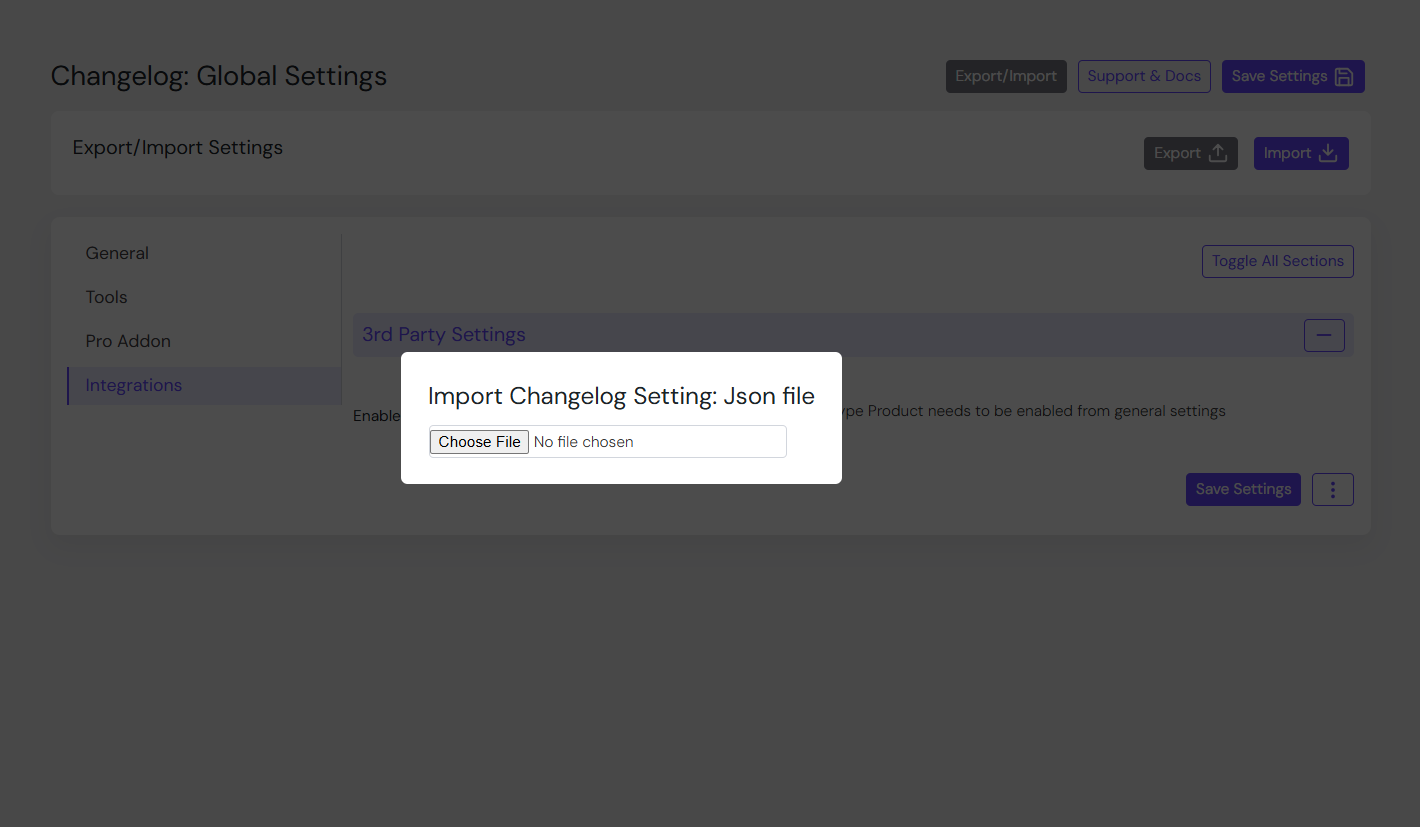
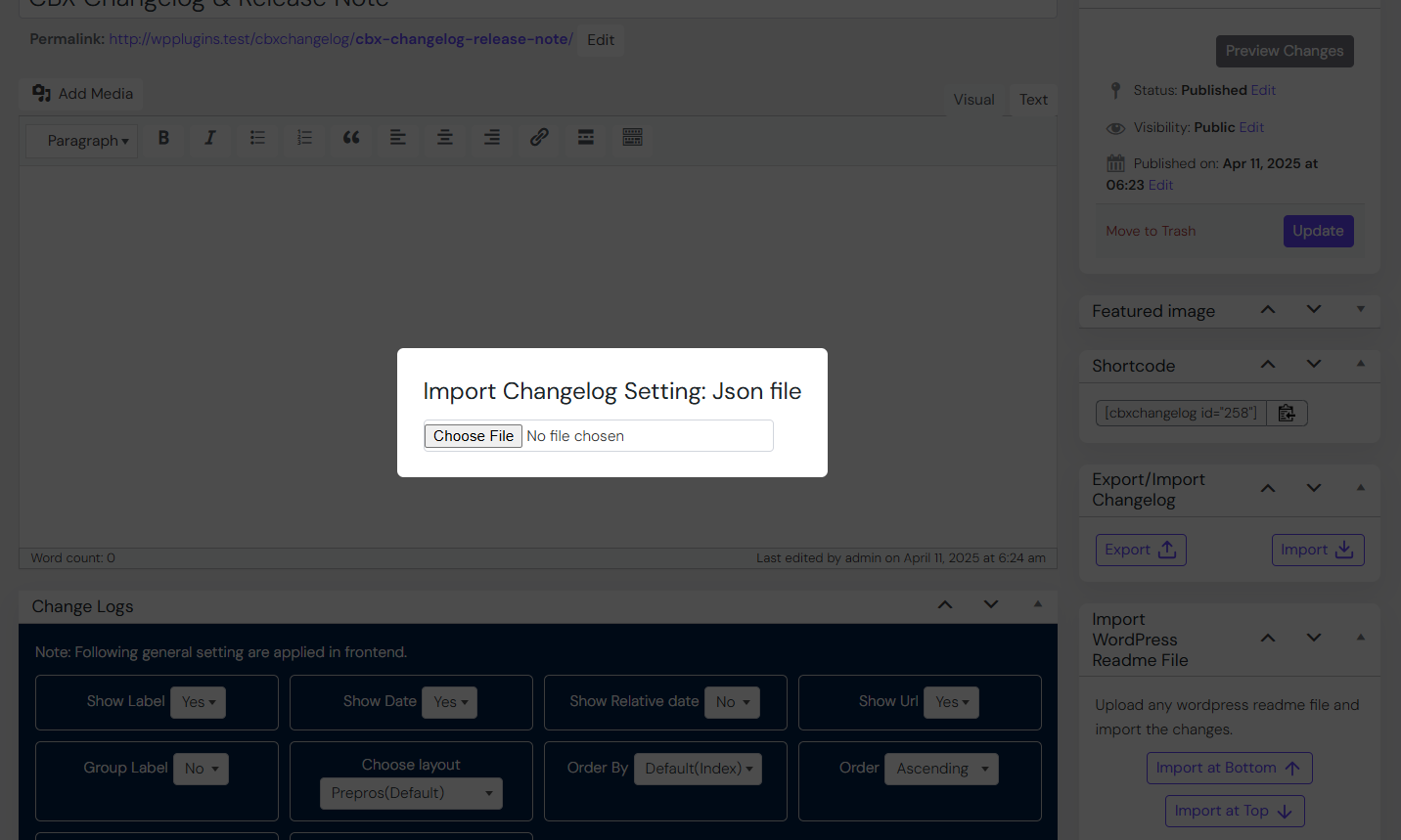
- Export/import all settings or individual setting tabs (since v1.1.1)
- Reset settings for specific tabs (since v1.1.1)
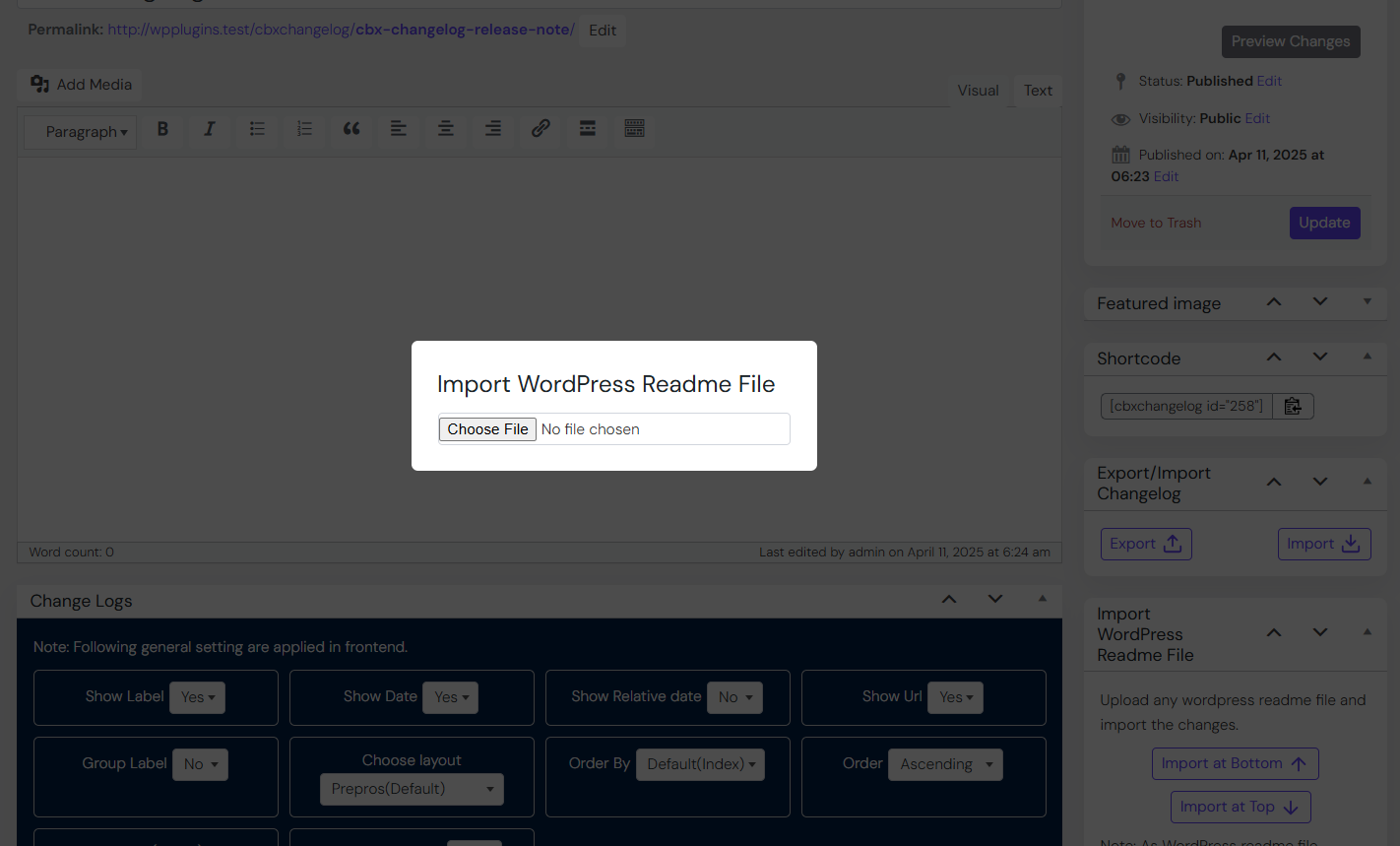
- Import from a WordPress readme.txt file (since v1.1.7)
Installation
- Upload or install the plugin via Plugins Add New in WordPress.
(See WordPress documentation) - Activate CBX Changelog & Release Note from the “Plugins” menu.
- Go to CBX Changelog & Release Note in the admin menu and configure your settings.
- Create new changelogs and embed them using shortcodes or widgets.
- Try the Pro Addon for advanced features.
Screenshots
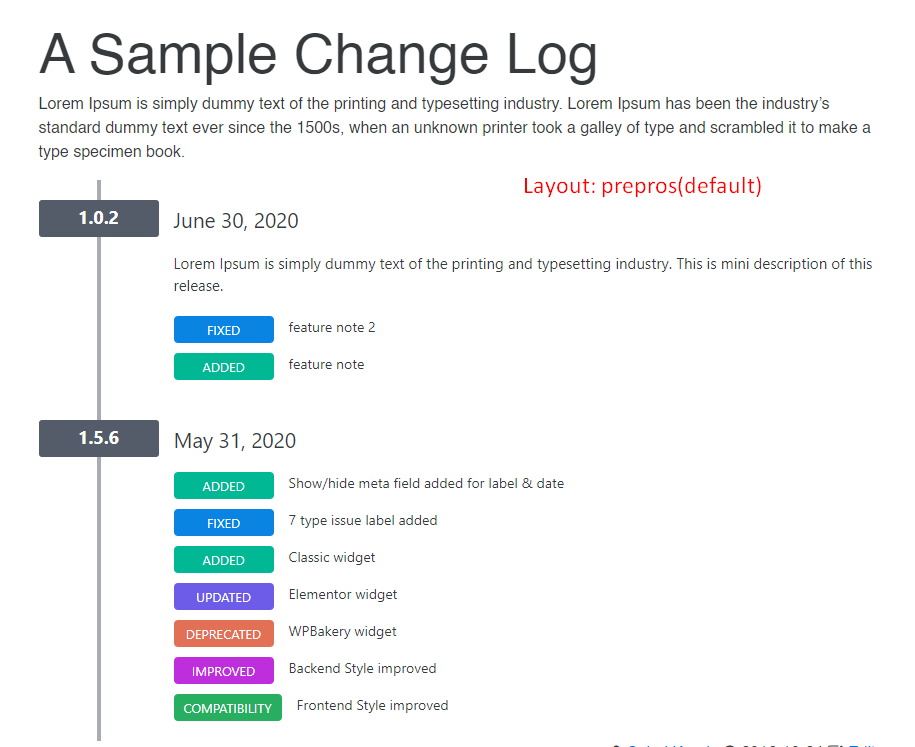
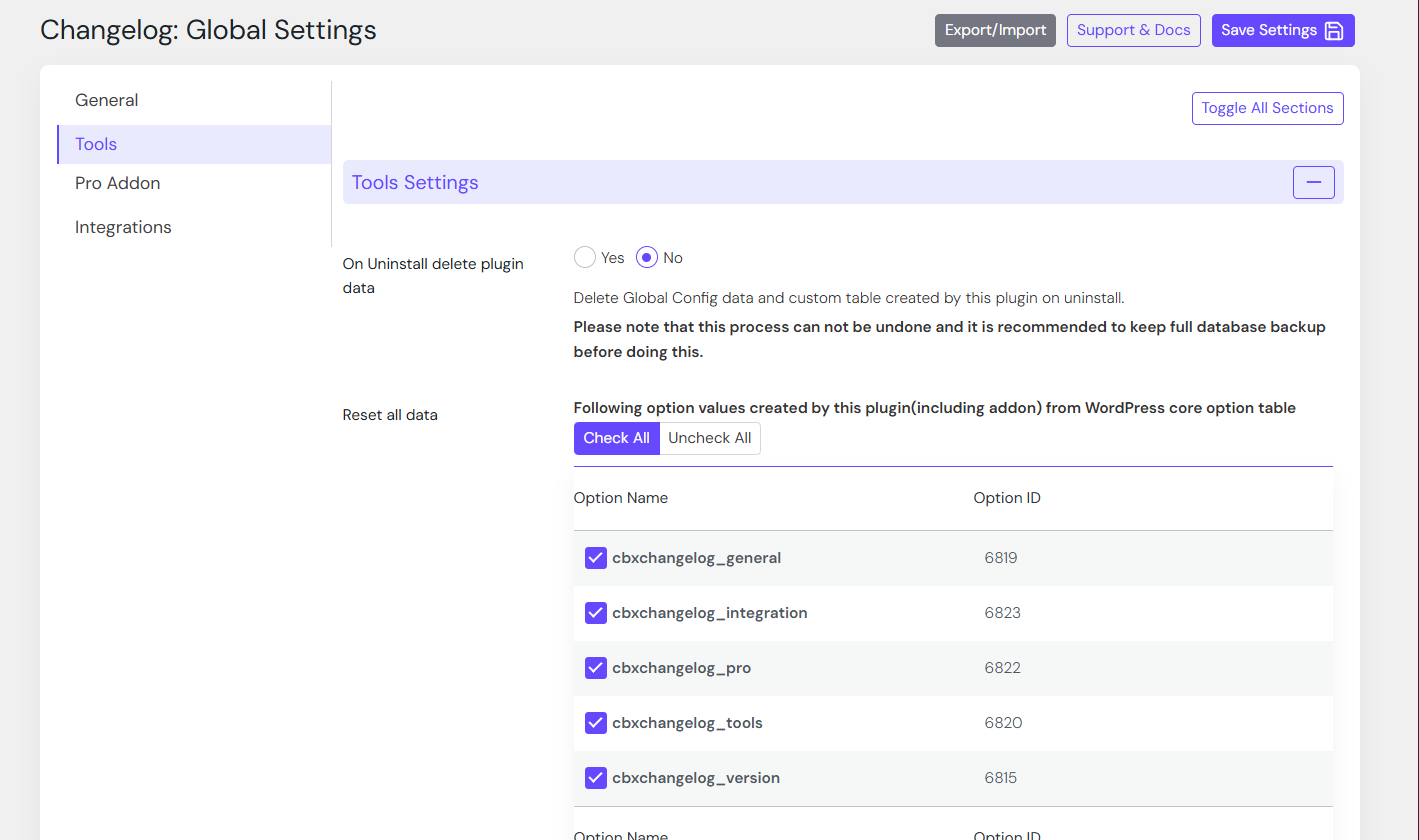
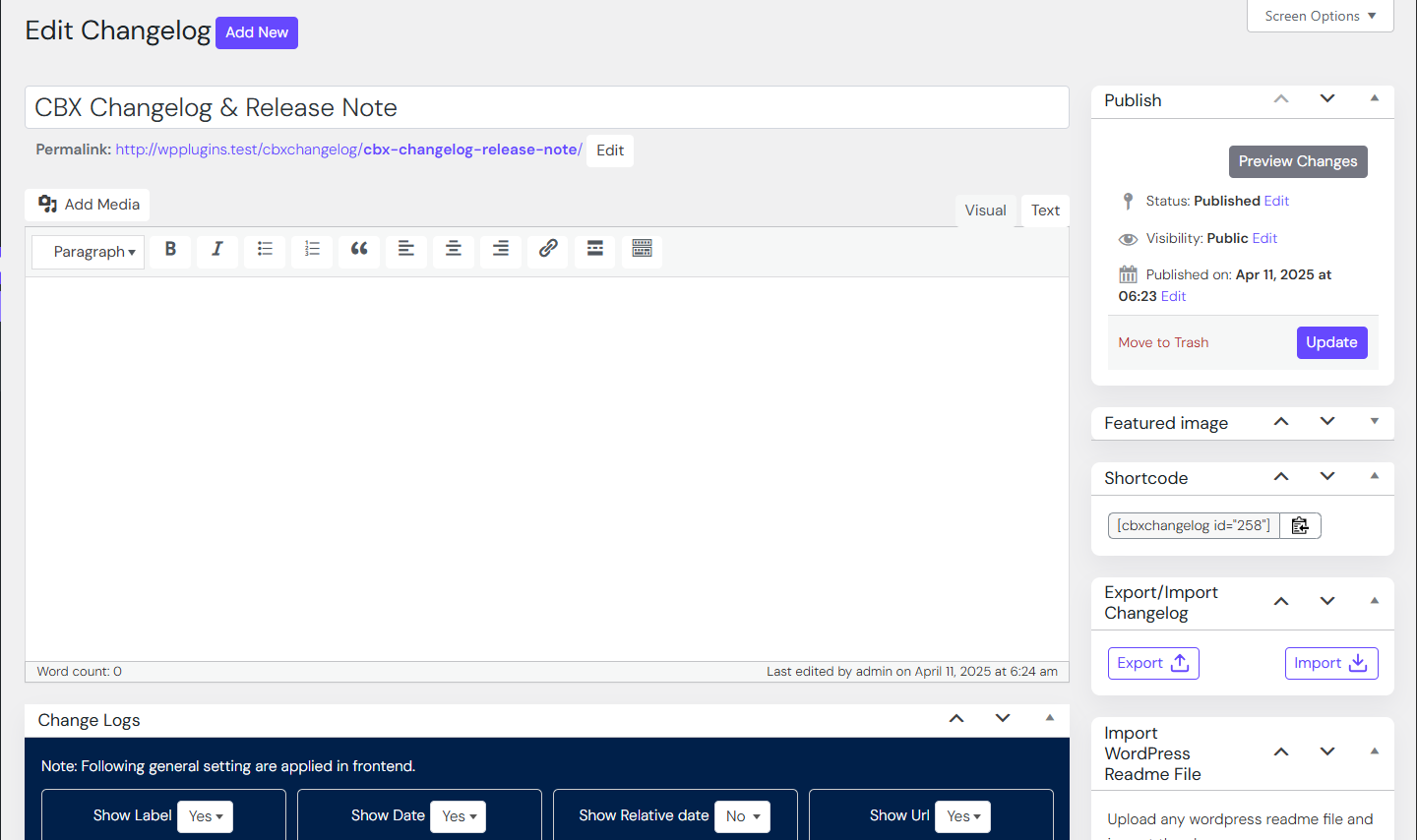
Dashboard view of changelog editor

Frontend display of changelogs

Elementor widget for changelogs

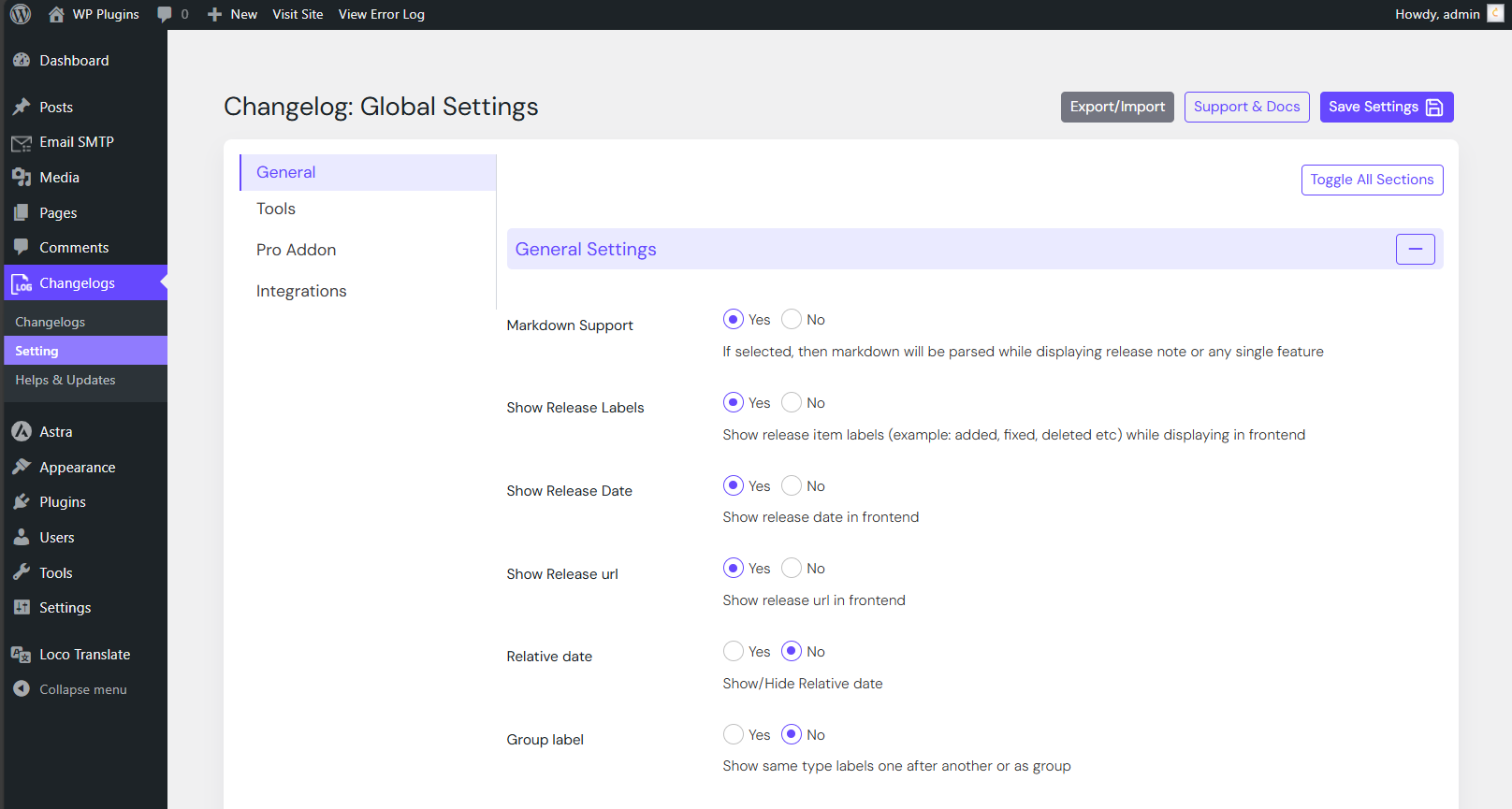
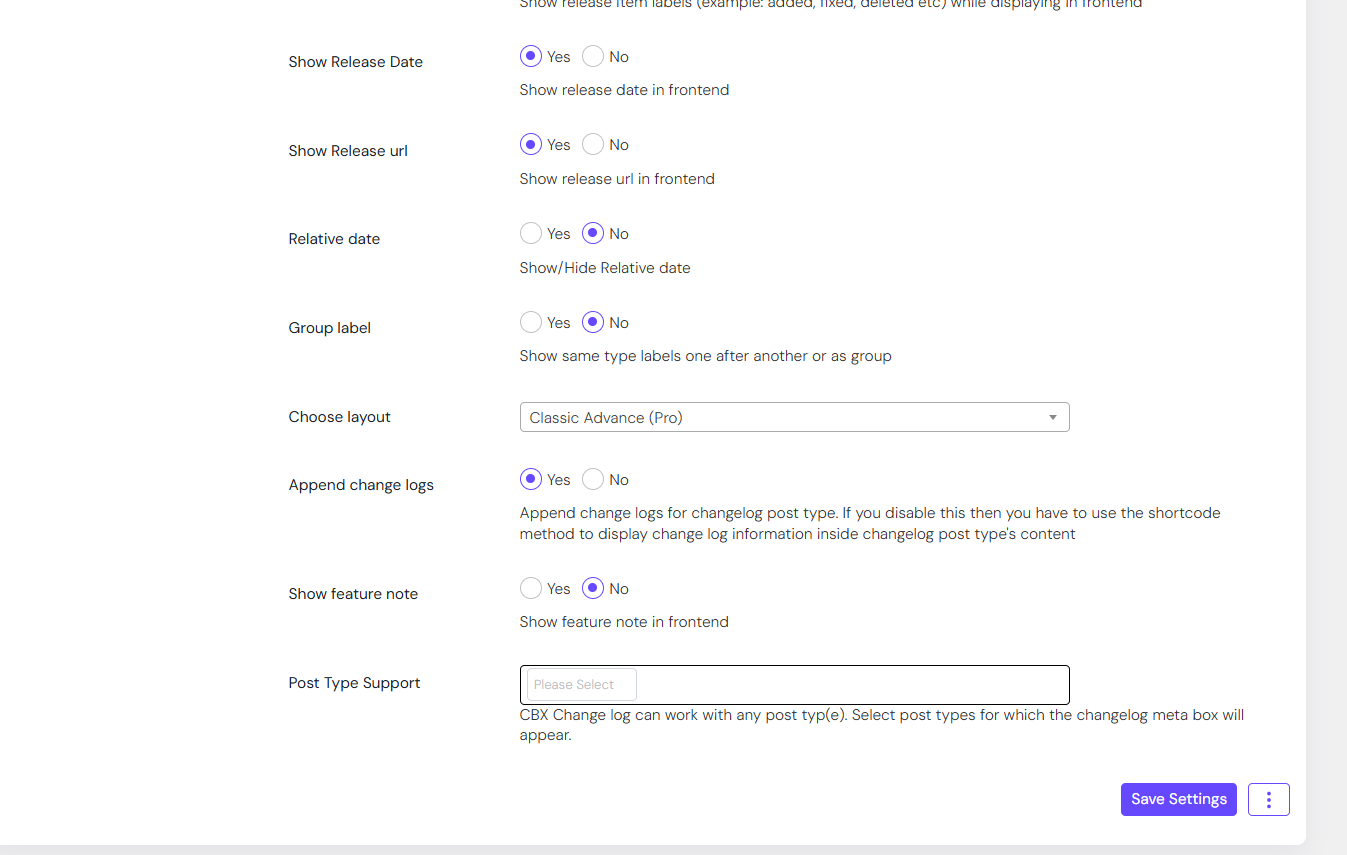
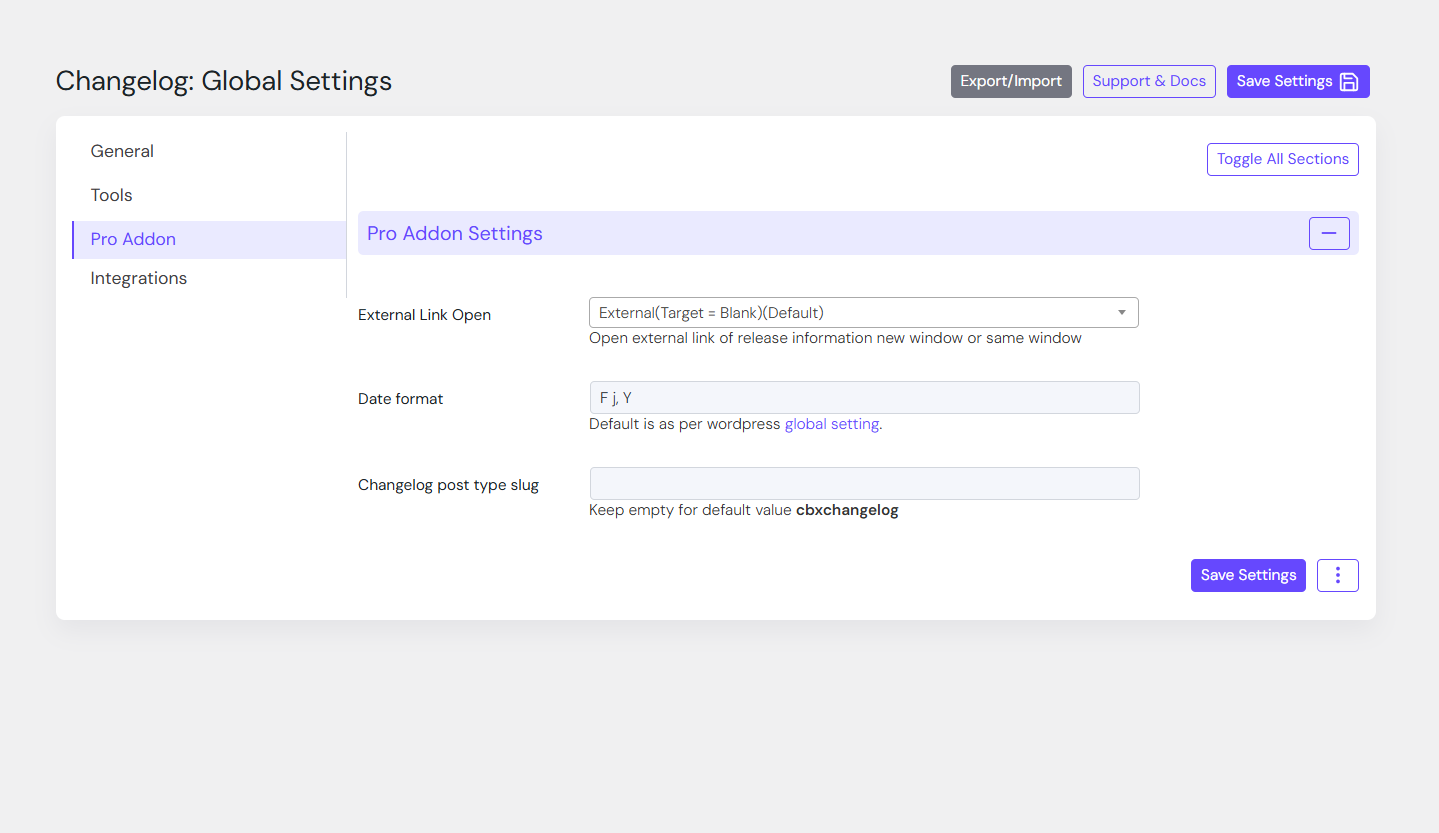
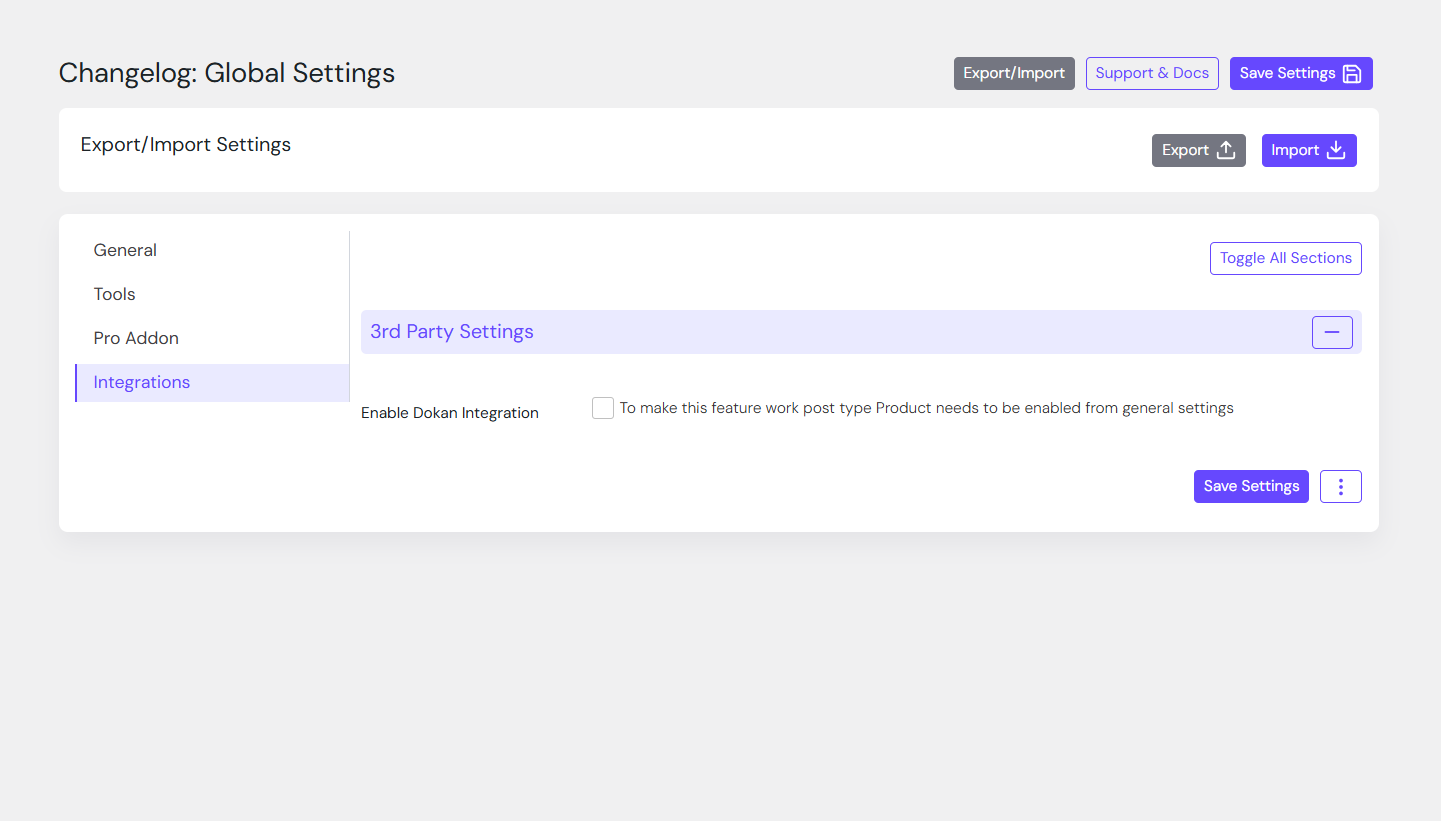
Settings page
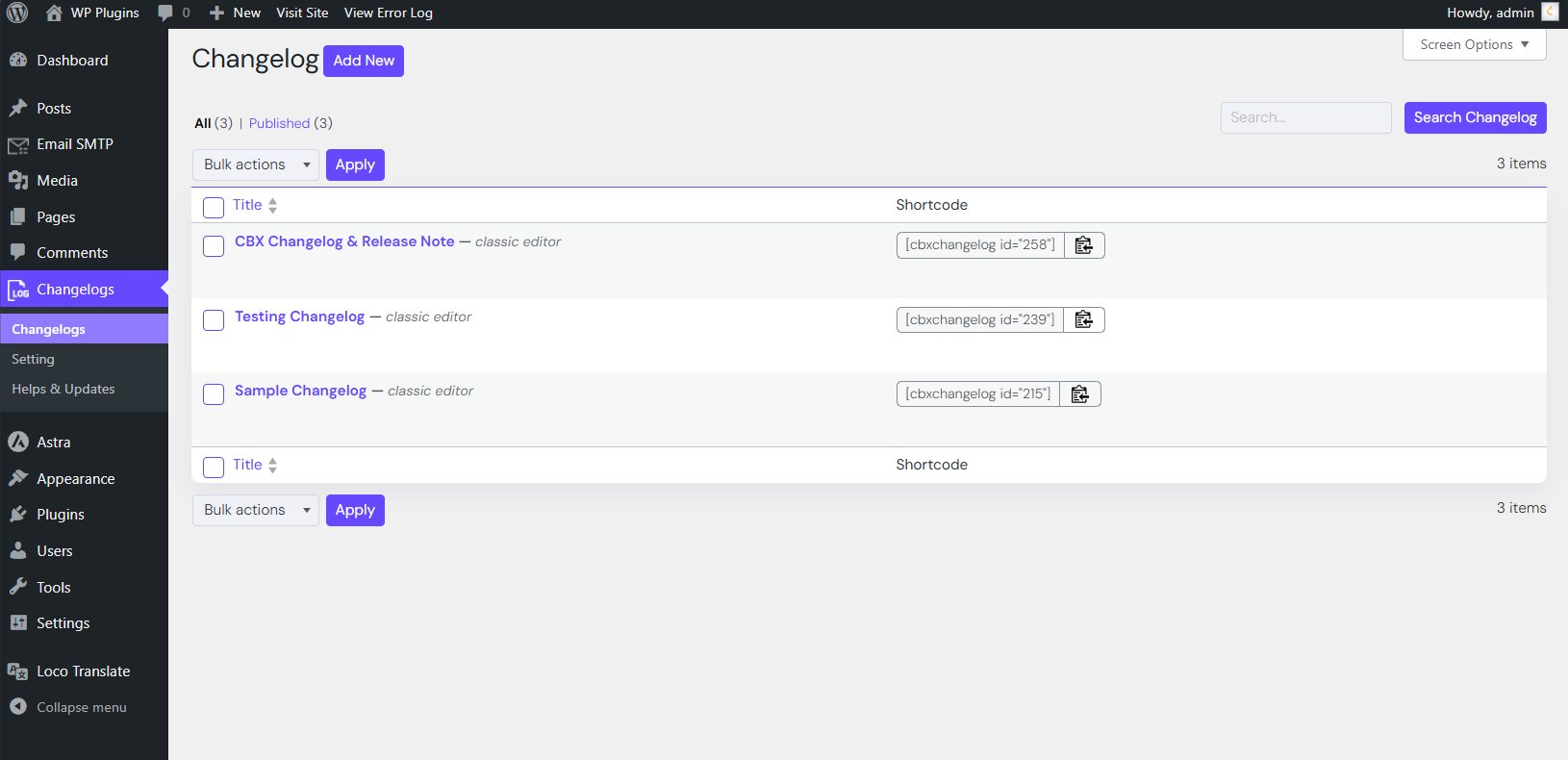
Example of markdown-formatted release note

Faq
Use the shortcode [cbxchangelog id="POST_ID"] in any post or page.
To show a specific release, use [cbxchangelog id="POST_ID" release="RELEASE_NUMBER"].
Yes! CBX Changelog supports Elementor, Gutenberg and classic widgets.
Yes. The Pro Addon supports importing changelog data from WordPress readme files.
Yes. The Pro Addon adds a “Changelog” tab to WooCommerce products.
Reviews
Perfect plugin and great support!
By 
I downloaded the plugin to add changelog support to my products and the plugin here has already been great.
I also needed to have integration with Dokan which the plugin didn't offer.
I wrote to support about this need of mine and in less than 24 hours they updated the plugin and integrated support for dokan!
They were great, that's what you call real tech support!
Highly recommended plugin and excellent support!
Gri I would give more than 5 stars if I could.
Thanks again for the support
A Must-Have Plugin for Streamlined Change Logs
By 
CBX Changelog is a game-changer when it comes to managing change logs for digital products and project releases. With its user-friendly interface, customizable options, and effortless management capabilities, it offers a streamlined solution for keeping your users informed about the latest updates. Whether you are a developer, a business owner, or a content creator, CBX Changelog is a must-have plugin for maintaining clear and organized change logs.
The best!
By 
Changelog
2.0.12
- [updated] WordPress core 7.1 compatible
- [updated] Plugin Check 2.1.0 compatible
- [new] Pro Addon 1.2.6 released
2.0.11
- [improved] Feature field is made longer for a single change in dashboard area
- [updated] WordPress core 6.9 compatible
- [new] Pro addon plugin 1.2.5 released
- [updated] Plugin Check 1.9.0 compatible
2.0.10
- [updated] Composer and autoload based implementation
- [updated] Core Js vendor library updated
- [updated] Plugin Check 1.7.0 compatible
- [updated] Pro addon less than 1.2.4 will not work with this core plugin
- [new] Need Pro Addon version 1.2.4 or higher