CBX Bookmark & Favorite

CBX Bookmark & Favorite
Description
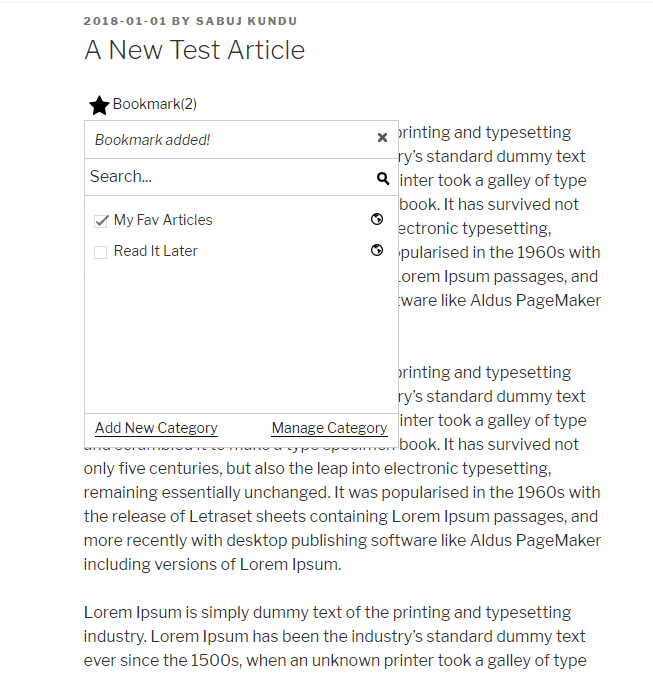
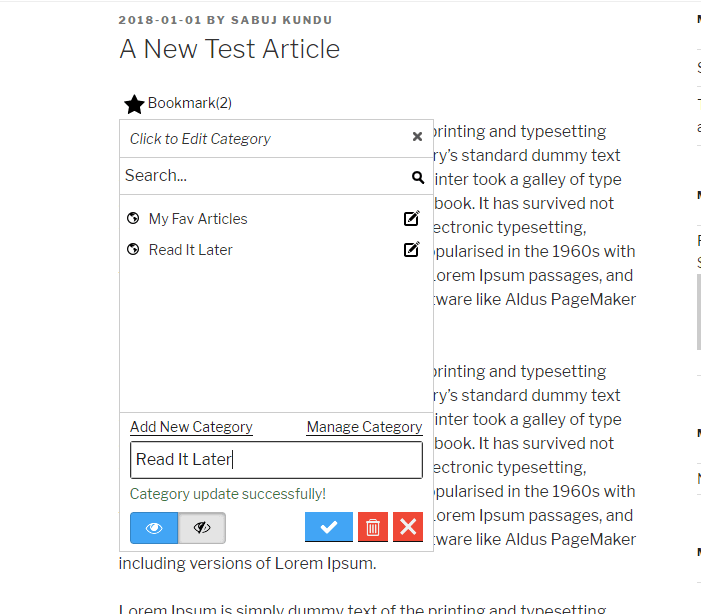
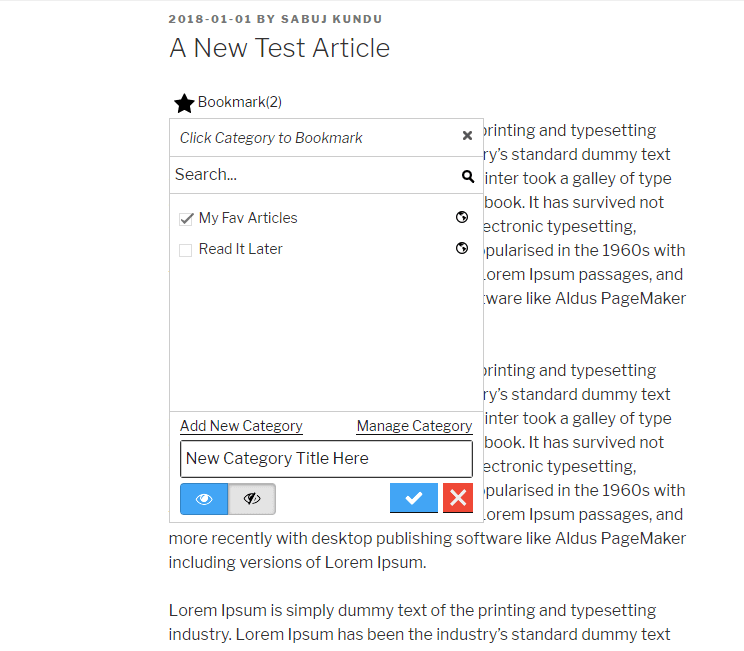
This plugin is inspired from youtube’s bookmark or favorite feature. User can create their own bookmark category public or private and save articles inside different folders/list/category. Later we extended the plugin so that category can be global created by admin or single click bookmark without any category as pro features. There are lots of practical use for this simple but useful(we like to call it ‘powerful’) plugin. This plugin can help you create a bookmark site or user generated list site.
CBX Bookmark & Favorite by Codeboxr
📋 Documentation | 🌟 Upgrade to PRO | 👨💻 Free Support | 🤴 Pro Support | 📱 Contact
If you think any necessary feature is missing contact with us, we will add in new release. Best way to check the feature is install the free core version in any dev site and explore
🛄 Core Plugin Features
♟ Important Features
- Add Bookmark button like youtube under post, page, attachment(Core WordPress Post types, Custom post types are supported via pro addon) etc
- Bookmark categories are per user
- Global category created by site admin(pro)
- No category, single click bookmark(pro)
- Private or Public Category
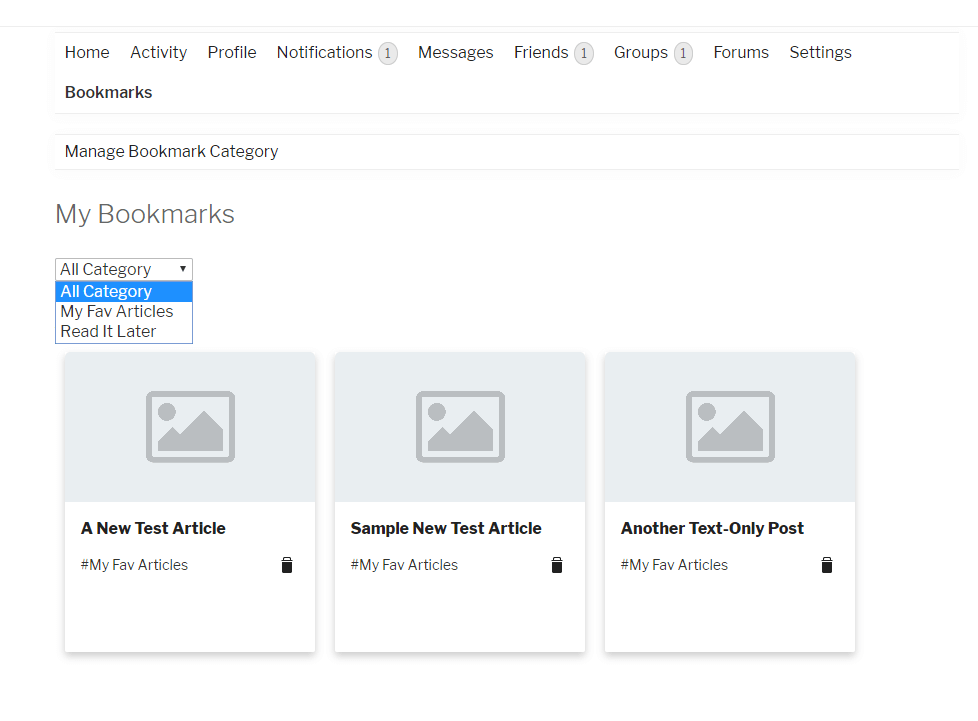
- Display user’s bookmarks
- Display user’s list
- Third party plugin’s integration
- Developer friendly
- Shortcodes and Widgets
- Template system, can be overridden from theme or child theme.
🀄 Widgets
Classic Widgets
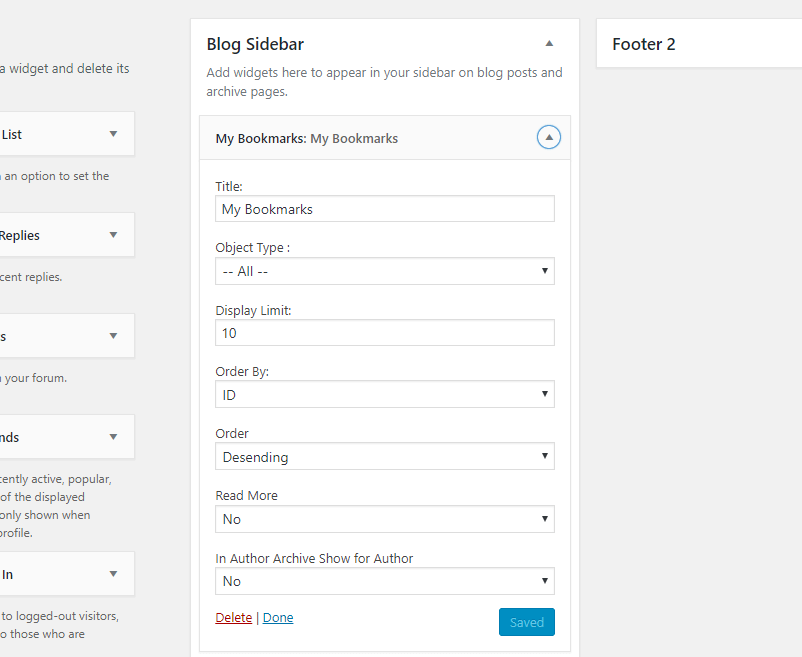
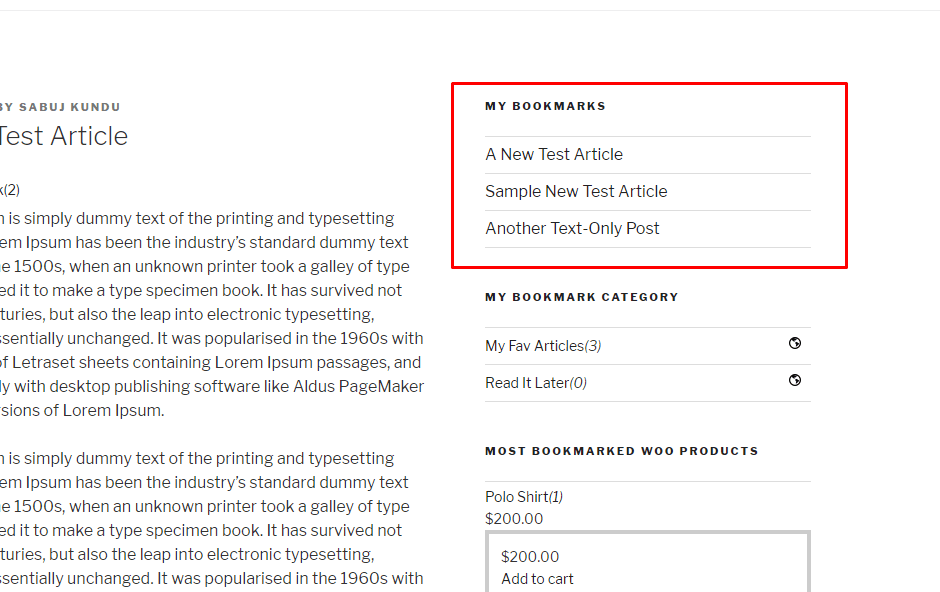
- My Bookmarked Posts/All Bookmarks
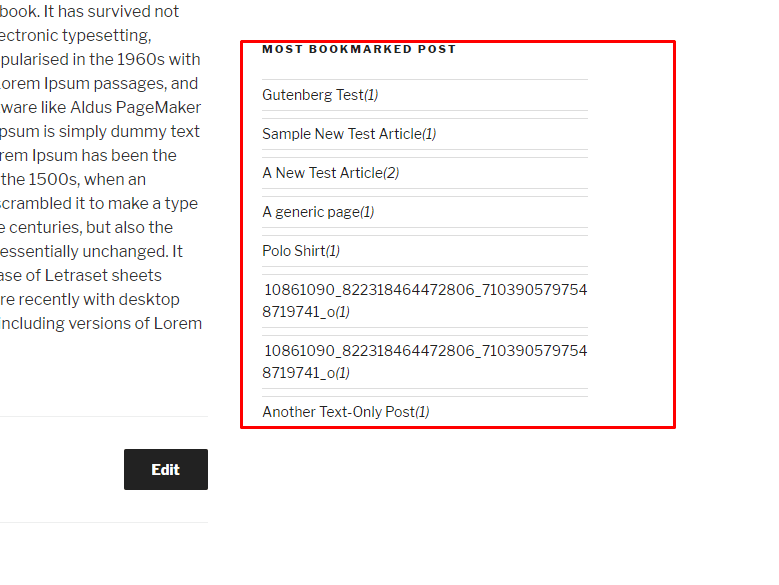
- Most Bookmarked Posts
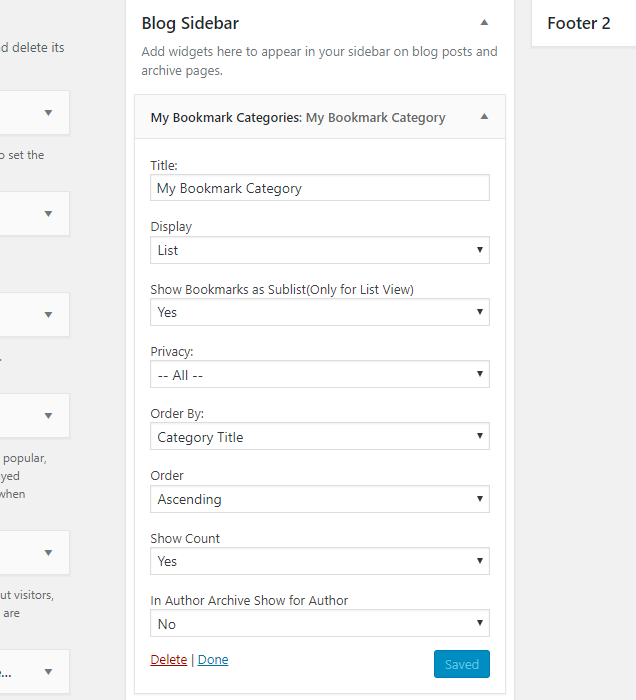
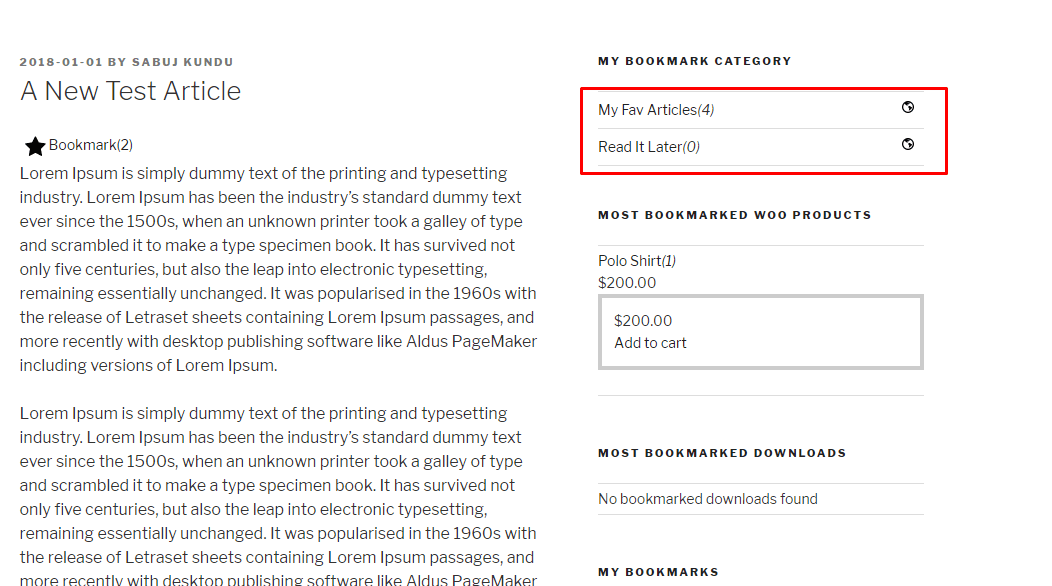
- My Bookmark Categories(For user category mode)
- My Bookmarked Posts Grid(Pro
- Most Bookmarked Posts Grid(Pro
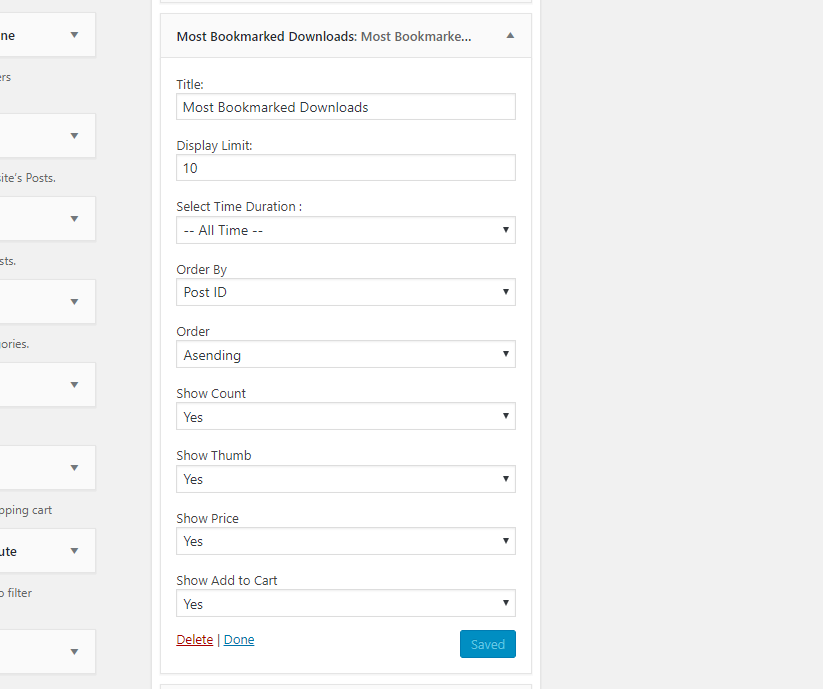
- Most Bookmarked Downloads(EDD) – Pro
- Most Bookmarked Products(Woocommerce) – Pro
- Every widget has it’s own setting fields
Gutenberg Block
- Bookmark button
- My bookmarked posts/All Bookmarks
- My bookmark categories(For user category mode)
- Most bookmarked posts
- My bookmarked posts/All bookmarks Grid (pro)
- Most bookmarked posts Grid (pro)
- Most Bookmarked Downloads(EDD) – Pro
- Most Bookmarked Products(Woocommerce) – Pro
WPBakery Widgets
- Bookmark button
- My bookmarked posts/All Bookmarks
- My bookmark categories(For user category mode)
- Most bookmarked posts
- My bookmarked posts/All bookmarks Grid (pro)
- Most bookmarked posts Grid (pro)
- Most Bookmarked Downloads(EDD) – Pro
- Most Bookmarked Products(Woocommerce) – Pro
Elementor Widgets
- Bookmark button
- My bookmarked posts/All Bookmarks
- My bookmark categories(For user category mode)
- Most bookmarked posts
- My bookmarked posts/All bookmarks Grid (pro)
- Most bookmarked posts Grid (pro)
- Most Bookmarked Downloads(EDD) – Pro
- Most Bookmarked Products(Woocommerce) – Pro
🧮 Shortcodes
- [cbxwpbookmarkbtn] Bookmark button
- [cbxwpbookmark] Shows logged or any user’s bookmarks
- [cbxwpbookmark-mycat] Shows logged or any user’s bookmark category
- [cbxwpbookmark-most] Shows most bookmarked posts/items
- [cbxwpbookmarkgrid] Bookmark posts grid(pro)
- [cbxwpbookmark-mostgrid] Most bookmarked posts grid(pro)
- [cbxwpbookmark-mostdownloads] Most bookmarked products(pro) – Woocommerce (pro)
- [cbxwpbookmark-mostproducts] Most bookmarked downloads(pro) – Easy digital downloads (pro)
💎 Pro Addon: Core feature enhancement
- Custom Post type(s) supports
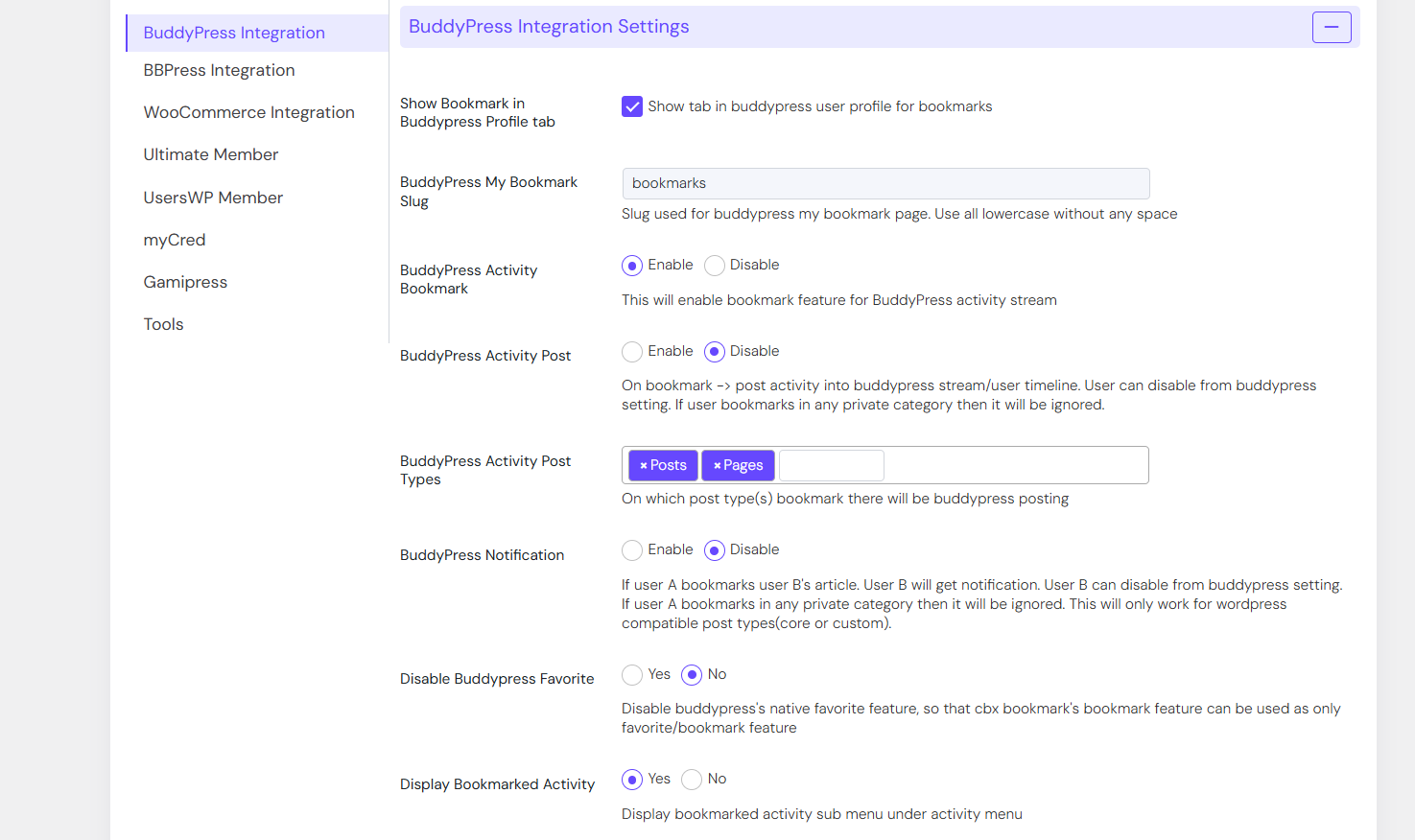
- BuddyPress Integration to show bookmarks in user profile in grid manner.
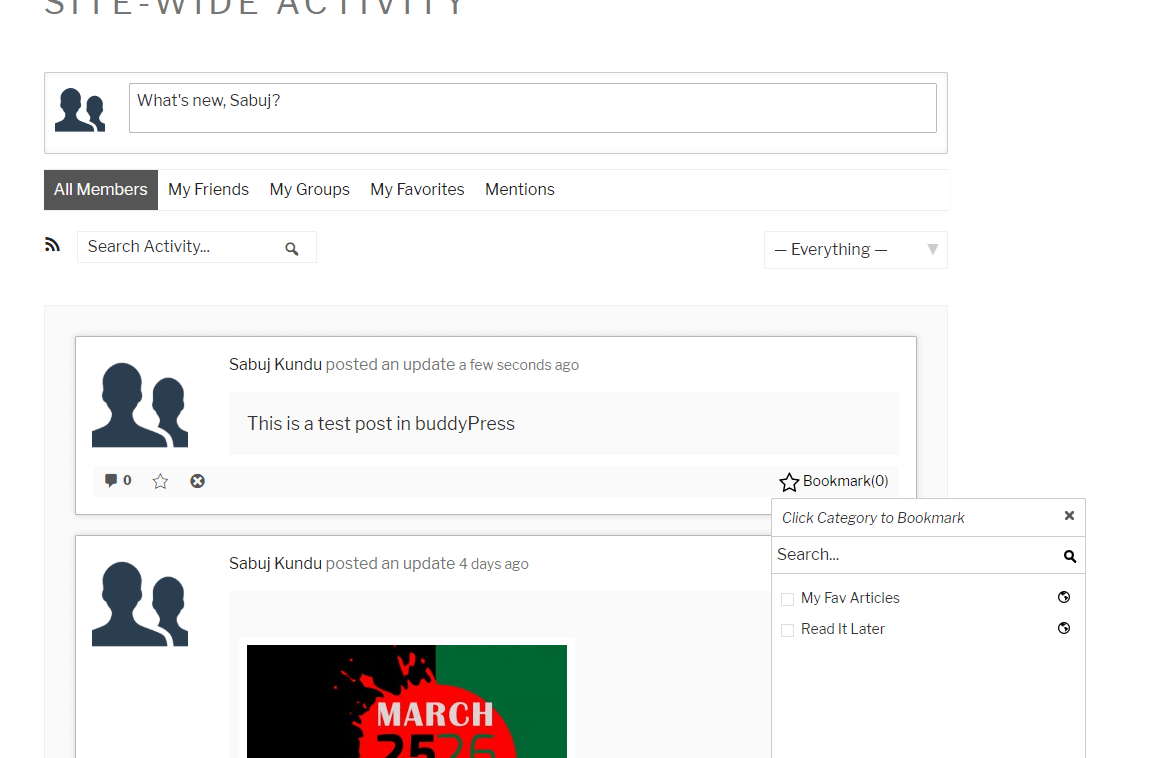
- BuddyPress stream bookmark
- bbPress forum and topic bookmark support
- Compatible with BuddyBoss
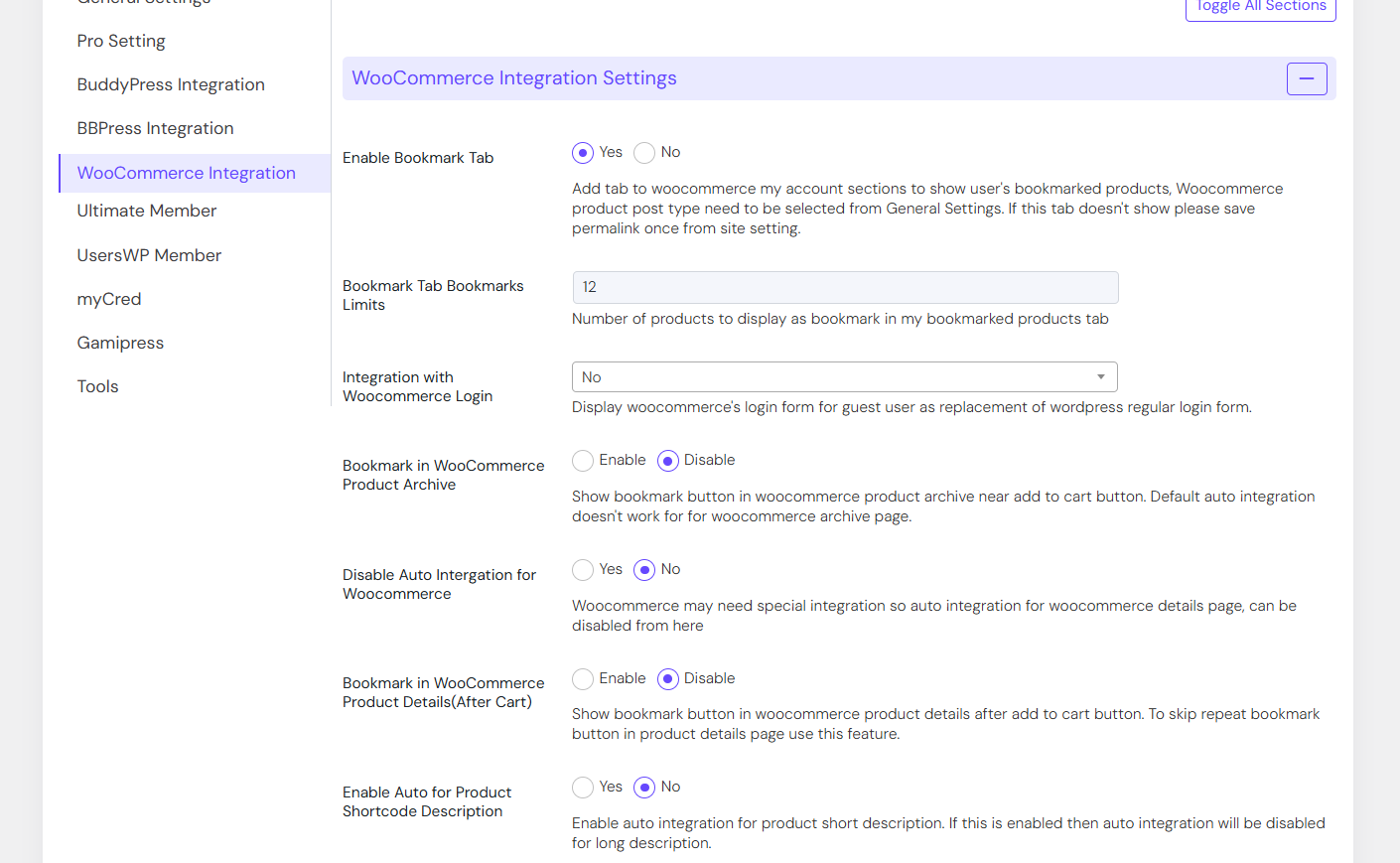
- WooCommerce: My Bookmarks tab in User Frontend Account
- Widget: My bookmarks Grid/All bookmarks Grid
- Widget: Most bookmarked post grid
- Widget: Easy Digital downloads (Most bookmarked downloads)
- Widget: Woocommerce (Most bookmarked products)
- Shortcode: My bookmark posts grid[cbxwpbookmarkgrid]
- Shortcode: Most bookmarked posts grid[cbxwpbookmark-mostgrid]
- Shortcode: Most bookmarked products(Woccommerce)[cbxwpbookmark-mostproducts]
- Shortcode: Most bookmarked downloads(EDD)[cbxwpbookmark-mostdownloads]
- Elementor Widget: My bookmarked posts/All bookmarks Grid
- Elementor Widget: Most bookmarked posts Grid
- Elementor Widget: Most Bookmarked Downloads(EDD)
- Elementor Widget: Most Bookmarked Products(Woocommerce)
- WPBakery Widget: My bookmarked posts/All bookmarks Grid
- WPBakery Widget: Most bookmarked posts Grid
- WPBakery Widget: Most Bookmarked Downloads(EDD)
- WPBakery Widget: Most Bookmarked Products(Woocommerce)
- Gutenberg Block: My bookmarked posts/All bookmarks Grid
- Gutenberg Block: Most bookmarked posts Grid
- Gutenberg Block: Most Bookmarked Downloads(EDD)
- Gutenberg Block: Most Bookmarked Products(Woocommerce)
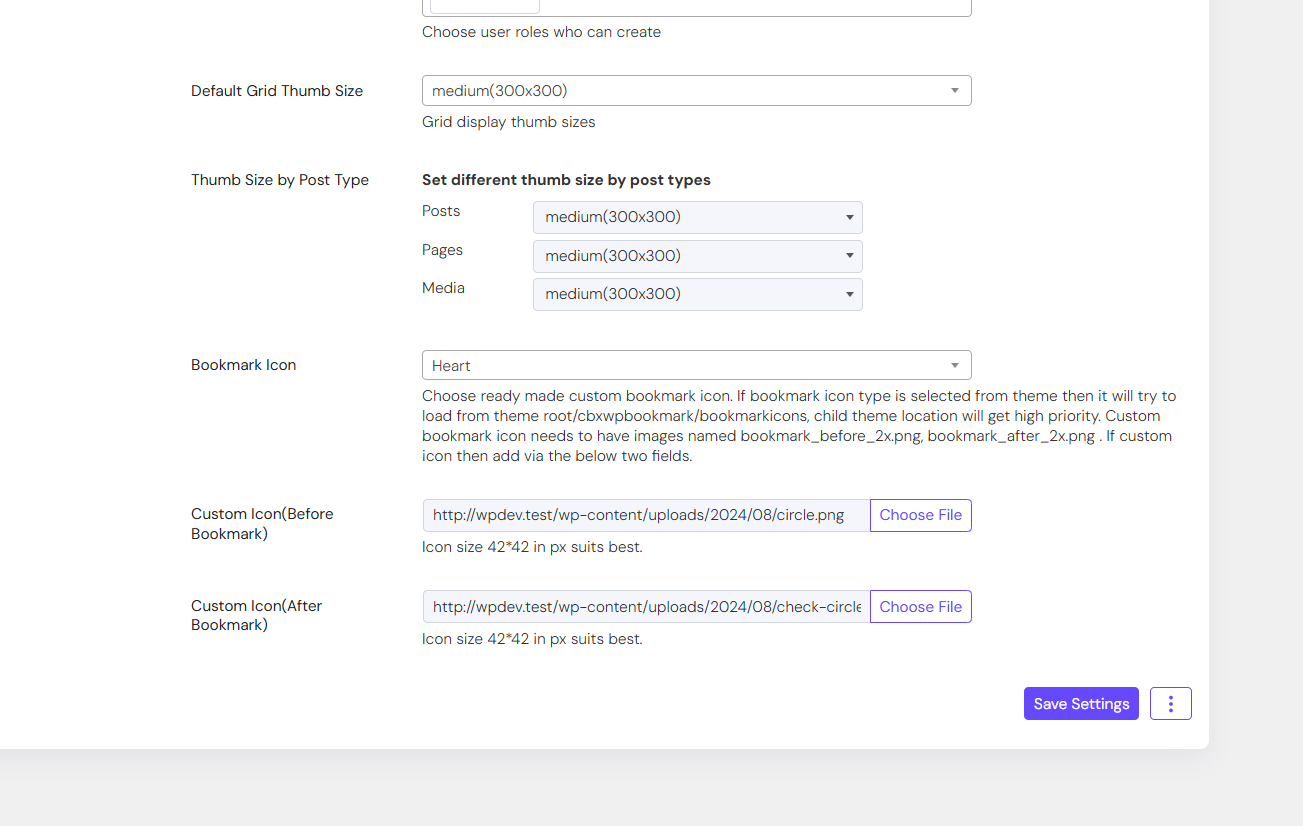
- Custom Bookmark icon/Image (From V1.2.0)
- Option to show wooCommerce’s Login form to guest
- Option to show Restrict Content Pro’s Login form to guest
- Login/Register Options via – WooCommerce Login & Register
- Login/Register Options via – Restrict Content Pro Login & Register
- Login/Register Options via – bbPress Login & Register
- Login/Register Options via – BuddyPress Login & Register
- Login/Register Options via – Ultimate Member Login & Register
- Login/Register Options via – Paid Membership Pro Login & Register
- Ultimate member support
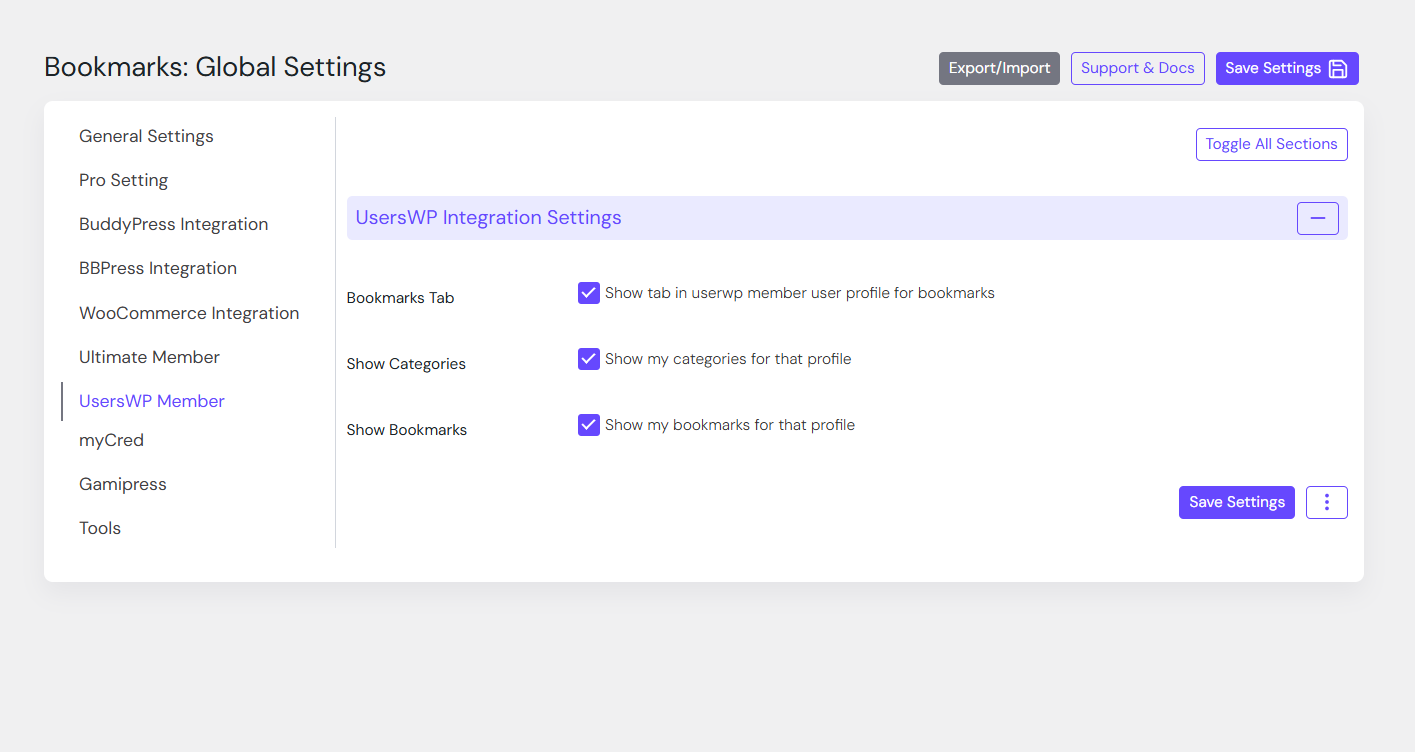
- usersWP support
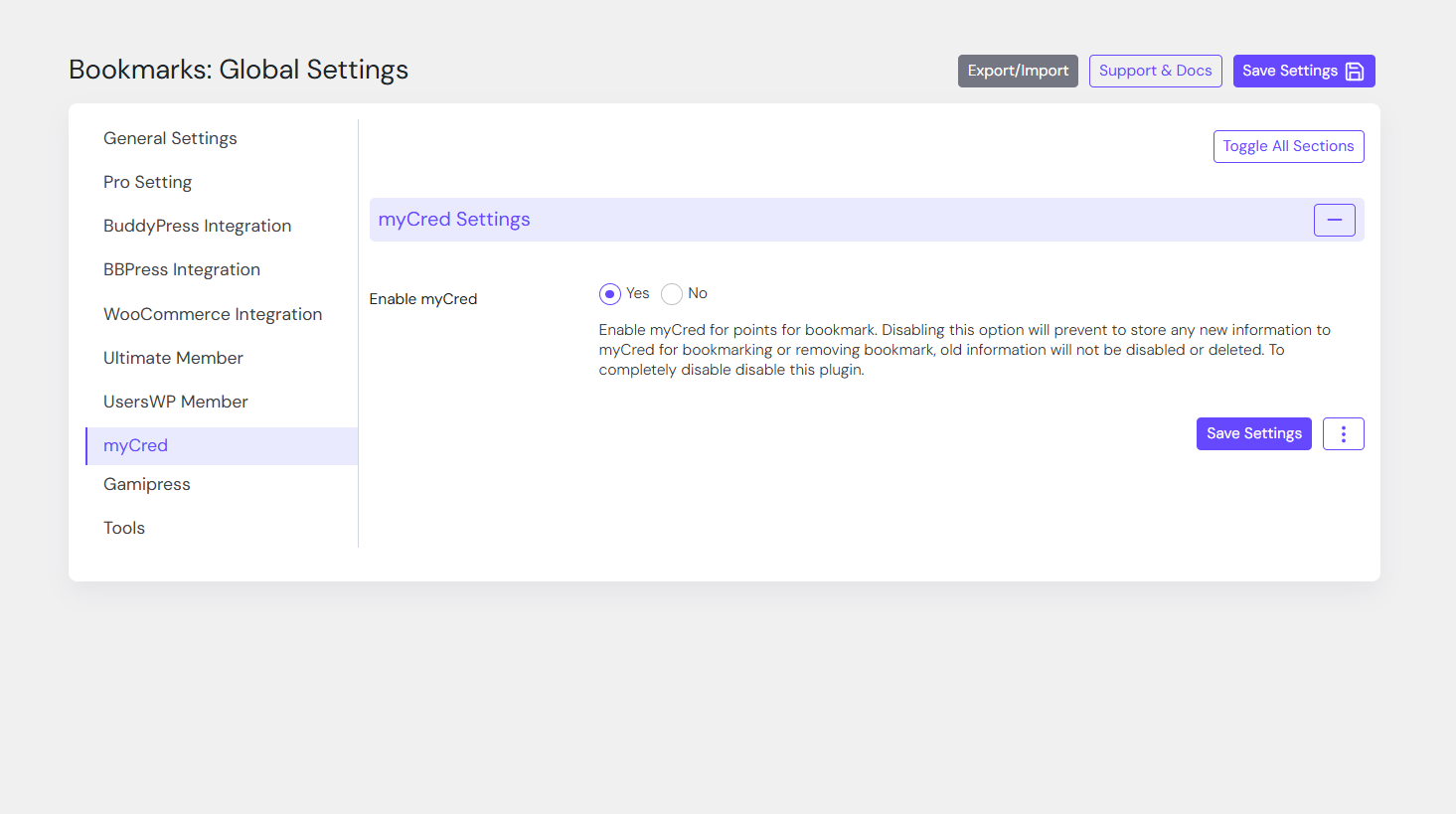
🔱 Pro Addon: myCred Integration
- User gets point after bookmark (configurable)
- Point cuts from user after remove bookmark (configurable)
👉 Get the CBX Bookmark myCred Addon
🔱 Third party plugin Integration
- buddyBoss
- myCred
- Fifu(Featured Image from URL)
🔩 Installation
How to install the plugin and get it working.
- Upload
cbxwpbookmarkfolder to the/wp-content/plugins/directory - Activate the plugin through the ‘Plugins’ menu in WordPress
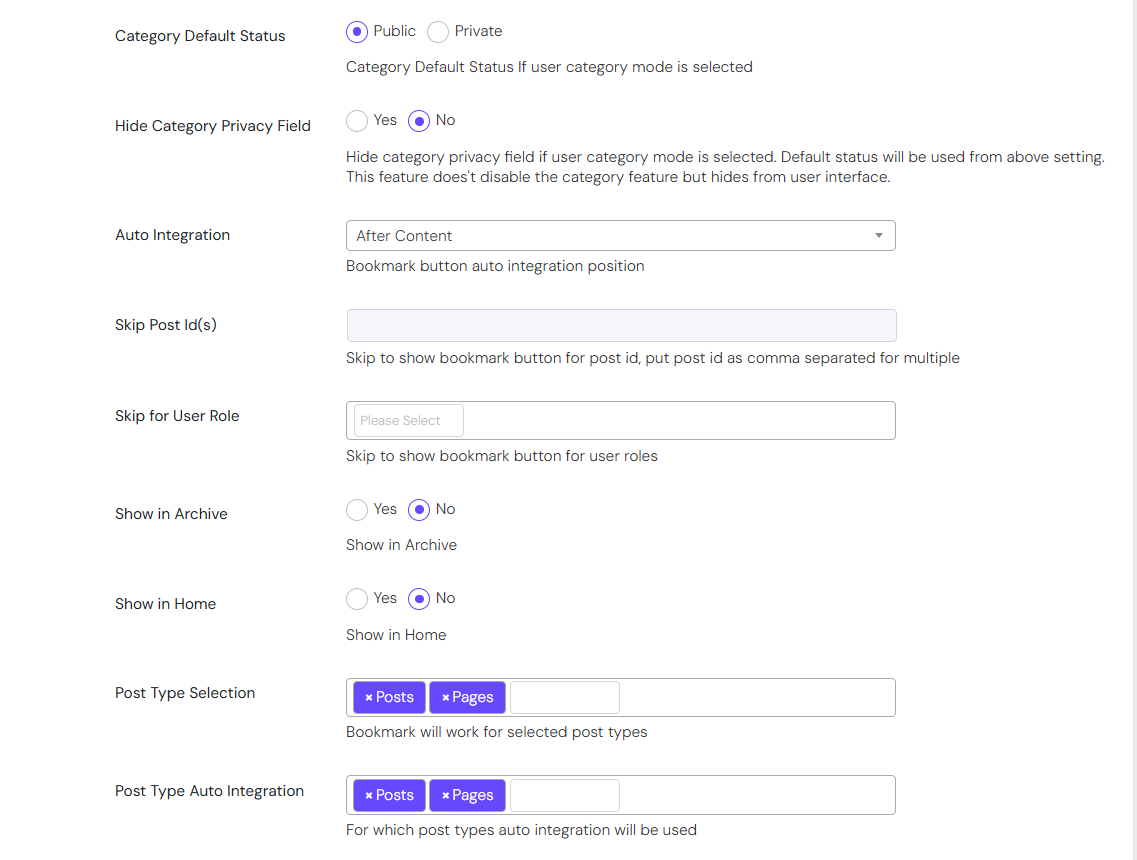
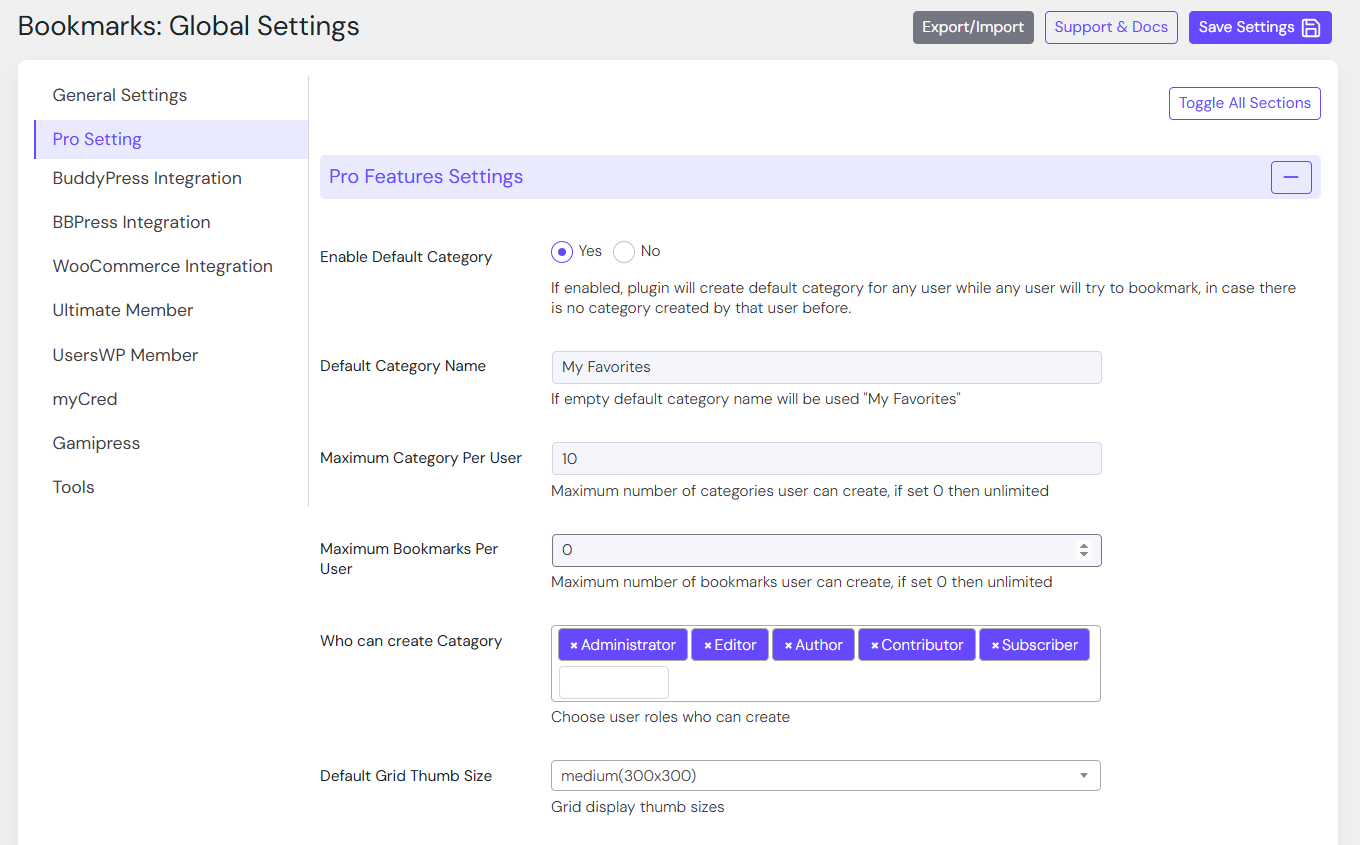
- Go to Setting-> CBX Wp Bookmark Setting to edit settings
- In any post or page you can write shortcode as described
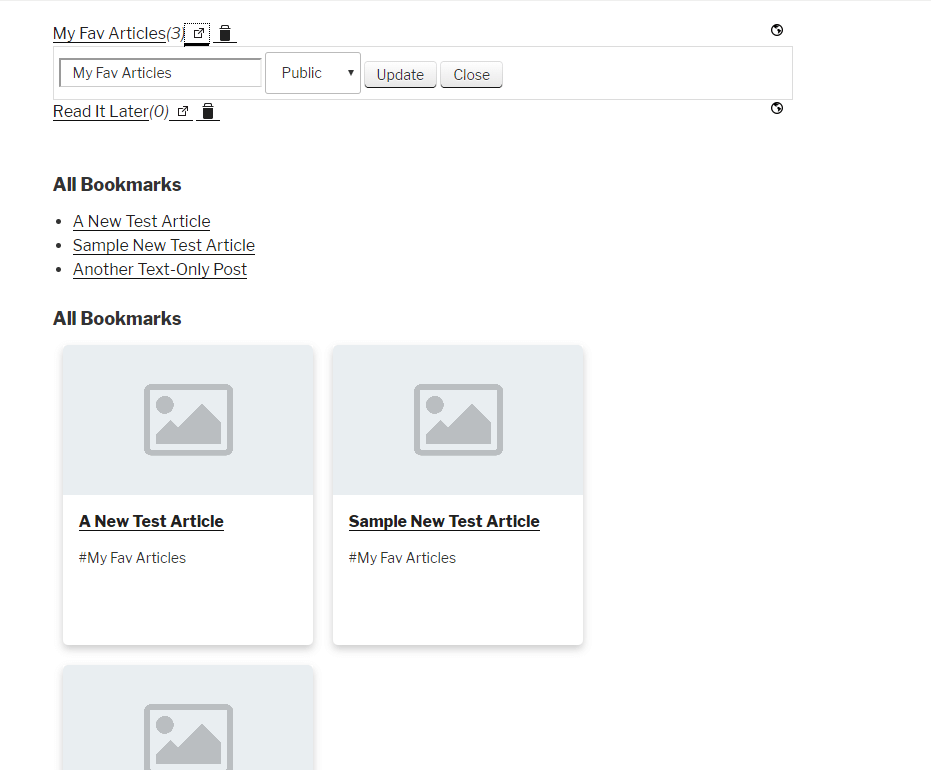
- Frontend shortcode to edit any bookmark and bookmark category with delete feature
- More will come soon as per user demand and natural user experience
Screenshots
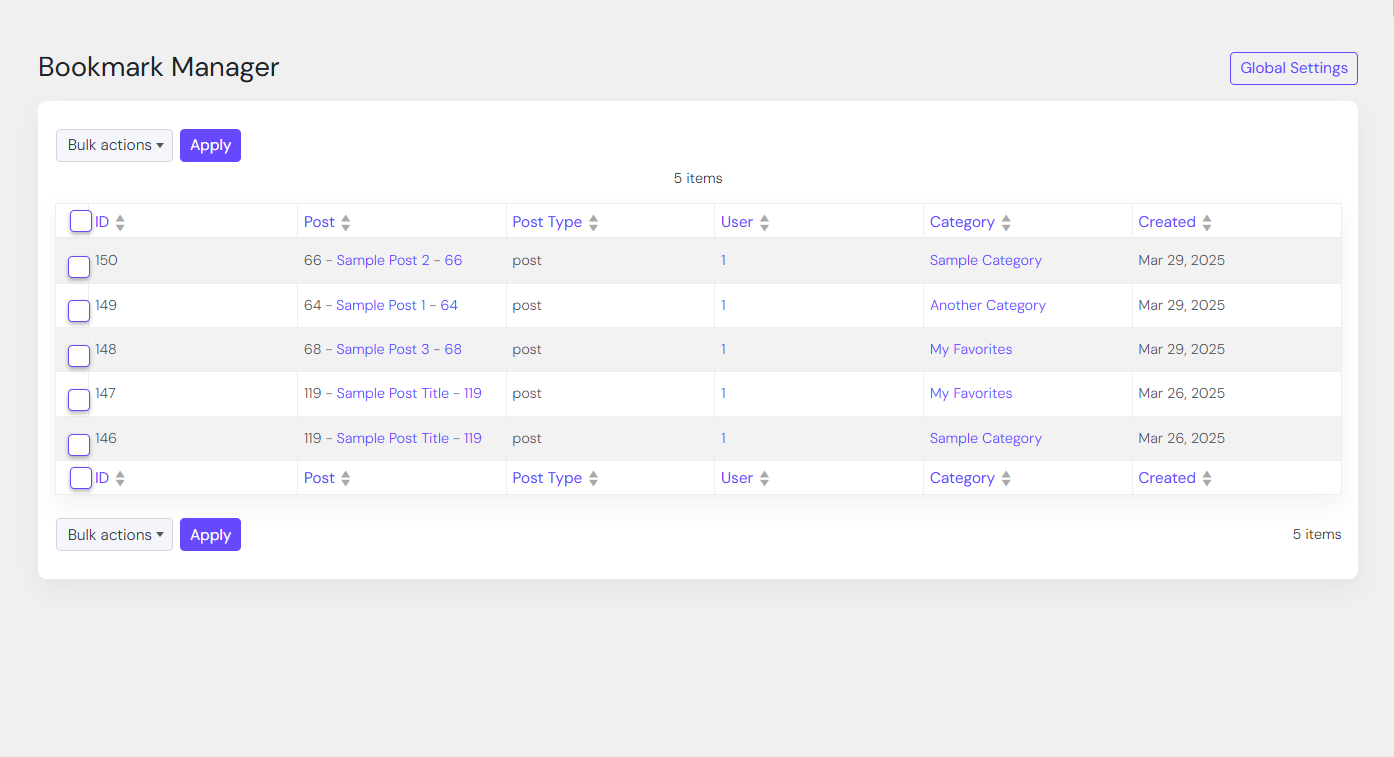
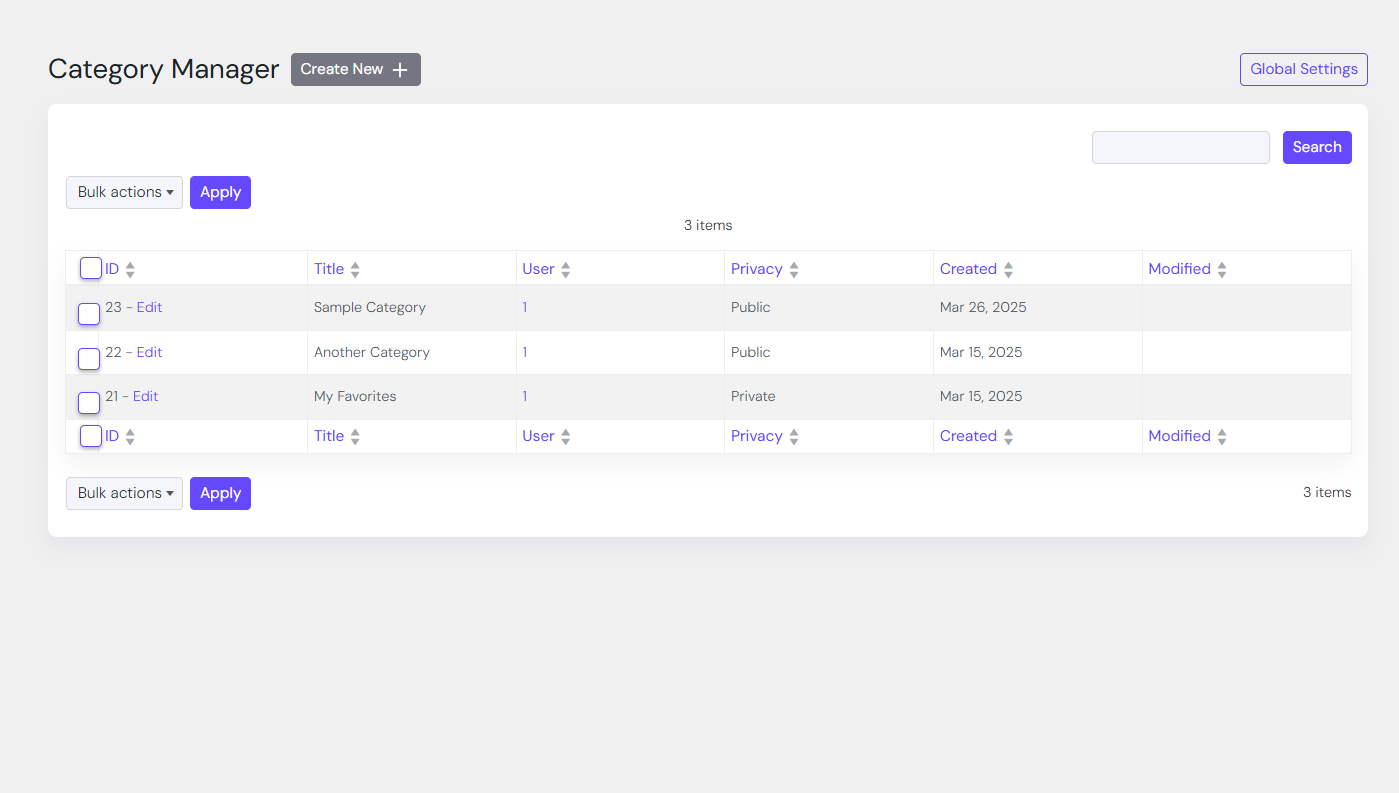
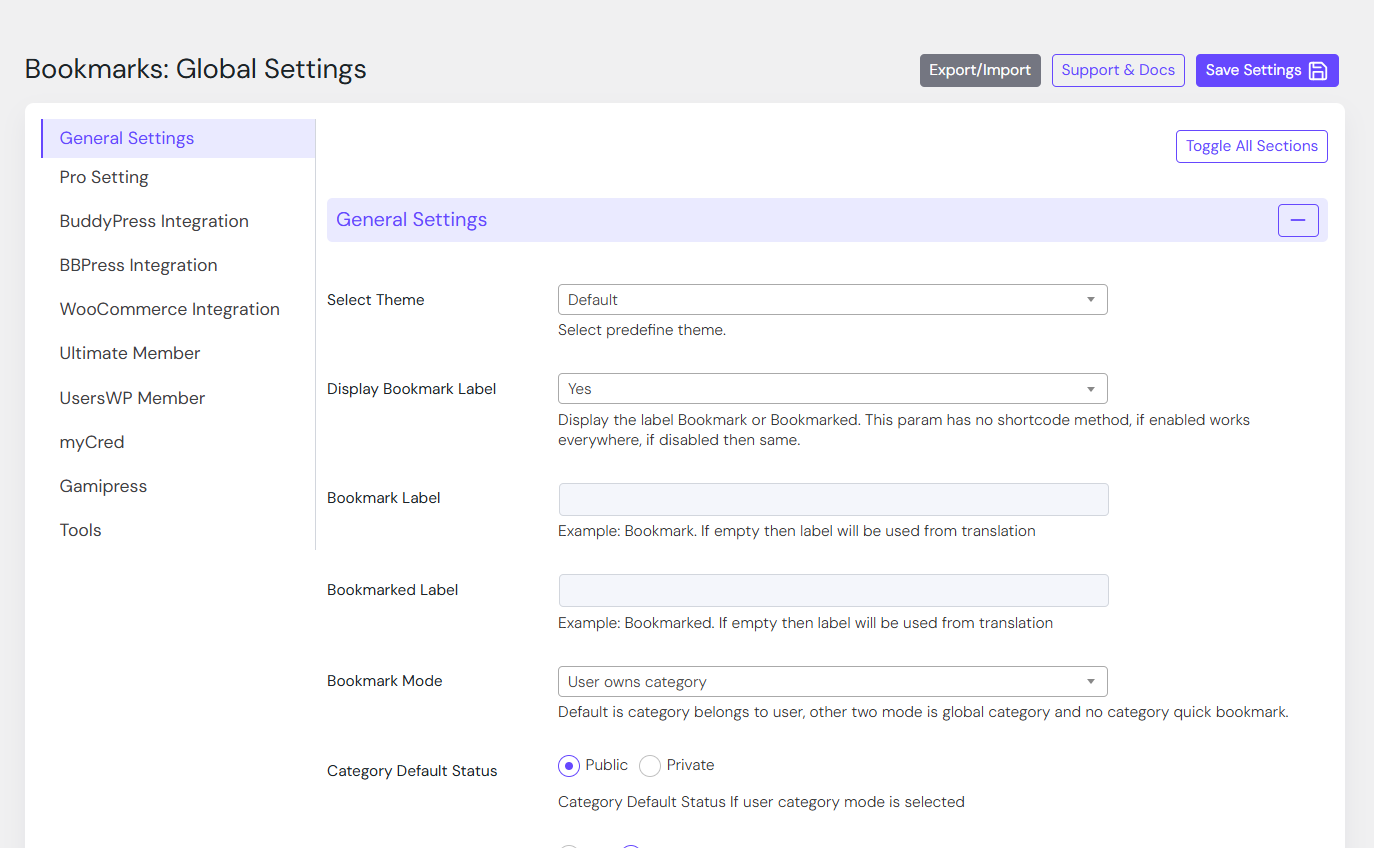
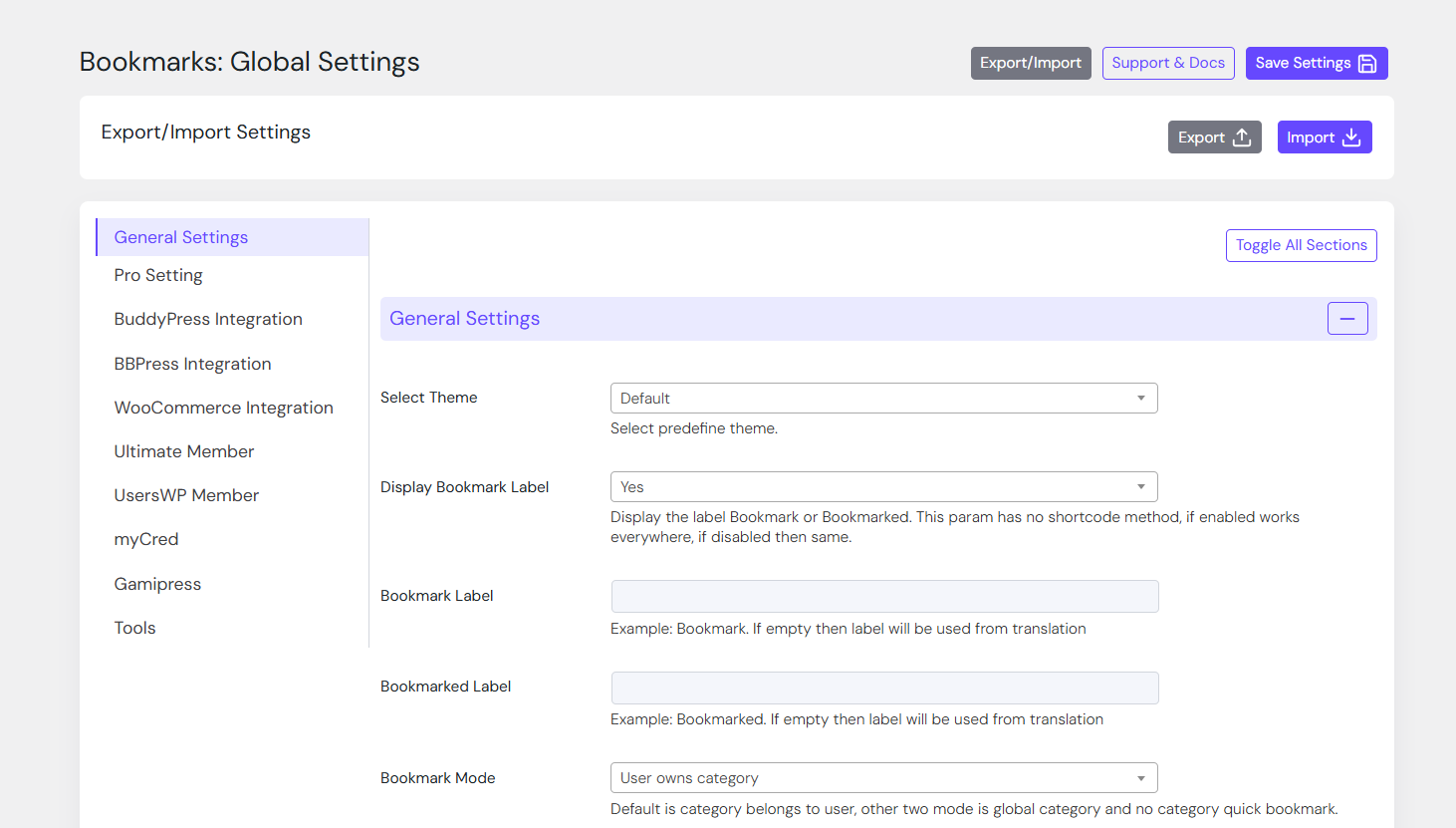
Reviews
Best Way for Members to Remeber Things!
By 
The CBX Bookmark & Favorite Plugin has become an essential tool for our teaching websites. We manage several platforms with more than 800 video tutorials, and this plugin has made it incredibly easy for our members to save, organize, and return to their lessons. It also saves us valuable time by reducing requests for help finding specific tutorials. It’s a true win-win for both our students and our team.
Great functionality and support
By 
I recommend this plugin! Great features, easy to set up, lot's of settings and great support.
Thanks!
Great Support & Plugin
By 
It works great and allows us to add custom work with it. Support has also been great
It's the best product for designers
By 
Thank you very much for all your efforts
You communicated with me consistently
They were willing to do something boring
This problem is just a mistake in my work
We appreciate your pointing it out to us.
This plug-in is a very effective product
All of you're homepages are very kindly written
I'll promote this product a lot
It is an essential product for designers and developers
Thank you.
Almost perfect, and fast support
By 
It will be perfect if users can share bookmark categories individually
Love this Plugin!
By 
I have been using this plugin for a while now and really like it. I went through and read some of the older reviews but I do not have any problems with it whatsoever. I use it with other post modifier plugin such as Custom Front End Posts and Thrive Comments and it works really well. I think the way to add category bookmarks might seem a little difficult at first to some users but everything else is great!
Thanks for the awesome support !
By 
A plugin for a feature I had been looking for a long time. At first, it didn't work on my site environment, but after talking to support, they were able to customize and update the plugin to meet my site's specifications. I think that's great support. Great, thank you so much.
Perfect
By 
Great plugin, and super helpful and friendly support.
css is all broken
By 
- Can't change icon size and even when you add your own custom ones they still don't show. Also you can't remove that effect from it.
- Login popup is all messed on both desktop and mobile. The width of the popup is about 50 px even so imagine that.
Login Window in Plugin
By 
Hello, is ist possible to edit the login window where users have to login to bookmark ? So that there only appears a message to tell the user to login within another link before bookmarking ?
I don´t need the textboxes for username, password and the submit button there. It did not work. Where can i edit this ? I looked around but i didn´t find. Please help
Changelog
2.0.4
- [fixed] Composer based custom scope/namespace for vendor to avoid conflict with other plugins
- [fixed] Composer based custom scope/namespace for vendor to avoid conflict with other plugins
- [fixed] Pro addon 2.0.4 released and needed to update to make it work with core 2.0.4
- [note] Pro addon note: deactivate, manually delete & install new version or install the new version as replacement.
- [fixed] Astra theme hash base vue js route fixed
2.0.3
- [important] From core version 2.0.0 there is compatibility issues with php and pro addon. For safe deactivate Bookmark pro addon(s). Update core & activate. the update pro addon.
- [fixed] Fixed site crash or db connectivity error if not default mysql port
- [improved] Table names are now escape[security improvement]
- [improved] Pro Addon compatibility checking improved(2nd attempt)
- [fixed] Frontend Dashboard – bookmarks and category link fixed
- [updated] Pro addon 2.0.3 released
2.0.2
- [fixed] Pro Addon compatibility checking improved
- [updated] Pro addon 2.0.2 released
- [fixed] Auto page create security issue fixed(Reported by Nabil Irawan)
2.0.1
- [fixed] Composer loading issue solved
2.0.0
- [updated] PHP version compatibility check updated
- [fixed] PHP file direct access check issue checked for all files
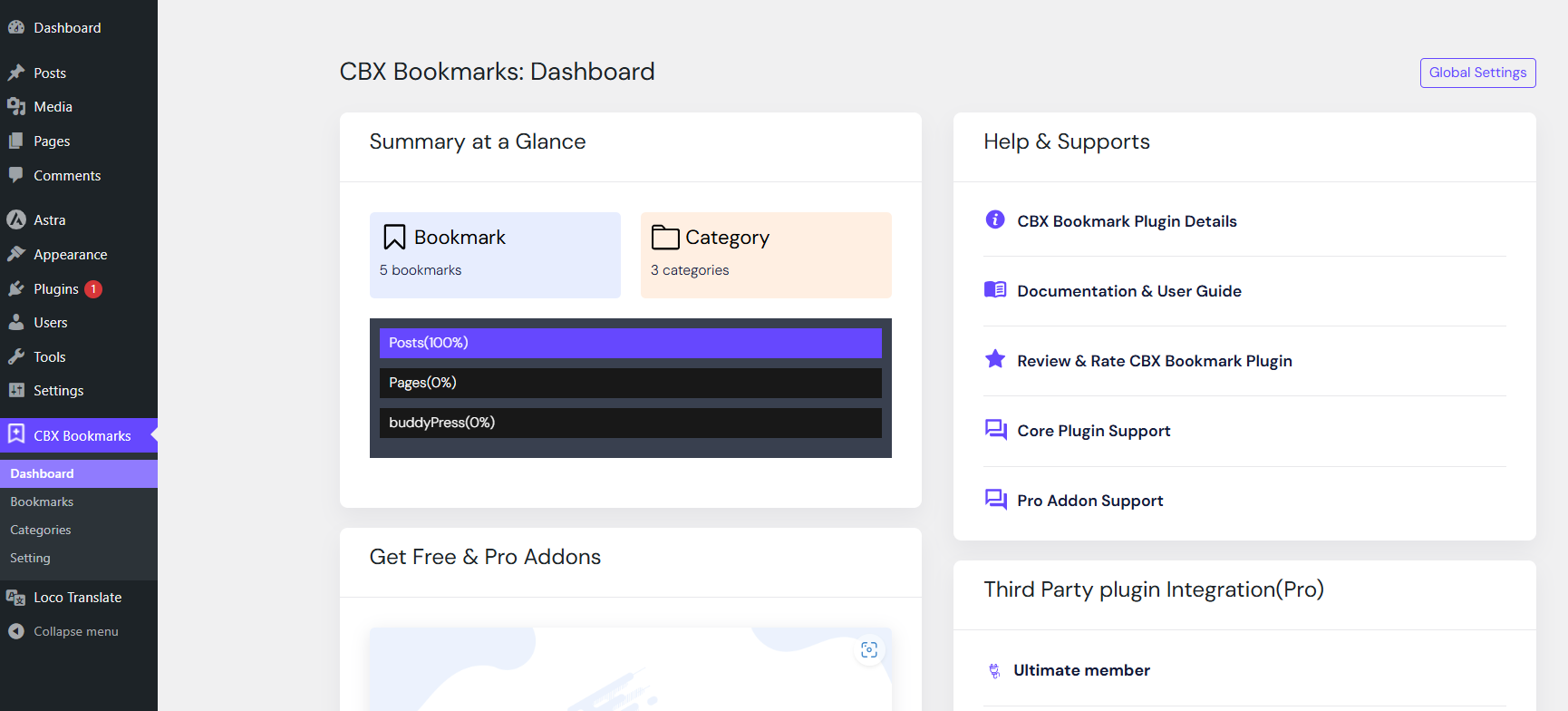
- [updated] Admin dashboard design/views updated.
- [updated] Admin dashboard pages implemented with js views
- [improved] Helps and support and dashboard page separated
- [updated] Pro Addon plugin V2.0.0 released
1.9.11
- [fixed] Deleting one category was deleting bookmarks from other category if bookmarks were in both category.
- [updated] Pro addon plugin 1.5.4 released and compatible with latest Core Plugin 1.9.11
- [improved] Minor improvements for style
1.9.10
- [updated] Pro addon plugin 1.5.3 released
- [improved] Minor improvements
1.9.9
- [improved] WordPress version 6.8 compatibility checked
- [updated] Pro addon plugin 1.5.2 released
1.9.8
- [improved] Bookmark button tooltip improved based on bookmarked or not https://wordpress.org/support/topic/return-to-page-message/
1.9.7
- [fixed] Frontend delete all bookmarks was not clearing the bookmarks display but was deleting properly. https://wordpress.org/support/topic/delete-all-bug/
1.9.6
- [updated] Category order and order by display changed for bookmark modal screen, new hooks
1.9.5
- [updated] Misc changes
- [updated] Pro addon plugin 1.5.1 released
1.9.4
- [fixed] Setting variable related issues fixed
1.9.3
- [fixed] Setting variable related issues fixed