CBX Bookmark & Favorite

CBX Bookmark & Favorite
Description
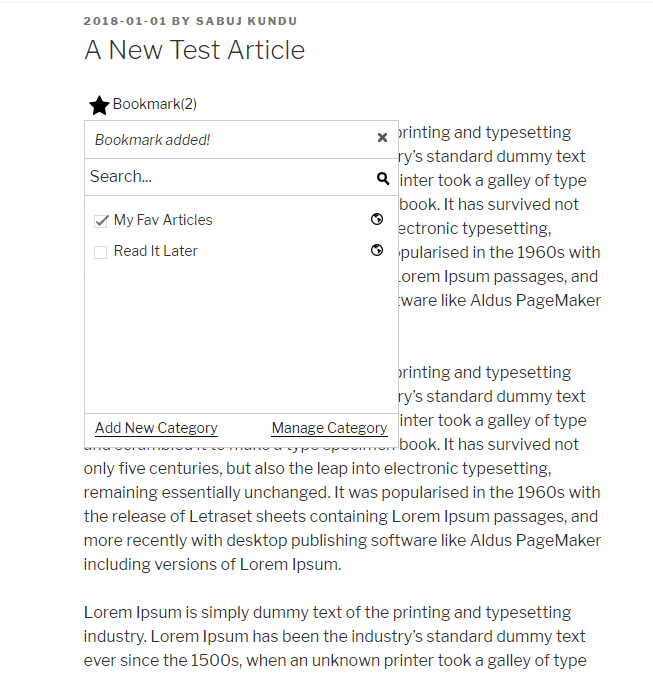
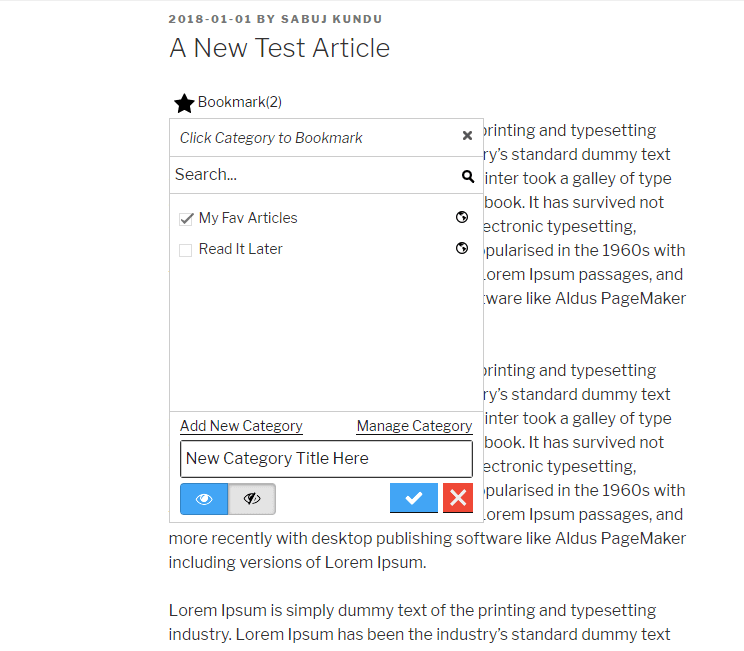
This plugin is inspired from YouTube’s bookmark or favorite feature. User can create their own bookmark category public or private and save articles inside different folders/list/category. Later we extended the plugin so that category can be global created by admin or single click bookmark without any category as pro features. There are lots of practical use for this simple but useful(we like to call it ‘powerful’) plugin. This plugin can help you create a bookmark site or user generated list site.
CBX Bookmark & Favorite by Codeboxr
📋 Documentation | 🌟 Upgrade to PRO | 👨💻 Free Support | 🤴 Pro Support | 📱 Contact
If you think any necessary feature is missing contact with us, we will add in new release. Best way to check the feature is install the free core version in any dev site and explore
🛄 Core Plugin Features
♟ Important Features
- Add Bookmark button like youtube under post, page, attachment(Core WordPress Post types, Custom post types are supported via pro addon) etc
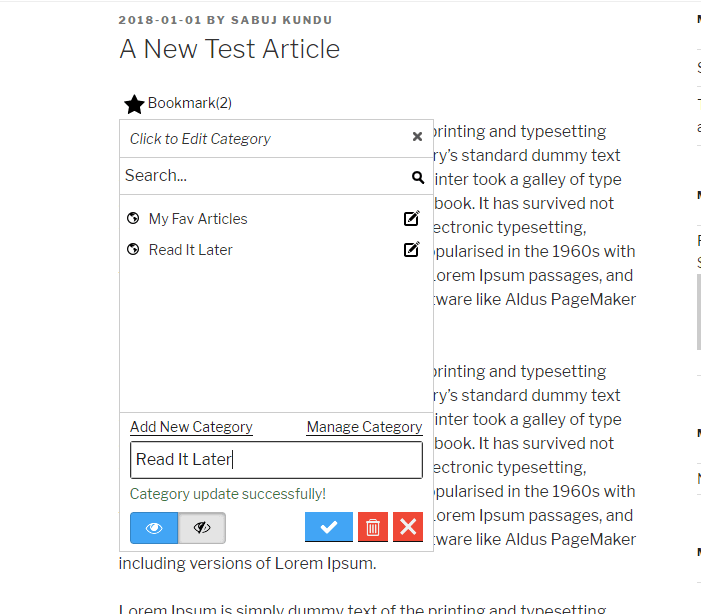
- Bookmark categories are per user
- Global category created by site admin(pro)
- No category, single click bookmark(pro)
- Private or Public Category
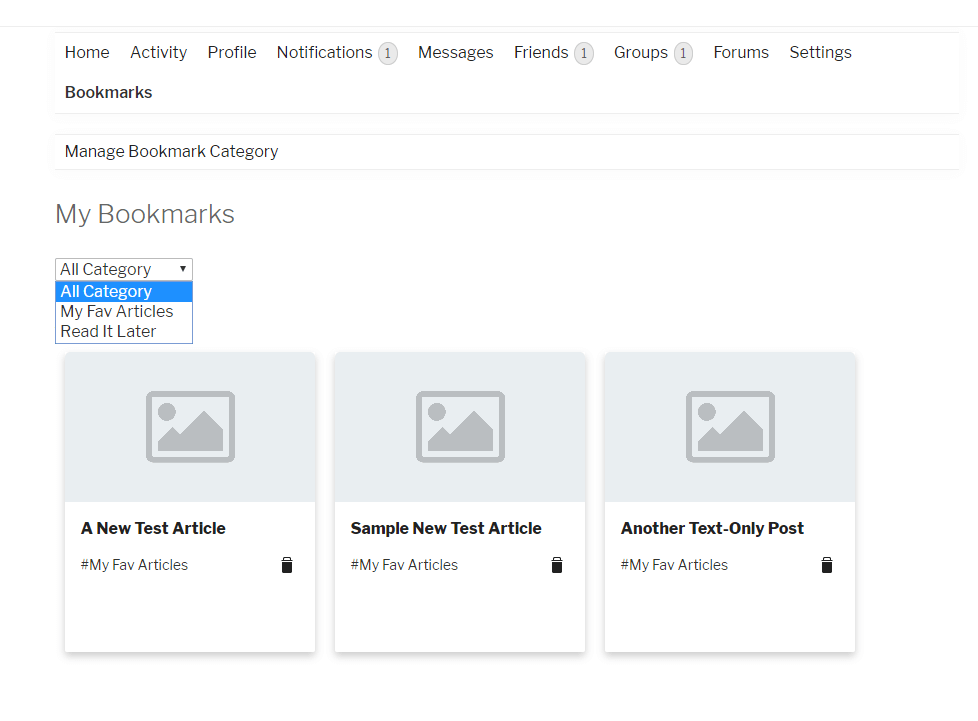
- Display user’s bookmarks
- Display user’s list
- Third party plugin’s integration
- Developer friendly
- Shortcodes and Widgets
- Template system, can be overridden from theme or child theme.
🀄 Widgets
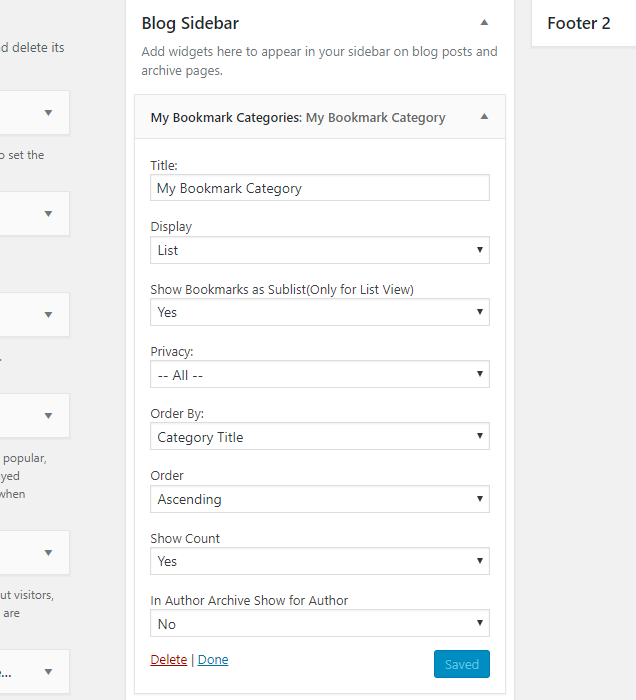
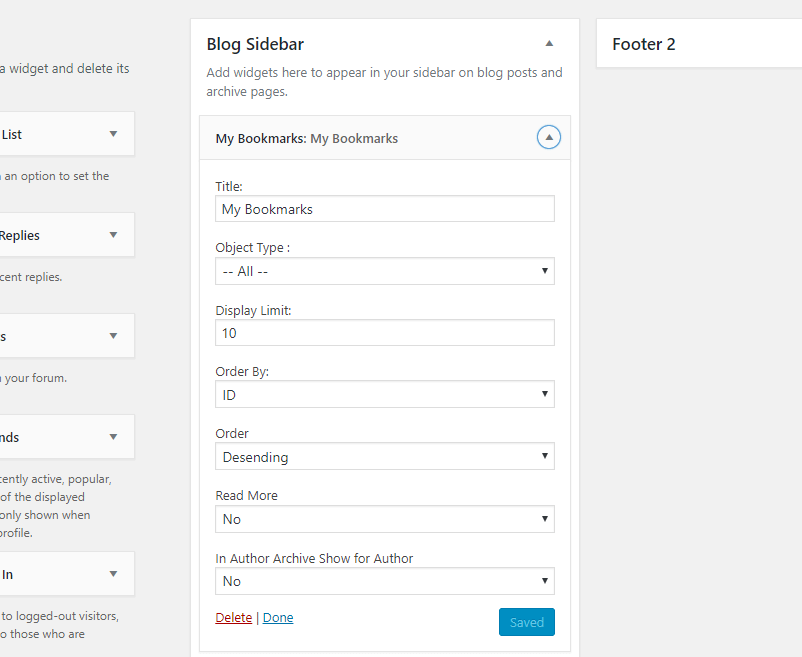
Classic Widgets
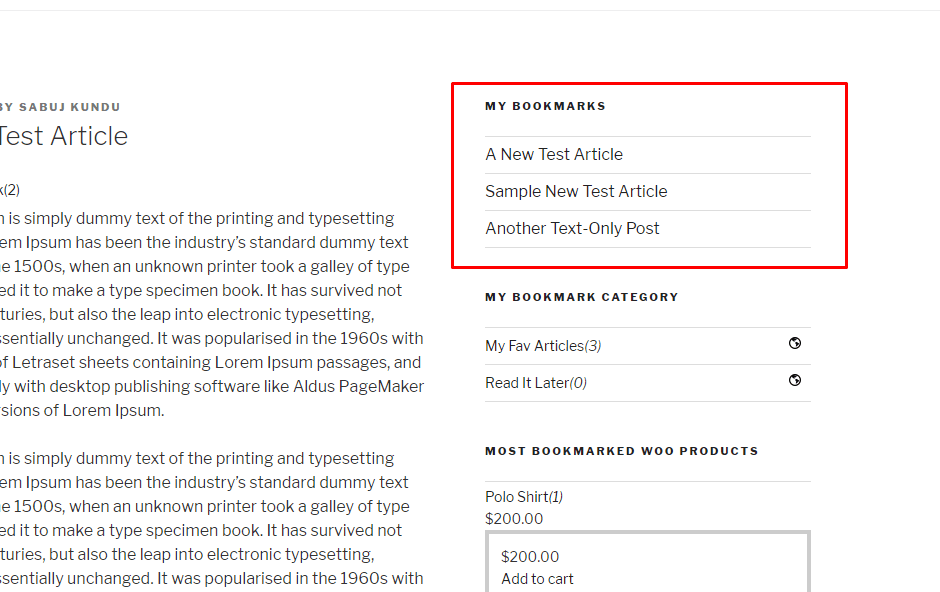
- My Bookmarked Posts/All Bookmarks
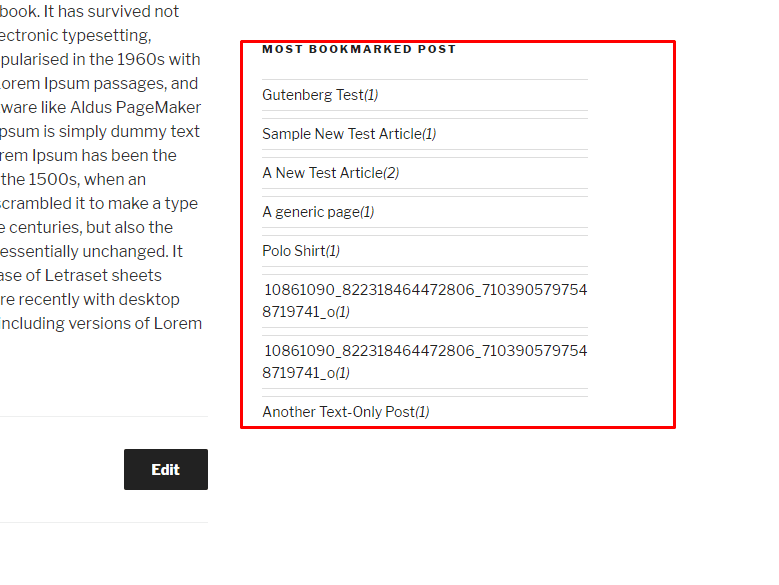
- Most Bookmarked Posts
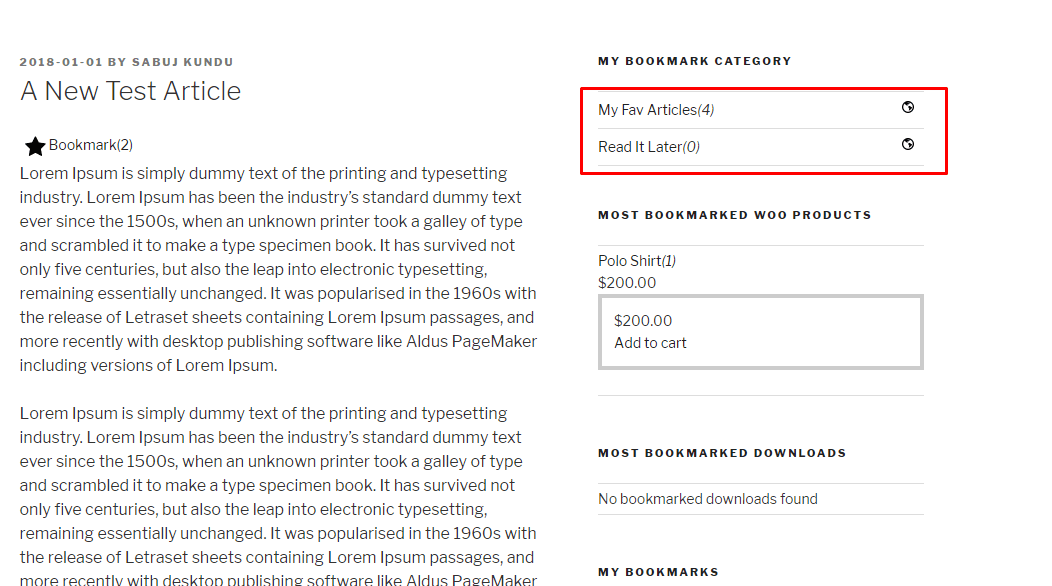
- My Bookmark Categories(For user category mode)
- My Bookmarked Posts Grid(Pro
- Most Bookmarked Posts Grid(Pro
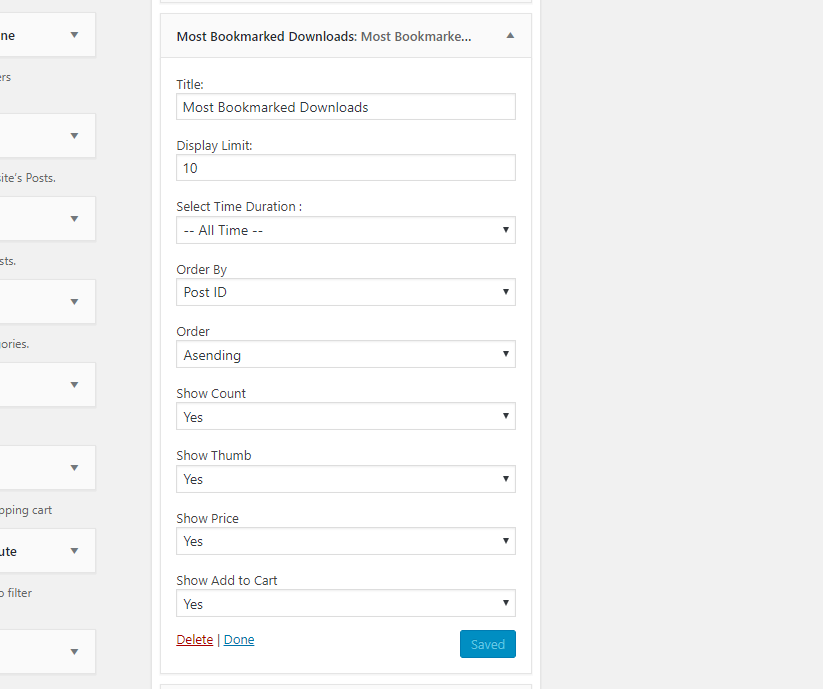
- Most Bookmarked Downloads(EDD) – Pro
- Most Bookmarked Products(Woocommerce) – Pro
- Every widget has it’s own setting fields
Gutenberg Block
- Bookmark button
- My bookmarked posts/All Bookmarks
- My bookmark categories(For user category mode)
- Most bookmarked posts
- My bookmarked posts/All bookmarks Grid (pro)
- Most bookmarked posts Grid (pro)
- Most Bookmarked Downloads(EDD) – Pro
- Most Bookmarked Products(Woocommerce) – Pro
WPBakery Widgets
- Bookmark button
- My bookmarked posts/All Bookmarks
- My bookmark categories(For user category mode)
- Most bookmarked posts
- My bookmarked posts/All bookmarks Grid (pro)
- Most bookmarked posts Grid (pro)
- Most Bookmarked Downloads(EDD) – Pro
- Most Bookmarked Products(Woocommerce) – Pro
Elementor Widgets
- Bookmark button
- My bookmarked posts/All Bookmarks
- My bookmark categories(For user category mode)
- Most bookmarked posts
- My bookmarked posts/All bookmarks Grid (pro)
- Most bookmarked posts Grid (pro)
- Most Bookmarked Downloads(EDD) – Pro
- Most Bookmarked Products(Woocommerce) – Pro
🧮 Shortcodes
- [cbxwpbookmarkbtn] Bookmark button
- [cbxwpbookmark] Shows logged or any user’s bookmarks
- [cbxwpbookmark-mycat] Shows logged or any user’s bookmark category
- [cbxwpbookmark-most] Shows most bookmarked posts/items
- [cbxwpbookmarkgrid] Bookmark posts grid(pro)
- [cbxwpbookmark-mostgrid] Most bookmarked posts grid(pro)
- [cbxwpbookmark-mostdownloads] Most bookmarked products(pro) – Woocommerce (pro)
- [cbxwpbookmark-mostproducts] Most bookmarked downloads(pro) – Easy digital downloads (pro)
💎 Pro Addon: Core feature enhancement
- Custom Post type(s) supports
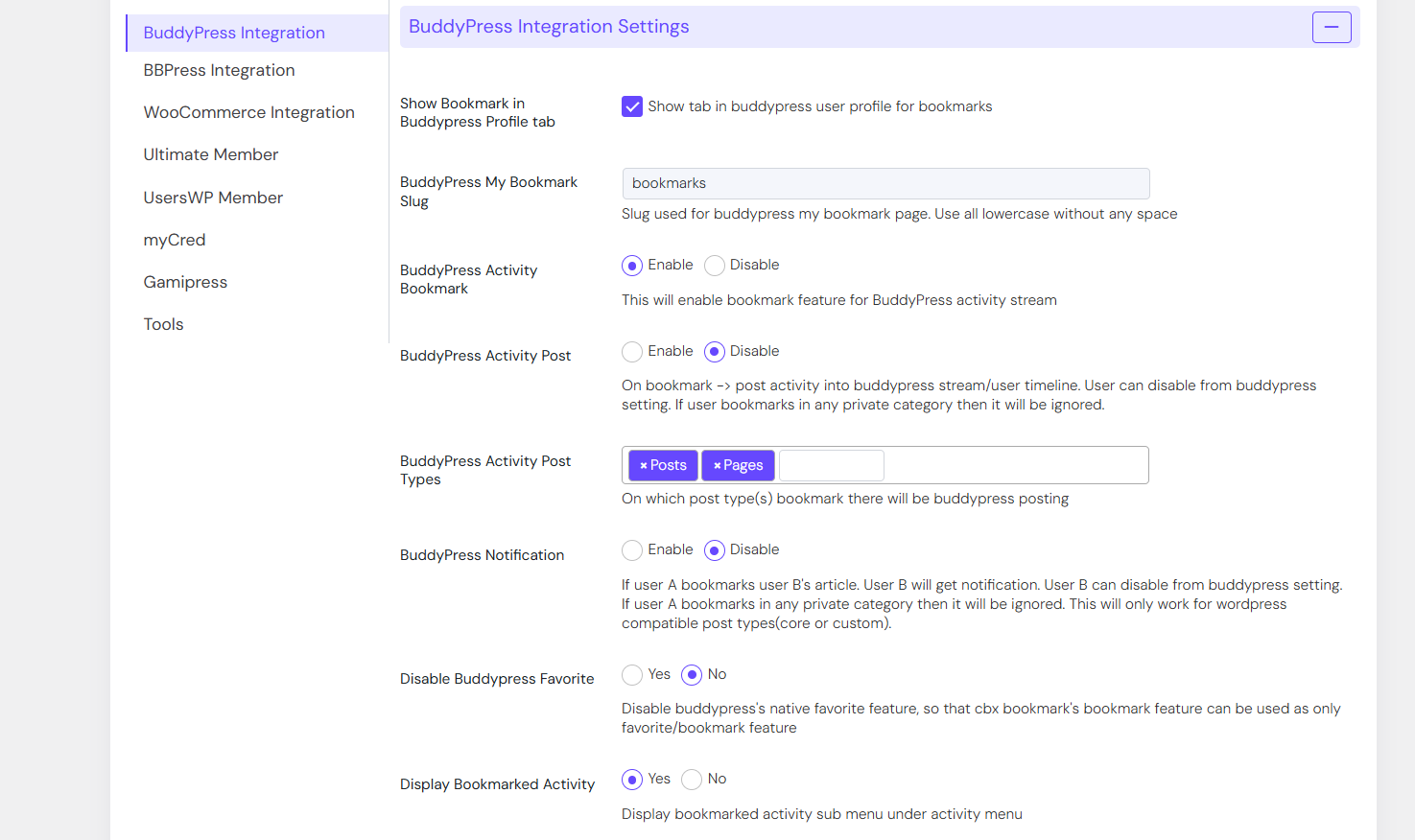
- BuddyPress Integration to show bookmarks in user profile in grid manner.
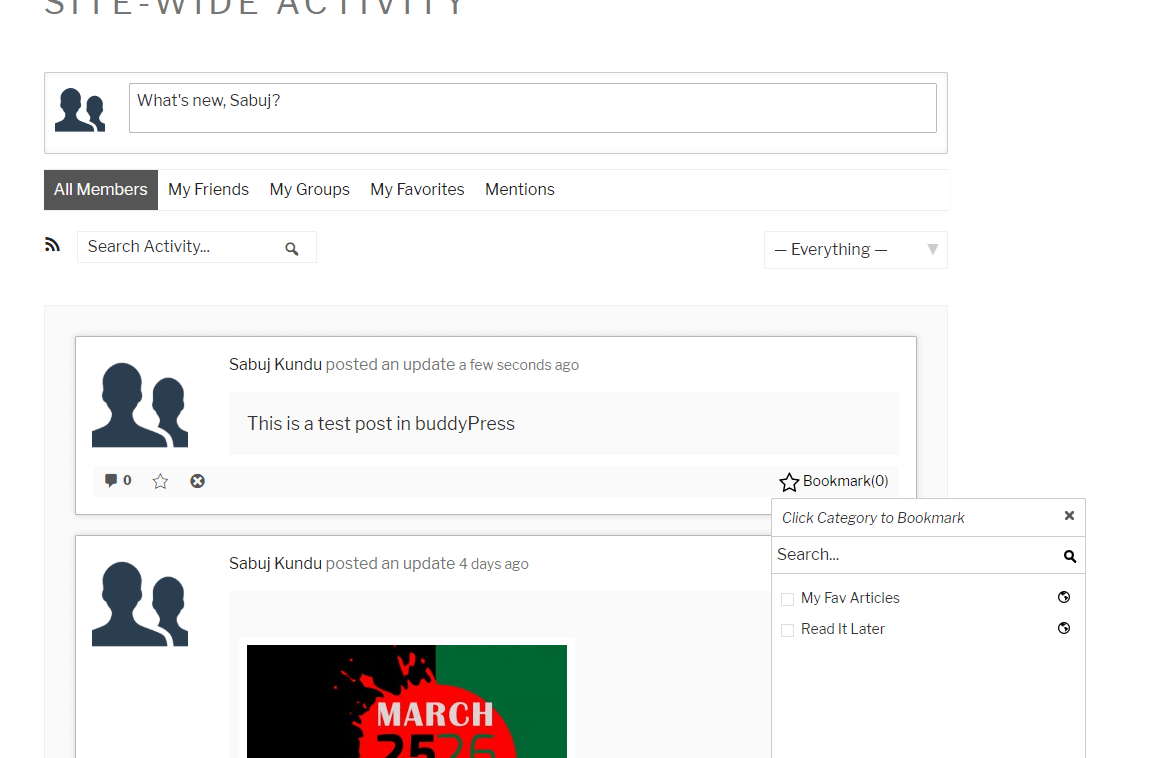
- BuddyPress stream bookmark
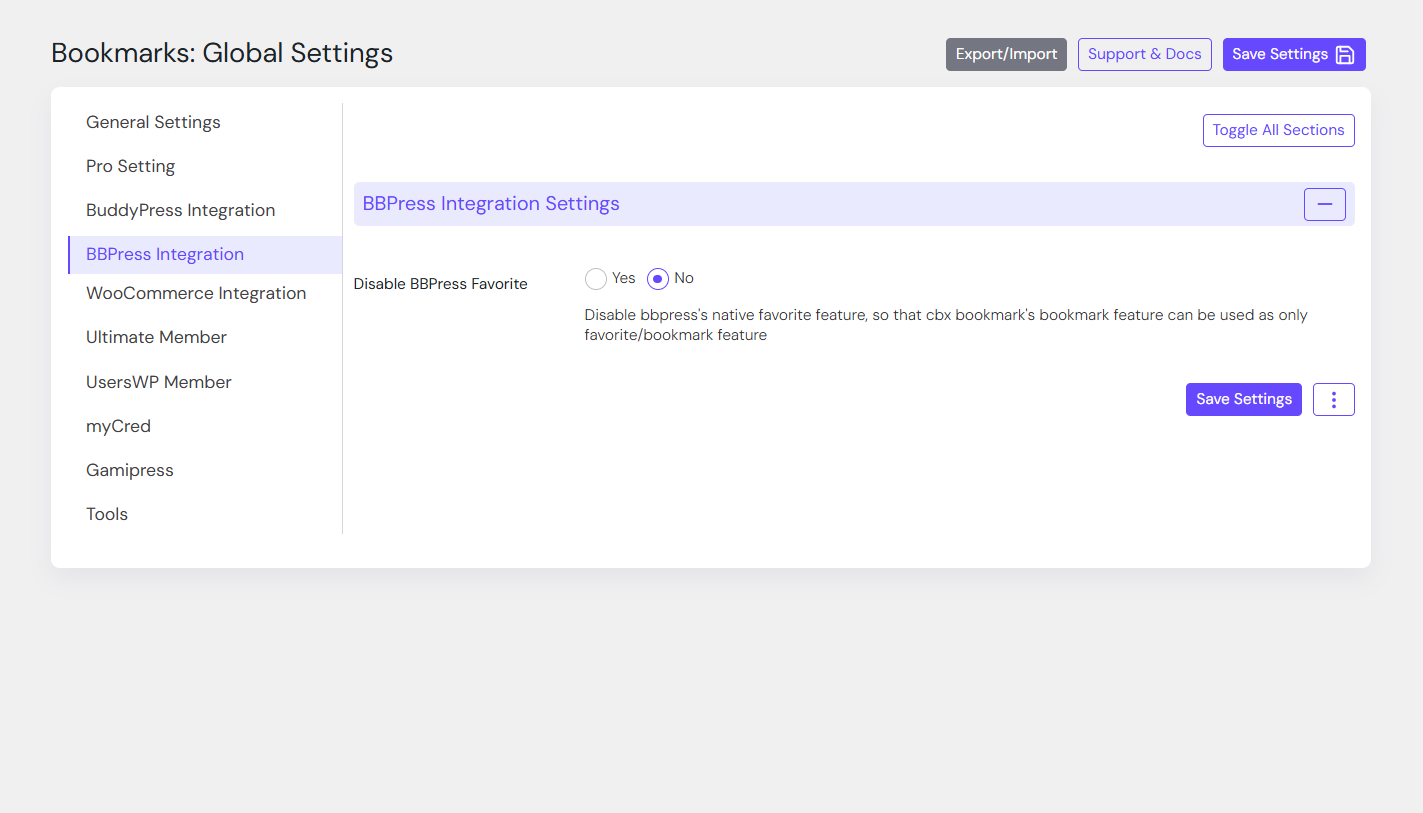
- bbPress forum and topic bookmark support
- Compatible with BuddyBoss
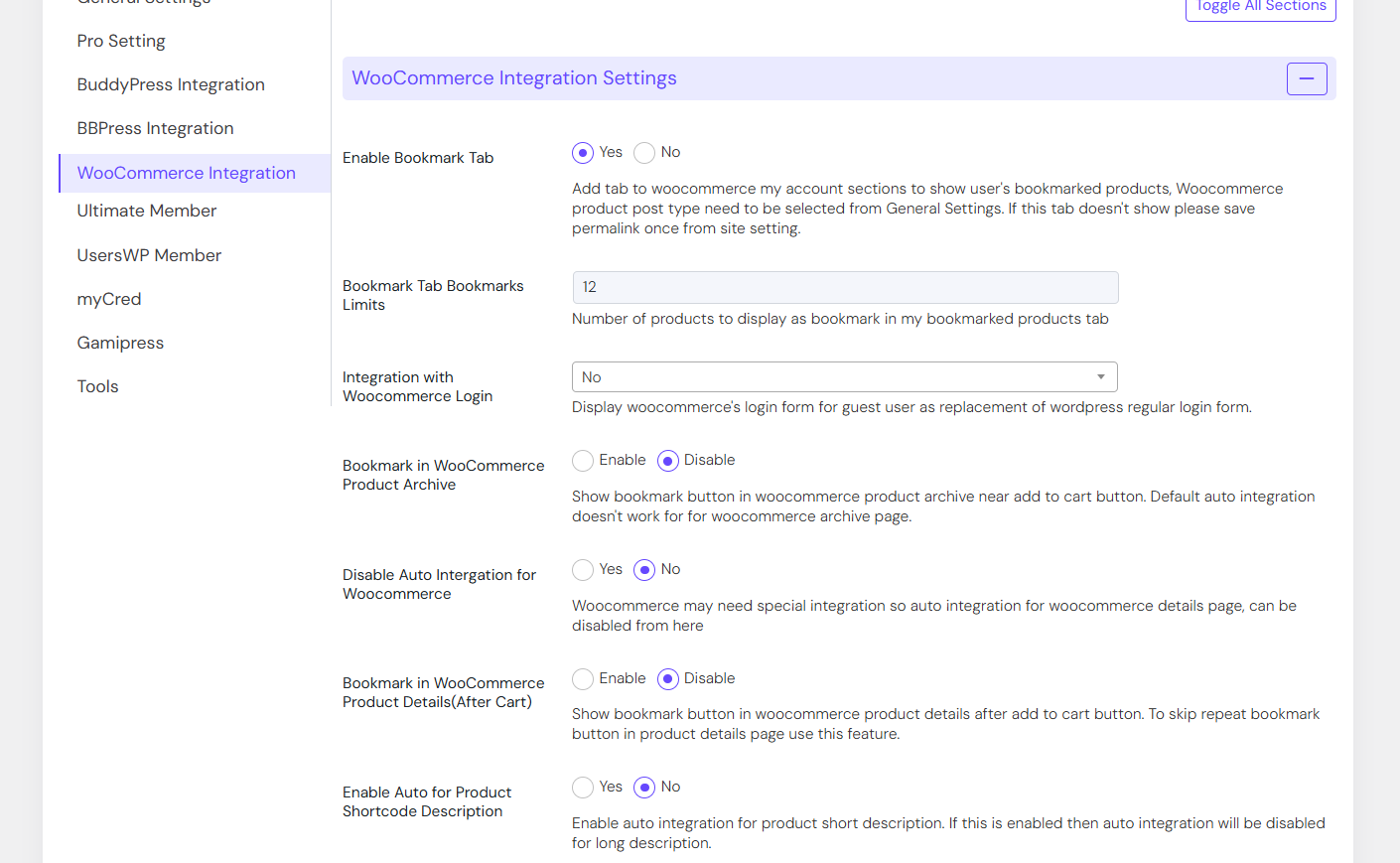
- WooCommerce: My Bookmarks tab in User Frontend Account
- Widget: My bookmarks Grid/All bookmarks Grid
- Widget: Most bookmarked post grid
- Widget: Easy Digital downloads (Most bookmarked downloads)
- Widget: Woocommerce (Most bookmarked products)
- Shortcode: My bookmark posts grid[cbxwpbookmarkgrid]
- Shortcode: Most bookmarked posts grid[cbxwpbookmark-mostgrid]
- Shortcode: Most bookmarked products(Woccommerce)[cbxwpbookmark-mostproducts]
- Shortcode: Most bookmarked downloads(EDD)[cbxwpbookmark-mostdownloads]
- Elementor Widget: My bookmarked posts/All bookmarks Grid
- Elementor Widget: Most bookmarked posts Grid
- Elementor Widget: Most Bookmarked Downloads(EDD)
- Elementor Widget: Most Bookmarked Products(Woocommerce)
- WPBakery Widget: My bookmarked posts/All bookmarks Grid
- WPBakery Widget: Most bookmarked posts Grid
- WPBakery Widget: Most Bookmarked Downloads(EDD)
- WPBakery Widget: Most Bookmarked Products(Woocommerce)
- Gutenberg Block: My bookmarked posts/All bookmarks Grid
- Gutenberg Block: Most bookmarked posts Grid
- Gutenberg Block: Most Bookmarked Downloads(EDD)
- Gutenberg Block: Most Bookmarked Products(Woocommerce)
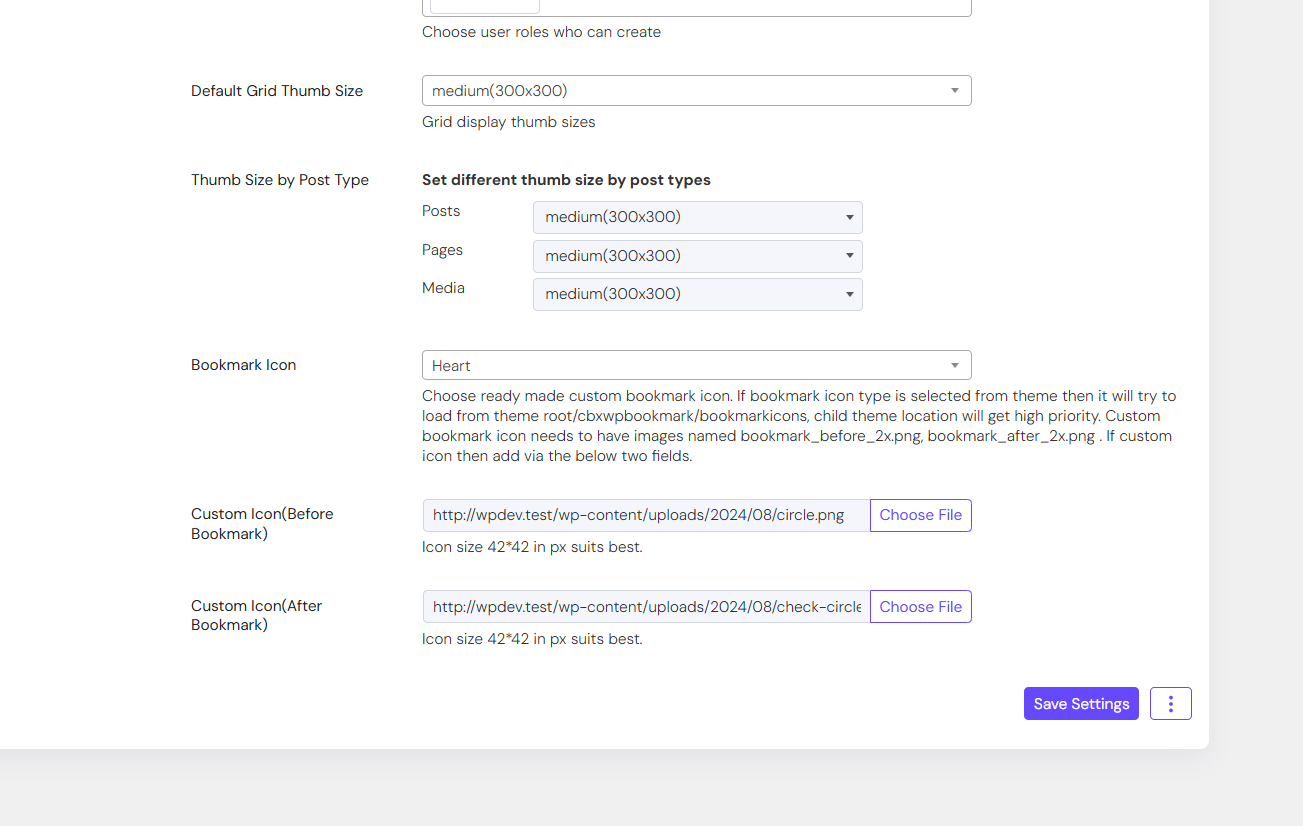
- Custom Bookmark icon/Image (From V1.2.0)
- Option to show wooCommerce’s Login form to guest
- Option to show Restrict Content Pro’s Login form to guest
- Login/Register Options via – WooCommerce Login & Register
- Login/Register Options via – Restrict Content Pro Login & Register
- Login/Register Options via – bbPress Login & Register
- Login/Register Options via – BuddyPress Login & Register
- Login/Register Options via – Ultimate Member Login & Register
- Login/Register Options via – Paid Membership Pro Login & Register
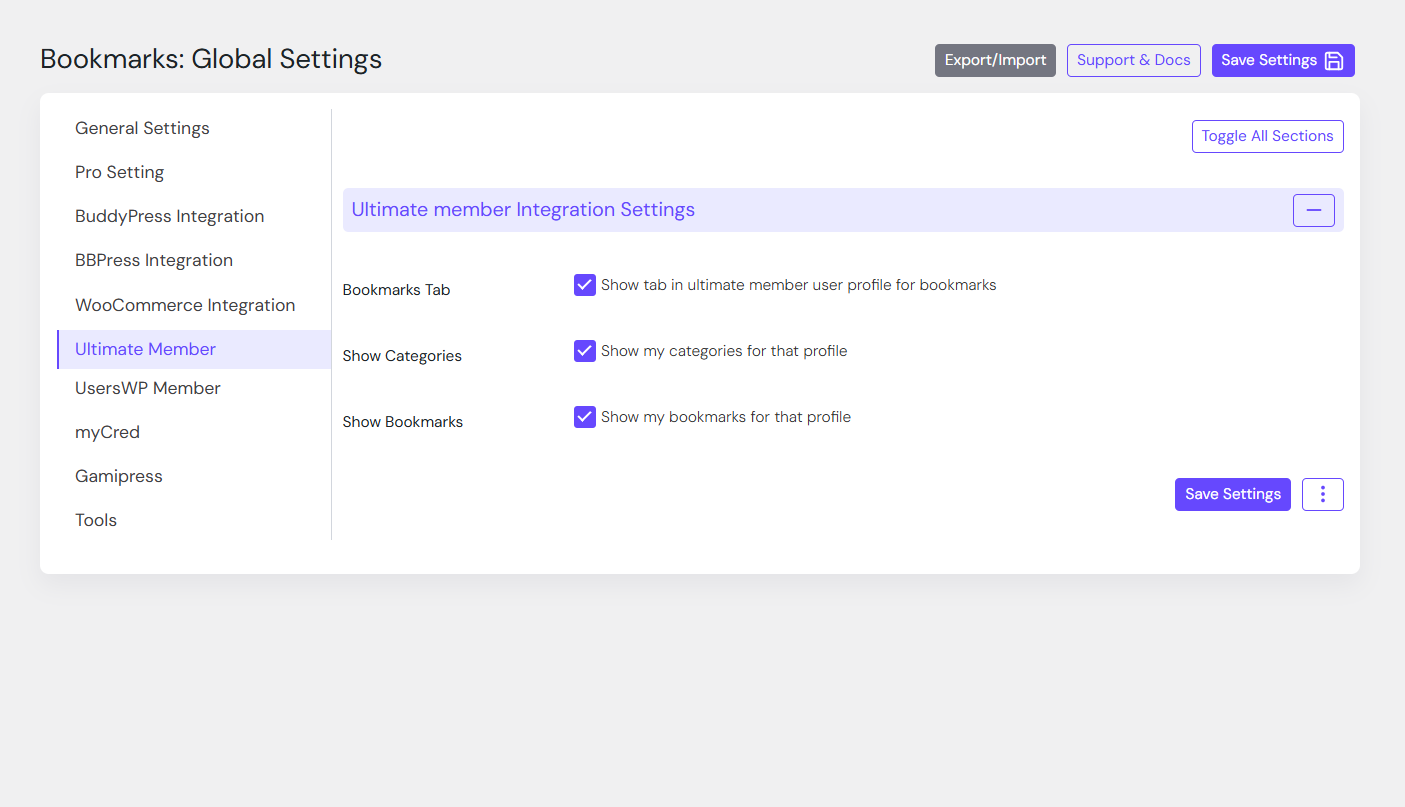
- Ultimate member support
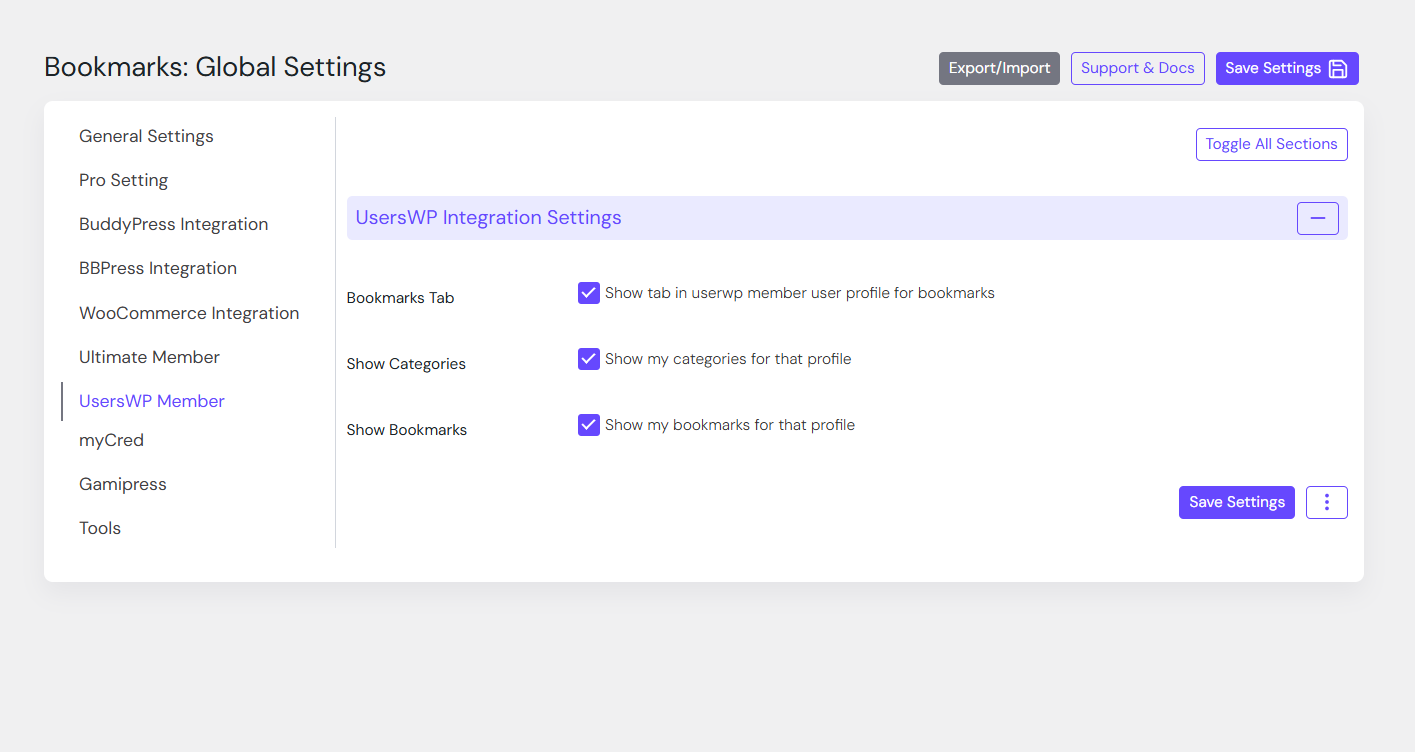
- usersWP support
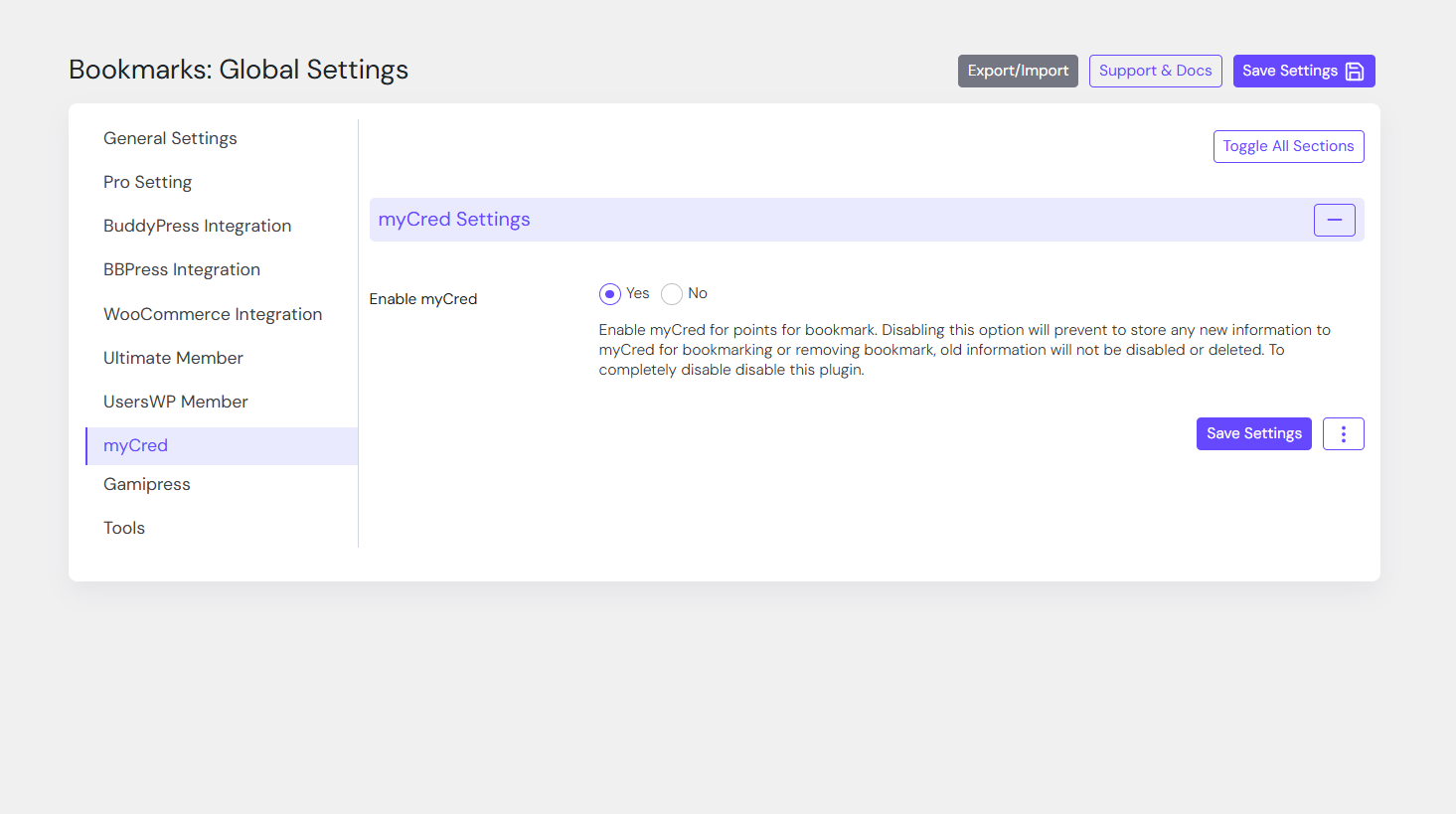
🔱 Pro Feature: myCred Integration
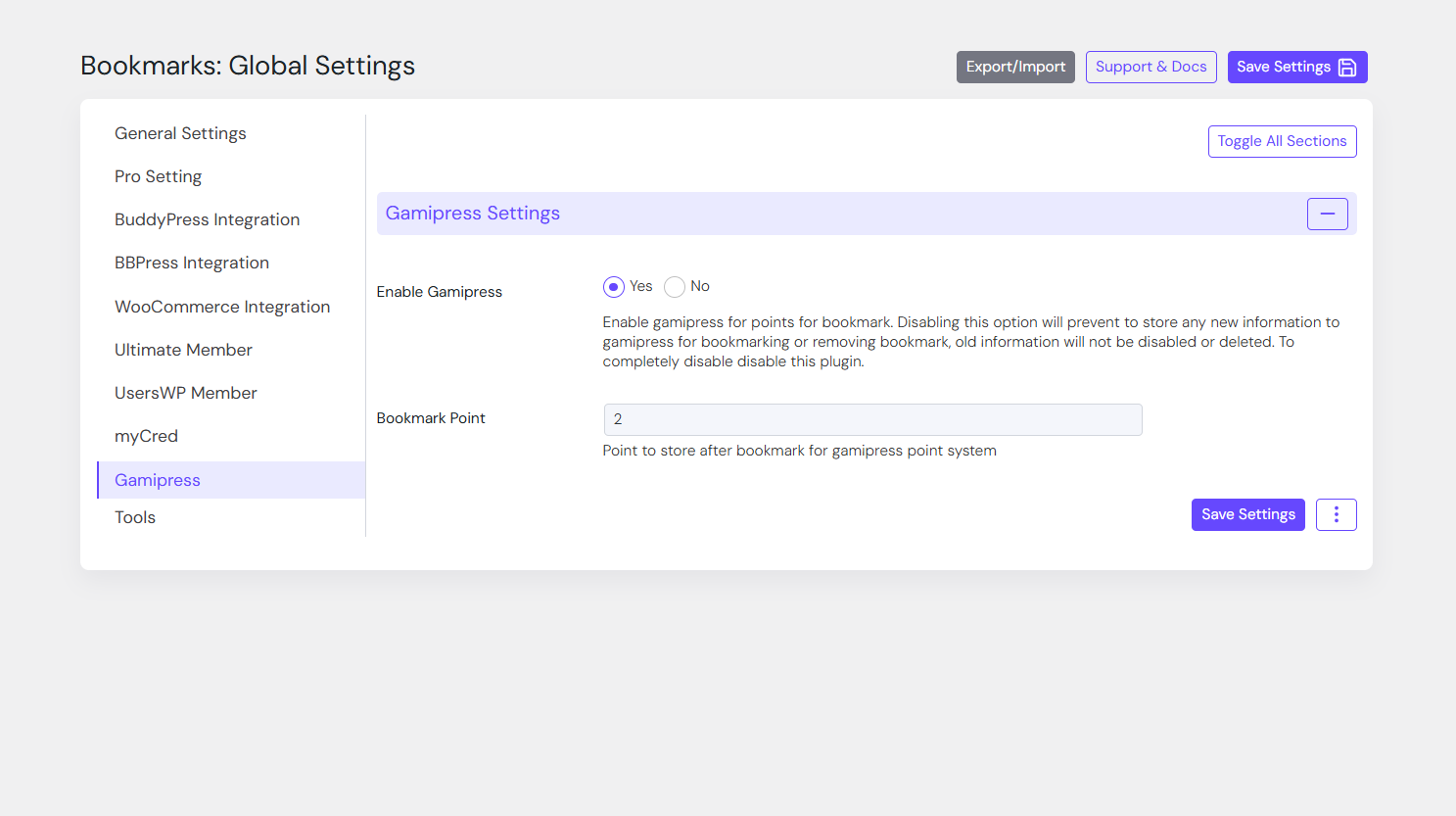
- User gets point after bookmark (configurable)
- Point cuts from user after remove bookmark (configurable)
🔱 Third party plugin Integration
- buddyBoss
- myCred
- bbPress
- Fifu(Featured Image from URL)
🔩 Installation
How to install the plugin and get it working.
- Upload
cbxwpbookmarkfolder to the/wp-content/plugins/directory - Activate the plugin through the ‘Plugins’ menu in WordPress
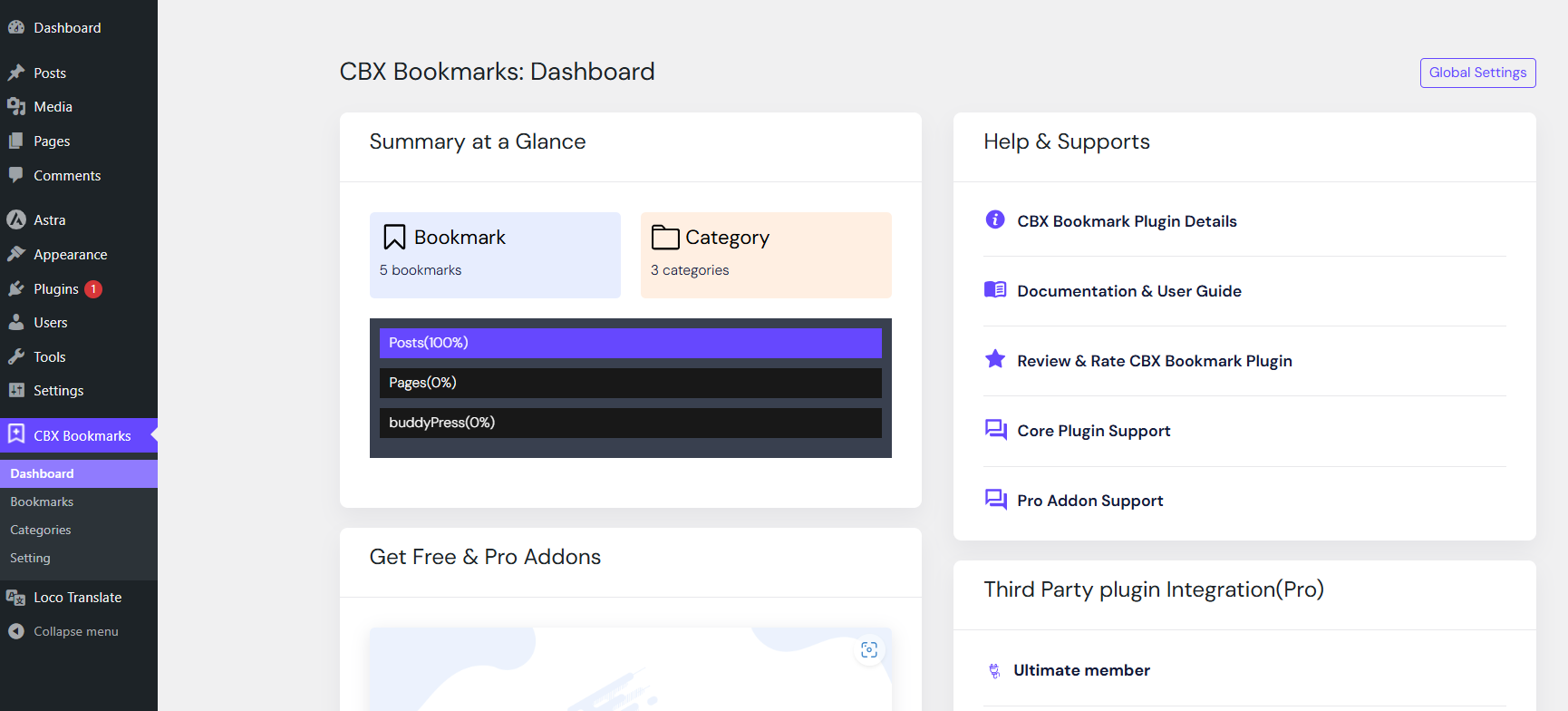
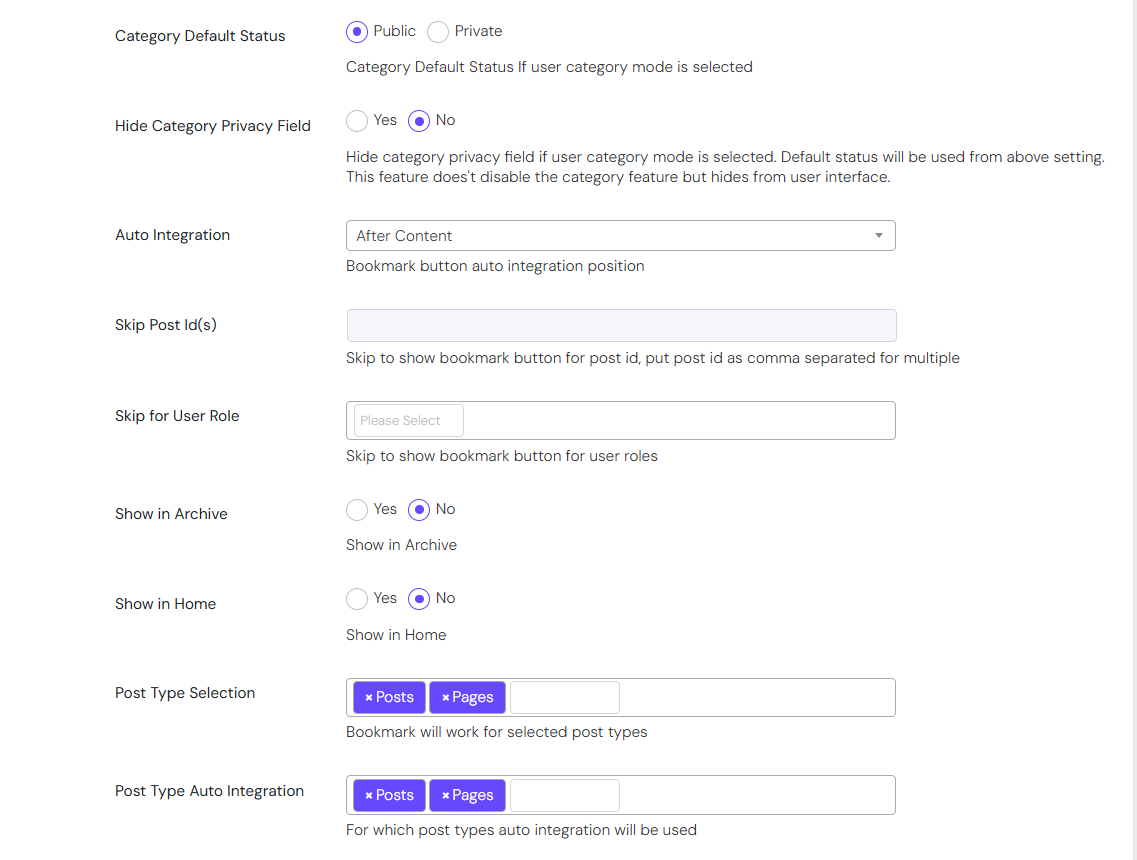
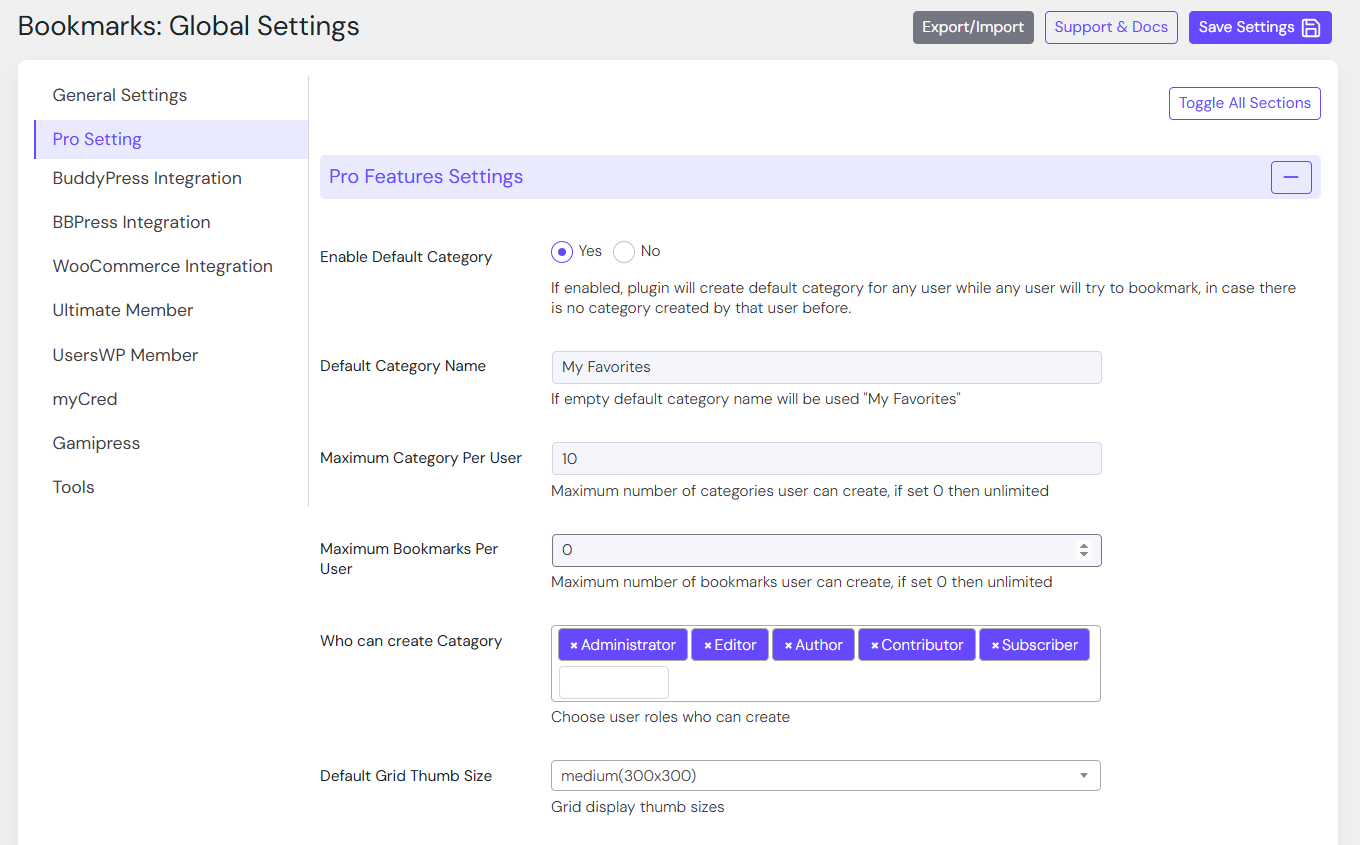
- Go to Setting-> CBX Wp Bookmark Setting to edit settings
- In any post or page you can write shortcode as described
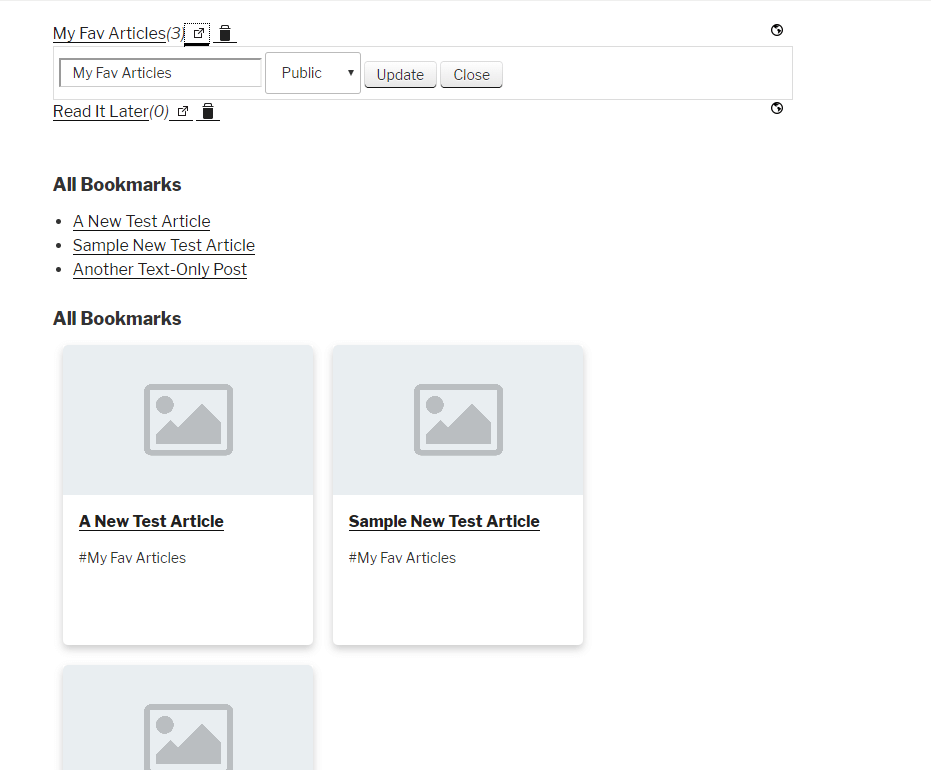
- Frontend shortcode to edit any bookmark and bookmark category with delete feature
- More will come soon as per user demand and natural user experience
Screenshots
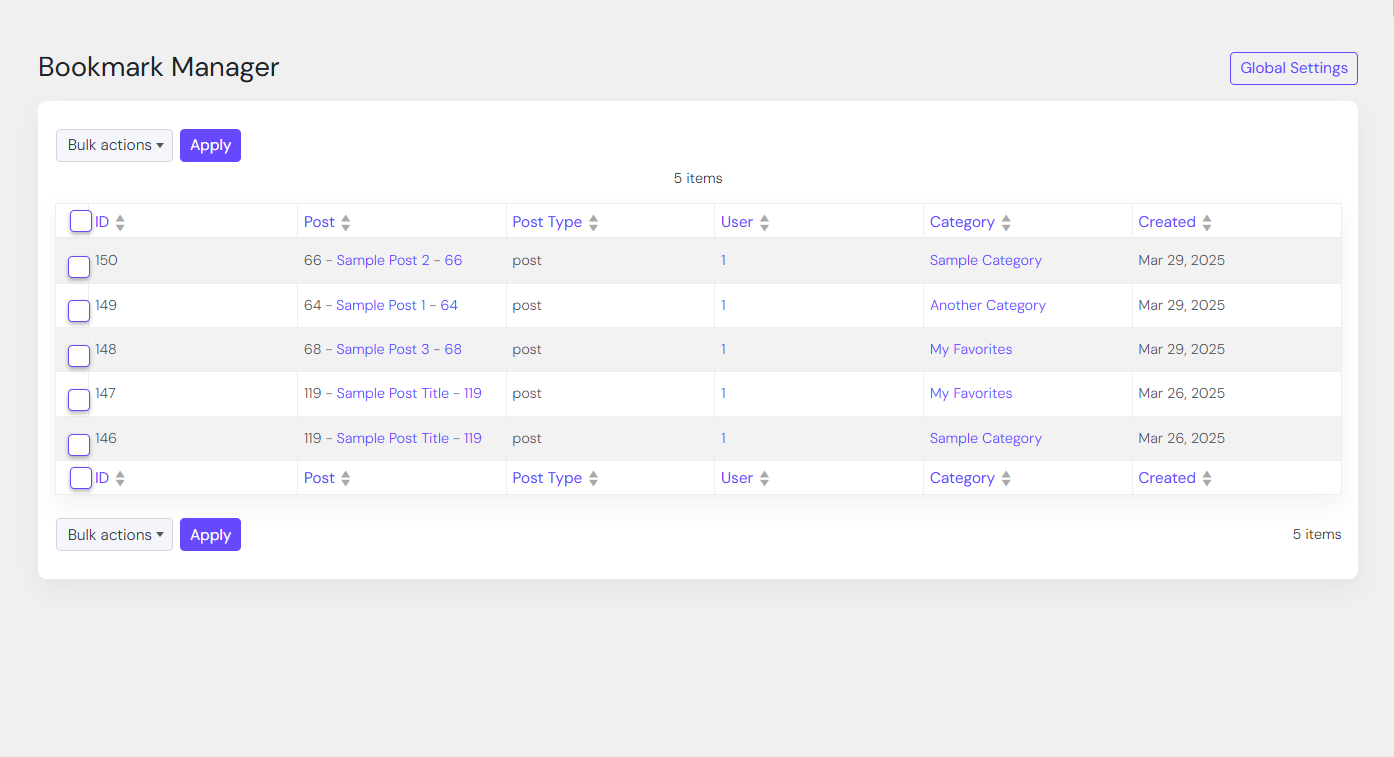
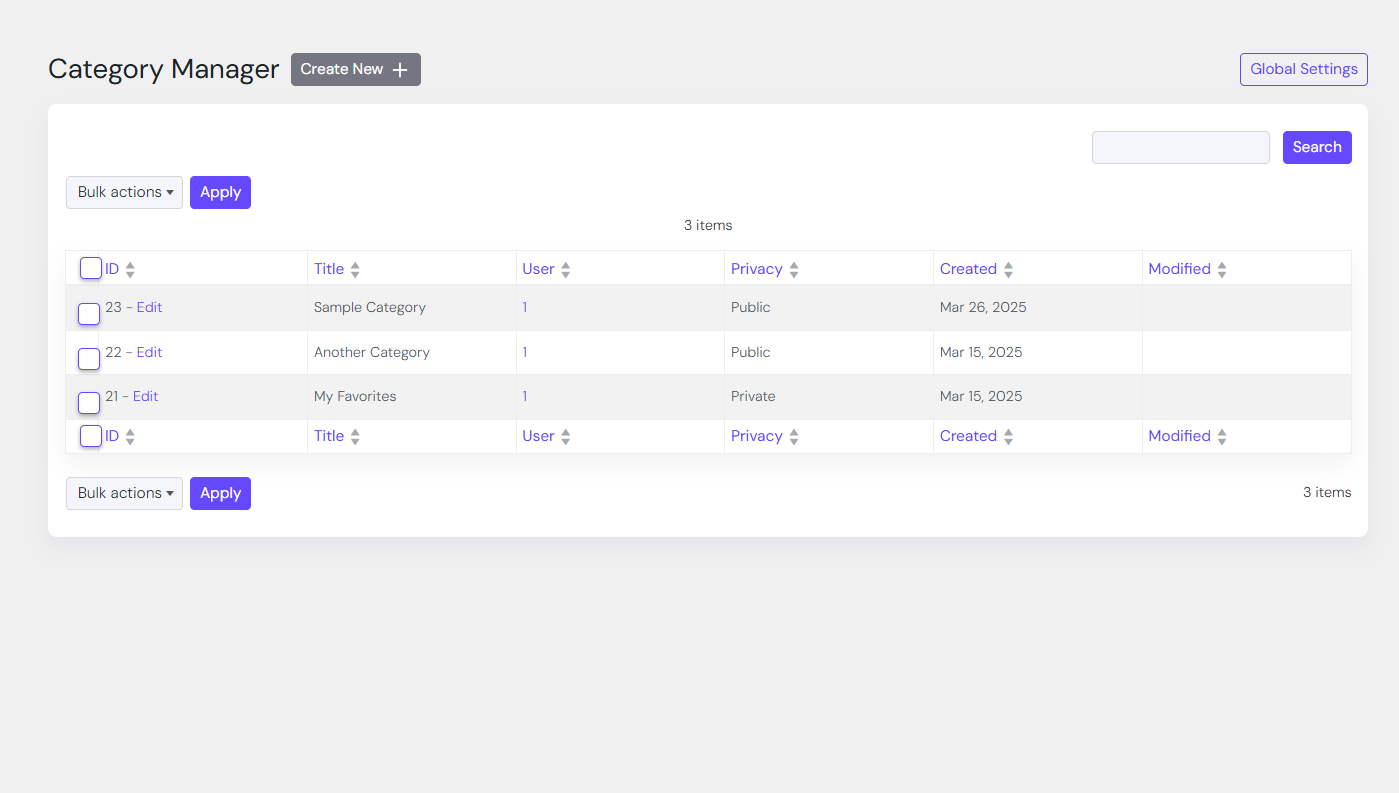
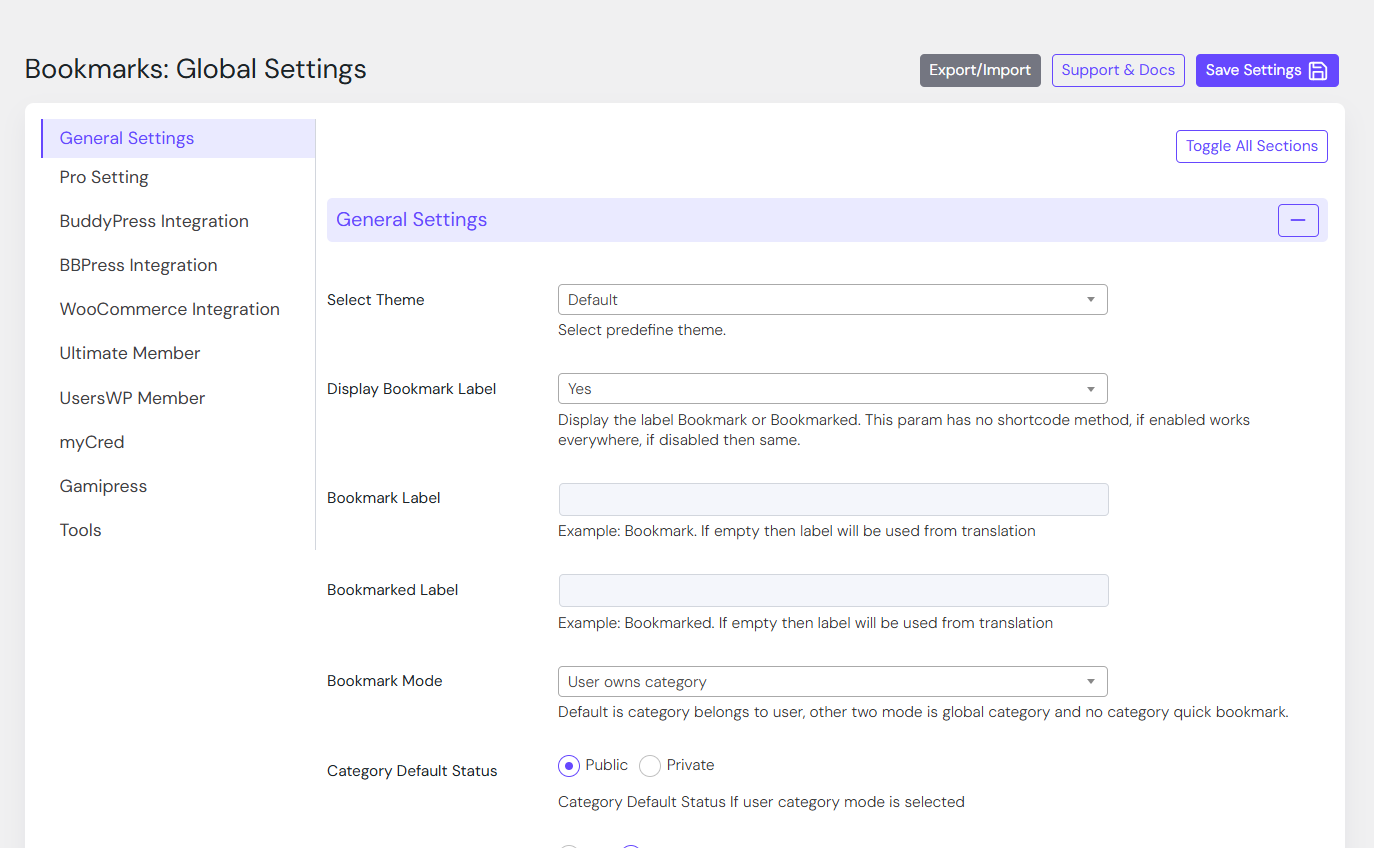
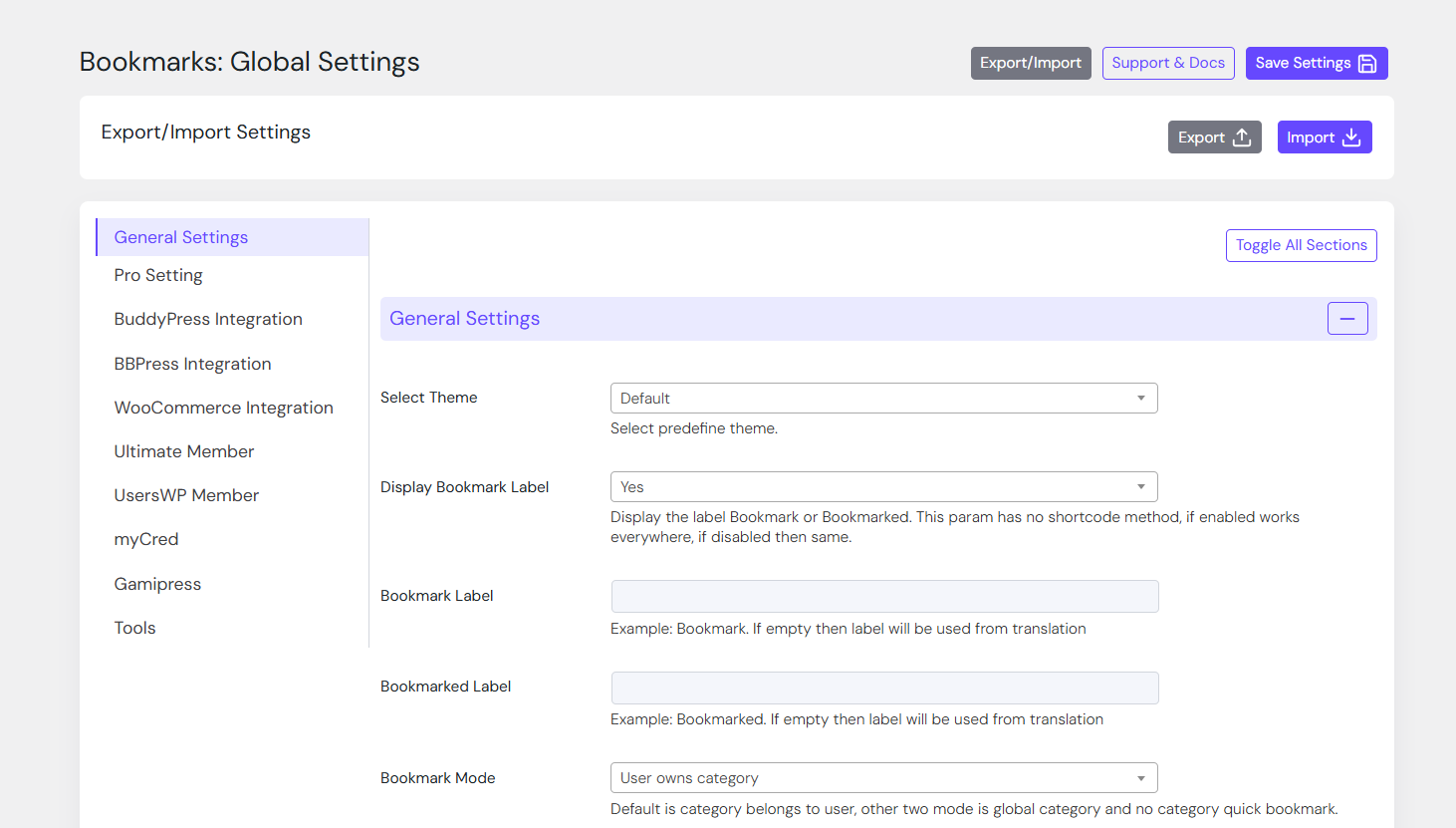
Reviews
Great Plugin
By 
You, rock...
Best Way for Members to Remeber Things!
By 
The CBX Bookmark & Favorite Plugin has become an essential tool for our teaching websites. We manage several platforms with more than 800 video tutorials, and this plugin has made it incredibly easy for our members to save, organize, and return to their lessons. It also saves us valuable time by reducing requests for help finding specific tutorials. It’s a true win-win for both our students and our team.
Great functionality and support
By 
I recommend this plugin! Great features, easy to set up, lot's of settings and great support.
Thanks!
Great Support & Plugin
By 
It works great and allows us to add custom work with it. Support has also been great
It's the best product for designers
By 
Thank you very much for all your efforts
You communicated with me consistently
They were willing to do something boring
This problem is just a mistake in my work
We appreciate your pointing it out to us.
This plug-in is a very effective product
All of you're homepages are very kindly written
I'll promote this product a lot
It is an essential product for designers and developers
Thank you.
Almost perfect, and fast support
By 
It will be perfect if users can share bookmark categories individually
Love this Plugin!
By 
I have been using this plugin for a while now and really like it. I went through and read some of the older reviews but I do not have any problems with it whatsoever. I use it with other post modifier plugin such as Custom Front End Posts and Thrive Comments and it works really well. I think the way to add category bookmarks might seem a little difficult at first to some users but everything else is great!
Thanks for the awesome support !
By 
A plugin for a feature I had been looking for a long time. At first, it didn't work on my site environment, but after talking to support, they were able to customize and update the plugin to meet my site's specifications. I think that's great support. Great, thank you so much.
Perfect
By 
Great plugin, and super helpful and friendly support.
css is all broken
By 
- Can't change icon size and even when you add your own custom ones they still don't show. Also you can't remove that effect from it.
- Login popup is all messed on both desktop and mobile. The width of the popup is about 50 px even so imagine that.
Changelog
2.0.10
- [new] New option in setting to open bookmark url in new tab
- [update] Bookmark display related templates updated for bookmark open in new tab option
- [updated] Pro Addon 2.0.10 released
2.0.9
- [updated] Compatible with WordPress 7.1
- [fixed] Frontend dashboard – Bookmark Manager listing id col removed
- [fixed] Frontend dashboard – Bookmarks Overview Category stat sync with user data and settings
- [updated] Pro Addon 2.0.9 released
2.0.8
- [new] On user delete, bookmark delete added
- [improved] bookmark unique constraint added
- [updated] Added better error handler while activating plugin
- [updated] Pro Addon 2.0.8 released
2.0.7
- [improved] Improved accessibility
- [updated] Pro Addon 2.0.7 released