CF7 Inbound Organizer
CF7 Inbound Organizer
Description
This plugin helps you to keep track of submitted CF7 forms that need to be processed by you or
your team. Use it for example to track leads, support tickets or contact requests.
It is built on top of Contact Form 7 and Flamingo (store form submissions).
To use the Inbound Organizer, users need to have the Flamingo permission to edit Inbound Messages.
The plugin adds a submenu in the WordPress Admin environment (Flamingo).
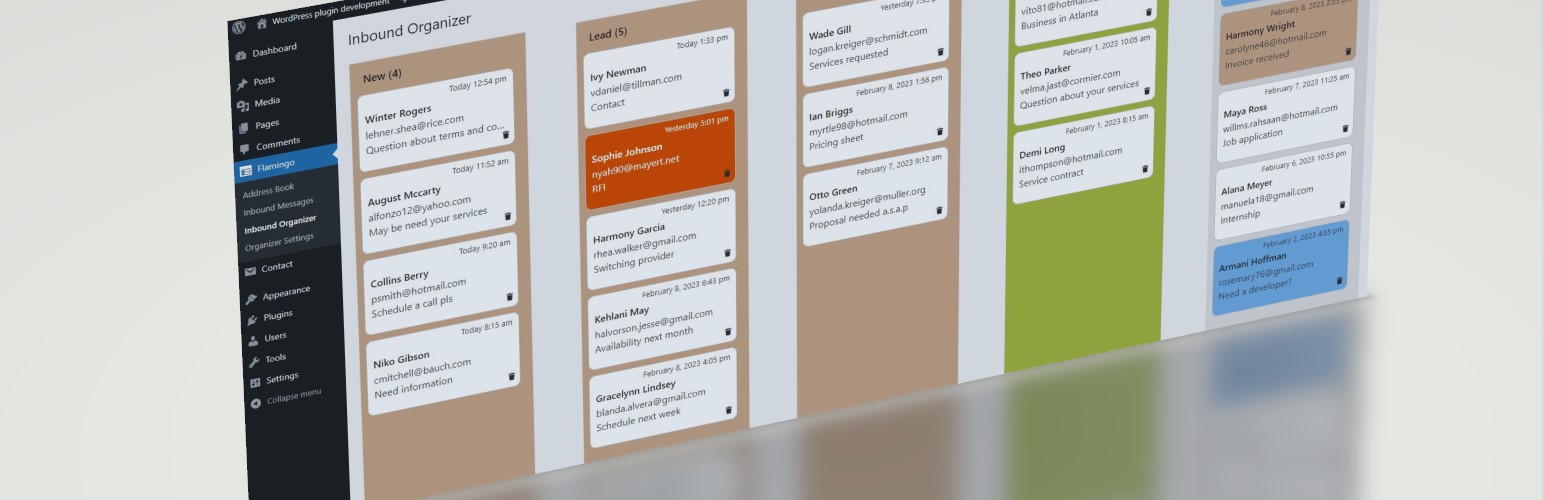
Messages are displayed visually in 2 to 5 columns representing the tracking status as you see fit.
1. Drag and drop a message to another column to reflect a status change.
1. Read message details by clicking on it.
1. Enrich messages by adding notes and colors.
1. Trash irrelevant ones.
Installation
- Make sure you have Contact Form 7 and Flamingo installed and activated.
- If needed, configure your forms so that data is correctly stored in Flamingo.
- Download, install and activate CF7 Inbound Organizer just as any other plugin.
- If installed and activated correctly, there will appear two new menu items in the Flamingo menu.
Screenshots
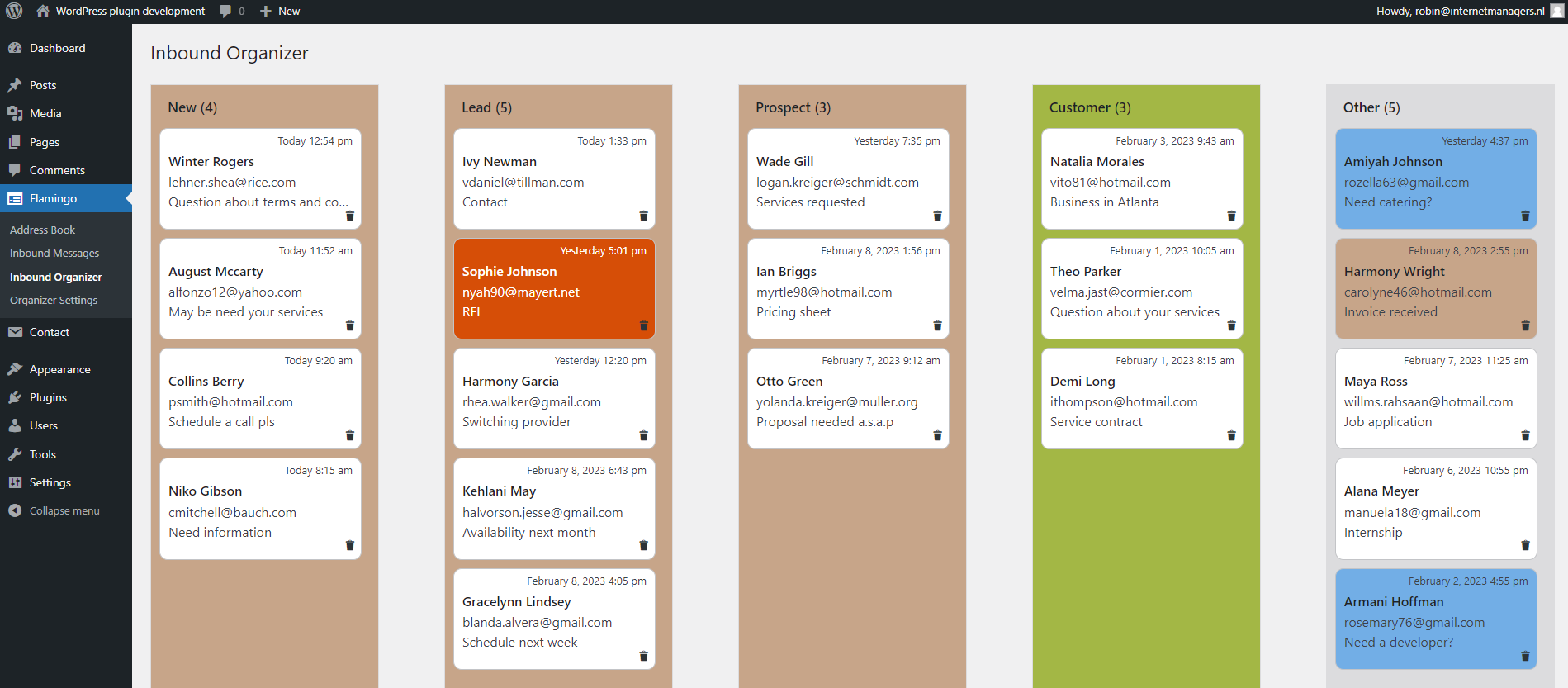
Inbound Organizer with 5 columns in use as a lead tracker.

Message details with notes and color picker.

Drag and drop a message to another column.

General Settings.

Columns Settings.

Add existing messages to the organizer.
Faq
I am Dutch, so I have created a Dutch translation. Please contact me if you can provide support for additional language translations.
No, not yet. If you think it would be useful for your site, drop me a line and I will consider creating versions for Gravity Forms and/or WP Forms.
Reviews
Changelog
1.0.0
- Initial release.
1.0.1
Fixed namespace conflict in AJAX object used for url and nonce.
1.0.2
Tested for WordPress 6.7.1
Fixed bug with focus on Notes field, making this field usable