CF7 Spreadsheets
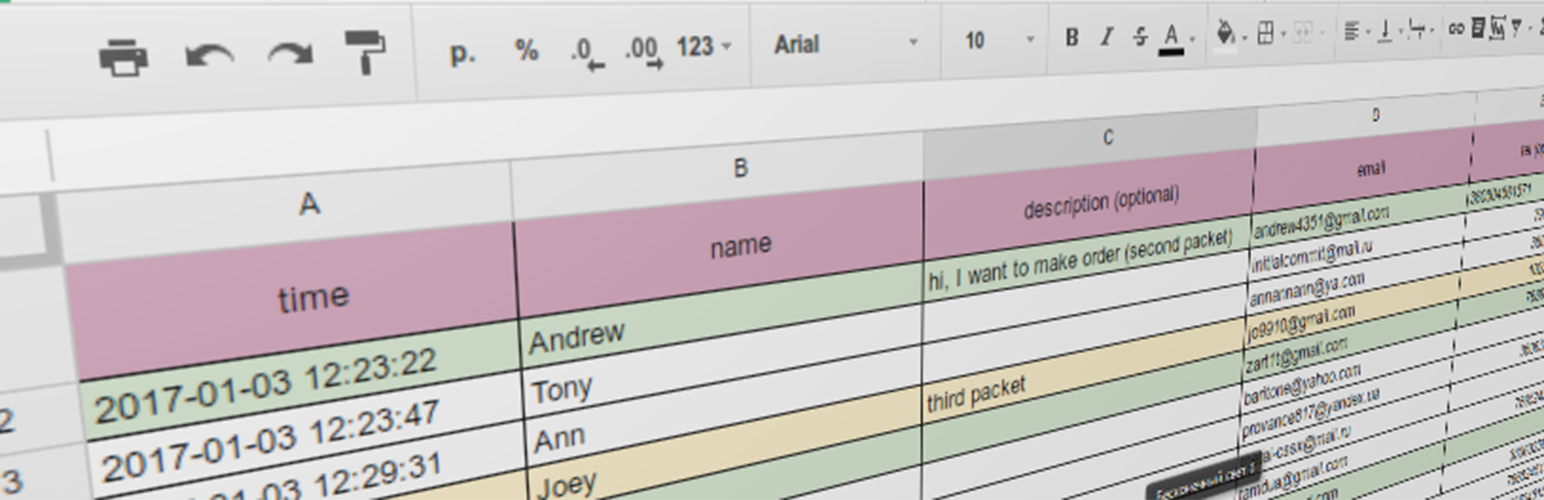
CF7 Spreadsheets
Description
WordPress plugin that merge Contact form 7 functional with google spreadsheets (also works with private spreadsheet).
How to use:
Video instruction: https://www.youtube.com/watch?v=ZgZRBByY4fc
Video instruction (OLD versions): https://www.youtube.com/watch?v=5ICWr5MMo7E
- Prepare API
- Go to the Console Developers API
- Create new project (or choose existing one)
- Click “enable API and services”, or click on “library” tab
- Find in list “Google sheets API” and click “Enable”
- Go to
Credentialstab and clickcreate credentials. In dropdown list chooseService account key. In next window select you service account, andKey typetoJSON. - Save the JSON document
- Upload JSON document on plugin page (second tab).
- Create a table
- Go to the Google Spreadsheets and create new table (or open exists table)
- Copy table URL and ID. For example:
//docs.google.com/spreadsheets/d/1yhzO1Q6ikYysfg8LCHqegPM/edit#gid=0in this table URL is:1yhzO1Q6ikYysfg8LCHqegPM, and ID is:0(parametergid). - If you have private spreadsheet – you should grant edit rights to your service account (that we create earlier) directly in spreadsheet. You could find service account email in your website admin panel after uploading JSON file.
- Paste the spreadsheet URL and ID in plugin options page, upload JSON file, and choose other options.
- Create usual form in
Contact form 7and use it.
Installation
- Upload plugin folder
CF7-spreadsheetstowp-content/pluginsdirectory - Open wordpress admin tool and activate the plugin at
pluginsmenu
Screenshots

Table options page

Output page
Faq
Infinite wheel on mail send
Probably, you not enable “Sheets API” on Google developers console. Follow this link, and click “Enable”. Or you didn’t grant writable access to your service account.
Mail successfully send, but I don’t see result on google table…
Please check, that service account have access to write to your table.
Where I can give spreadsheet ID and URL?
Open table in browser, this parameters will in address string of your browser.
Reviews
Perfect!
By 
Excellent
By 
CF7 Spreadsheets Review
By 
not working
By 
Wonderful support
By 
Excellent
By 
Great Plugin!
By 
- There is absolutely zero documentation/help built into the plugin. No link to the Google API and no link to the developer's instructional video (a must watch to get started) at least. You have to come back to the "View Details" page to find those links.
- In the "Output" tab, I did not see a way to easily reorder tags. If you want to reorder them, it appears as though you have to manually copy and paste them in the desired order. Not the end of the world, but definitely more work than I would prefer.
The most useful plugin in history.
By 
Отличный плагин
By 
ACTUALLY works! But instructions are a tad unclear
By 
Changelog
2.3.2
- Fixed deprecated jQuery method on file upload.
2.3.1
- Fixed extra notices on non-existing errors.
- Fixed CF7 (v 5.2.2) bug with new required parameter in internal functions.
2.3.0
- Fixed CF7 (v 5.2.1) bug with new parameter in internal functions.
- Fixed notice “uninstall hook can be only static method”
2.2.4
- Data source became
WPCF7_Submissioninstead of$_POST(pipes feature works).
2.2.3
- Temporary rollback pipes feature, because it affects placeholders
2.2.2
- Fixed regexp, responsible for parsing text message (multiline tags and couple of tags in one line works well now)
- Added pipes feature
2.2.0
- Added composer config with package list
- Updated dependencies
- Added travis.ci to project
- Added linter (php-cs-fixer) too project files
- Fixed hidden field
2.1.2
- Added data types (Number, Boolean, Formula, String)
2.1.1
- Added shortcodes support
- Fixed duplicate require upgrade.php file
2.1.0
- Added CF7 special tags
2.0.3
- Posts limit changed to unlimited
2.0.2
- Fixed checkbox and multiselect results
- Removed placeholders at empty fields
2.0.1
- Fixed removing plugin data from database on deactivation
2.0.0
- Rewrite in OOP style
- Added configuring output row
- Added forms choose to use
- Fixed bug with checkbox (default action CF7)
- New user interface
1.0.4
- Compatibility with other plugins, that use google account fixed
- Notice added
- RU Translation updated
1.0.3
- Security fixes
1.0.2
- Added readme.txt and assets
1.0.1
- Added translate to russian language
- Added readme
1.0.0
- Alpha version