Chained Selects for Chained Selects for Contact Form 7
Chained Selects for Chained Selects for Contact Form 7
Description
Chained Selects for Chained Selects for Contact Form 7 lets you create dependent select fields inside Chained Selects for Contact Form 7.
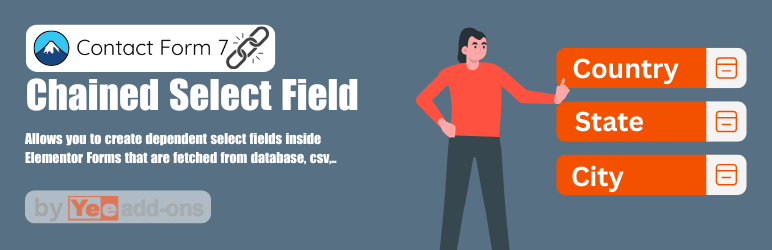
For example: when a user selects a Country, the next field will only show the States/Provinces of that country.
Demo: https://demo.add-ons.org/demo-chained-selects/
Document: https://add-ons.org/document-chained-selects-for-contact-form-7/
Pro Version: https://add-ons.org/plugin/chained-selects-for-contact-form-7-pro/
Perfect for forms that require multi-level selections such as:
– Country State City
– Parent Category Subcategory
– Product Variation
Features
- Dependent fields: Each select field is linked to the previous one. When the user chooses an option, the next field is automatically filtered to show only matching values.
- Easily add dependent selects to Contact Form 7.
- Dynamically filter options based on the parent field value.
- Support for multiple chained selects in a single form.
- Fetch data from the WordPress database or enter manually.
Pro Version
- Radio and Checkbox type support
- Source .Csv, Google Sheets data
Installation
- Upload the plugin files to the
/wp-content/plugins/chained-selects-for-contact-form-7directory, or install the plugin directly through the WordPress plugins screen. - Activate the plugin through the “Plugins” screen in WordPress.
- Create a form with Chained Selects for Contact Form 7
- Add the chained select field
- Document: https://add-ons.org/document-chained-selects-for-contact-form-7/
Screenshots

Backend settings for Chained Select field.
Reviews
Changelog
2.0.0
- Initial release.