Change WordPress Admin Logo
Change WordPress Admin Logo
Description
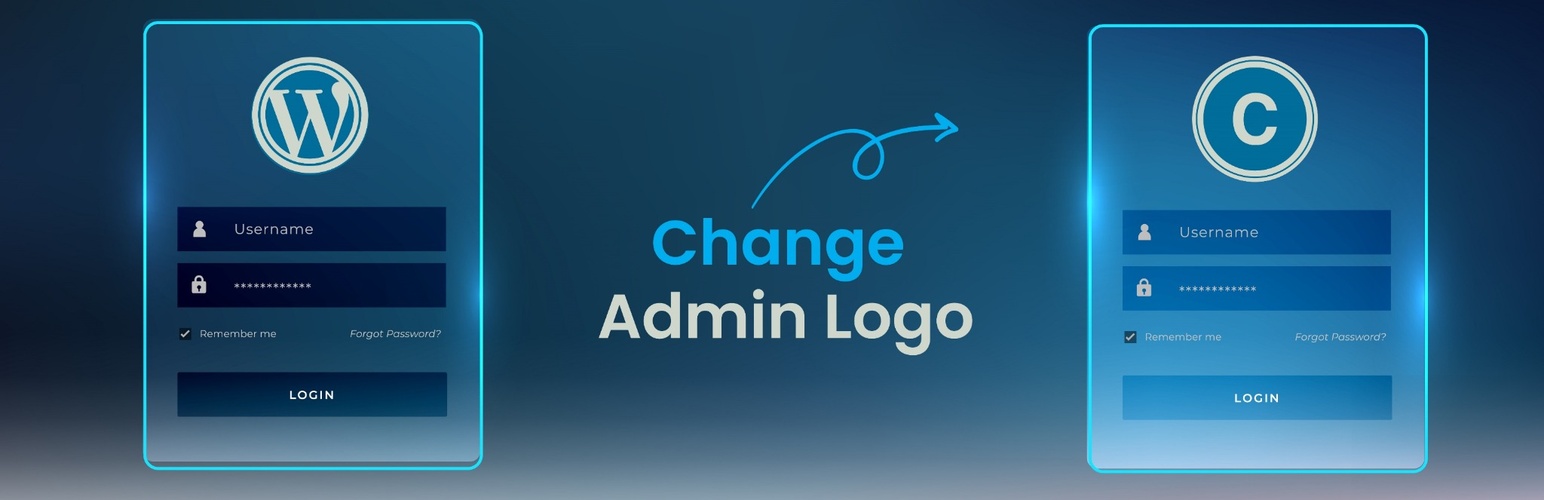
Change WordPress Admin Logo is a lightweight plugin that replaces the default WordPress logo on the login page with a logo of your choice. Whether you are building a site for a client or branding your own website, it gives you a quick way to personalise the login screen with no CSS tweaks or code editing.
Pick an image from the media library and save. The plugin reads the image dimensions and sizes the logo to fit the login form while keeping its proportions, so wide, square, and tall logos all display correctly without any manual sizing. Width and Height fields are available when you want a specific size.
Features
- Choose any image from the media library as the login logo
- Automatic sizing that keeps the logo proportions and fits the login form
- Optional Width and Height fields for a specific size
- Preview of the selected logo on the settings page
- No coding or custom CSS required
- Lightweight: one style block on the login page, nothing on the front end
Usage
- After activation, open Custom Admin Logo in the WordPress admin sidebar.
- Click Choose Logo Image and pick or upload an image in the media library.
- Leave Width and Height empty to size the logo automatically, or enter a value in either field.
- Click Save Changes. Your login screen now shows the custom logo.
Installation
Automatic Installation
- Go to Plugins > Add New in your WordPress dashboard.
- Search for Change WordPress Admin Logo.
- Click Install Now, then Activate.
Manual Installation
- Download the plugin ZIP file.
- Upload the extracted
change-admin-logofolder to the/wp-content/plugins/directory via FTP or File Manager. - Activate the plugin through the Plugins menu in WordPress.
Faq
Open Custom Admin Logo in the admin sidebar, click Choose Logo Image, pick or upload an image, and click Save Changes.
With Width and Height left empty, the logo is shown at its own size, kept within 320px wide (the width of the login form) and 100px tall, with its proportions preserved. Enter a Width to make it larger; the height follows the image proportions. Enter a Height and the width follows. Enter both to use exact values.
Any image the media library accepts, such as PNG, JPG, GIF, or WebP. A transparent PNG gives the best result. Automatic sizing needs an image with known dimensions, so an SVG is shown in a 320 by 100 box unless you set a size.
Yes, this plugin works independently of your theme. It replaces the logo on the default WordPress login screen regardless of the active theme.
Open Custom Admin Logo, clear the Width and Height fields, and click Save Changes once. This records the image dimensions used for automatic sizing.
Reviews
Keeps the login page looking professional and on-brand.
By 
This is especially useful for client projects where branding matters. Clean, fast, and effective — highly recommended!
Nice plugin
By 
it was very useful and simple
Nice plugin
By 
This is the nice thought because of some time admin logo feel boring😄
Change Admin Logo : Good
By 
Change Admin Logo is a lightweight and easy-to-use WordPress plugin that lets you replace the default login page logo with your own branding. It’s simple, works smoothly without extra setup, and is regularly updated. Perfect if you just want to change the logo quickly, though it doesn’t include extra customization options beyond that.
So Helpfull
By 
This plugin has made customizing the WordPress admin area so much easier for me. The setup is straightforward, the interface is clean, and it works exactly as expected without unnecessary complexity. It’s a small change, but it adds a professional touch to my sites and saves me time compared to doing it manually. Really appreciate the developer’s effort in keeping it simple yet effective.
Nice plugin
By 
Simple and helpful
By 
Good Pluigin
By 
Changelog
1.1
- First version.
1.2
- Localization.
1.3
- Separate admin menu page for managing logo.
1.4
- Logo is sized automatically from the image proportions. Width and Height are now optional.
- Removed the extra space between the logo and the login form.
- Settings page preview shows the logo at its real proportions.
- Fixed PHP warnings and a missing logo when the plugin was active but not yet configured.
- Settings are sanitized before they are saved.
- Media library scripts load only on the plugin settings page.
- Settings page requires the manage_options capability instead of the administrator role.