Change Icons in Menu Navigation Block
Change Icons in Menu Navigation Block
Description
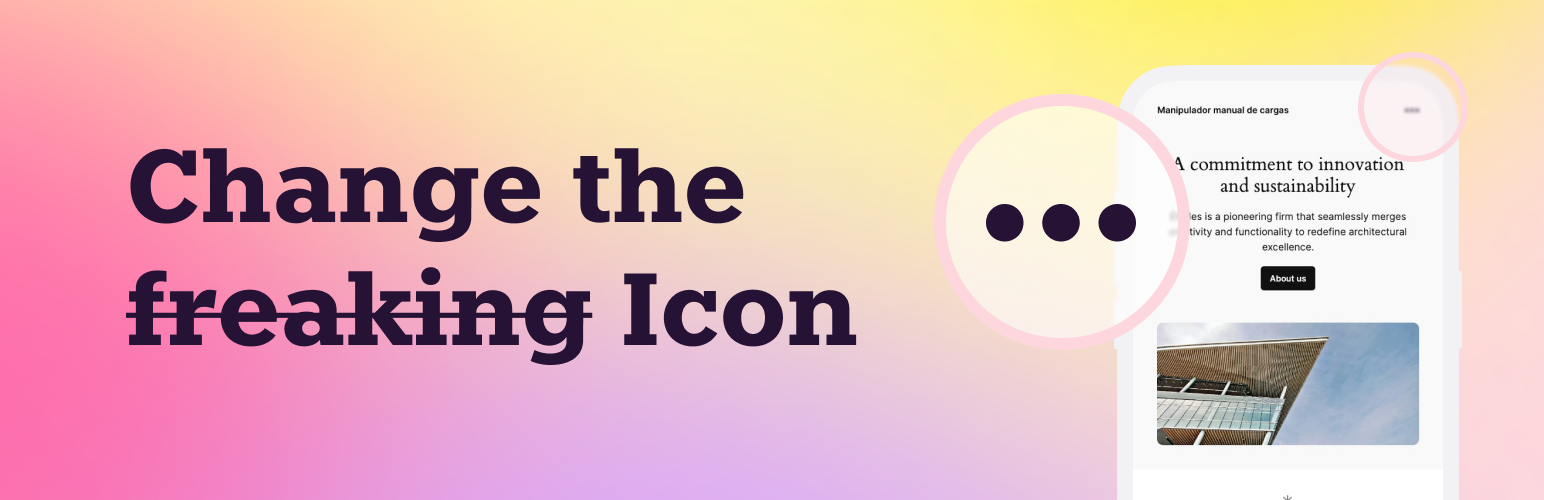
The “Change Icons in Menu Navigation Block” plugin provides an easy and intuitive way to replace the default open and close menu icons in the WordPress navigation block. With this plugin, you can paste your custom SVG code for the icons directly into the WordPress admin area, offering a seamless way to customize your site’s appearance.
Icon that appears in plugin assets is created by Athok from Noun Project.
How to use
- Use the Settings->Change Menu Icons screen to configure the plugin.
- Paste the SVG code for Open Icon and/or Close Icon. Note: Leave textarea in blank to keep the default icon.
Screenshots

Settings page where you can paste your custom SVG icons.

Result for Open Icon SVG code using Athok's Menu icon from thenounproject.com
Faq
Yes, you can use any custom SVG code. However, please ensure that the SVG is properly sanitized to avoid security risks. I hardly recommend the noun project library and its search by “menu” https://thenounproject.com/search/icons/?q=menu
Yes, the plugin is designed to work with any theme that uses the WordPress Navigation Block.
Reviews
Great simple plugin
By 
Nice and easy. It does what it says.
Top-notch plugin!
By 
This outstanding plugin does what most plugins should do, one feature and do it well. This is what it does, you need to change your WordPress mobile menu icon? This is definitely the plugin for you.
It's great!
By 
This plugin is perfect: it does what it says it does and nothing more. It's great!
Changelog
1.0
- Initial release.