Change title
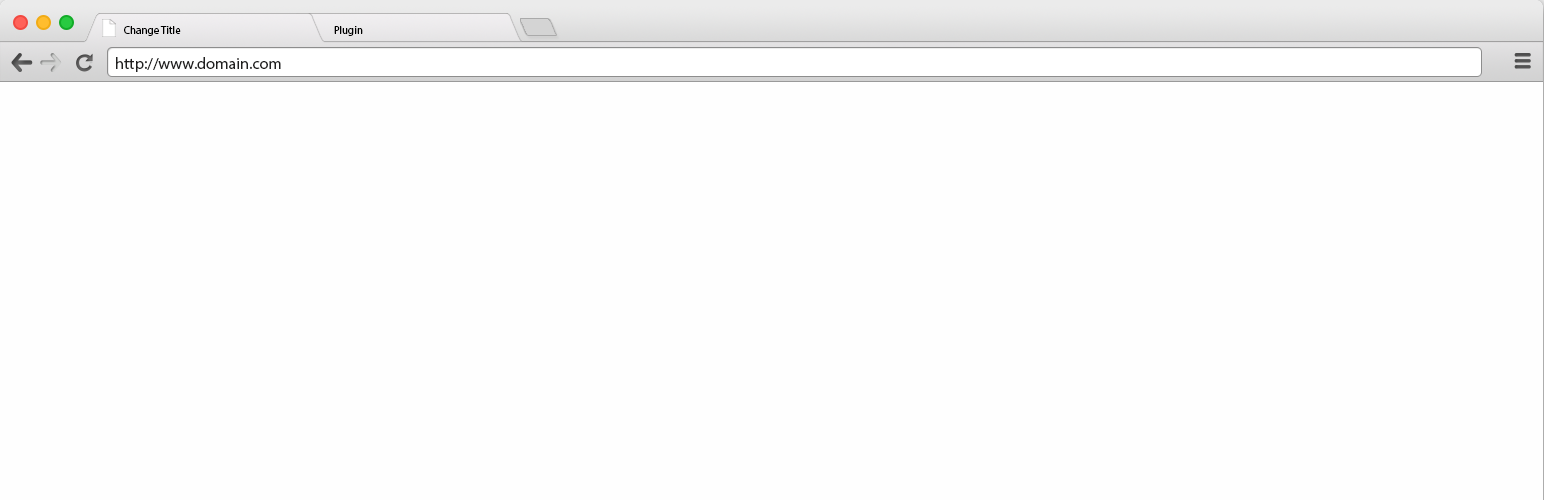
Change title
Description
Change the page title to a “come back message” when change the browser tab.
Translations
- English
- Portuguese (Brazil)
Installation
- Upload the plugin files to the
/wp-content/plugins/come-back-messagedirectory, or install the plugin through the WordPress plugins screen directly. - Activate the plugin through the ‘Plugins’ screen in WordPress
- Use the Settings->Come Back Title
- Active and change the message
Screenshots

How plugin works
Faq
Use the support link plugin.
Reviews
Works perfectly.
By 
Just what I needed, thanks.
Changelog
1.0
Plugin Creation
1.1
Update readme and assets
1.2
Change Verification (active)
1.2.1
Change readme
2.4
Fix support url
2.4.1
Change readme