Change WP Cron Request URL
Change WP Cron Request URL
Description
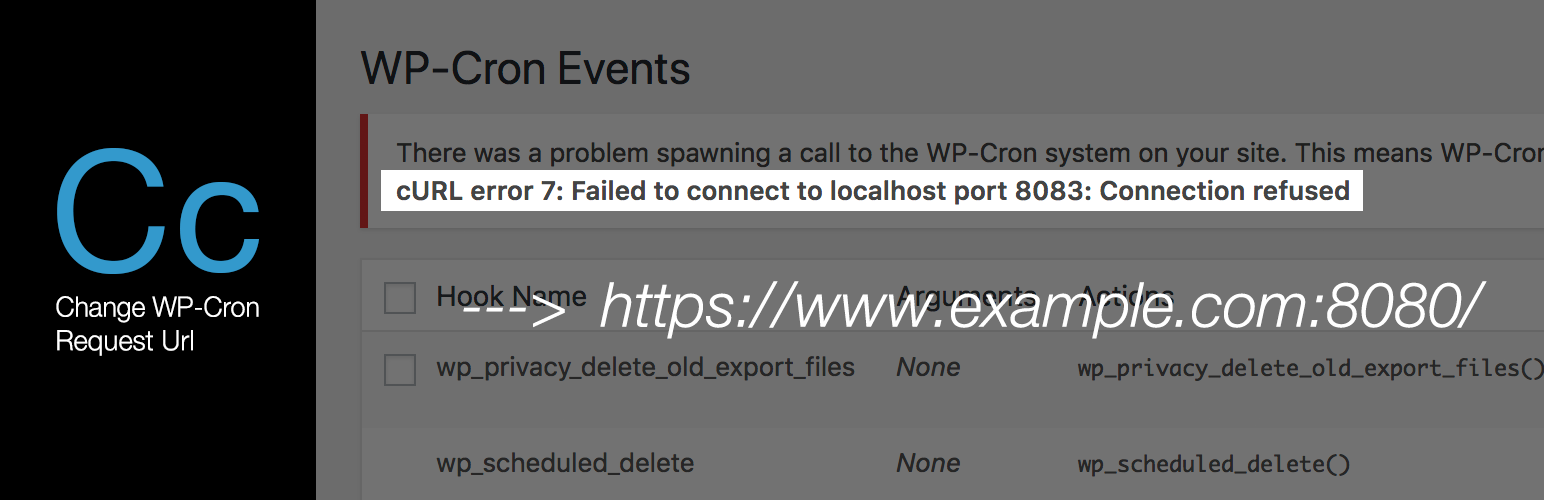
This plugin changes the request url when wp-cron executed.
For details, see this plugin’s setting page.
The link is made to “Admin menu” > “Settings” > “Change WP Cron Request URL”.
Installation
- Upload the ‘change-wp-cron-request-url’ folder to the ‘/wp-content/plugins/’ directory.
- Activate the plugin through the Plugins menu in WordPress.
Reviews
Changelog
1.0.2
- Fix: Settings are reset when deactivated.
1.0.1
- Fix: Wrong domain initialization.
1.0.0
- first version.