ChatFlow – Click To Chat Widget for Website
ChatFlow – Click To Chat Widget for Website
Description
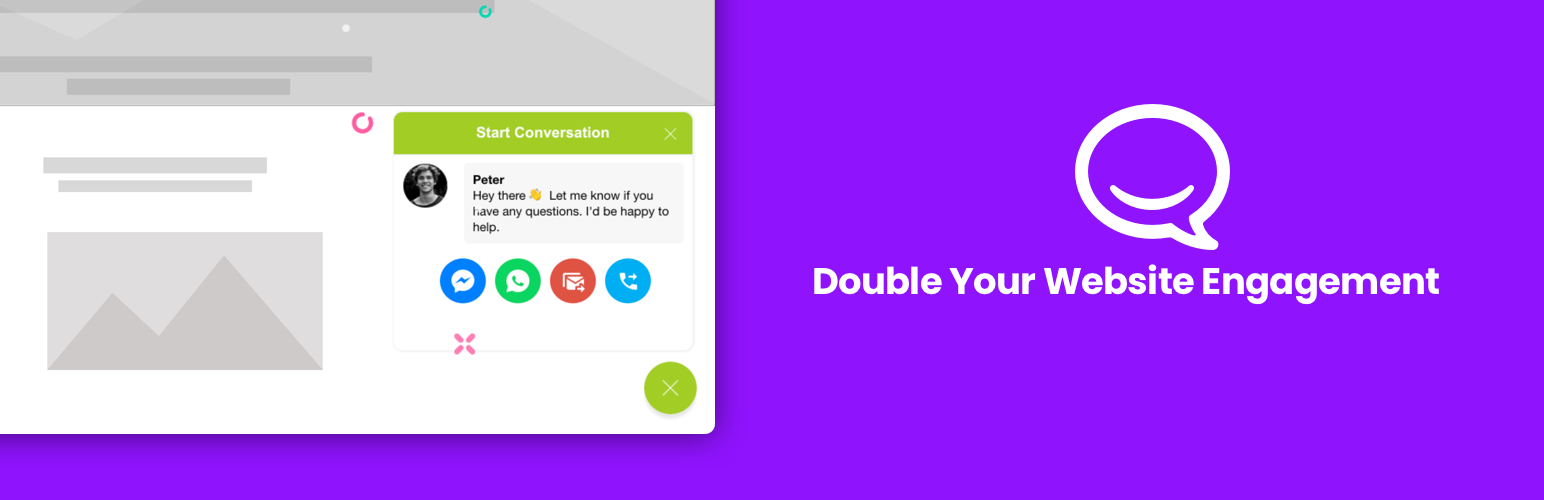
ChatFlow.io Click To Chat Widget allows your visitors to start chat with you on multiple Messaging Apps easily so you can still keep in touch with them even when they left your website.
Boost your website conversion today!
Features
- Automated Message Triggering
- Call to Action
- Multiple Messaging Apps Support (Facebook Messenger, WhatsApp, Email & Phone Call)
- Customisable Widget Appearance
Installation
Automatic installation
- Go to Plugins > Add New > Upload and select the .zip file from your hard disk
- Click the “Install now” button
- Activate the plugin through the ‘Plugins’ menu in WordPress
Manual installation
- Upload the plugin folder to the
/wp-content/plugins/directory via ftp - Activate the plugin through the ‘Plugins’ menu in WordPress
Faq
What are the messaging apps supported?
ChatFlow.io can support multiple apps: Facebook Messenger, WhatsApp, Email and Phone.
Can I change the widget position?
Yes, the widget can be configured to show on the left or right side. X-Axis and Y-Axis Padding can also be added via custom options.
How do I view the analytics (PRO)
Once Google Analytics is installed on your website, the widget will automatically create events when user interacts with the widget. No setting is required to enable this.
❤️ Support
If any problem with the plugin, please send us an email: support@chatflow.io
If you like this plugin, please support the plugin development by giving 5 star rating
Reviews
Perfect Chat Widget!
By 
Solo 2 chats
By 
Changelog
1.0.3
- Update plugin profile
1.0.1
- Update plugin profile
1.0.1
- Published plugin