Chatikonix Customizable Livechat Widget Icon
Chatikonix Customizable Livechat Widget Icon
Description
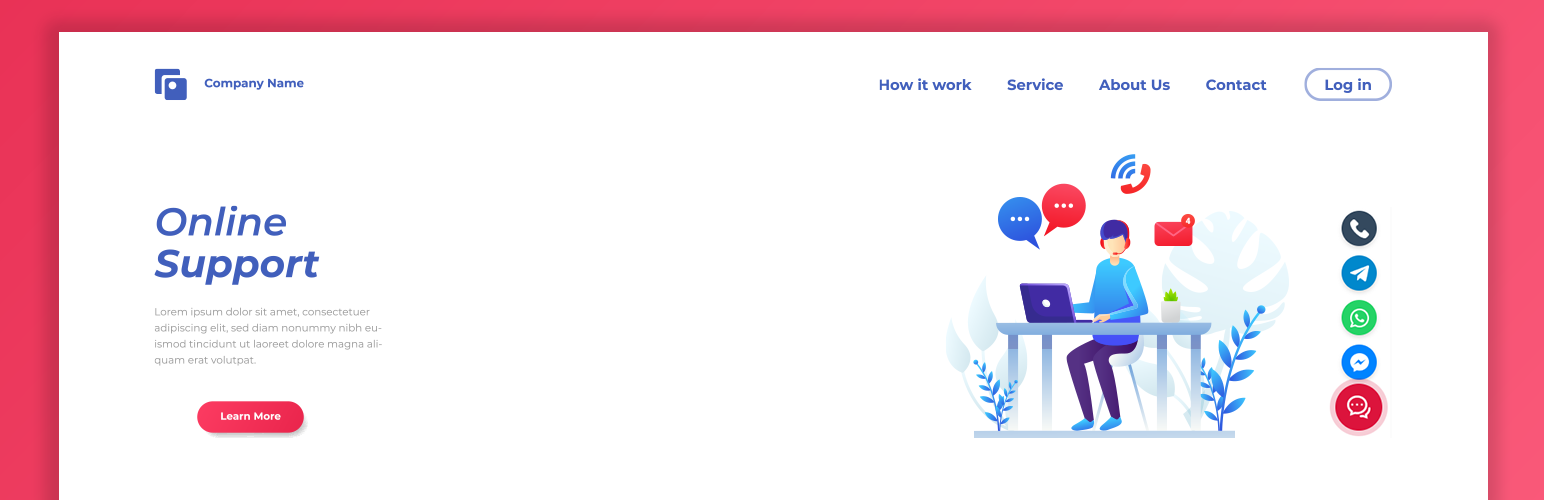
Customizable Livechat Widget Icon for WordPress is a lightweight and powerful plugin designed to help you connect with your visitors instantly. Instead of complex chat systems, this plugin provides a clean, floating button that expands to show your most important contact channels: Facebook Messenger, WhatsApp, Telegram, and Phone Call.
It is designed with performance in mind using pure CSS animations and minimal JavaScript. The plugin offers a modern, side-by-side admin interface where you can customize the appearance, upload your own icons, and control the exact position of the widget for every device type (Desktop, Laptop, Tablet, and Phone).
Key Features:
- Multi-Channel Support: Add links for Messenger, WhatsApp, Telegram, and Direct Phone Calls.
- Fully Customizable Appearance: Upload your own custom Main Chat Icon (PNG/SVG) or use the default one.
- Dynamic Background Color: Change the widget background color. The pulse animation automatically adapts to your chosen color.
- Responsive Positioning: Define specific pixel offsets (Bottom & Side) for Desktop, Laptop, Tablet, and Mobile separately. No more overlapping with other elements!
- Smart Toggle Behavior: Smooth hover effect for desktops and “Click-to-Toggle” behavior for mobile devices for better user experience.
- Easy Admin Panel: User friendly settings page, conveniently accessible from Tools Livechat Manage.
- Lightweight & Fast: Zero bloat. Uses optimized assets and clean code to ensure your site speed remains top-notch.
Installation
- Upload the
chatikonix-customizable-livechat-widget-iconfolder to the/wp-content/plugins/directory. - Activate the plugin through the Plugins menu in WordPress.
- Go to Dashboard Tools Livechat Manage.
- Configure your social links, upload a custom icon (optional), and adjust positioning.
- Click Save Settings and visit your site to see the live chat widget in action.
Screenshots

Admin Settings: Appearance and Position configuration.

Frontend view (Desktop): The floating widget in its closed state with the pulse animation.

Frontend view (Desktop): The widget expanded, showing social media icons (Messenger, WhatsApp, Telegram, Phone).

Frontend view (Mobile): The widget expanded, showing social media icons (Messenger, WhatsApp, Telegram, Phone).
Faq
The settings are located under Tools Livechat Manage in your WordPress dashboard.
Yes! In the settings panel, you can upload any PNG, JPG, or SVG image to be used as the main floating button icon.
In the settings page, look for the “Responsive Positioning” section. You can set specific “Bottom” and “Side” pixel values for Phone, Tablet, Laptop, and Desktop independently.
No. This plugin simply provides redirect links to your social media profiles. It does not track or store any visitor data.
To maintain the highest quality and support multi-colored icons, the plugin displays your uploaded image exactly as it is. If you want a specific color, please upload an icon pre-colored to your preference.
Reviews
Changelog
1.0.3
- Feature: Complete redesign of the Admin Settings page with a modern side-by-side card layout.
- Security: Implemented strict output escaping (esc_url, esc_attr) and sanitization to meet WordPress standards.
- Improvement: Moved inline JavaScript to external file and used
wp_enqueue_scriptfor better performance. - Fix: Resolved “Text Domain” mismatch and standardized plugin slug.
- Update: Replaced SVG icons with high-quality PNGs for better cross-browser compatibility.
1.0.2
- Feature: Complete redesign of the Admin Settings page with a modern side-by-side layout.
- Improvement: Enhanced custom icon handling (uploaded images now display in original colors).
- Fix: Replaced SVGs with high-quality PNG icons for better cross-browser compatibility.
- Fix: Improved hover transition smoothness and default background color logic.
1.0.1
- Feature: Added “Responsive Positioning” controls (separate offsets for Desktop, Laptop, Tablet, and Phone).
- Fix: Fixed mobile touch behavior (widget now toggles on click/tap instead of hover).
- Improvement: Added dynamic RGB calculation for the pulse animation color.
1.0.0
- Initial release.