CHIP for WooCommerce
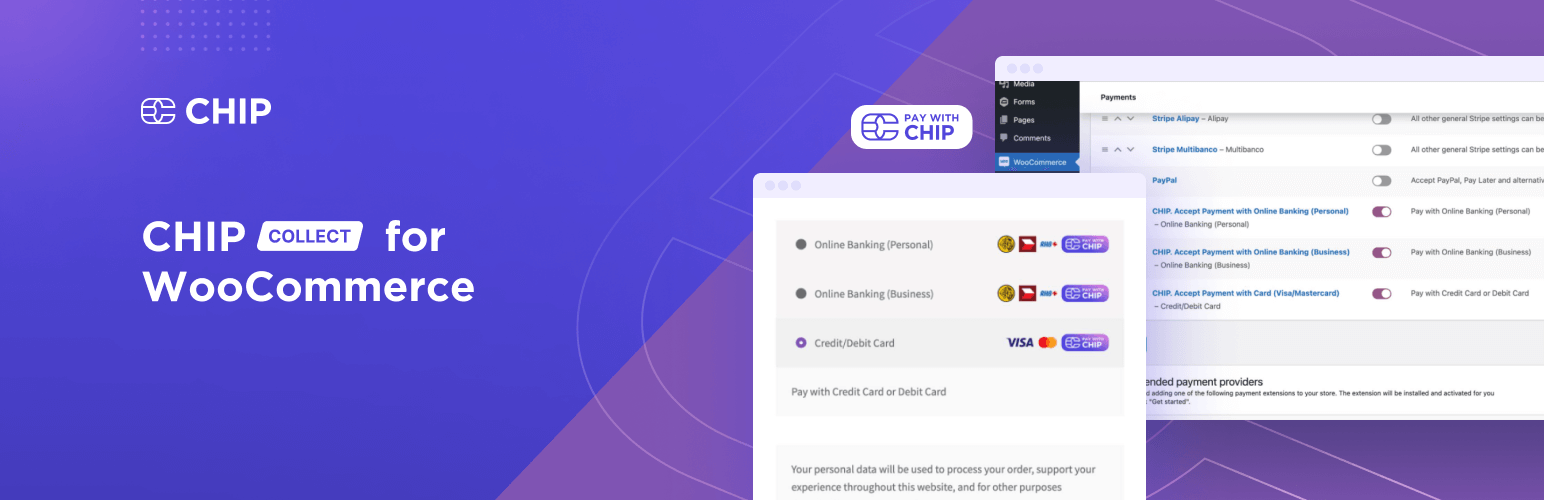
CHIP for WooCommerce
Description
CHIP for WooCommerce is the official payment gateway plugin that connects your WooCommerce store to CHIP’s powerful Digital Finance Platform. Accept payments seamlessly with Malaysia’s leading payment methods.
Why Choose CHIP for WooCommerce?
- WooCommerce Blocks Support – Fully compatible with the new WooCommerce Blocks checkout experience
- Multiple Payment Methods – Accept FPX, Credit/Debit Cards, DuitNow QR, E-Wallets, and more
- Subscription Payments – Native support for WooCommerce Subscriptions
- Tokenization – Allow customers to save cards for faster checkout
- Direct Post Integration – Secure card payments without redirecting customers
- Pre-Orders Support – Works seamlessly with WooCommerce Pre-Orders
- Authorize & Capture – Delay capture for card payments until order fulfillment
Supported Payment Methods
- FPX – Malaysia’s #1 online banking payment
- FPX B2B1 – Corporate online banking
- Credit/Debit Cards – Visa, Mastercard, Maestro
- DuitNow QR – Malaysia’s national QR payment
- E-Wallets – GrabPay, Touch ‘n Go, ShopeePay, Maybank QRPay, and more via Razer
- Buy Now Pay Later – Atome
- Crypto Coin – Accept cryptocurrency payments
About CHIP
CHIP is a comprehensive Digital Finance Platform specifically designed to support and empower Micro, Small and Medium Enterprises (MSMEs). We provide a suite of solutions encompassing payment collection, expense management, risk mitigation, and treasury management.
Our aim is to help businesses streamline their financial processes, reduce operational complexity, and drive growth. With CHIP, you gain a financial partner committed to simplifying, digitizing, and enhancing your financial operations for ultimate success.
Documentation
Integrate your WooCommerce site with CHIP as documented in our API Documentation.
Links
Installation
Demo
Minimum Requirements
- PHP 7.4 or greater is required (PHP 8.0 or greater is recommended)
- MySQL 5.6 or greater, OR MariaDB version 10.1 or greater, is required
Automatic installation
Automatic installation is the easiest option — WordPress will handle the file transfer, and you won’t need to leave your web browser. To do an automatic install of CHIP for WooCommerce, log in to your WordPress dashboard, navigate to the Plugins menu, and click “Add New.”
In the search field type “CHIP for WooCommerce,” then click “Search Plugins.” Once you’ve found us, you can view details about it such as the point release, rating, and description. Most importantly of course, you can install it! Click “Install Now,” and WordPress will take it from there.
Manual installation
Manual installation method requires downloading the CHIP for WooCommerce plugin and uploading it to your web server via your favorite FTP application. The WordPress codex contains instructions on how to do this here.
Updating
Automatic updates should work smoothly, but we still recommend you back up your site.
Screenshots
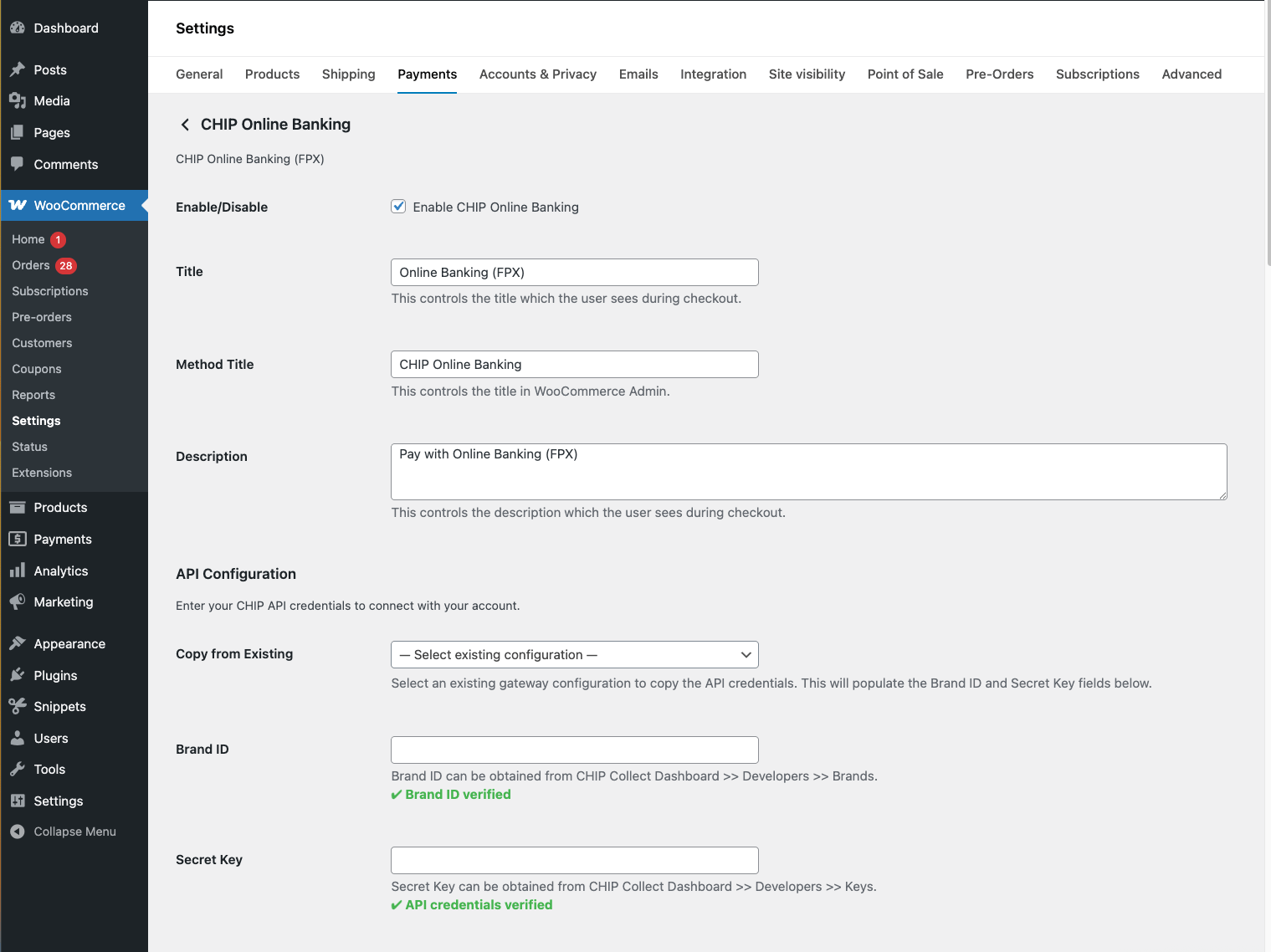
Gateway configuration - Enter your Brand ID and Secret Key to connect with CHIP.
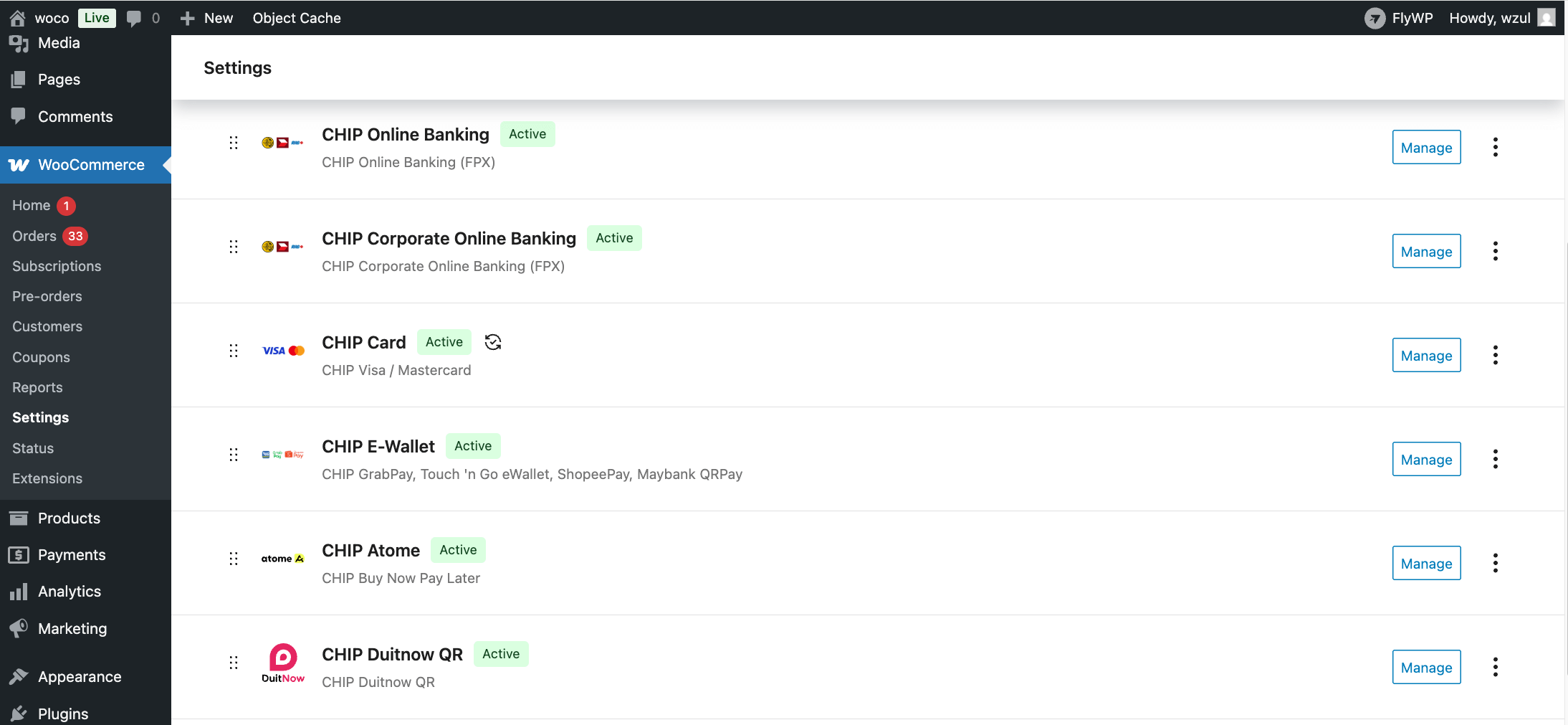
Payment gateways overview - All CHIP payment gateways available in WooCommerce Payments settings.
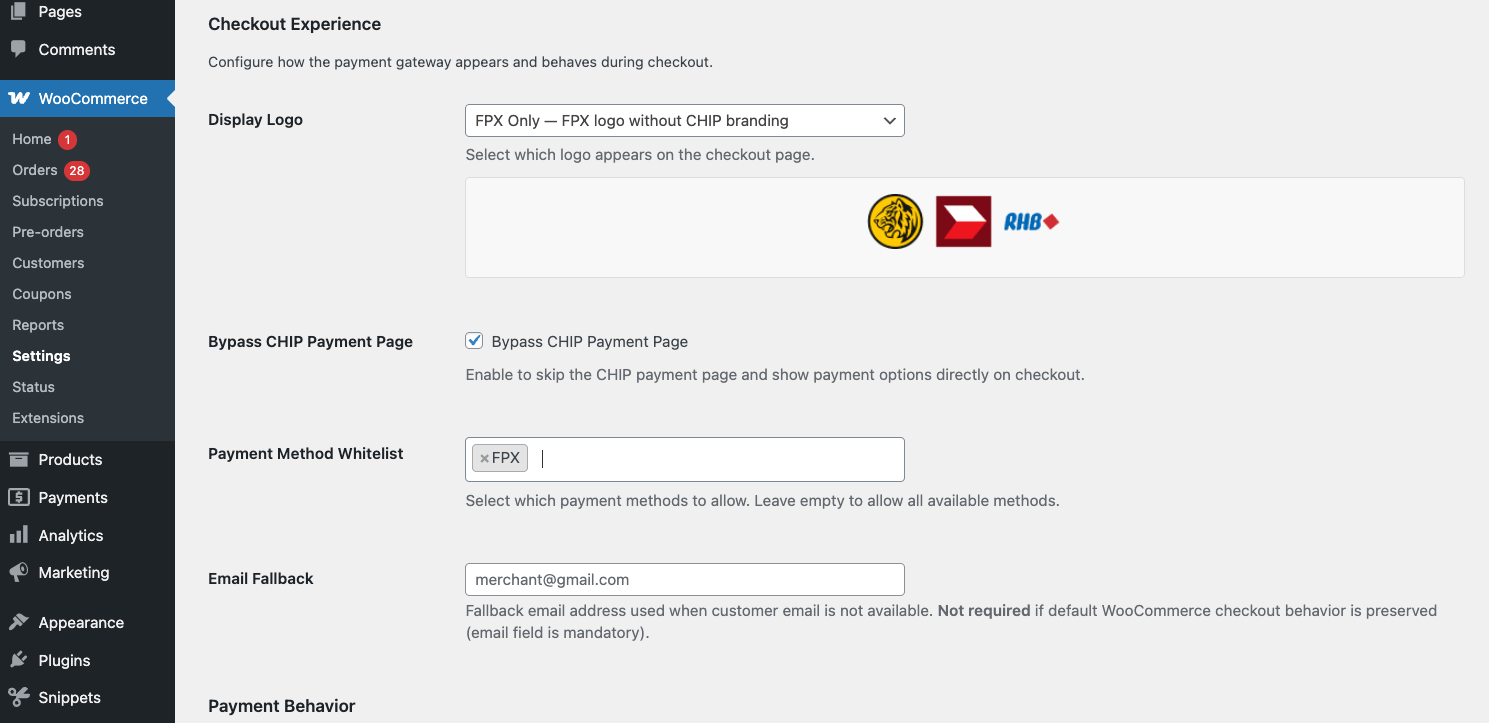
Payment method settings - Configure accepted payment methods and card options.
Card payment form (Legacy) - Secure card input with Visa/Mastercard brand detection.
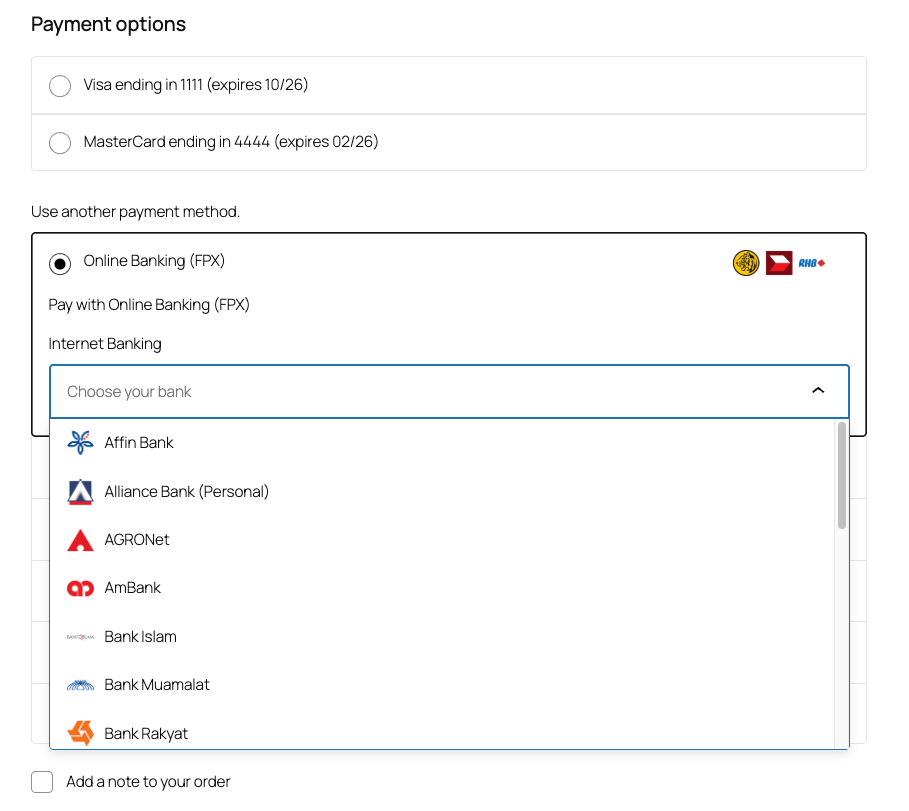
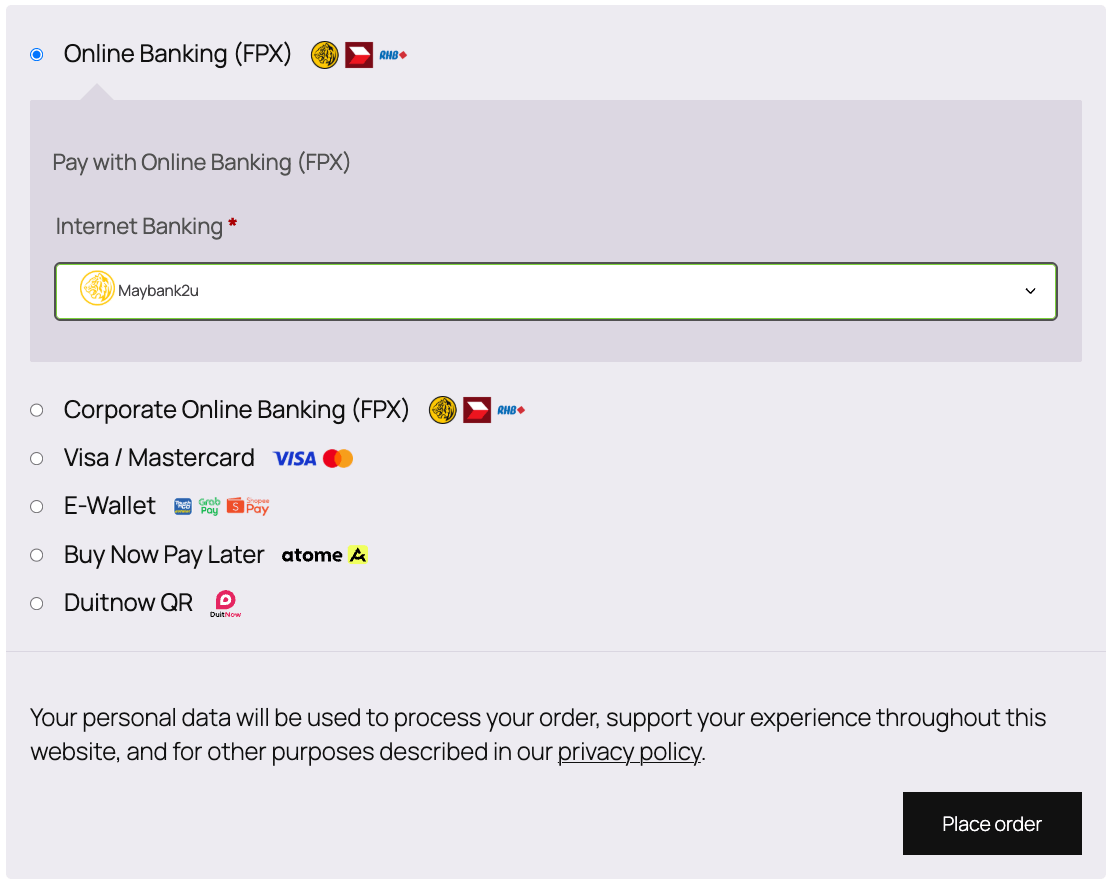
Unified payment method dropdown (Legacy) - Single dropdown listing FPX banks, e-wallets, DuitNow QR, and Card.
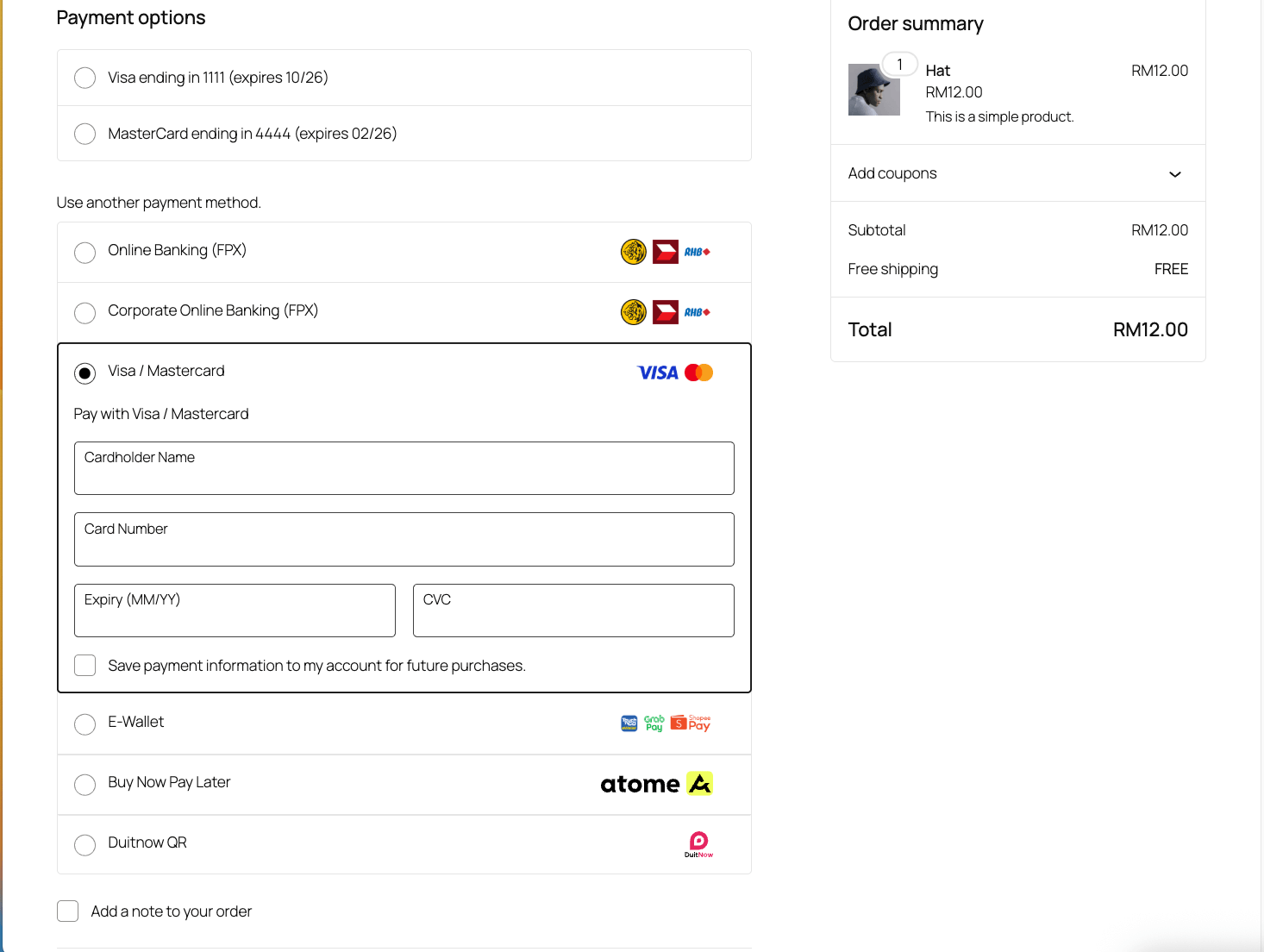
WooCommerce Blocks checkout - Modern checkout with the unified payment method dropdown.
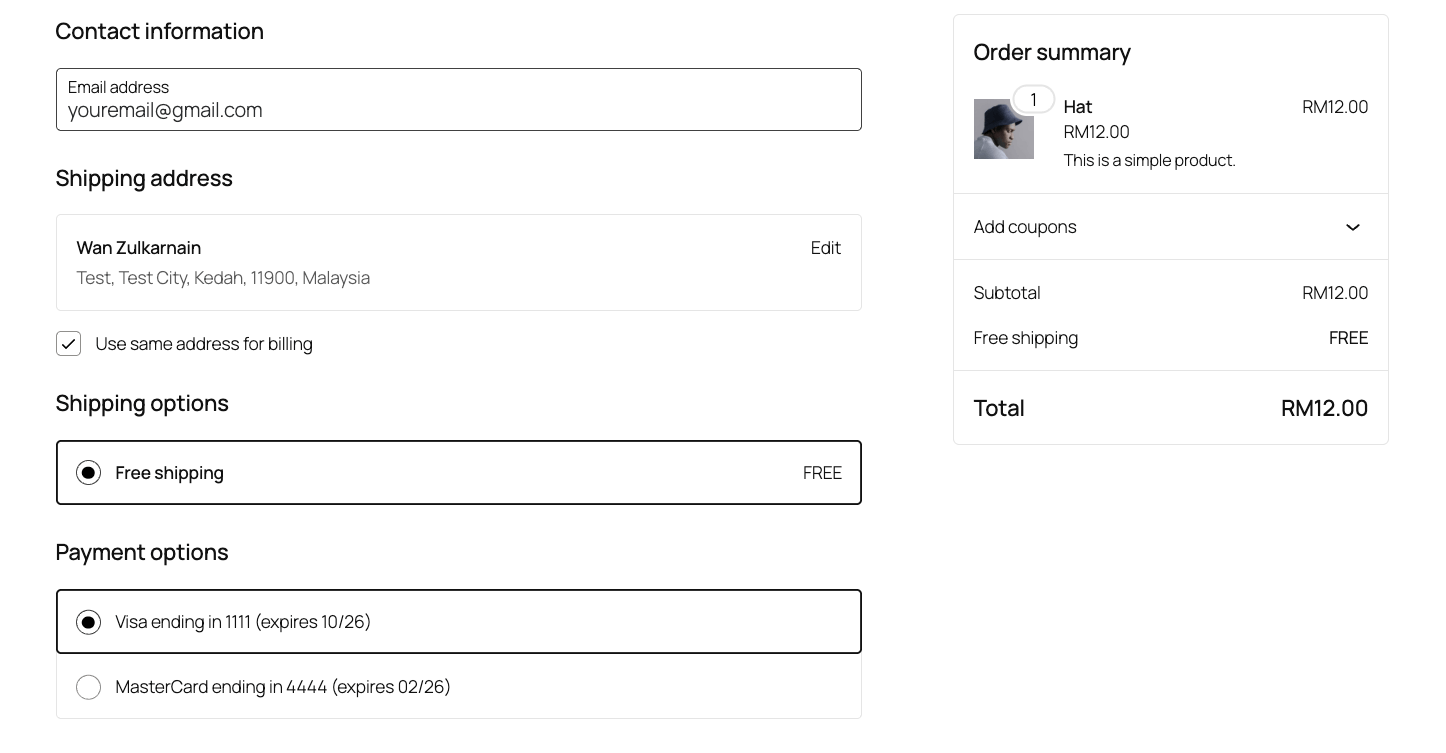
Saved cards selection - Returning customers can pay with saved cards.
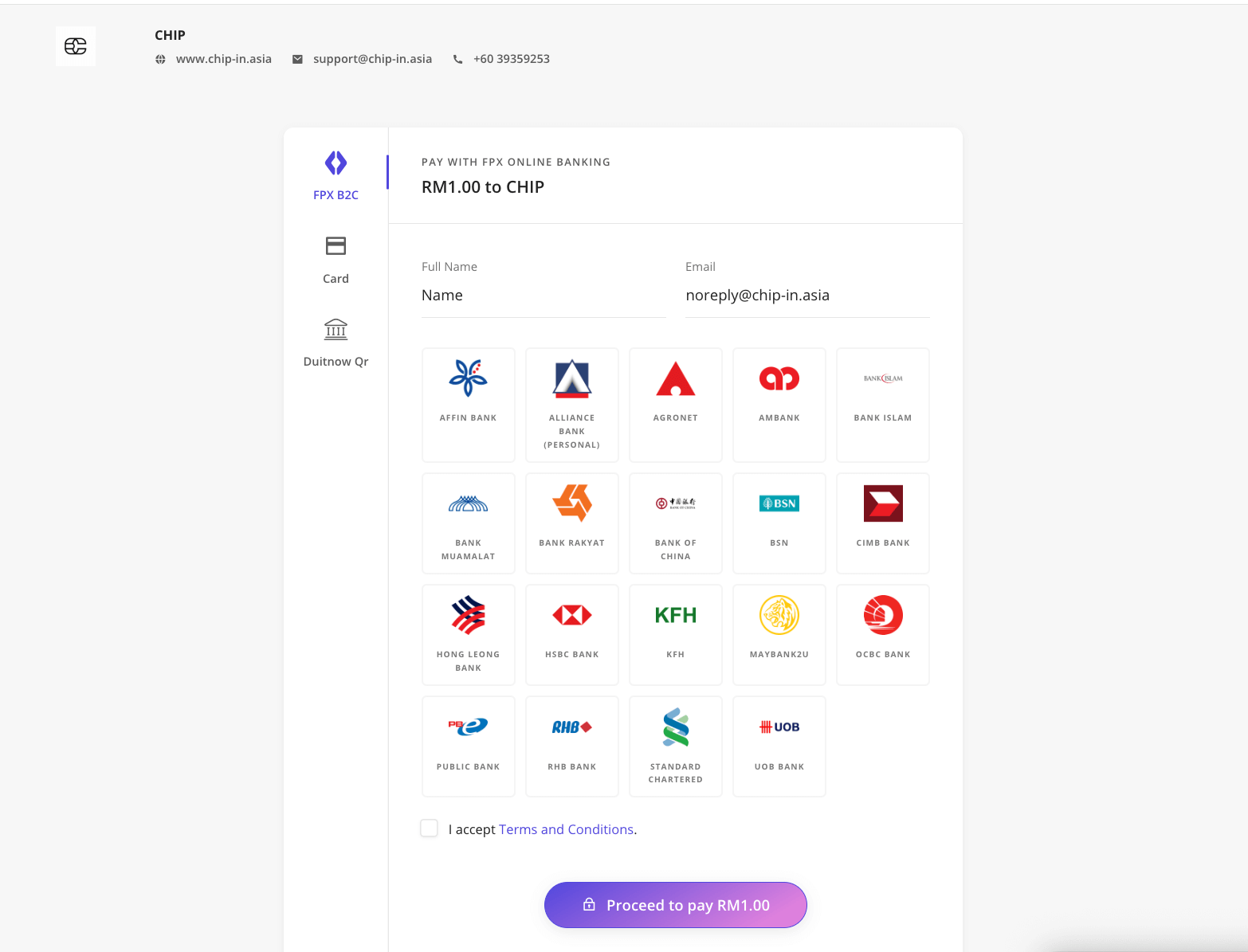
CHIP payment page - Secure hosted checkout for completing payment.
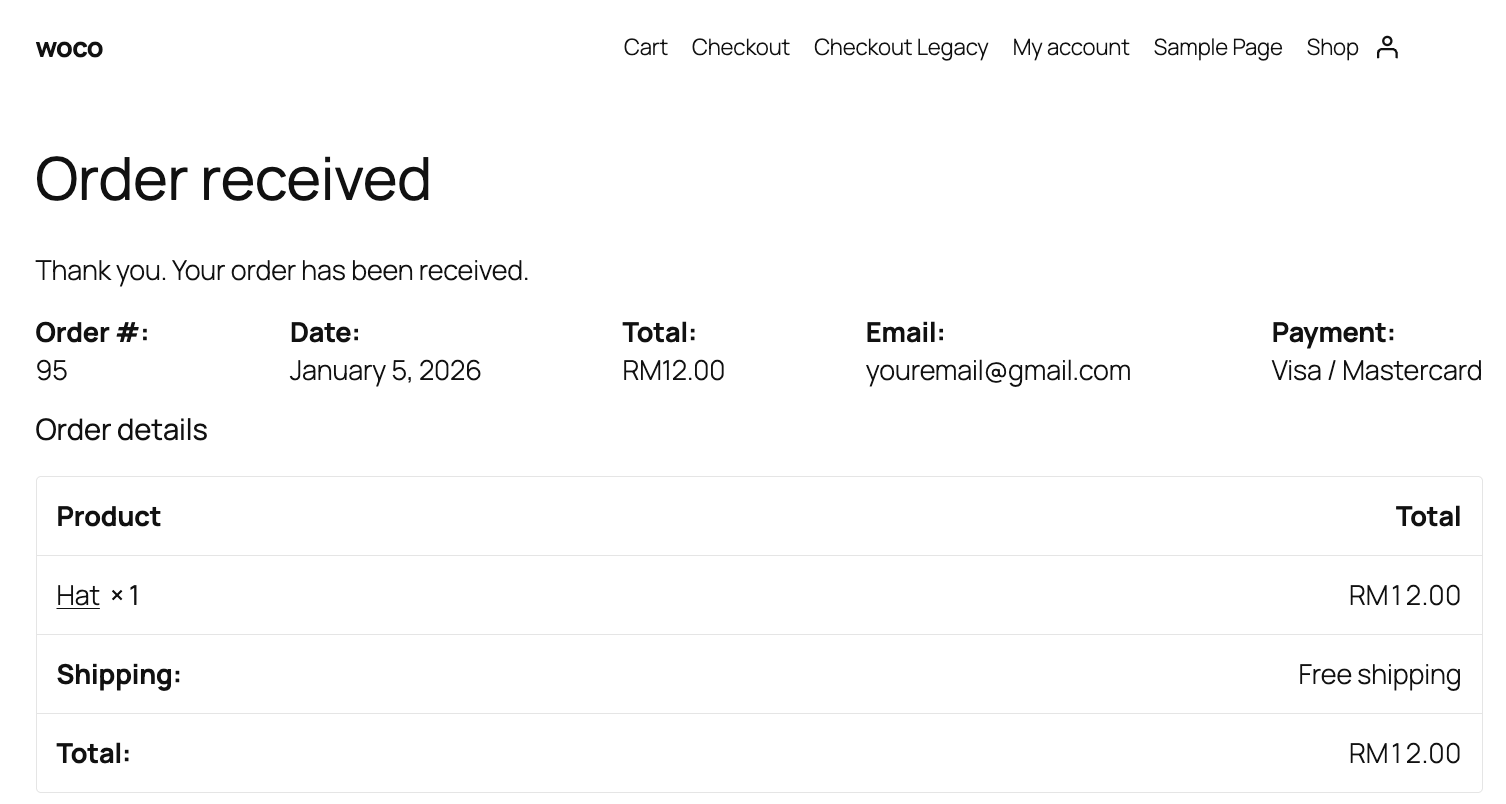
Order confirmation - Customer receives order confirmation after successful payment.
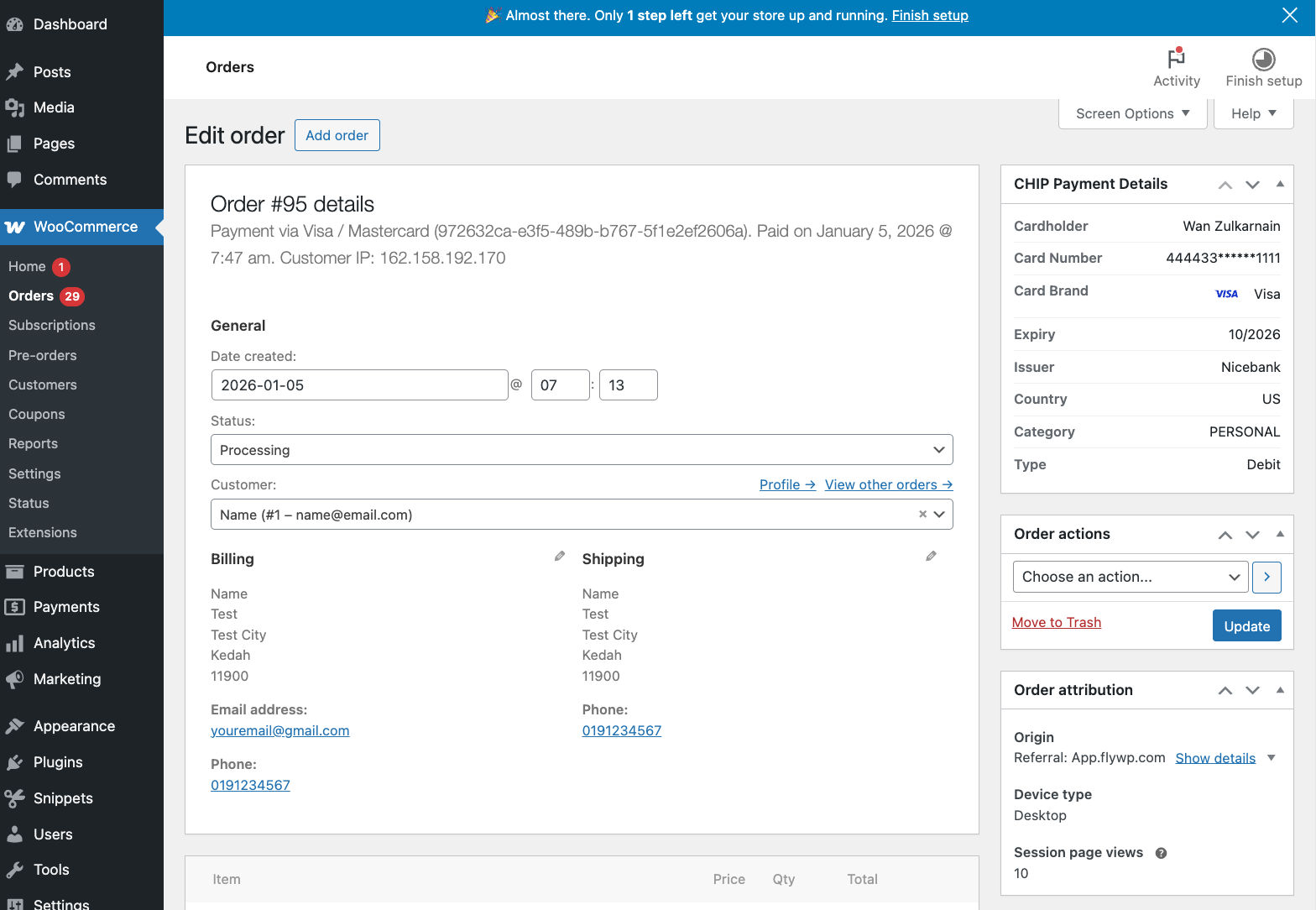
Order admin panel - View payment details including card brand and Purchase ID.
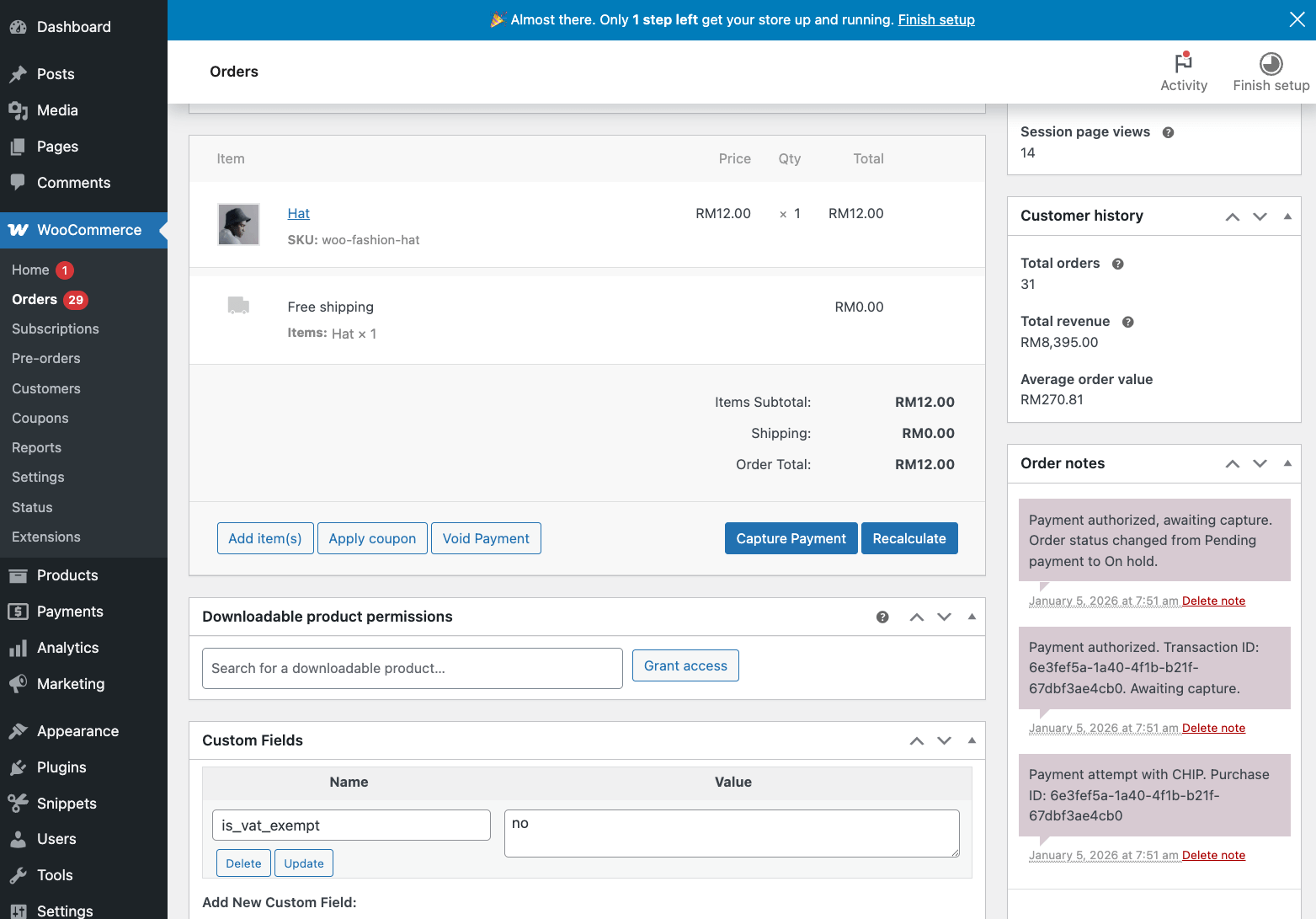
Capture payment - Capture pre-authorized payments when ready to fulfill.
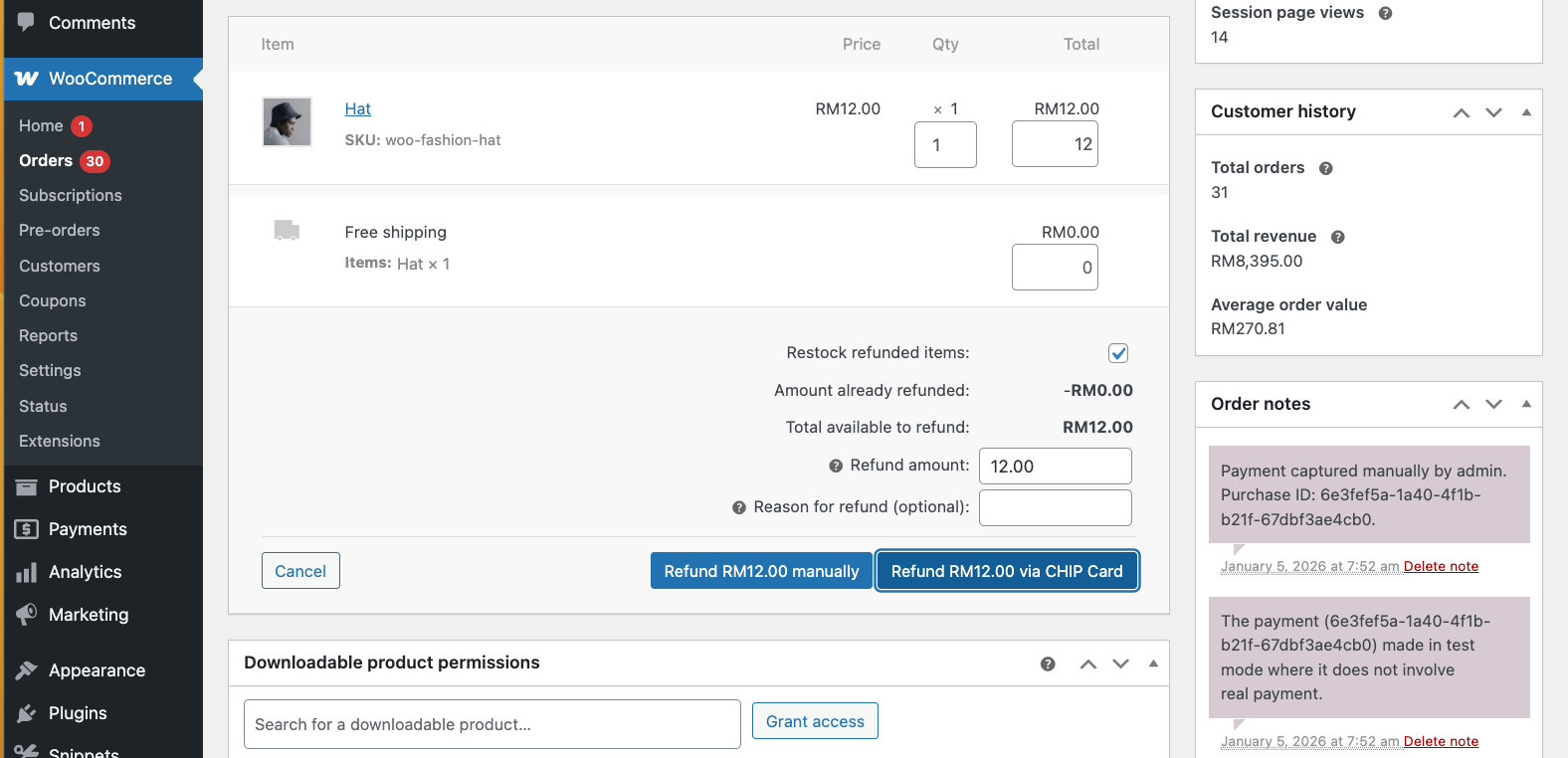
Refund order - Process full or partial refunds directly from WooCommerce.
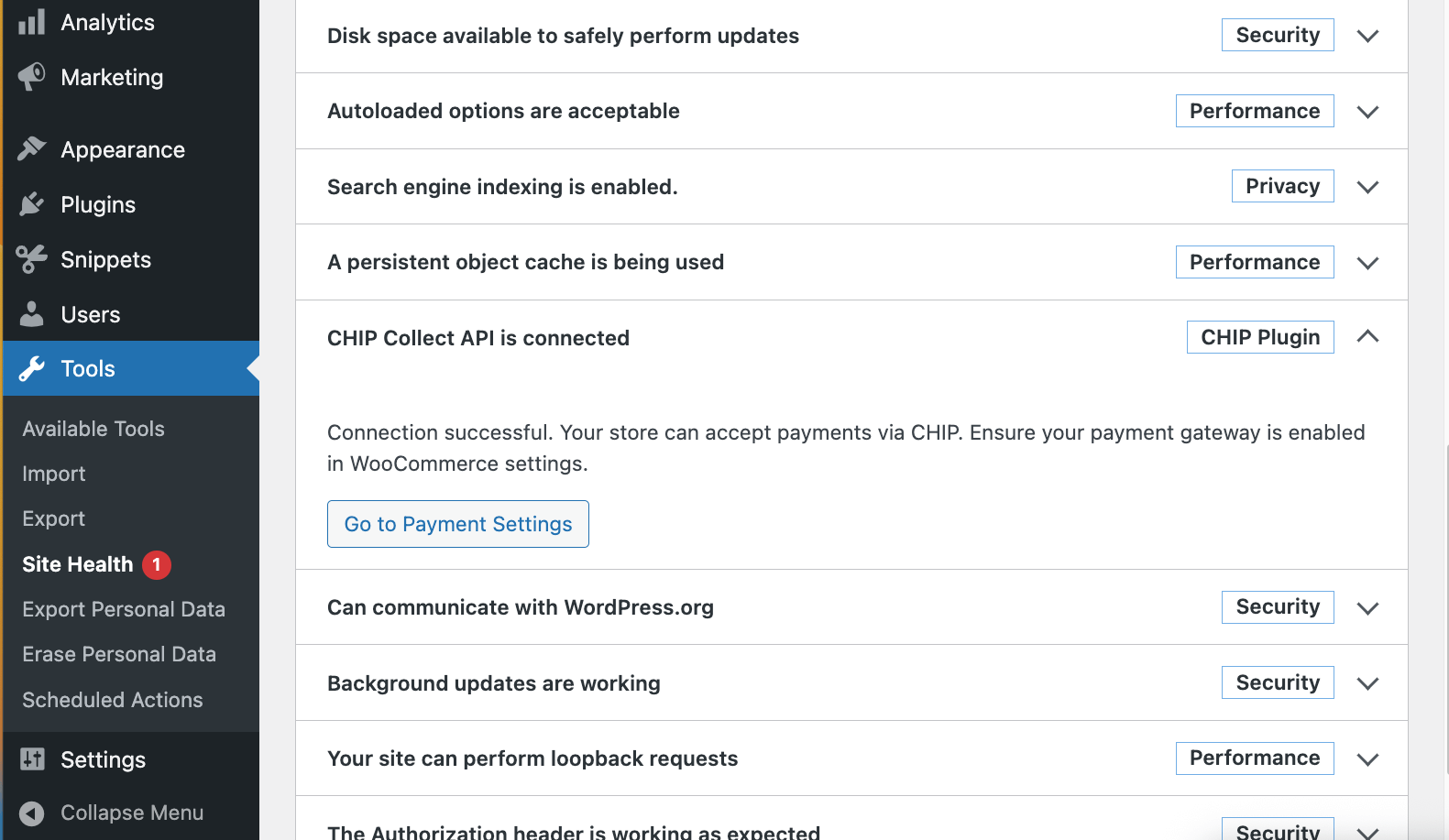
Site Health integration - Verify CHIP API connection status in WordPress Site Health.
Faq
Brand ID and Secret Key are available through our merchant dashboard. Navigate to Developer > Credentials after logging in.
CHIP for WooCommerce supports MYR (Malaysian Ringgit) as the primary currency. Contact CHIP support for multi-currency options.
Yes! CHIP for WooCommerce fully supports the new WooCommerce Blocks checkout experience, including card payments, saved cards, and all payment methods.
Yes. Enable “Allow Customers to Save Cards” in the gateway settings. Customers can then save their Visa, Mastercard, or Maestro cards for faster checkout.
Orders with “On Hold” status have pre-authorized payments awaiting capture. Go to the order page and click “Capture Payment” when ready to charge the customer.
Navigate to WooCommerce > Orders, open the order, and click the “Capture Payment” button in the order actions section. You can also enable auto-capture when order status changes to Processing or Completed.
Yes! CHIP for WooCommerce supports WooCommerce Subscriptions with automatic recurring payments using saved cards.
Yes. Pre-Orders are supported with card tokenization. The saved card will be charged when the pre-order is released.
This is usually a temporary hold by your bank. If payment failed on CHIP’s end, the hold will be released automatically within 1-7 business days depending on your bank.
Check the following:
- Plugin is activated and gateway is enabled
- Brand ID and Secret Key are correctly configured
- Your store currency is supported (MYR)
- Check Site Health (Tools > Site Health) for API connection status
No. Card data is processed directly by CHIP’s secure servers. Your WooCommerce store never handles or stores sensitive card information, ensuring PCI compliance.
Transaction fees are determined by your CHIP merchant agreement. Contact CHIP sales for pricing details.
Visit our API documentation for technical reference.
CHIP API – CHIP_ROOT_URL (https://gate.chip-in.asia)
Payment Operations:
/purchases/– Create payment/purchases/{id}/– Get payment status/purchases/{id}/refund/– Refund payment/purchases/{id}/capture/– Capture pre-authorized payment/purchases/{id}/release/– Release pre-authorized payment
Card Token Operations:
/purchases/{id}/charge/– Charge saved card/purchases/{id}/delete_recurring_token/– Delete saved card
Other:
/payment_methods/– Get available payment methods/clients/– Create clients
FPX Health Check API – CHIP_FPX_ROOT_URL (https://api.chip-in.asia/health_check)
/fpx_b2c– FPX B2C bank status/fpx_b2b1– FPX B2B1 bank status
Create a new class that extends Chip_Woocommerce_Gateway with your own customizations.
Then, hook it with filter woocommerce_payment_gateways and pass your class name to it.
Refer to includes/class-chip-woocommerce-gateway-2.php for an example.
Add this constant to your wp-config.php file:
define( 'CHIP_WOOCOMMERCE_DISABLE_GATEWAY_CLONES', true );
Reviews
Cool Payment gateway
By 
Easy to setup, easy to use. Friendly support.
Good Payment Gateway
By 
I wanted to take a moment to thank you for your excellent payment gateway service. I have been using your gateway for the past few months, and I have been very impressed with the ease of use, security, and reliability.
I especially appreciate the fact that your gateway is so easy to integrate with my website. The setup process was quick and painless, and I was able to start accepting payments within minutes.
I also appreciate the fact that your gateway is very secure. I know that my customers' credit card information is safe and secure when they make payments through your gateway.
Finally, I appreciate the fact that your gateway is very reliable. I have never had any problems with payments processing through your gateway.
Overall, I am very happy with your payment gateway service. I would highly recommend it to anyone looking for a reliable and secure payment gateway.
Changelog
2.1.3 2026-08-26
- Fixed – The additional-charges fee is no longer double-counted on the order. The cart fee is already copied to the order by WooCommerce, so the plugin no longer adds it a second time during checkout.
- Fixed – The percentage-based additional charge no longer triggers a “string * int” fatal error by casting the cart contents total to a float.