CITS Affiliate Toolkit – Essential Elementor Widgets for Affiliate Websites
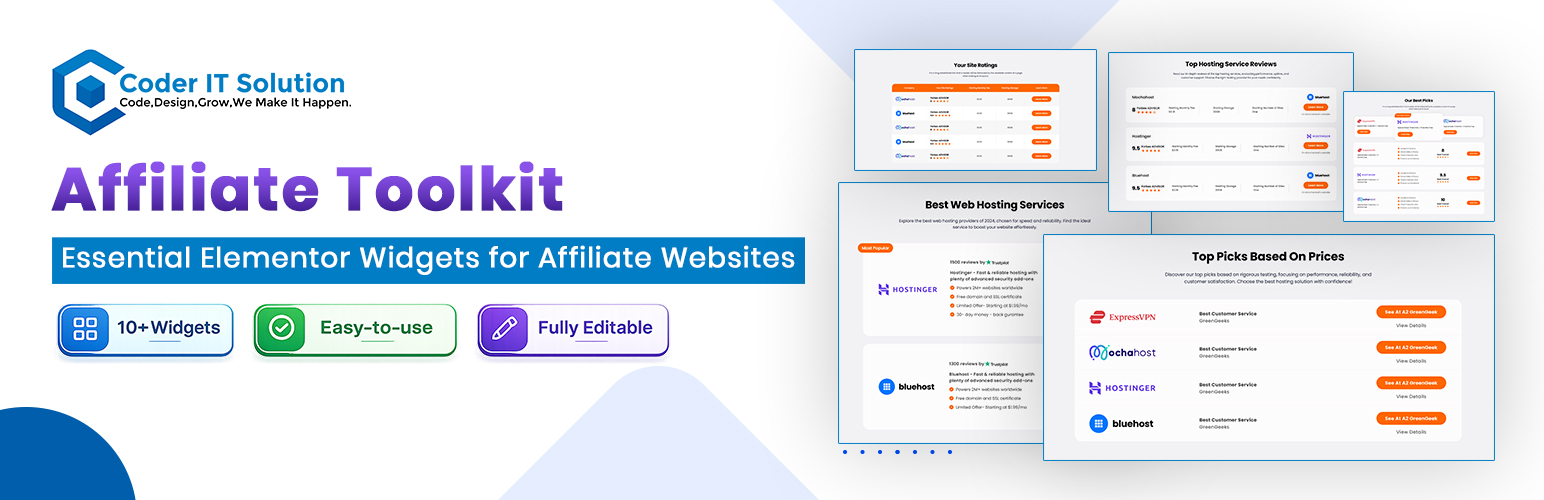
CITS Affiliate Toolkit – Essential Elementor Widgets for Affiliate Websites
Description
The CITS Affiliate Toolkit is the ultimate Elementor add-on designed specifically for affiliate websites. This toolkit brings essential widgets to showcase products, compare prices, build pricing tables, and create engaging product reviews—all in one place. Perfect for affiliate marketers, CITS Affiliate Toolkit enhances your website’s look and functionality, driving higher engagement and conversions.
Key Features:
– Product Review Cards: Display detailed product reviews with ratings and descriptions.
– Deals Card: Show current offers, discounts, and deals.
– Product Comparison: Compare various products in a visually appealing format.
– Top Product Lists: Display curated product lists based on categories or features.
– Single Product Reviews: Showcase a detailed single product review with multiple sections.
– Hosting and VPN Reviews: Dedicated widgets for hosting and VPN product reviews.
– Pricing Tables: Build clear and engaging pricing tables for affiliate products.
Additional Information
For support and updates, please visit the official website.
Developers
- ashikcse – Developer of the plugin.
Installation
- Upload the
cits-affiliate-toolkitfolder to the/wp-content/plugins/directory. - Activate the plugin through the ‘Plugins’ menu in WordPress.
- The plugin will automatically integrate with Elementor. Simply create or edit a page with Elementor and you will find the new widgets under the “CITS Widgets” category.
Screenshots

Widget Design 1

Widget Design 2

Widget Design 3

Widget Design 4

Widget Design 5

Widget Design 6

Widget Design 7

Widget Design 8

Widget Design 9

Widget Design 10
Faq
- WordPress 5.0 or higher.
- Elementor 3.0 or higher (Free or Pro).
- Elementor Pro is not required, but it provides additional widget functionality.
- Open an Elementor page editor.
- In the Elementor sidebar, find the “CITS Widgets” category.
- Drag and drop any widget onto your page.
- Customize the widget settings as per your needs.
Yes! You can customize the styles using Elementor’s style panel, or by adding your custom CSS in the theme’s Customizer.
Reviews
Changelog
1.0.0
- Initial release.