ClientHub

ClientHub
Description
ClientHub helps freelancers and agencies manage clients inside WordPress: keep contact details in one place, track project progress, and give each client a secure portal to view their projects and message you.
Included in this release:
- Client records linked to WordPress user accounts
- Project tracking with progress and dates
- Admin and client messaging
- Front-end portal via the
[clienthub]shortcode - Email notifications for new projects, project updates, and new client messages
- Dedicated Client Portal User role for portal access
- Responsive admin and portal styling
Premium (optional): Quotes, invoices, and advanced reporting are available from NETT.PRO and are clearly marked in the admin dashboard. They are not part of the free WordPress.org plugin.
Whether you manage a handful of clients or a growing roster, ClientHub keeps day-to-day communication and project status in one place without leaving WordPress.
Installation
- Upload the
clienthubfolder to the/wp-content/plugins/directory - Activate the plugin through the ‘Plugins’ menu in WordPress
- Go to ‘ClientHub’ in your WordPress admin panel
- Add your first client and create projects
- Use the shortcode
[clienthub]on any page to display the client portal
Screenshots

Main admin dashboard with quick access to clients, projects, messages, and key statistics
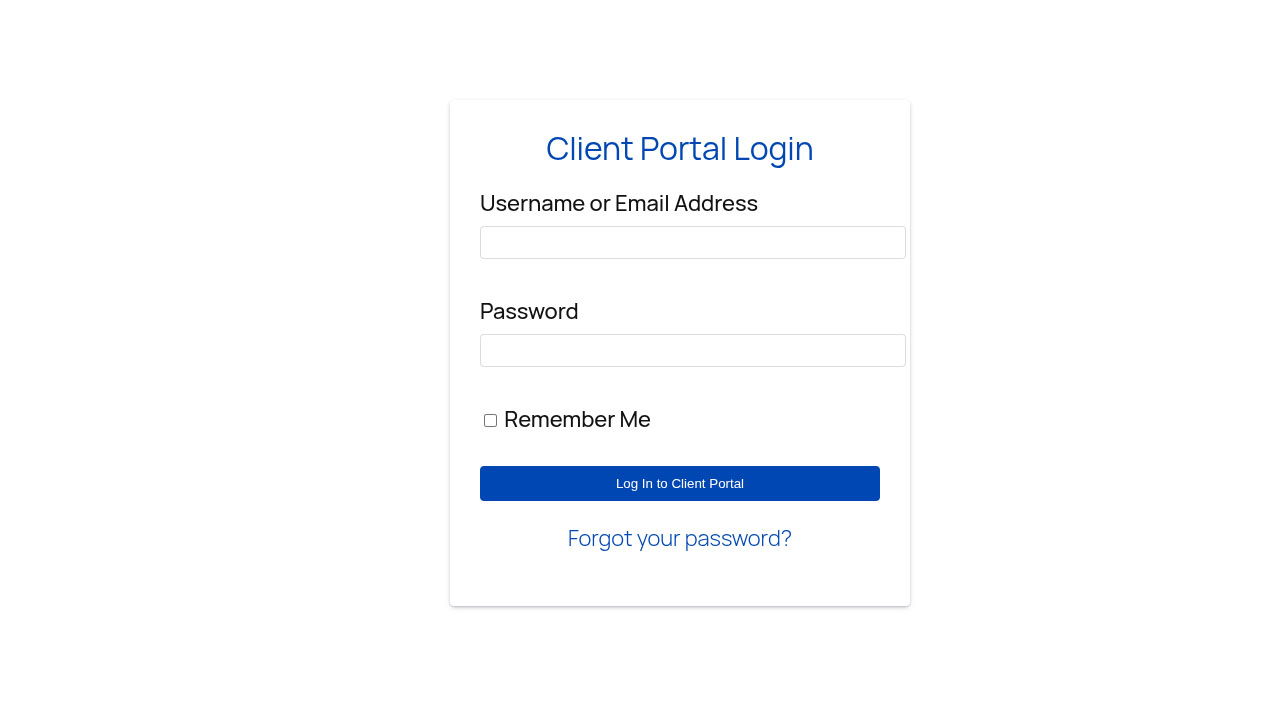
Secure client portal login page

Client-facing project overview showing progress tracking and status updates

Admin messaging interface for secure client communication
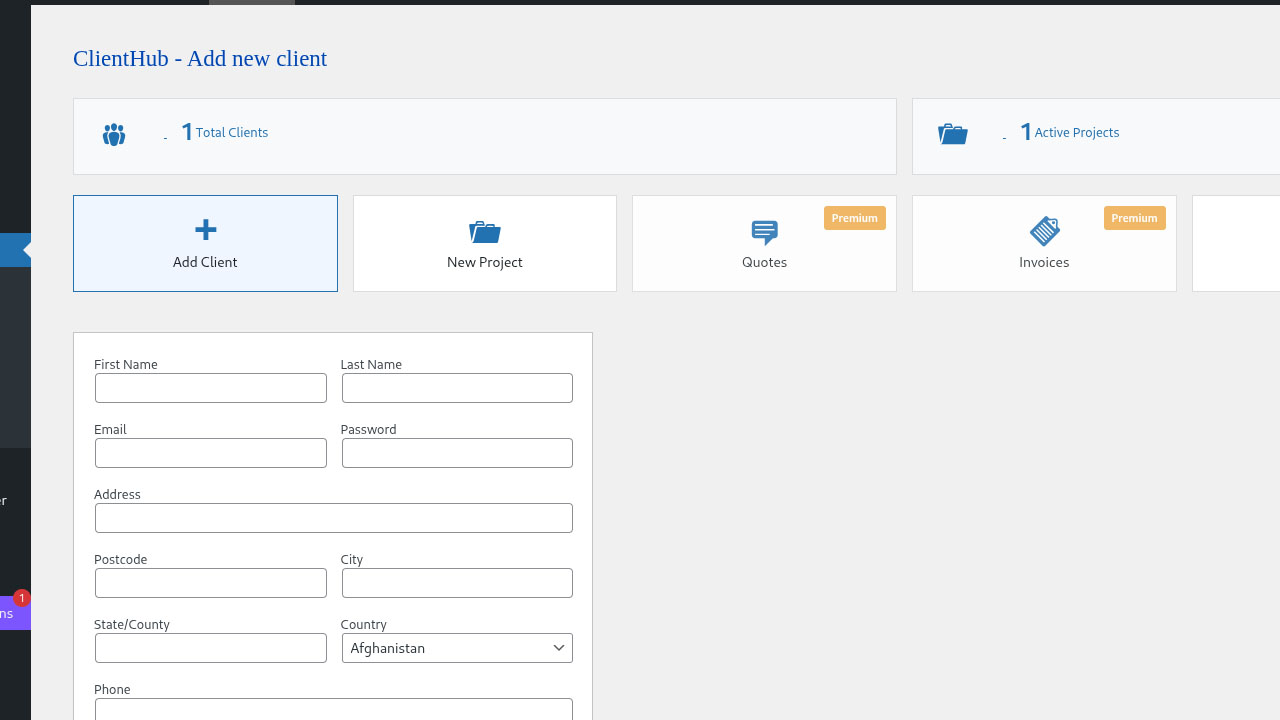
Add new client form with user account creation
Faq
The portal uses the plugin’s built-in styles so it works with most themes. Advanced branding (colors, logo, white-label) is part of ClientHub Premium. You can still style the portal with your theme’s custom CSS if needed.
ClientHub is designed to work with most WordPress themes. The plugin uses WordPress coding standards and follows best practices for compatibility.
ClientHub uses WordPress’s built-in security features including nonce verification, secure password hashing, and role-based access control. Clients only see their own projects and messages when logged in through the portal.
Yes. Each client has a WordPress user account and can log in on the page where you placed the [clienthub] shortcode to view projects, send messages, and update profile settings.
No. Install, activate, add clients, create a portal page with the shortcode, and you are ready to go.
Not yet. File sharing and document libraries are planned for a future release (and are highlighted as Premium on the dashboard). This readme describes only what the current free version provides.
Reviews
Changelog
1.0.4 – 2026-10-22
- Tested compatibility with WordPress 7.1
- Aligned readme and plugin description with actual free features (WordPress.org clarity)
- Centralized client creation logic; removed duplicate unused handlers
- Assign Client Portal User role when adding clients; one-time role sync for existing client accounts (non-destructive)
- Register client role on activation from the main plugin file
- Load portal CSS only on pages that contain the
[clienthub]shortcode - Preserve version and database options on deactivation for safer upgrades
- Improved translatable strings in the client portal
1.0.3 – 2026-05-25
- Tested compatibility with WordPress 7.0
- Updated readme.txt
1.0.2
- Added plugin version badge to admin dashboard corner
- Added email notifications to admin when new projects are created
- Improved security with standardized direct access protection
- Added translators comments for all placeholder strings
1.0.1
- Tested compatibility with WordPress 6.9
- Updated readme.txt
1.0.0
- Initial release
- Client management system
- Project tracking with progress bars
- Secure messaging between admin and clients
- Client portal shortcode
- Responsive mobile design