Coffeeblack BBPress Extended Lite

Coffeeblack BBPress Extended Lite
Description
Installation
- Upload the files to the
/wp-content/plugins/cb_bbpressdirectory, or install the plugin through the WordPress plugins screen directly. - Activate Coffeeblack BBPress Extended Lite through the ‘Plugins’ screen in WordPress
- Use the Coffeeblack->BBPress screen to configure the plugin
Screenshots

Admin settings for defining which aspects of the plugin you want to use.

Admin settings for defining which aspects of the plugin you want to use.
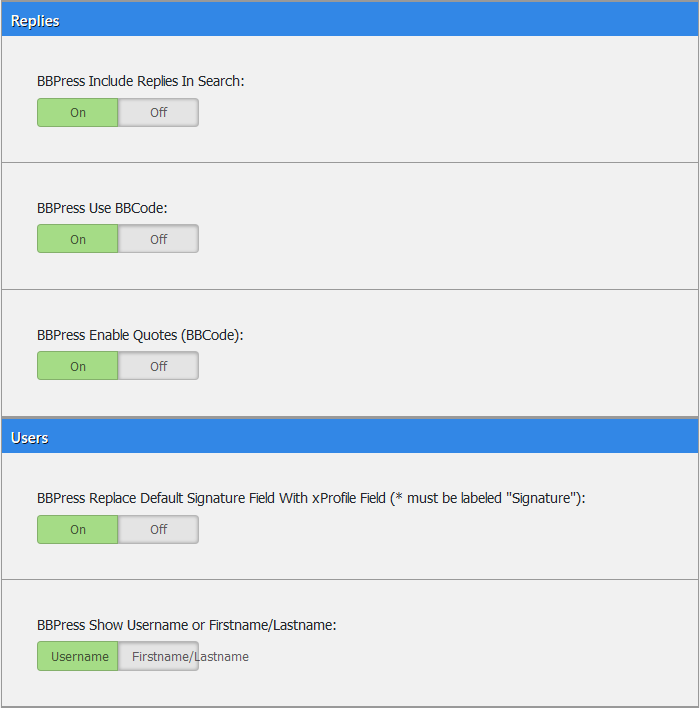
Admin settings for defining which aspects of the plugin you want to use.

Example of using the TinyMCE editor within your forums.
Faq
Coming Soon!
Reviews
All works as expected
By 
This plugin has been installed on many different versions of WordPress with many themes, and always works as expected !
Changelog
1.1.0
- Bug Fix
- Add Screenshots and Icons.
- Add Module Information.
1.0.1
- Bug Fix regarding installation issue.
1.0.0
- Initial Release.