Divi Soon
Divi Soon
Description
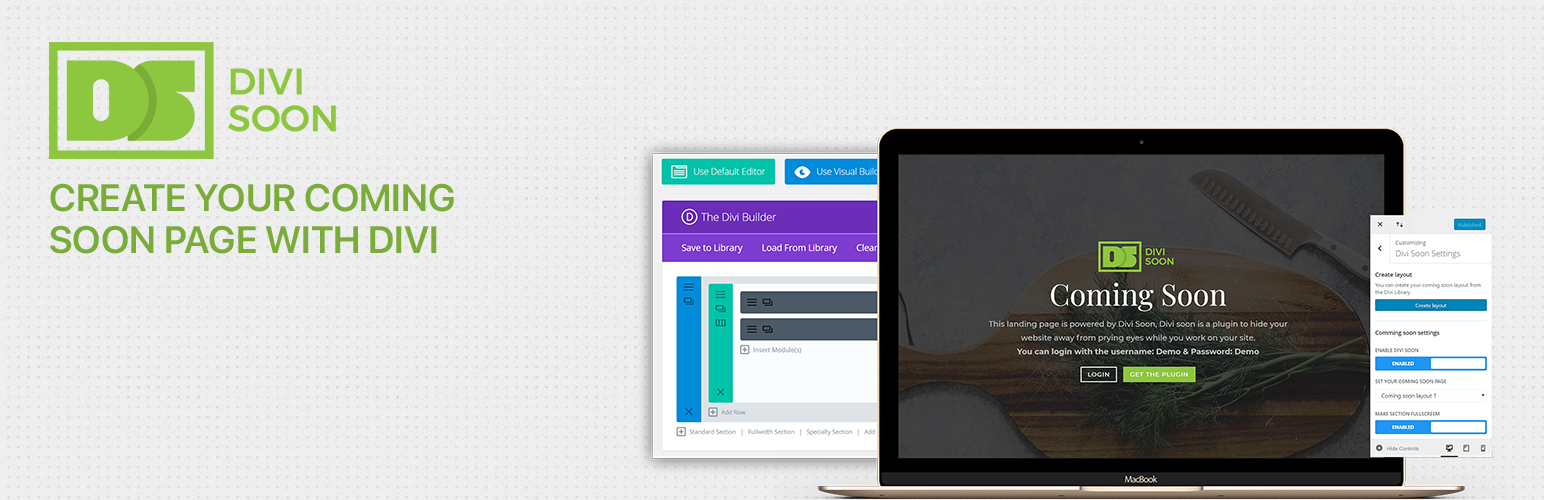
Divi Soon lets you hide your Divi-powered website from visitors by displaying a layout from your Divi Library as a coming soon page.
Free features
- Enable/disable coming soon mode
- Choose any Divi Library layout
- Logged-in users always see the live site
- Fullscreen first section option
- Redirect visitors to the homepage
Installation
- Upload the plugin files to
/wp-content/plugins/coming-soon-with-divi-soon/or install through the WordPress plugins screen. - Activate the plugin through the Plugins screen.
- Go to Divi Theme Options Divi Soon to configure settings.
- Create or choose a layout in the Divi Library.
Faq
Divi Theme Options Divi Soon tab.
Yes. Divi Soon 4.x is built for Divi 5 block-based layouts.
Yes. Divi Soon uses layouts from the Divi Library and requires the Divi theme or a Divi child theme to be active.
Settings are imported automatically on upgrade. The Customizer panel is no longer used.
Reviews
Changelog
4.0.0
- Complete rebuild for Divi 5
- Settings moved to Divi Theme Options
- Prepared for WordPress.org distribution
- Proper template-based rendering (replaces CSS hide + footer inject)
3.3.1
- Legacy Divi 4 release (Customizer-based)