Conecshon Topic Prefixes for bbPress
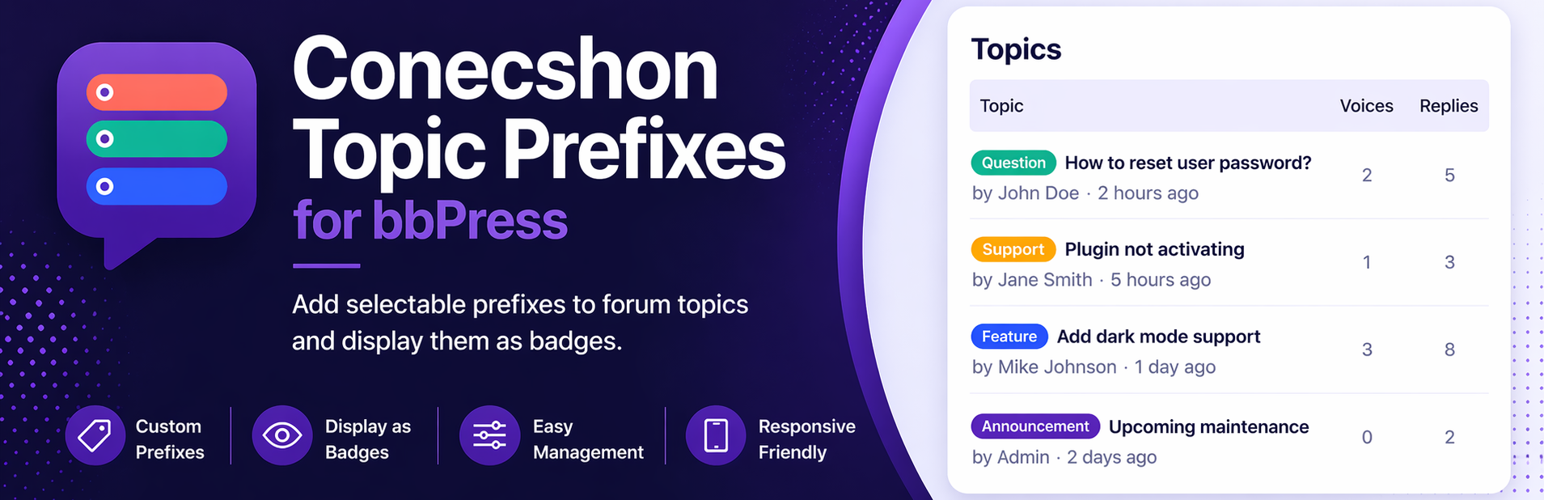
Conecshon Topic Prefixes for bbPress
Description
Conecshon Topic Prefixes for bbPress is a lightweight plugin that adds a simple and flexible prefix system to bbPress forums.
Users can select a prefix when creating or editing topics, and the selected prefix is displayed as a styled badge alongside the topic title in forum listings.
Example prefixes include:
– Review
– Recommendation
– Warning
– Question
Features:
- Add selectable prefixes to bbPress topic forms
- Display prefixes as badges in forum topic listings
- Prefixes stored as topic meta
- Simple admin page to manage prefixes and colours
- WordPress colour picker support
- Choose which bbPress forums use prefixes
- Optional setting to require a prefix in selected forums
- Reset to defaults option
- Optional setting to delete all plugin data on uninstall
- Lightweight and fast with no external dependencies
Notes:
- Prefixes apply to topics only
- Prefixes do not apply to replies
- If no forums are selected, prefixes are active in all forums
- Plugin settings are removed when the plugin is deleted
- Topic prefix meta can also be deleted if full cleanup is enabled
- bbPress must be active for this plugin to function
This plugin is a third-party add-on and is not affiliated with or endorsed by the bbPress project.
Installation
- Upload the plugin folder to the
/wp-content/plugins/directory. - Activate the plugin through the ‘Plugins’ menu in WordPress.
- Ensure bbPress is active.
- Go to Settings > Topic Prefixes to configure prefixes, colours, and behaviour.
Screenshots

Prefix dropdown on the bbPress topic form, prefix badges shown in forum topic listings

Admin settings page for managing prefixes, colours, enabled forums, and behaviour settings
Faq
No. bbPress must be active.
Yes. Go to Settings > Topic Prefixes.
No. This version works with topics only.
Prefixes appear in forum topic listings. They do not appear inside the single topic title view.
Yes. In the settings page, you can select the forums where prefixes should be active. If no forums are selected, prefixes will be active everywhere.
Yes. In the settings page, you can enable the option to require a prefix in selected forums. This is particularly useful for support forums.
Yes. Enable the option in Settings > Topic Prefixes to remove all plugin data on uninstall.