Contact Form Generator : Creative form builder for WordPress

Contact Form Generator : Creative form builder for WordPress
Description
Contact Form Generator is a powerful contact form builder for WordPress! It is structured for creating Contact Forms, Application Forms, Reservation Forms, Survey Forms, Contact Data Pages and much more. You will get ready-to-use forms just after installation.
Contact Form Generator is packed with a Template Creator Wizard(Pro) to create fantastic forms in a matter of seconds without coding. You can use one of existing templates, or create your own!
Contact Form Generator is extremely easy to install and configure.
All you need is just to activate the plugin and insert the shortcode [contactformgenerator id=”ID”] into the text.
Useful Links:
Main Features:
- Flexible field types – The following field types are avaliable: name, email, phone, address, url, number, textarea, select, multiple select, checkbox, radio!
- Insert forms anywhere – You can use shortcode to insert forms anywhere in content!
- Flexible texts – Each text in form can be easily configured from form options!
- Flexible email data configuration – Multiple email recipients, BCC, reply to email, from email!
- Auto-fill data – Automatically fill in User name and email if logged in!
- Attractive effects – Completely new checkbox, radio selection effect, implemented special for this extension!
- Page redirect – Allows page redirect to URL or menu item after sending email!
- Required fields – Set all fields as required or not!
- Ajax based – Usage of AJAX technology, to send email without page reload!
- High level Spam protection – It has integrated anti-spam protection, to prevent you from getting spam emails!
- Load countries list – It will load the countries list in your form(259 countries)!
- Custom email subject – The email subject can be customized!!
- Shake effect if field is not valid – Shackes count and distance can be configured from form options!
- User friendly – Flexible and user friendly interface for inputting checkbox,radio/select options. Drag & Drop reordering!
Live Demos:
- Basic Contact Form
- Contact Form With Captcha
- Contact Form With ReCaptcha
- Contact Data Page
- Contact Page With Maps
- Contact Page With About Us
- Mini Contact Form
- File Upload Progress
- Contact Form With Calendars
- Event Registration Form
- Simple Application Form
- Online Booking Form
- Complex Job Application Form
- Evaluation Survey
- Hotel Reservation Form
- Wood Template Contact Form
- Sky Template Contact Form
- All Elements Demo
Commercial Features:
- Template Creator Wizard – Template creator wizard with live preview to create fantastic forms in a matter of seconds without coding. Live Demo
- Unlimited Forms – 1 in free version!
- Unlimited Fields – 5 in free version!
- Send copy to sender – User can set the copy of email to himself!
- Multiple Columns support
- Image Captcha support
- Google Maps support
- Google Fonts / Font Effects
- Creative Tooltip support
- Contact Data support – Show your contact data in creative way! 10 icon types. Live Demo
- Heading field type support
- Show user info in sent email – Page Title, Url, IP address, Operation System, Screen Resolution!
- Custom Code: HTML, JavaScript, CSS
- Creative File Upload support
- Creative Datepicker support
- Creative Popup support – Show any kind of content in Creative Popup window! Live Demo
- Creative Scrollbar support – Show About Us section in Creative Scrollbar area! Live Demo
- Ready to use forms – All the forms you see in demo page will be installed during installation! Live Demo
- Google ReCaptcha support – Integrated Google ReCaptcha! Live Demo
- All Creative Templates – All templates you see in demo page will be installed during installation! Live Demo
- Dedicated support
- Analytics
Support:
Please use Support Forum for your questions and support requests!
Installation
- Upload the entire contact-form-generator folder to the /wp-content/plugins/ directory, or upload the .zip package through Plugins->Add New->Upload.
- Activate the plugin through the ‘Plugins’ menu in WordPress.
You will find ‘Contact Form Generator’ menu in your WordPress admin panel.
Use it and be happy!
Screenshots
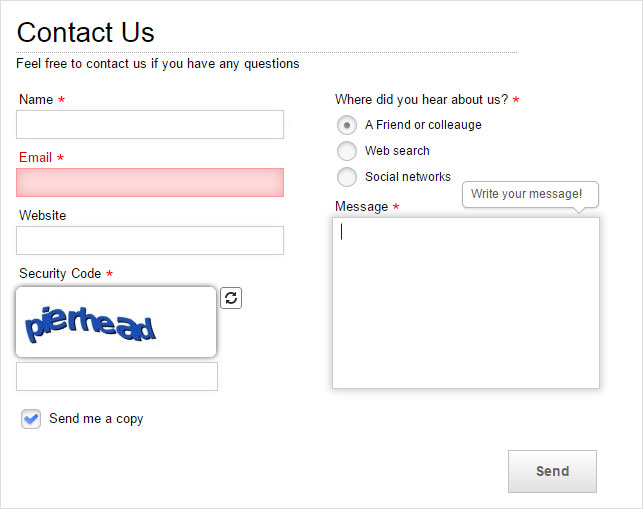
White Template
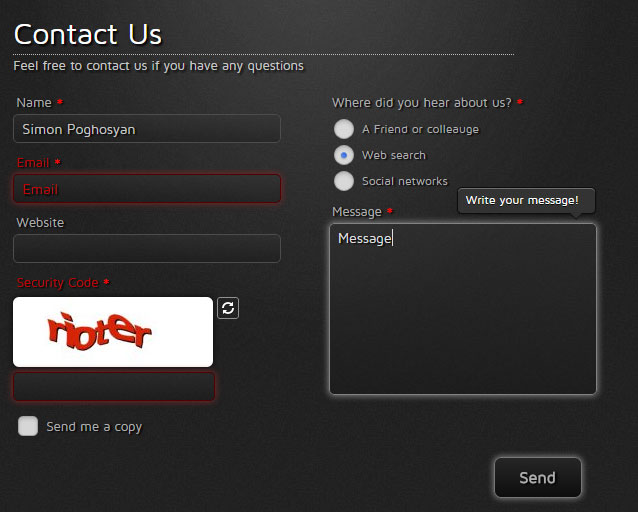
Black Template
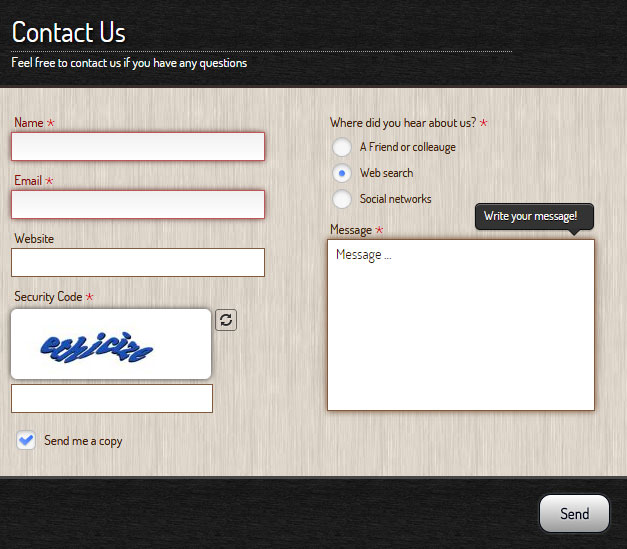
Wood Template
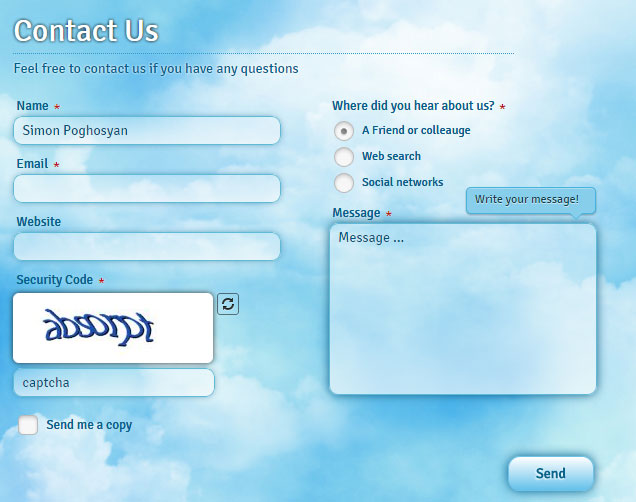
Sky Template
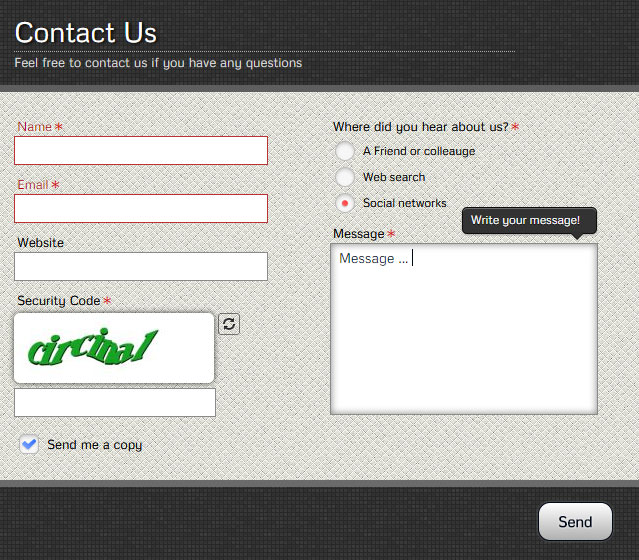
Gray Template
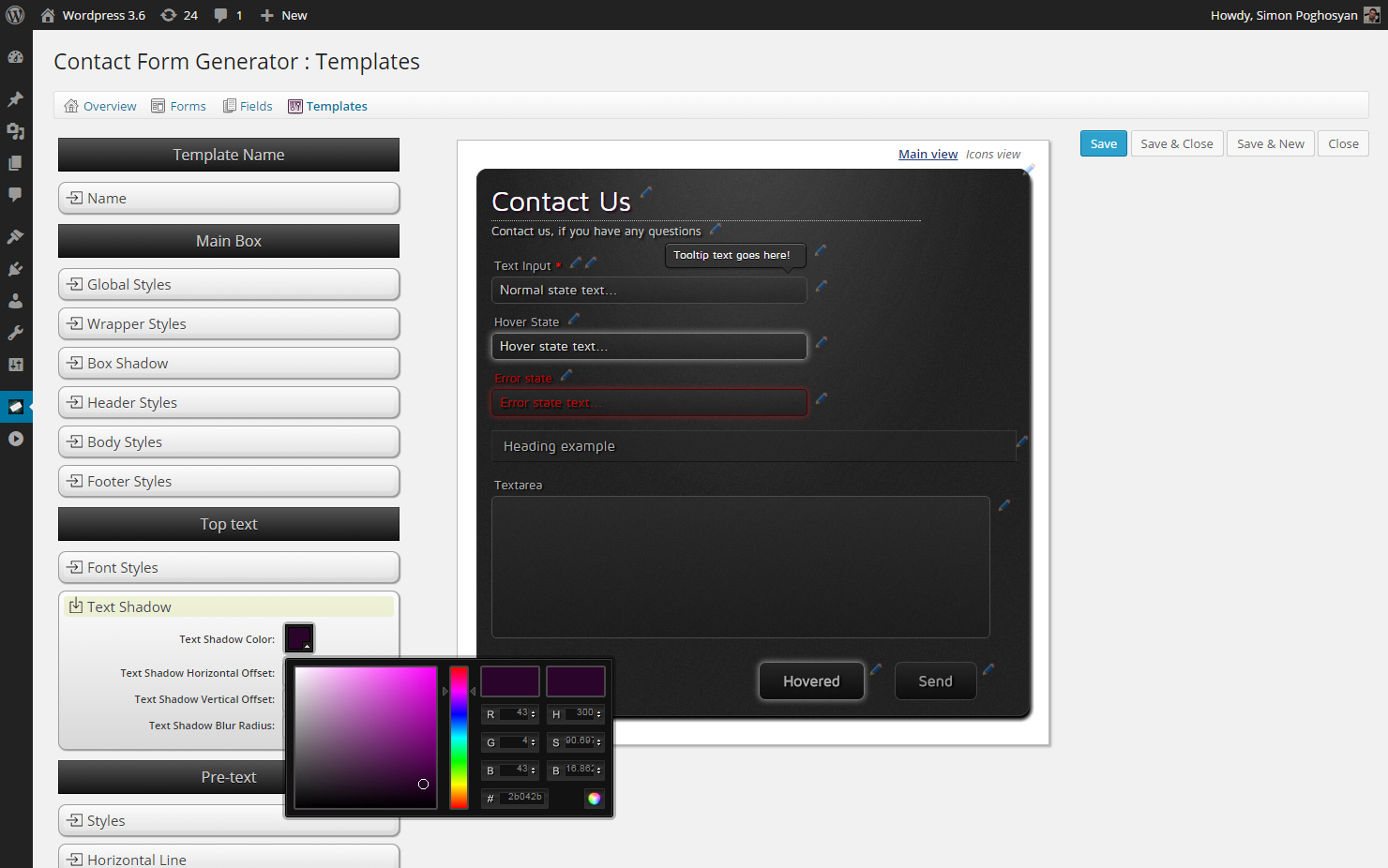
Templatre Creator Wizard
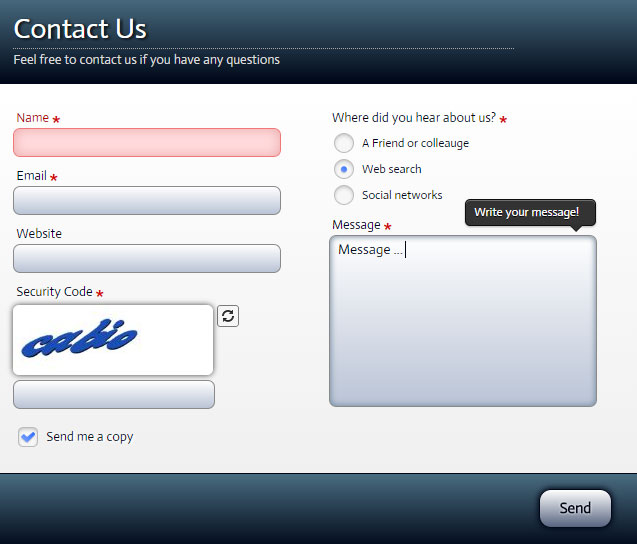
Blue-White Template
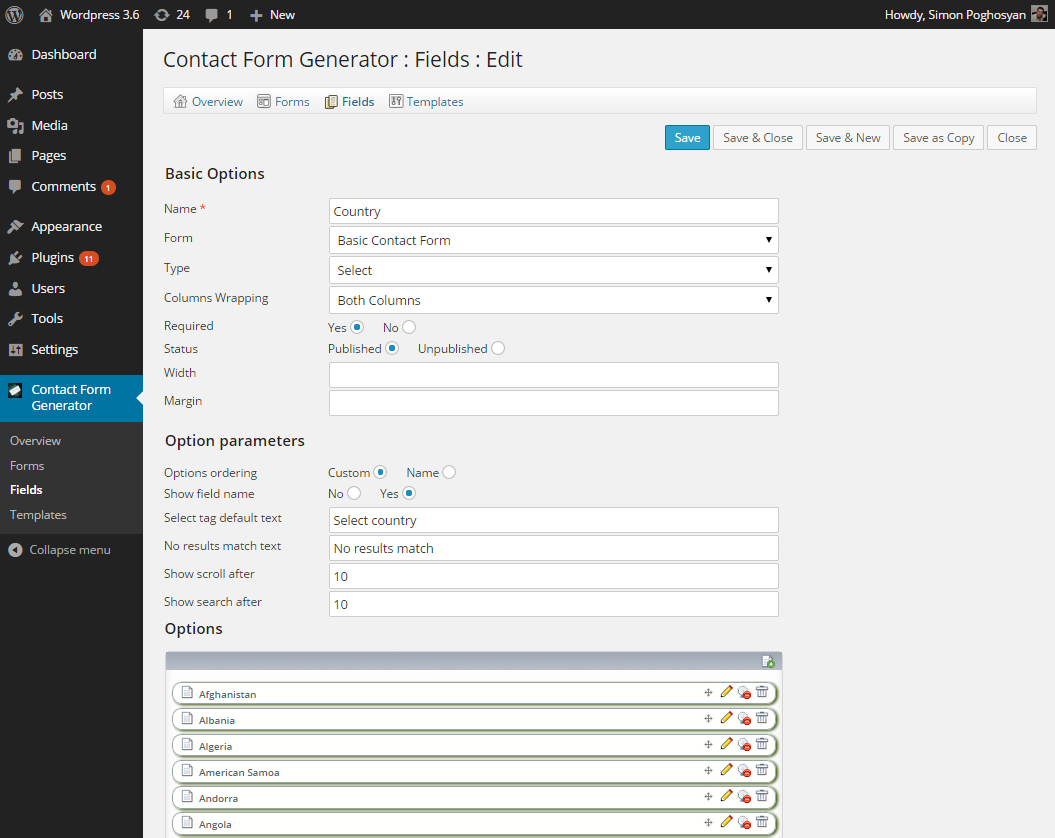
Easy to use admin
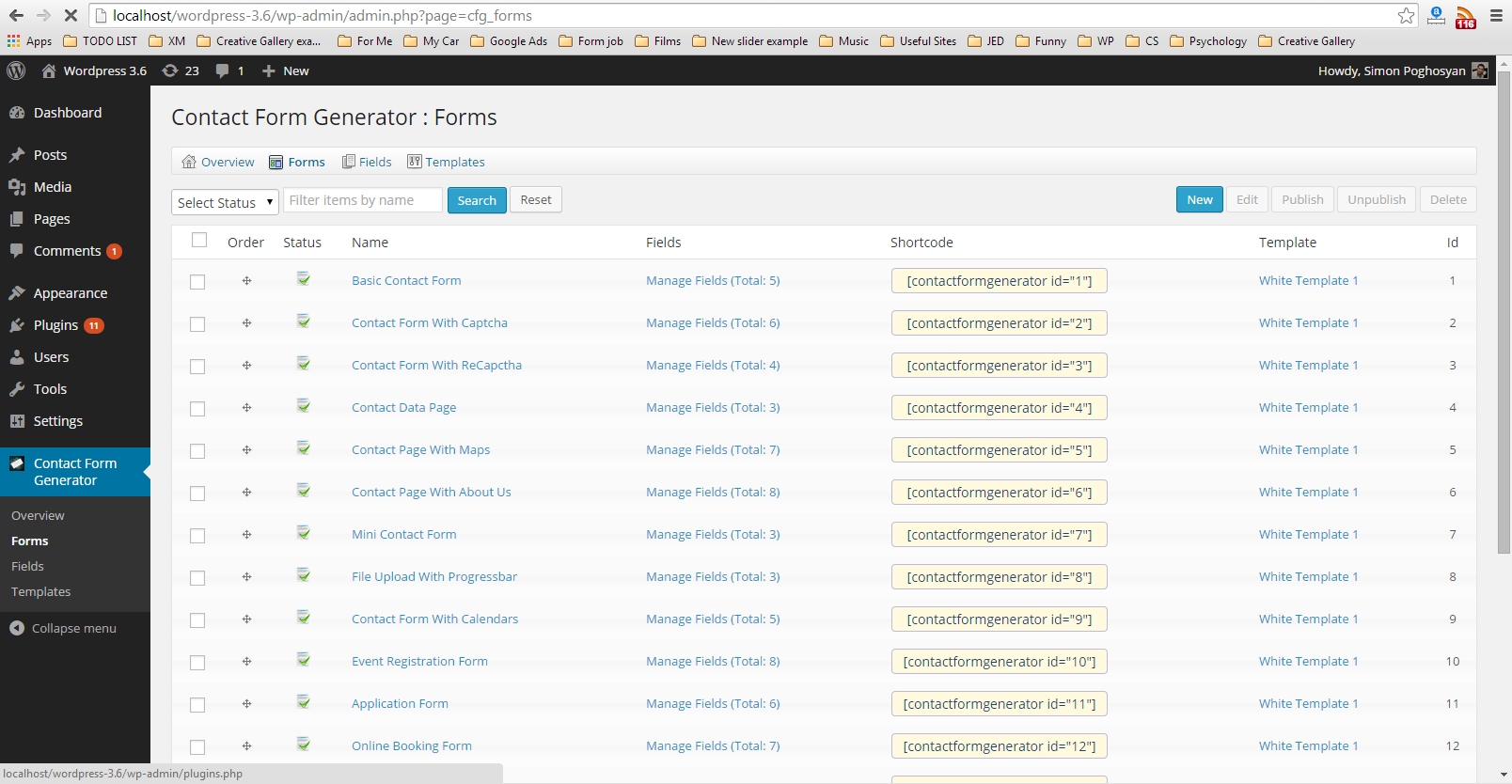
Easy-to-use shortcode manager
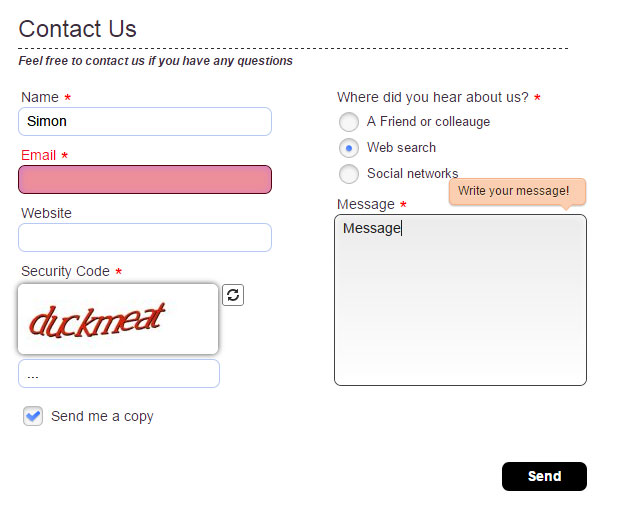
White Template 2
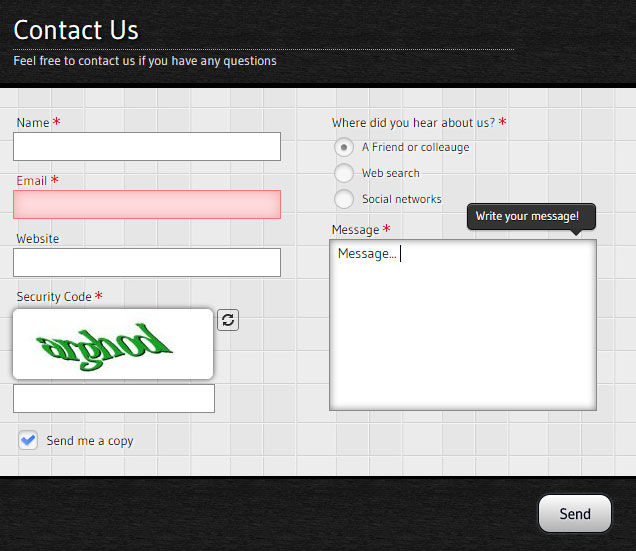
Gray Template
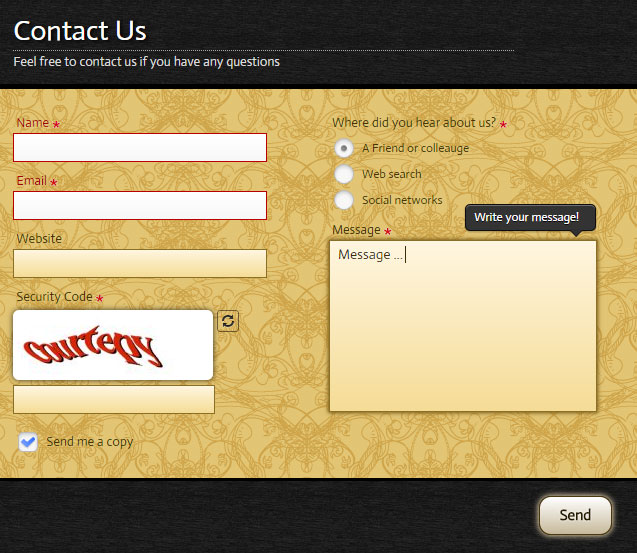
Yellow Template
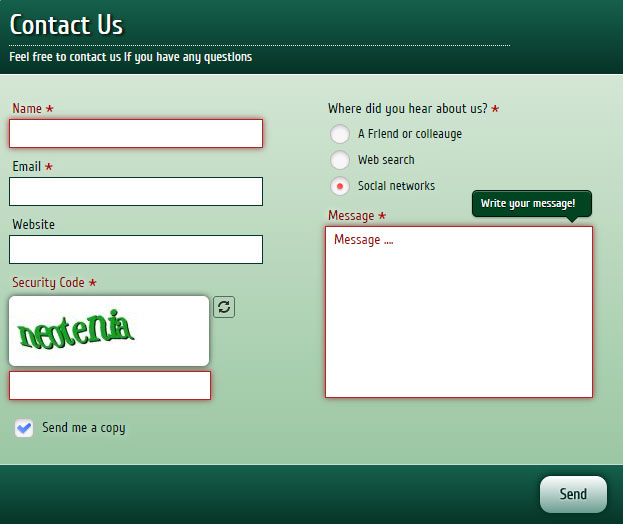
Green Template
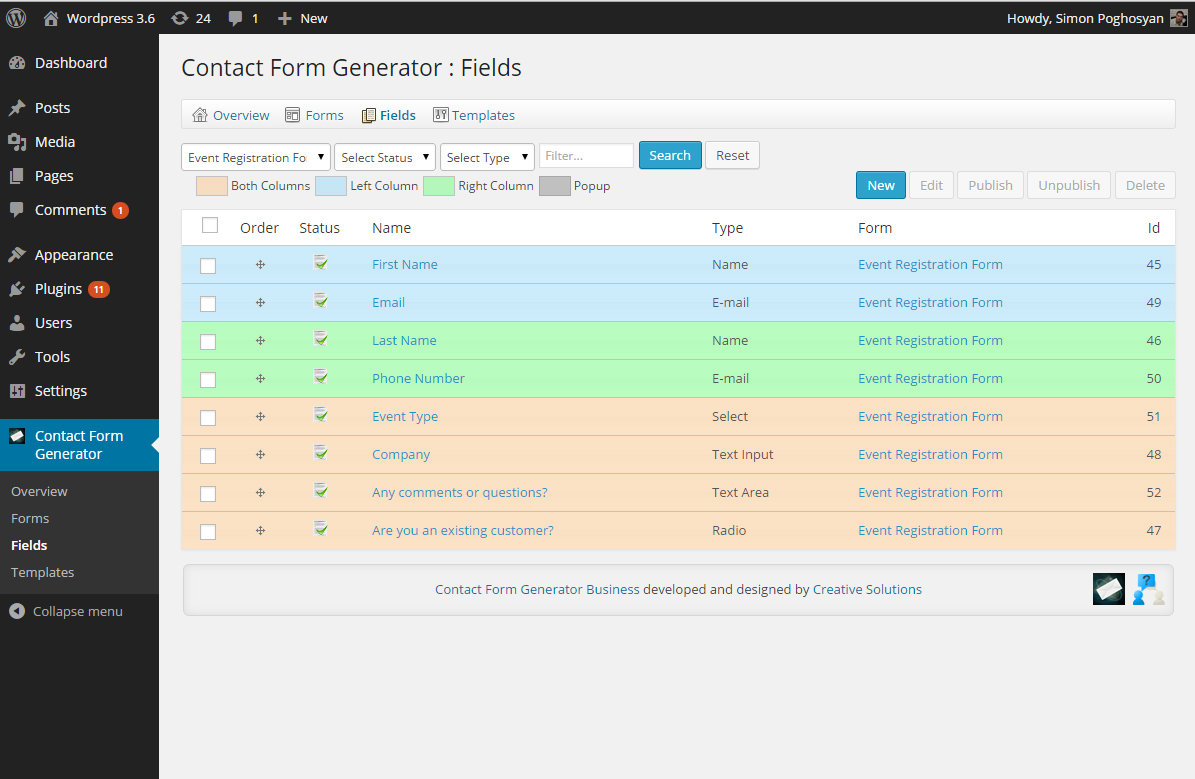
Drag&Drop reordering
Reviews
Great Customer Service for a super plugin
By 
Very prompt response for my issue. Stayed in touch to be sure everything was fixed.
Really great support for a form that is the best one I've found.
very elegant, complete and configurable contact form
By 
- An active PHP session has been created by a session_start() function call. This interferes with the REST API and loopback requests. The session should be closed by session_write_close() before making any HTTP requests.
- The API REST request failed due to an error. Error: cURL error 28: Operation timed out after 10001 milliseconds with 0 bytes received (http_request_failed).
- The loopback request on your site has failed, which means that the features that rely on these requests are currently not working as they should. Error: cURL error 28: Operation timed out after 10001 milliseconds with 0 bytes received (http_request_failed).
- impossible to confirm if the wp_version_check() filter is available.
Easy to use, looks good and has several options
By 
Only 1 form possible, no choice of templates in free version
By 
Very Nice!
By 
Email format is Terrible
By 
Business version versatile and robust
By 
Simple but powerfull
By 
Free Version is poor!
By 
Meh
By 
Nothing special here. A limited contact form that bugs you to upgrade. Throws corny backlink "powered by" text at bottom of forms. Better free plugins available so ... "Meh!"
Changelog
V 2.8.0 – 07/03/2024
- Fixed SQL injection issue!
V 2.7.1 – 26/12/2023
- Improved javascript structure for back-end!
- Removed second slash for styles and scripts issue!
- Improved UI in back-end!
- Minor fixes!
- Loading time improvement!
V 2.7.0 – 24/12/2023
- Tested with WP 6.4.2.
- Compatible with PHP 8.2.
- Improved security tokens system.
- Code corrections.
- Fixed session waring in wp-admin site-health section.
V 2.6.0 – 27/08/2023
- Security fix: cross-site scripting detected, fixed!
V 2.5.5 – 08/08/2023
- Security fix: changed CSRF token generation algorithm, to avoid using rand function.
V 2.5.0 – 03/04/2023
- Fixed security issues!
V 2.1.86 – 12/08/2021
- Fixed options functionality for Select/Multiple Select/Radio/Checkbox field types!
V 2.1.85 – 18/07/2020
- Fixed “Deprecated: Methods with the same name as their class will not be constructors in a future version of PHP” issue
- Fixed “Deprecated: Function create_function() is deprecated” issue
V 2.1.84 – 10/06/2020
- Fixed bug in template creator wizard demo.
- Fixed bug when rate dialog can not be closed in Overview page.
V 2.1.83 – 09/06/2020
- Corrections in main.css file(added default font).
V 2.1.82 – 02/10/2019
- Corrections in installer SQL.
V 2.1.81 – 26/06/2017
- some styling corrections.
- updated tags.
V 2.1.7 – 2/12/2016
- some styling corrections.
- update in field submission script.
V 2.1.6 – 10/11/2016
- some CSS corrections.
V 2.0.45 – 02/02/2016
- JS corrections.
- CSS corrections.
V 2.0.4 – 19/01/2016
- Some styling improvements.
V 2.0.35 – 8/12/2015
- Added cfg prefix to some functions, to prevent potential conflicts.
- Some styling improvements.
V 2.0.3 – 4/11/2015
- Some js fixes!
- Some css fixes!
V 2.0.2 – 24/09/2015
- Fixed Widget structure!
V 2.0.1 – 30/07/2015
- Fixed admin bug in forms save page!
- Fixed javascript bugs!
- Template Creator made commercial feature!
- Migrated template styles to template.css file!
V 1.0.4 – 16/03/2015
- Fixed Template Creator Issues!
V 1.0.3 – 09/03/2015
- Some javascript corrections.
V 1.0.2 – 05/03/2015
- Hide php notices from front end!
V 1.0.1 – 02/03/2015
- Style correction in template creator wizard!
V 1.0.0 – 27/02/2015
- Initial release