Content Lifecycle Manager
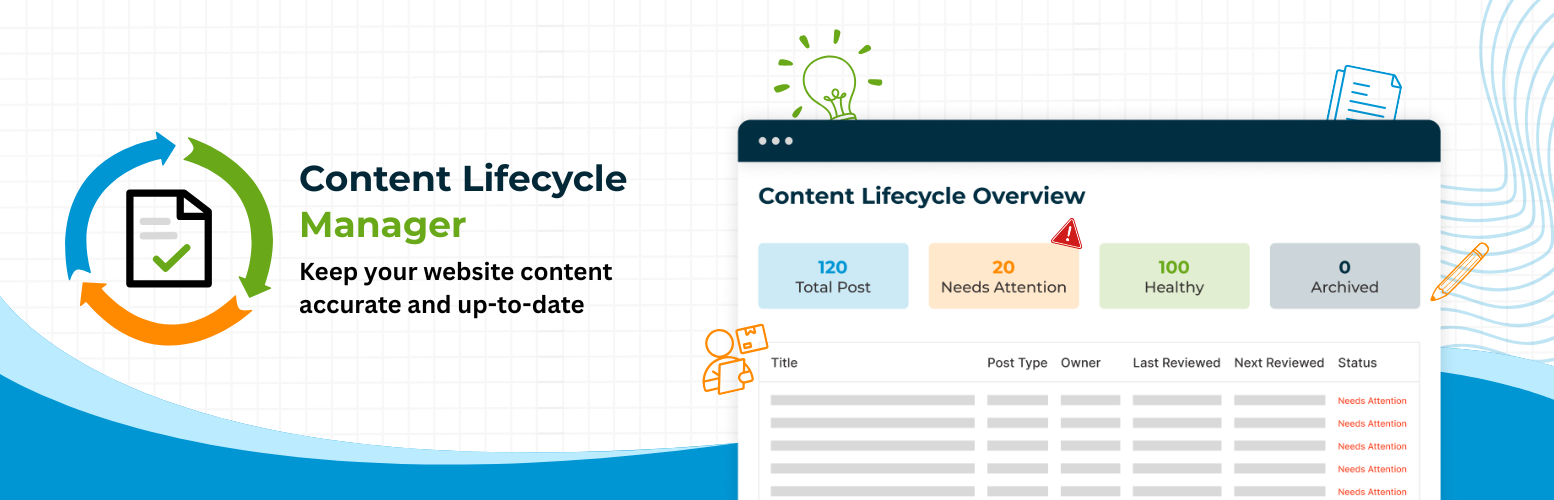
Content Lifecycle Manager
Description
Content Lifecycle Manager helps you keep WordPress content accurate, up to date, and properly maintained over time.
As websites grow, published content often becomes outdated, inconsistent, or easy to forget. Pages and posts may still be live, but the information inside them can slowly lose relevance. In many cases, the challenge is not creating new content. It is making sure existing content is still correct, still useful, and still worth keeping.
Content Lifecycle Manager brings a simple maintenance workflow into WordPress so content upkeep becomes easier to manage as part of everyday publishing.
You can assign ownership, track review dates, identify content that needs attention, and take clear next steps such as marking content as reviewed, snoozing a review, or archiving content that is no longer relevant. Instead of relying on memory or scattered editorial processes, your team gets a structured way to review and maintain content over time.
The plugin also includes a lightweight Ideas area for capturing future content topics and turning them into drafts when needed. This helps connect early planning with the long-term lifecycle of published content.
Whether you manage a small site or a large content library, Content Lifecycle Manager helps you build a more reliable process for keeping your website content current, useful, and easier to maintain.
Features
- Assign ownership to pages and posts
- Track review dates and identify content that needs attention
- Maintain content directly from the WordPress editor
- Mark content as reviewed, snooze reviews, or archive content when needed
- View content health from a dedicated admin dashboard
- Bring existing content into the workflow after installation
- Capture content ideas and turn them into draft posts
Installation
- Upload the plugin files to the
/wp-content/plugins/content-lifecycle-managerdirectory, or install the plugin through the WordPress Plugins screen. - Activate the plugin through the
Pluginsscreen in WordPress. - Go to
Content Lifecycle > Settingsto choose the post types you want to manage and configure your default review interval. - Run the setup flow to bring existing content into the workflow if needed.
- Start assigning owners, reviewing content, and maintaining pages and posts over time.
Faq
No. Content Lifecycle Manager does not change WordPress post status or permalink URLs as part of its maintenance workflow.
No. Review-related fields are only updated when you explicitly choose a maintenance action, such as marking content as reviewed or snoozing a review.
Yes. The plugin includes a setup flow that helps you bring older content into the lifecycle workflow without overwriting existing lifecycle data unnecessarily.
Yes. You can select the post types that should be included in Content Lifecycle Manager from the plugin settings.
Yes. The plugin includes a lightweight Ideas area where you can save titles and notes, then convert ideas into draft posts when ready.
It is useful for site owners, editorial teams, agencies, publishers, and content managers who want a clearer process for keeping WordPress content current over time.
Reviews
Changelog
1.0
- Initial release.