Continue Shopping Anywhere for WooCommerce

Continue Shopping Anywhere for WooCommerce
Description
You can add a message with a link to continue shopping on the following pages:
- Single product page
- Cart (compatible with automatic redirection after adding product to cart)
- Checkout page
You can change the default link and select one of the following options:
- Home
- Shop
- Custom Link
- Default (back to product) – available for cart with automatic redirection after adding product
- Previous Page (referer) (NEW)
- Recent Category (NEW)
Try other useful plugins for WooCommerce
Installation
- Upload zip archive to the
/wp-content/plugins/directory - Activate the plugin through the ‘Plugins’ menu in WordPress
Screenshots
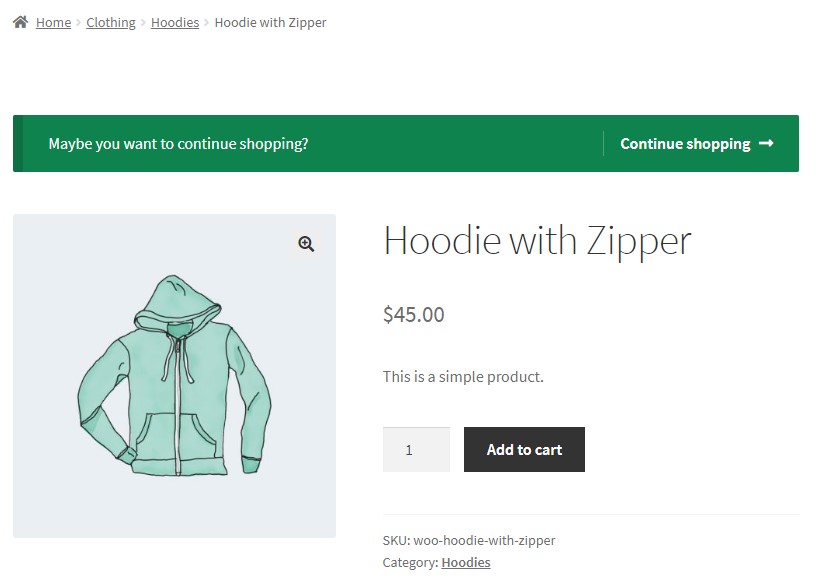
Single Product
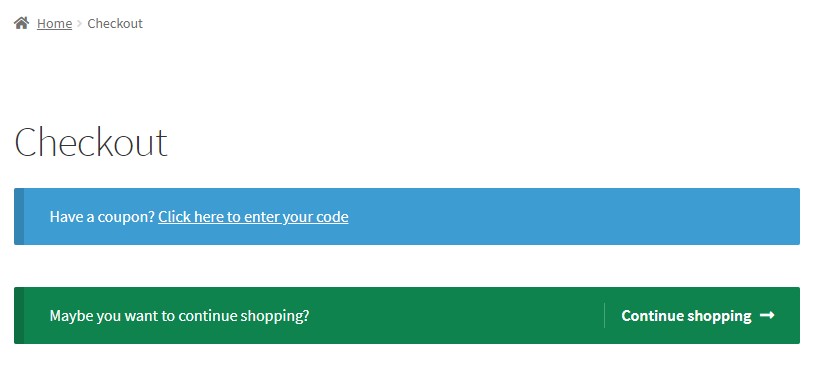
Checkout
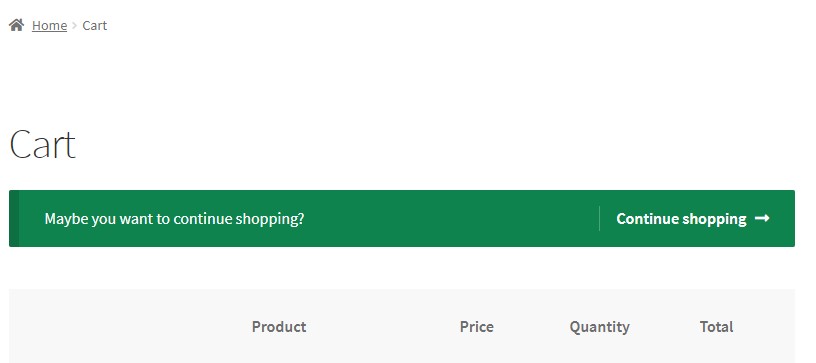
Cart

Settings
Faq
WooCommerce -> Settings -> Continue Shopping Anywhere
You can find them on top.
Reviews
Excellent
By 
Respects the theme style - Please keep testing it with new vesions of Woo
Excellent
By 
Works great. Thanks!
A great plugin, very useful
By 
Many thanks, a very useful plugin who works perfectly !
Awesome Plugin
By 
I spent hours trying to find a solution to add a 'continue shopping' button to the checkout page. This plugin solved my issue seamlessly. Thanks, Ivan!
Much needed plugin
By 
Awesome stuff.
Changelog
1.3.0 – 2022/09/04
- New: Added “Recent Category” option
- New: Added “Previous Page” option
- Tweak: Tested with WP 6.0 and Woo 6.8
1.2.0 – 2021/07/17
- New: Added “Out of Stock only” option for single page
- New: Added “After Product Summary” and “After Product” options for single page
- Tweak: Tested with WP 5.8 and Woo 5.5
1.1.0 – 2019/12/11
- Tweak: Added ability to change position on Single product page.
1.0.0 – 2019/09/19
- Release