Cookie Jar
Cookie Jar
Description
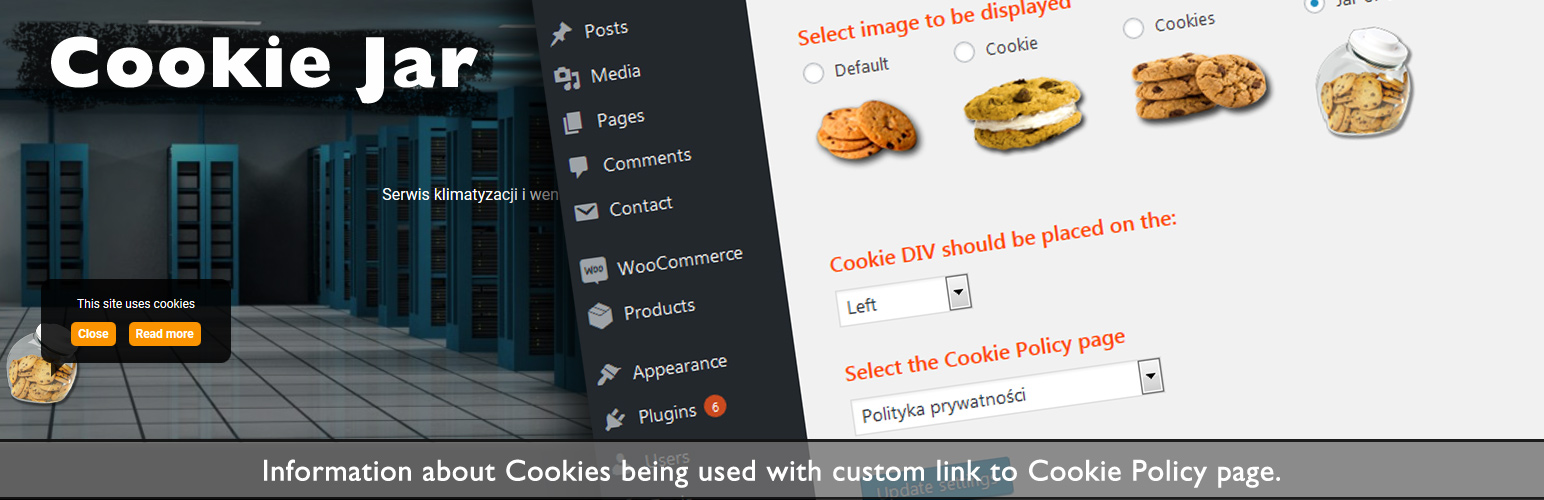
Displays an image of a cookie and requires you to link it with the Cookie Policy page (available from a dropdown menu) in the Admin area, so as a result an User has two options: shut down the info about the cookie (for seven days) and / or read the cookie policy.
Donations
http://gregbialowas.com/cookie-jar
Installation
- Upload plugin to the
/wp-content/plugins/directory (or Install it via WP) - Activate the plugin through the
Pluginsmenu in WordPress - Update settings via plugin`s setting page (vide screenshots)
- You are done.
For more information and examples visit this website:
https://gregbialowas.com/cookie-jar
Screenshots

In the Plugins section, activate Cookie Jar

In the Dashboard, under Settings > Cookie Moster - settings

Select Cookie Image, position of the div holding cookie image and a page (from the drop down list) that corresponds with the Cookie Policy

The cookie policy will be displayed on the front page with the settings of your choice
Faq
–
Reviews
Changelog
2.0.1
- Fixing wpdb issue
2.0.0
- Added options to select an image and the position of the cookie div on the front end ( bottom left or bottom right )
1.1.0
- Added back-end settings to select Cookie Policy page from the list of all existing pages
= 1.0.0
* Initial upload