Cookies for LeadHub
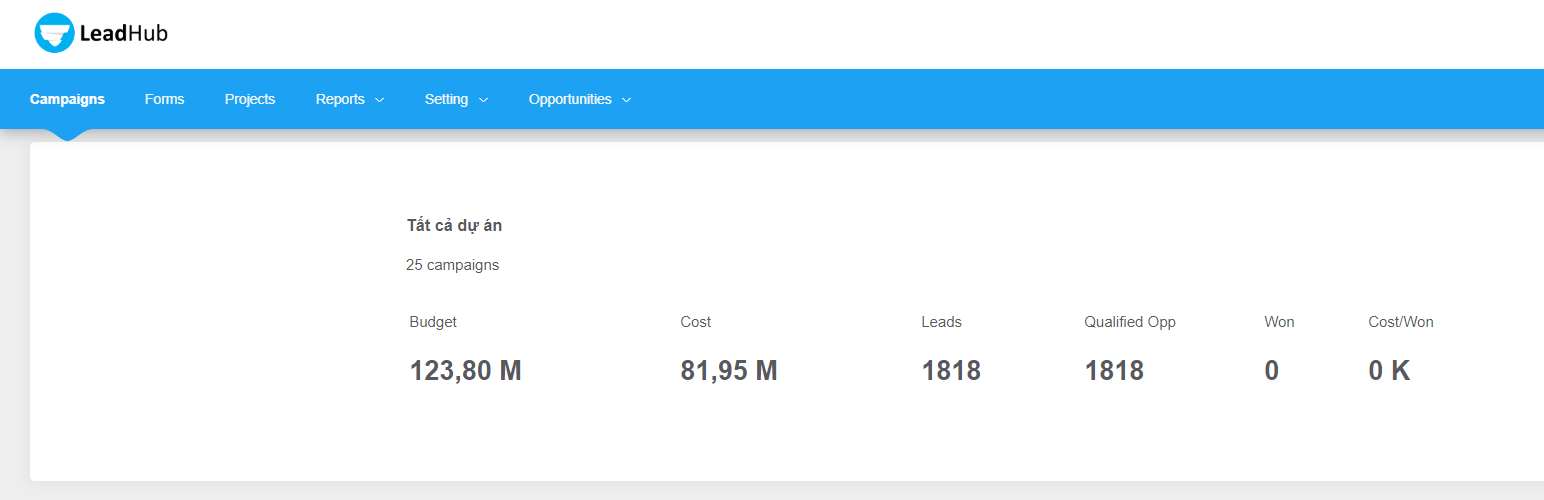
Cookies for LeadHub
Description
When users access the website, the system will automatically save the first url to the COOKIE (applicable to LEADHUD software).
Installation
-
Upload the plugin cookies-for-leadhub files to the
/wp-content/plugins/directory -
Activate the cookies-for-leadhub plugin through the ‘Plugins’ menu in WordPress.
Screenshots

Simple & Intuitive
Faq
What kind of support do you provide?
Help Desk. Support is currently provided via our email help desk. Questions are generally answered within 24 hours, with the exception of weekends and holidays. We answer questions related to “Cookies for LeadHub”, its usage and provide minor customization guidance. We cannot guarantee support for questions which include custom theme code, or 3rd party plugin conflicts & compatibility. Open a Support Ticket
Reviews
Changelog
1.3.1
- update more information
1.3
- update more information
1.2
- update multi google recaptcha
1.1
- add google recaptcha
- fix bug jquery (
1.0
Plugin initialization