Cool Accessibility
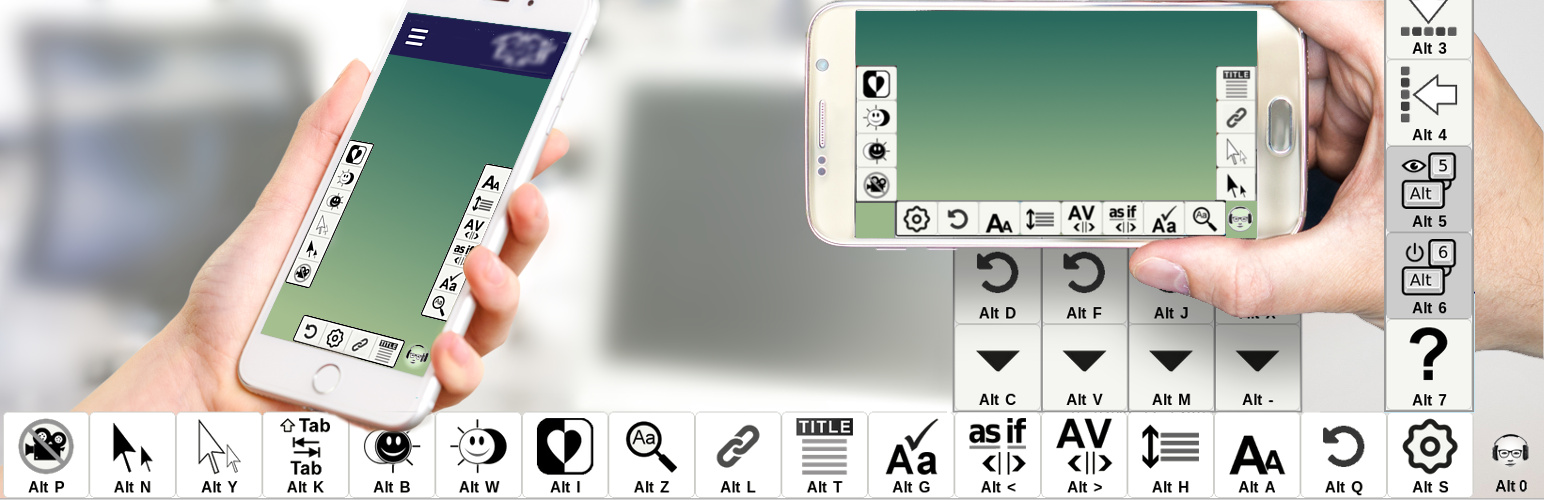
Cool Accessibility
Description
Installation
Screenshots

https://drive.google.com/file/d/1BsDVaofMzX1NKMIgn4qWp7jgaes8Ckqt/view?usp=sharing

https://drive.google.com/file/d/1XnFEh53gwNmE_HywpF1if28qPpDAoDQ2/view?usp=sharing

https://drive.google.com/file/d/1X7vCp_QVMM0JU_oQBcMSOlKEBnrrOWAV/view?usp=sharing


Faq
- Verify that the checkboxs above the Color Pickers boxs are enabled in the Option page
- Force Refresh – Depending on your operating system all you need to do is the following key combination:
Windows: ctrl + F5
Mac/Apple: Apple + R or command + R
Linux: F5