Core Framework
Core Framework
Description
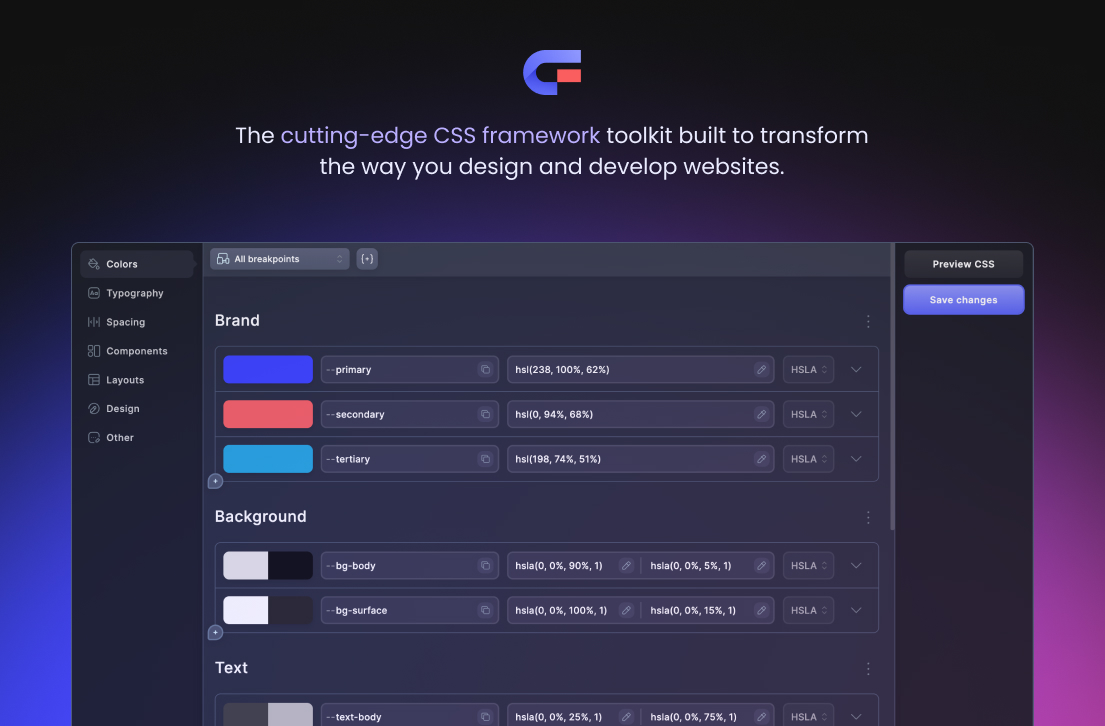
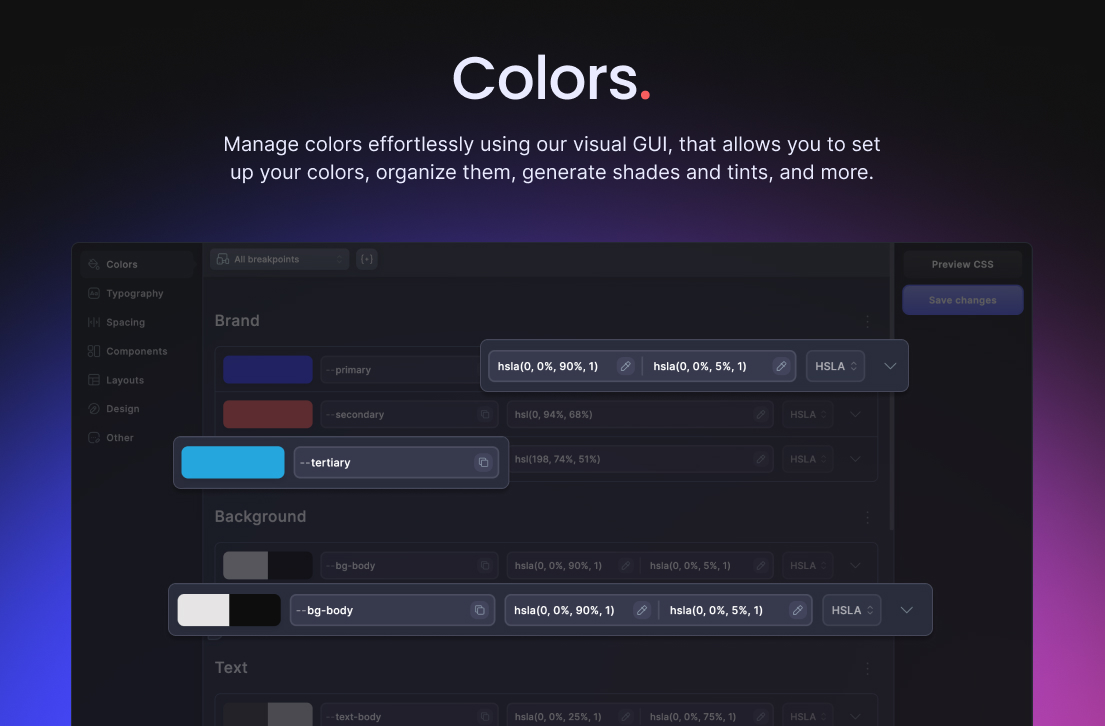
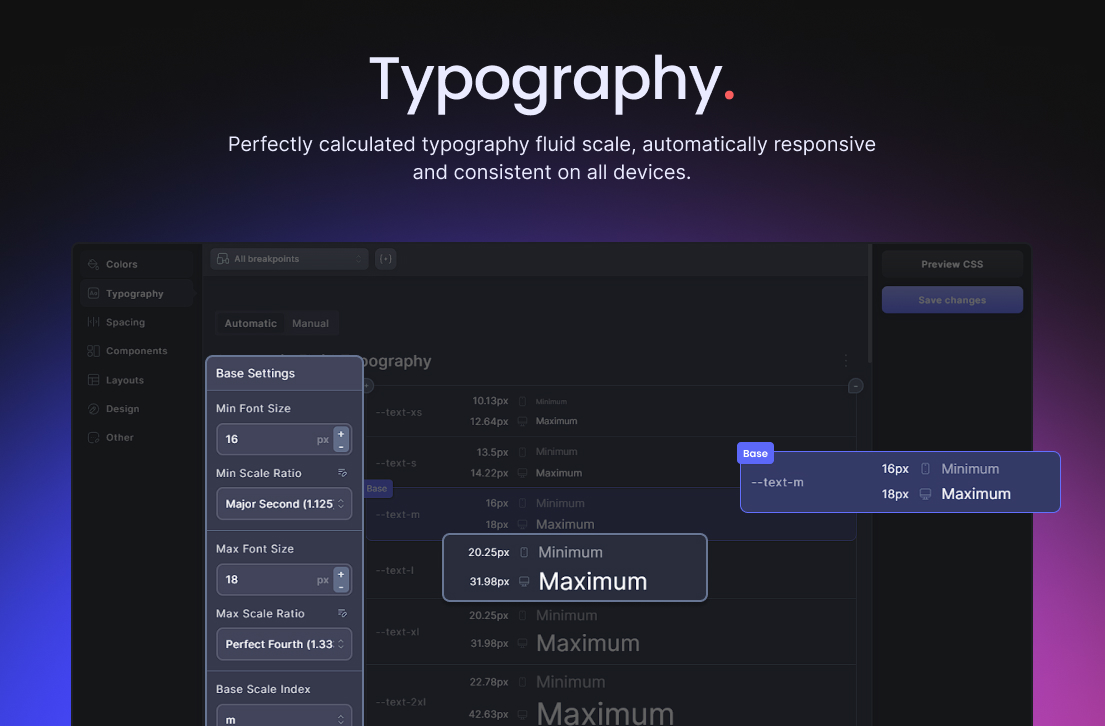
Core Framework is a visual CSS framework and design-token builder. Define colors, typography, spacing, layouts, components, utility classes, and custom styles in one project, then generate the CSS used by your WordPress site.
The plugin and all included integrations are free and open source. There is no license activation and no paid feature gate.
Features
- Visual framework and design-token editor
- Fluid typography and spacing scales
- Color shade and tint generation
- Utility classes, components, layouts, and custom stylesheets
- Project import and export
- Gutenberg integration
- Bricks integration
- Oxygen integration
- Figma synchronization
Integrations
Enable the integrations you use from Core Framework Add-ons. Gutenberg, Bricks, Oxygen, and Figma support are included with the plugin; they are not separate paid add-ons.
Marketplace
The Core Framework Marketplace sells optional design kits and packs. Those content products are separate from the plugin and are not required to use any Core Framework feature or integration.
External services
Core Framework works without a Core Framework account or hosted Core Framework backend. It makes an external request only when an administrator explicitly asks for one:
- The bundled font catalog is local. Selecting or previewing a Google Font requests CSS from https://fonts.googleapis.com. Importing it also downloads font files from https://fonts.gstatic.com, after which WordPress serves the saved font files locally. Requests identify the selected font family and variants; as with any web request, Google receives connection information such as the site’s IP address and user agent. No Google API key or Google account is required.
- Google Terms of Service: https://policies.google.com/terms
- Google Privacy Policy: https://policies.google.com/privacy
- Direct Figma-to-WordPress synchronization connects the Figma plugin directly to the user’s own WordPress site using a connection key created by a site administrator. Project data is not routed through Core Framework servers.
- Remote project import is optional and runs only when an administrator pastes a shareable project link or project ID and submits it. WordPress then requests that project from https://us-central1-core-framework-6bdc9.cloudfunctions.net/getPreset. The request is made by the server rather than the browser, sends no credentials, and the endpoint is read-only: it returns a project only when its owner has marked it as public. Nothing is sent unless an administrator submits a link, and no account is required to import one.
Apart from the requests listed above, the plugin’s administration interface, image previews, project storage, CSS generation, and included integrations do not load assets from Core Framework servers. Core Framework does not contact a licensing server and does not require account activation.
Licensing
Core Framework’s original source code is licensed under the MIT License. Bundled dependencies retain their own open-source licenses. The release archive includes third-party-notices.txt for adapted source and artwork and third-party-licenses.txt for the complete production dependency inventory.
Installation
- Install Core Framework from the WordPress plugin directory or upload the plugin ZIP.
- Activate Core Framework.
- Open Core Framework Add-ons and enable the integrations you use.
- Configure your framework and click Save changes to generate the CSS.
Screenshots
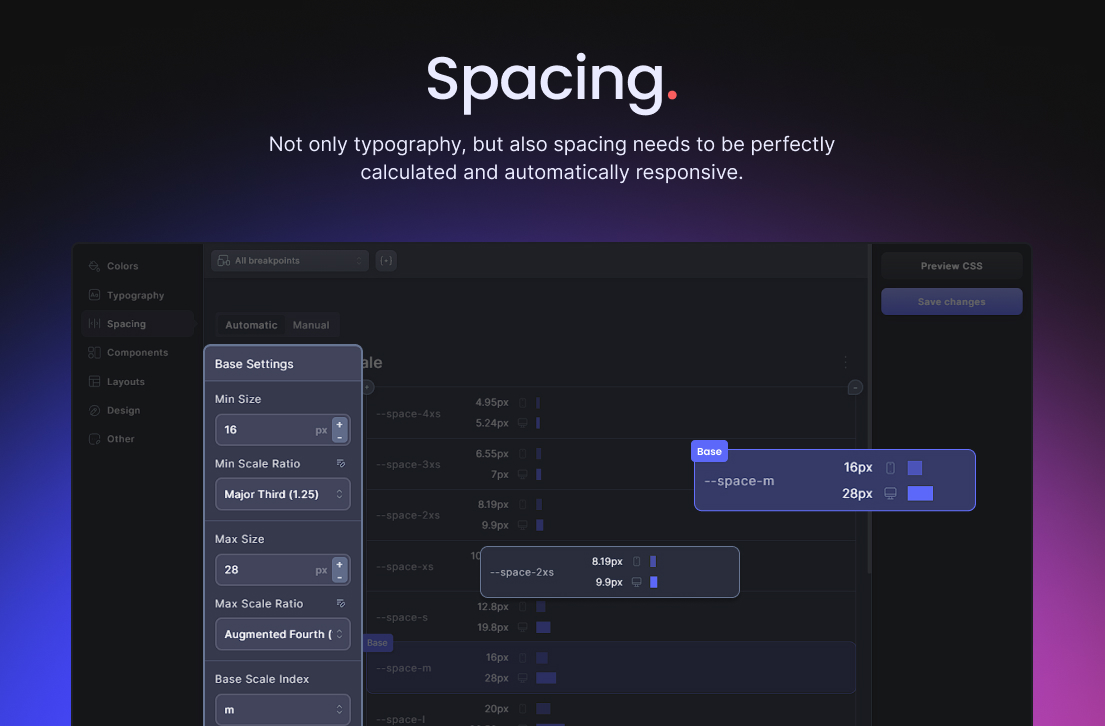
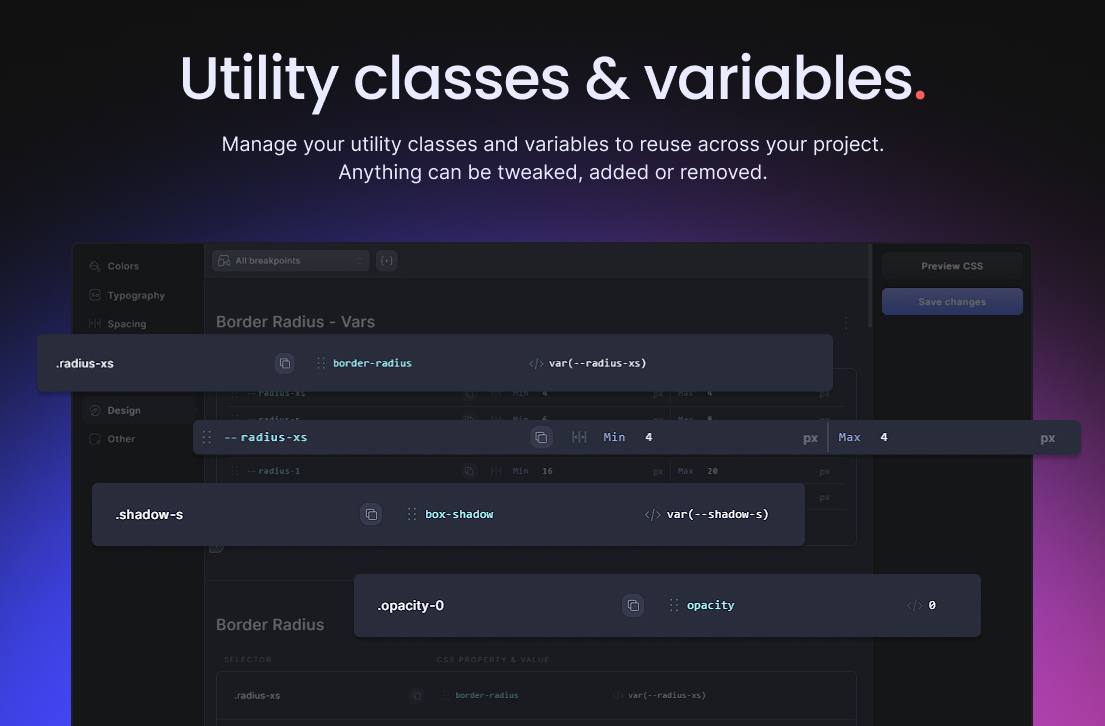
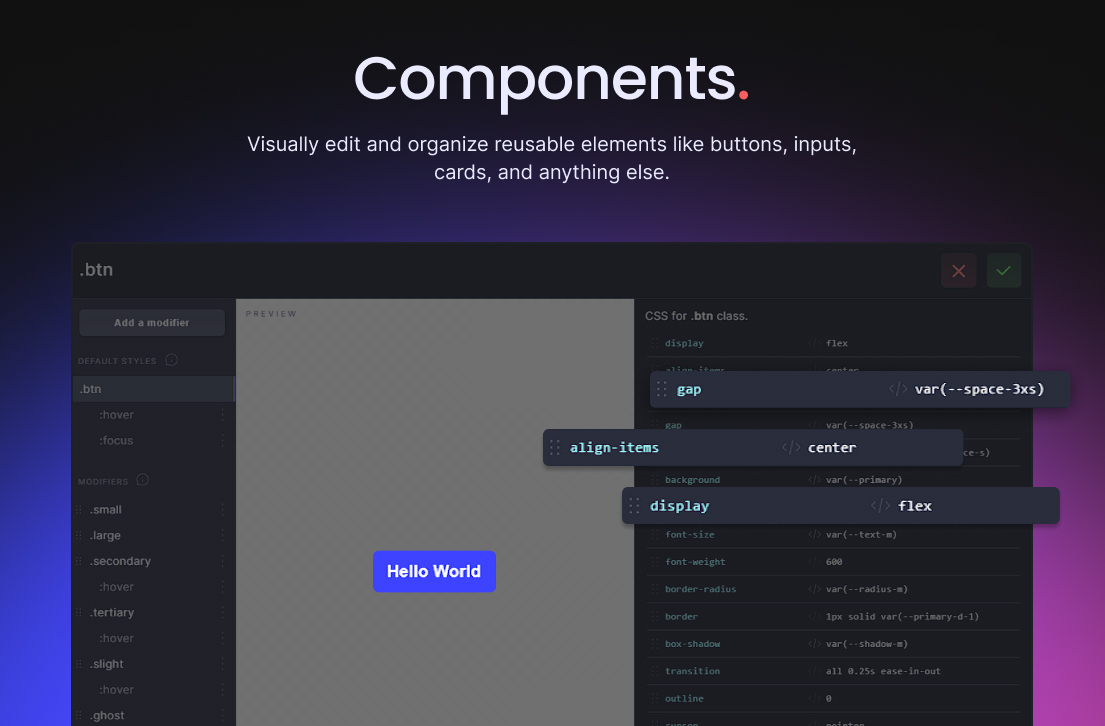
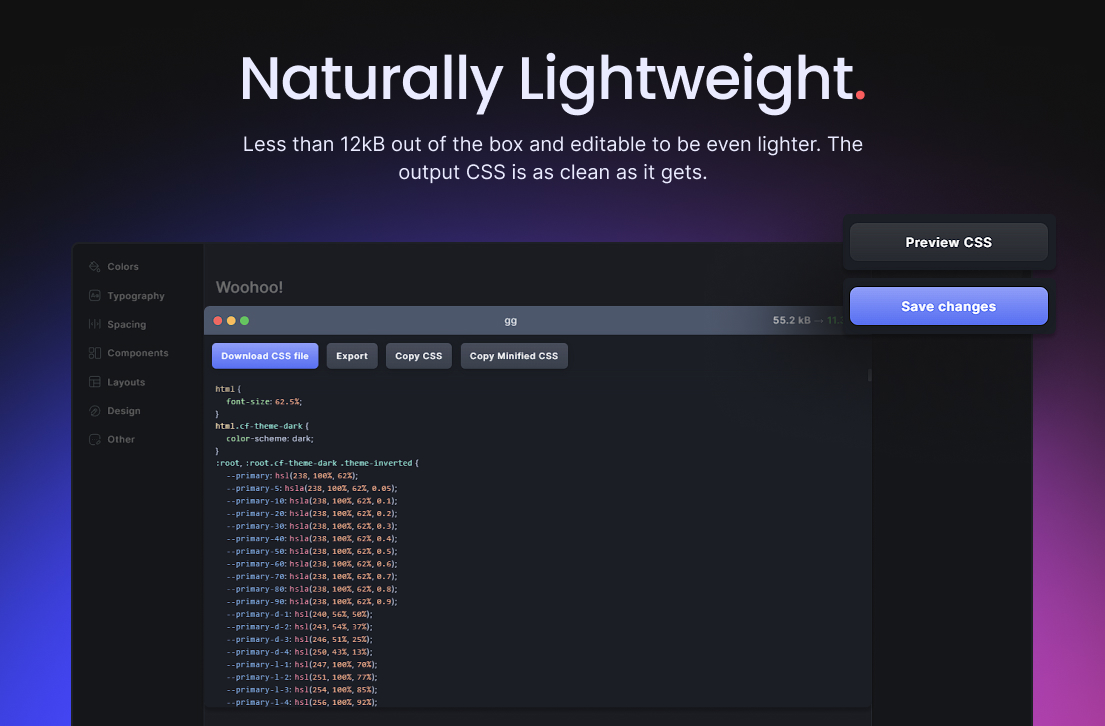
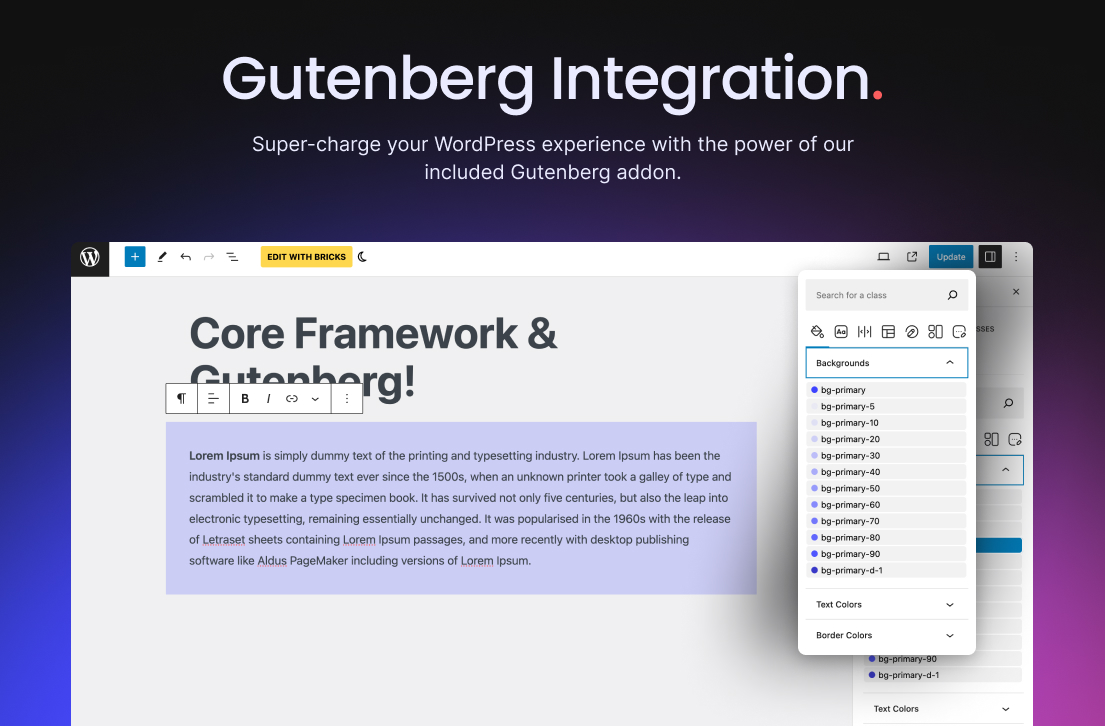
Faq
Yes. The plugin, web app, Figma integration, and included builder integrations are open source under the MIT License.
No. Marketplace design kits and packs are optional content products and are not part of the plugin.
No. The font browser uses Google’s public, keyless font endpoints.
Reviews
Love it!
By 
Invaluable for any WordPress site without a page builder.
Best in class - no lock-in - great support - we love Core
By 
I have used ACSS and other Frameworks. I love Core as it is intuitive, lightm it has the right ammount of features for me, and you can easily remove the builder plugin (if you choose to use one) by simply exporting the styles and importing them directly into your builder. No lock-in. Support is great too. Thanks guys!
Excellent Investment
By 
This is a massive productivity investment. I bought the bricks addon and it's a game changer.
Great plugin overall
By 
This plugin is awesome in general. However there are several outstanding issues; the biggest of all for me: Gutenberg integration, with it that I and many others have reported. The developers have not been responding to that either here or on their support channel (though recently they explained they had not been receiving notifications for support threads here, so that partially explains it)
I'm still confused as to why my support thread here about the Gutenberg issue was locked while still unresolved without any explanation whatsoever. Mistake?
I do believe they need a better bug tracking system like Github issues maybe. They only have a feature request tracker, which is also used for bugs, but I often do not receives responses from the developers there either. I don't know how they handle the tickets internally but it seems to me they need to bring in something like Github issues where issues can be labelled or at least some ways for bugs to be separated from feature requests.
Back to the plugin: it's great and it's free and I actively use it, so I hope they continue to work and improve it.
Exactly what I have been looking for
By 
This bring much needed CSS class management to the block editor + an entire design Framework system. This allows me to keep a limited set of WP block controls for my clients e.g. font size, colors, while giving my full design control via classes.
At some point it would be nice to be able to limit access to specific user roles.
Awesome
By 
This is awesome! 🤩 Thanks for making it freely available for Gutenberg. 🙏
It's amazingly easy to manage classes and create custom style variation for items.
I love that it's class-based and I can edit the class and it applies to the entire website, unlike other editors where appearance and style settings are tied to the element and can't be edited globally.
A little buggy thing
By 
I wish I knew about this plugin sooner. It's a game changer to mange design styles and customization. The interface is sleek. There are plenty options to create and manage CSS classes. It's integrated with Gutenberg editor.
There's one thing that needs to be improved or fixed. The dropdown menu where you select the css styles to apply to a design block tends to jump up and down at times making it very tricky to select the menu items. It seems like a buggy Javascript issue. I left a message under support section for there has been no response from the author for a good couple months.
A must have to speed up your workflow
By 
Using with Gutenberg, it helps a lot!
Thank you David!
Fantastic
By 
Excellent plugin. I have just starting using it with Bricks. Highly recommended.
The must have add-on to Oxygen Builder
By 
If you are using Oxygen Builder on your WordPress site, this plugin should be in your must-have list. The framework makes it so easy to build sites, and the customer support team are friendly, responsive and very knowledgeable. Extensive framework that is easy to use even for beginners.
Changelog
2.0.1
- Fixed the Auto BEM class generator not appearing in the Bricks structure panel after updating to 2.0.0.
- Restored remote project import from a shareable project link or project ID.
- Fixed Bricks synchronization for empty class sets, and reported pushes that fail rather than passing silently.
- Fixed Figma plugin host message handling and the WordPress URLs used inside the Figma sandbox.
- Allowed the Figma connection key header through the REST CORS preflight so Figma synchronization reaches the site.
2.0.0
- Released Core Framework as free and open-source software under the MIT License.
- Included the Gutenberg, Bricks, Oxygen, and Figma integrations without license checks or paid feature gates.
- Updated the Oxygen 6 integration for Oxygen 6.1 and newer. Sites using Oxygen 6.0 should update Oxygen before installing Core Framework 2.0.
- Replaced the Google Fonts API-key integration with a bundled catalog and keyless public endpoints.
- Replaced the shared Figma cloud credential with direct, site-scoped connection keys.
- Moved generated CSS to WordPress uploads storage and preserved it when upgrading from Core Framework 1.10.4.
- Removed retired EDD licensing options while preserving site projects, integration preferences, fonts, and Figma connections.
The complete changelog is available in the source repository and the documentation.