Countdown Timer

Countdown Timer
Description
Installation
- Unzip, upload plugin folder to your plugins directory (
/wp-content/plugins/) - Activate plugin
- Add countdown shortcode anywhere you need it.
Check out the included admin help page for complete explanation within WordPress!
Screenshots
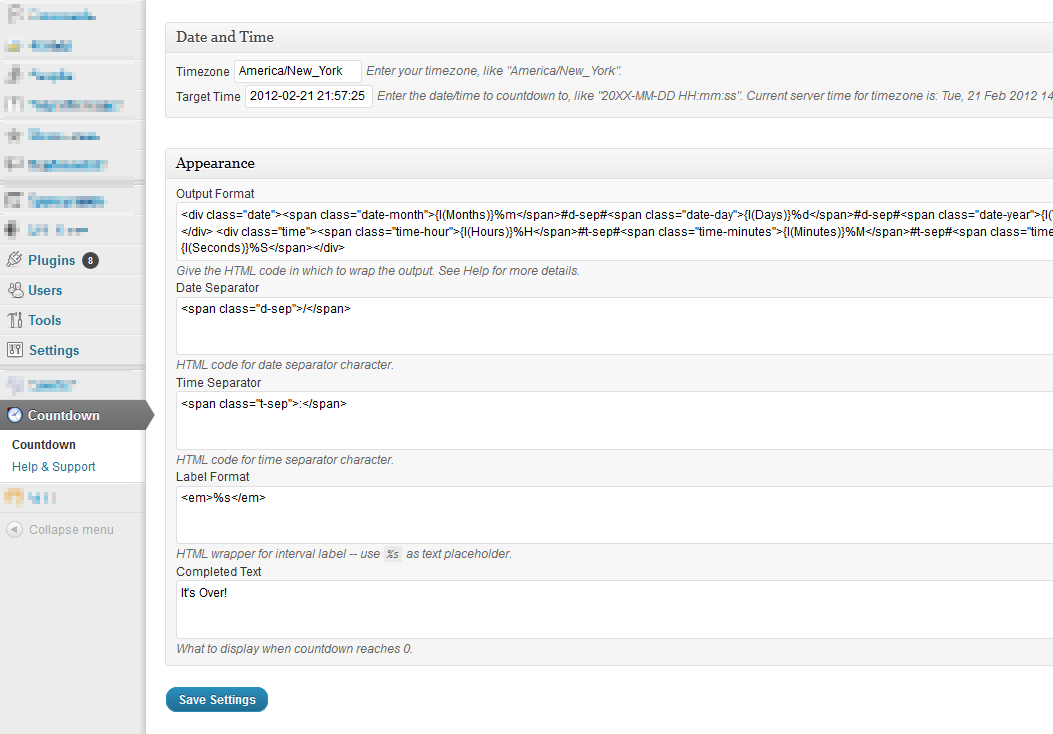
Admin options page with templates, placeholders
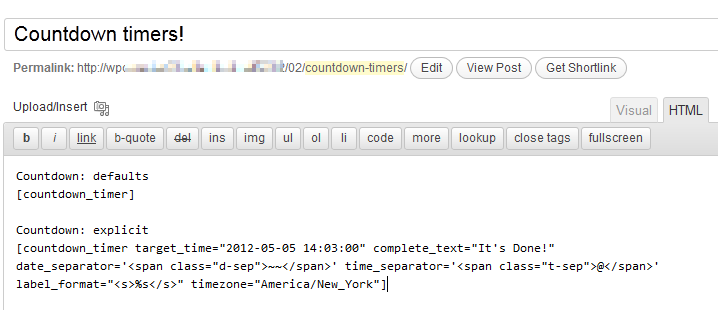
Usage example - note that "explicit" options use single-quotes to allow double-quotes in HTML
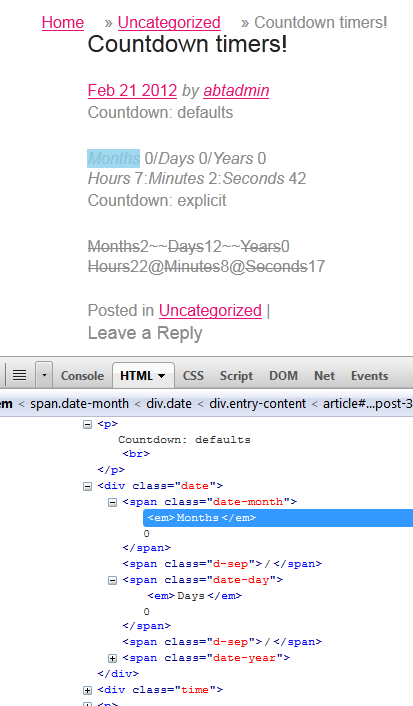
Output example - with Firebug showing HTML
Faq
What’s the shortcode?
In full glory:
[countdown_timer
    target_time="2012-05-05 14:03:00"
    complete_text="It's Done!"
    format= {CUSTOM HTML FORMAT - SEE BELOW}
    date_separator='<span class="d-sep">/</span>'
    time_separator='<span class="t-sep">:</span>'
    label_format="<em>%s</em>"
    timezone="America/New_York"
]
Developer Hooks
The following filters are provided to adjust both the attributes (before rendering) and the format (after rendering).
You would use them like:
add_filter( 'abt_countdown_timer__pre_render', 'my_countdown_prerender' );
function my_countdown_prerender($attributes) { ... }

add_filter( 'abt_countdown_timer__post_render', 'my_countdown_postrender' );
function my_countdown_postrender($output, $attributes) { ... }
This is how they’re used in the plugin:
// hook - adjust attributes used to render the countdown
$attributes = apply_filters( 'abt_countdown_timer__pre_render', $attributes );

// hook - add "before", "after"; alter rendered output
$formatted_time = apply_filters( 'abt_countdown_timer__post_render', $formatted_time, $attributes );
Other Options
- Title and Link – tooltip text when hovering over timer; optional link from clicking timer
- Timezones – specify a timezone for calculations (if different than WP timezone)
- Output format – HTML wrapper for result fields; uses special placeholder formats for label, separators, and time values (see
[strftime][]) - Date Separator – text between date values, if used in Output Format
- Time Separator – text between time values, if used in Output Format
- Interval Label – wrapper for laber for “Year”, “Month”, etc
Reviews
Changelog
0.7
- bugfixes, singleton, hooks
- submitted to WP
0.6
- refactored for public consumption
0.5
- split plugin from custom code