Crypto Checkout for Woocommerce

Crypto Checkout for Woocommerce
Description
Secure simple crypto payments gateway enabling you to receive crypto payments includes the USDT(BEP20), BTC, ETH, SOL, AVAX, ADA, DOT, XTZ, XMR.
This plugin requires only your addresses.
This plugin is relying on a 3rd party CryptoCheckout (crypto payment processor) as a service
- Features:
- Start in seconds: start receiving crypto by activation click/tap, no signup required, no ID verification required
- Universal: target any client who has crypto wallet not only clients on such platform
- Setup isolated prices: if you don’t need to follow the market prices, so no need to update the prices of all the products
Languages supported: ar, bn, zh, cs, en, da, nl, fr, de, he, hi, id, it, ja, ko, pl, pt, ru, sv, es, tr, uk, vi (ISO 639‑1).
Fee: 1$/mo, no txs limit, no volume limit
Live preview: https://woo.cryptocheckout.co/checkout
Important: This version works only with latest WooCommerce releases (blocks checkout).
CryptoCheckout homepage: https://cryptocheckout.co
How it’s secure: https://cryptocheckout.co/how-it’s-secure
Terms: https://cryptocheckout.co/terms
Privacy Policy: https://cryptocheckout.co/privacy-policy
Changelog: https://cryptocheckout.co/changelog
Any issues contact: support@cryptocheckout.co or @benraouane on telegram for fast response.
Installation
- Upload the plugin folder to your /wp-content/plugins/ folder.
- Go to the Plugins page and activate the plugin.
Screenshots
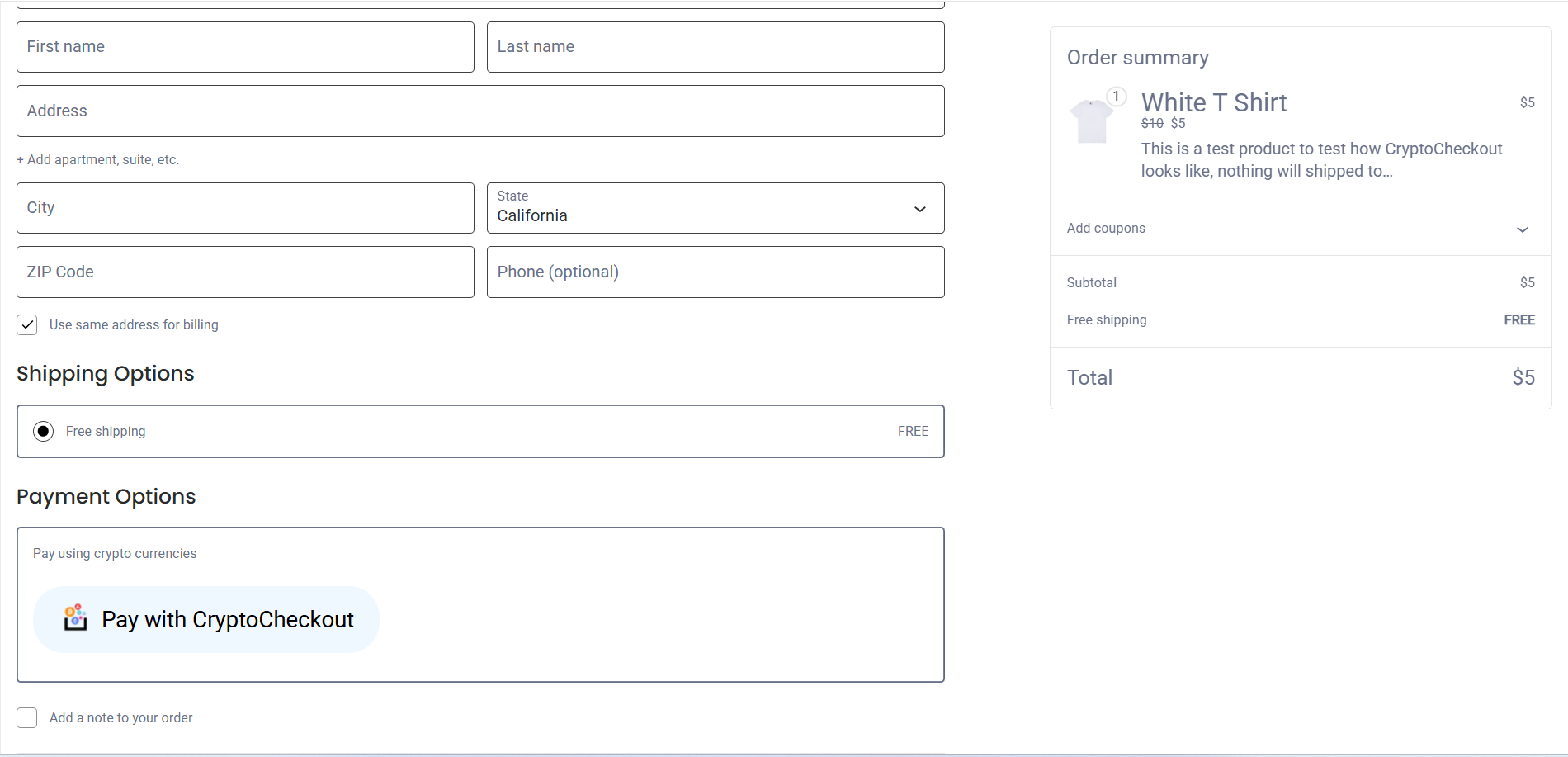
Crypto checkout as a payment method.
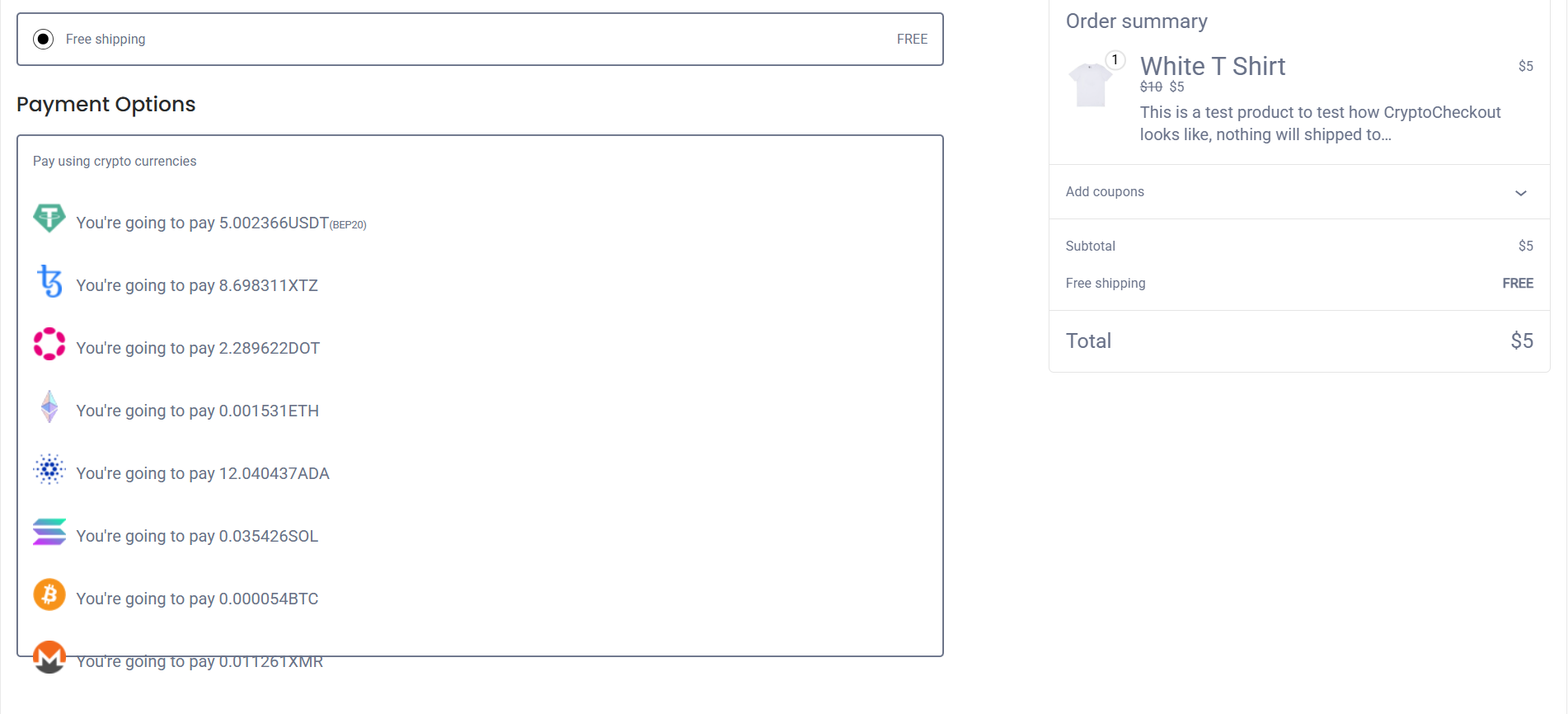
Select a crypto currency.
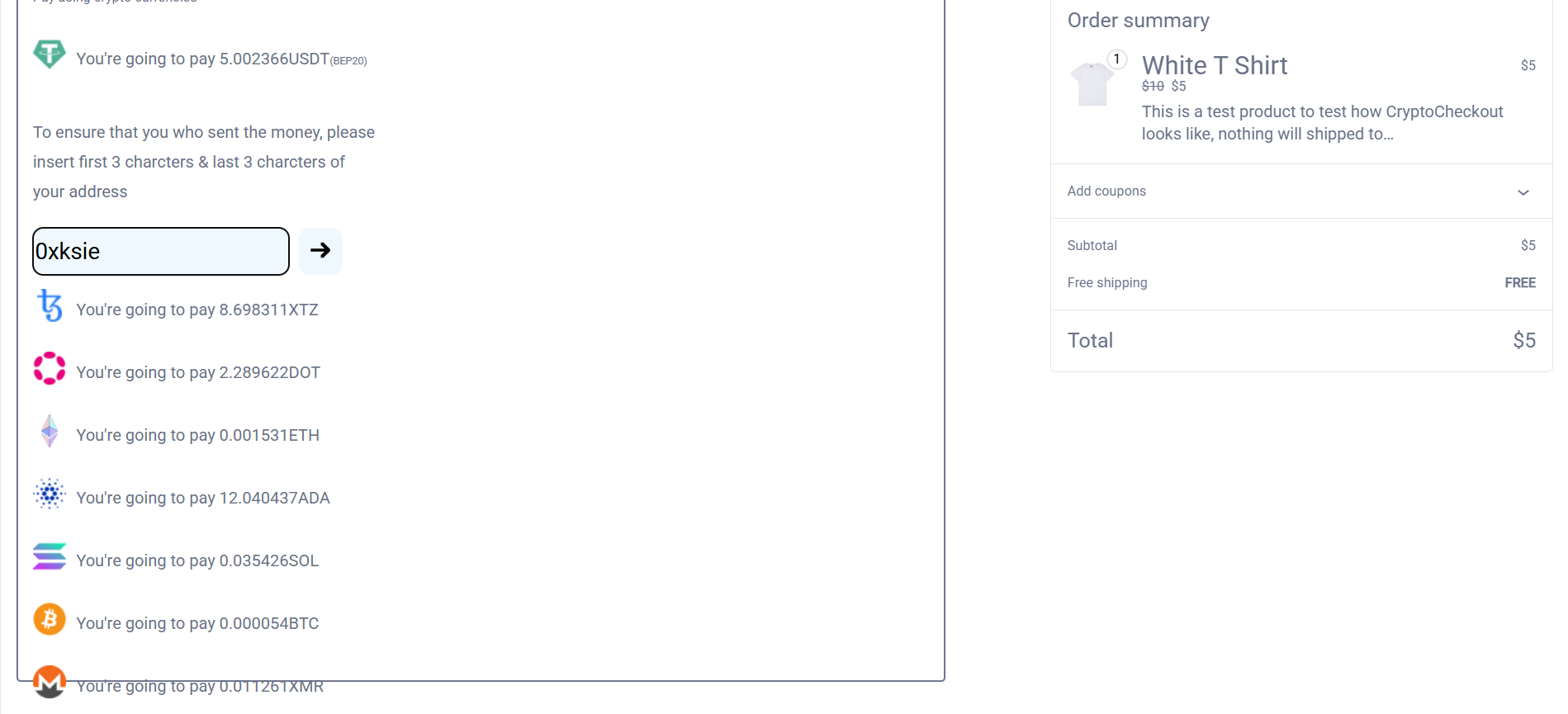
Collecting the user address, it's used for confirmation process.
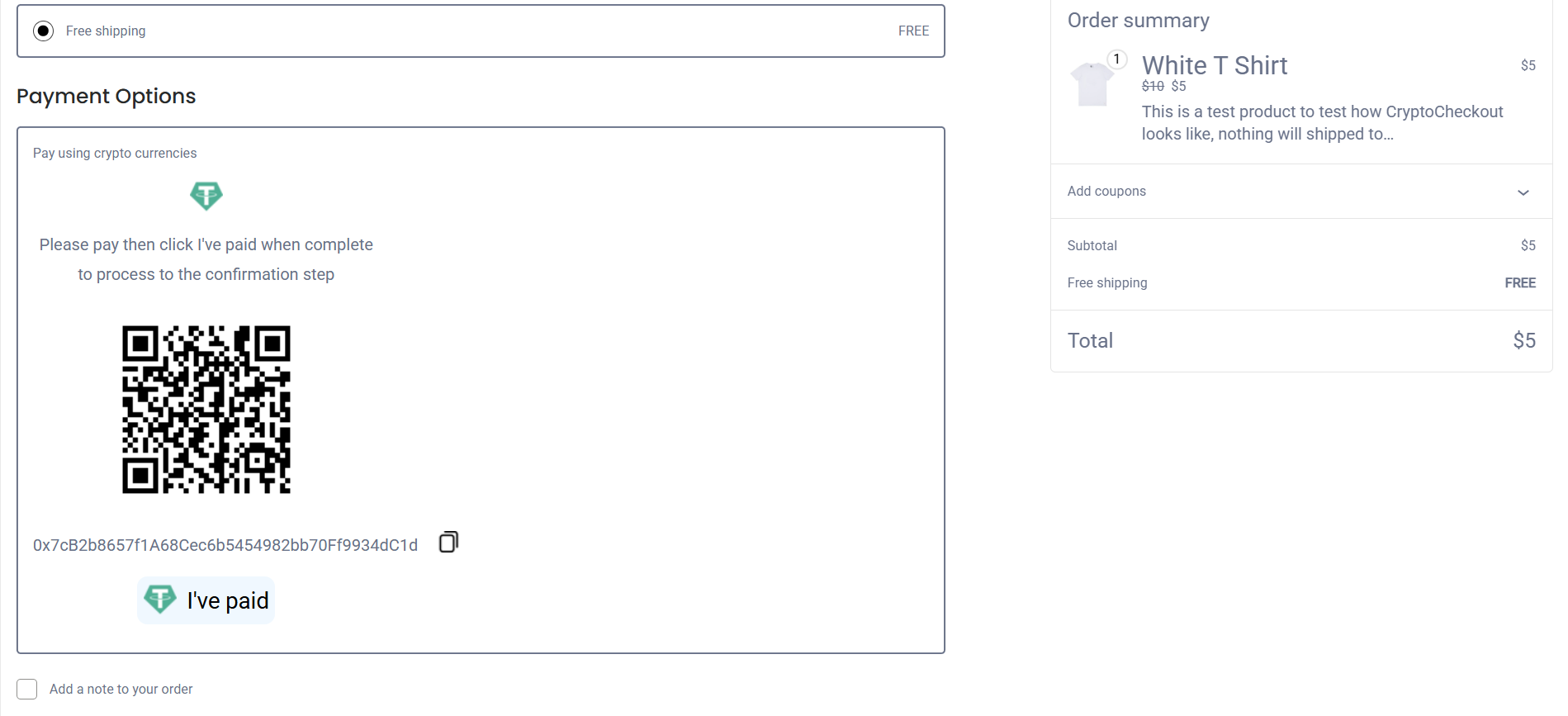
QR & the merchant address.
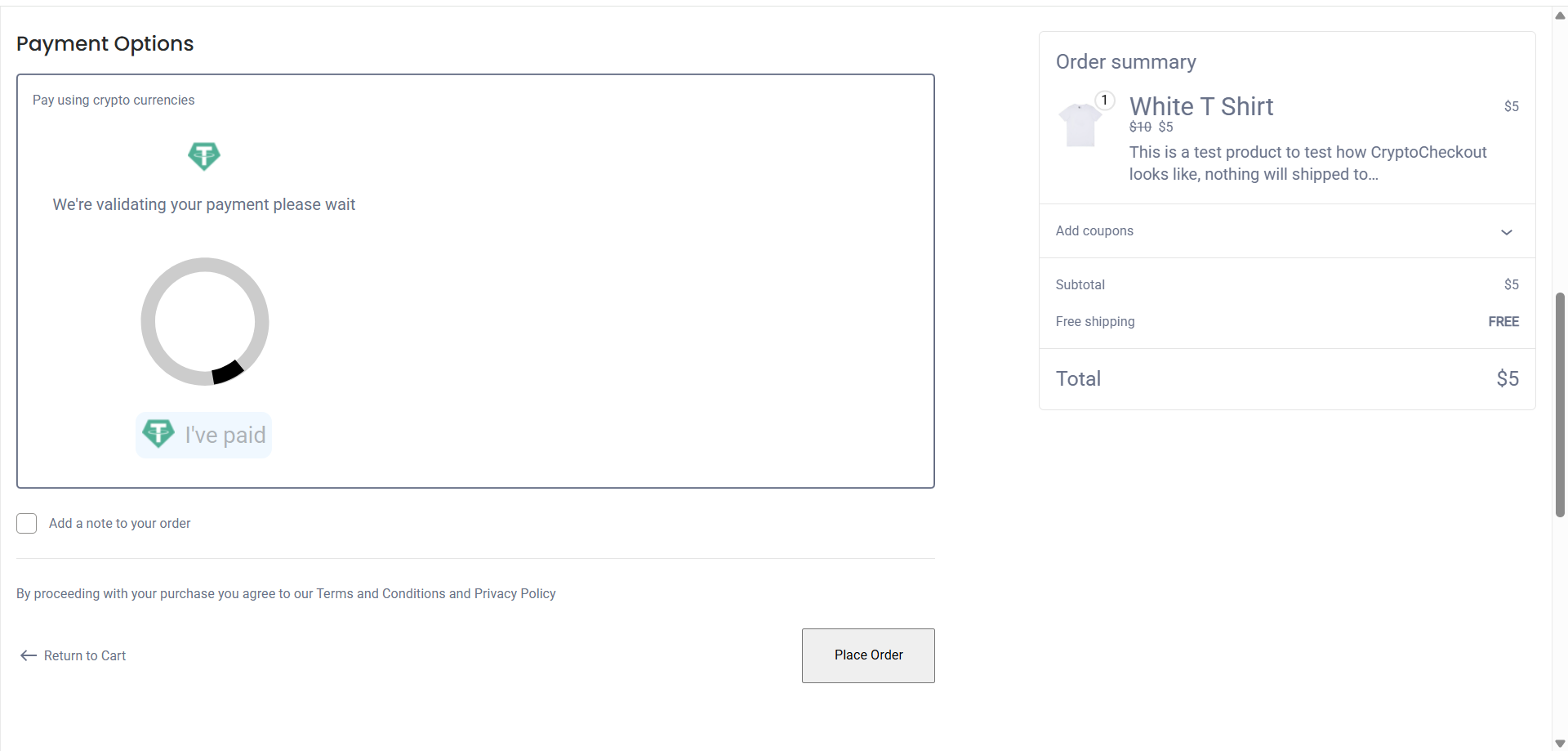
Validating transaction using crypto explorers.
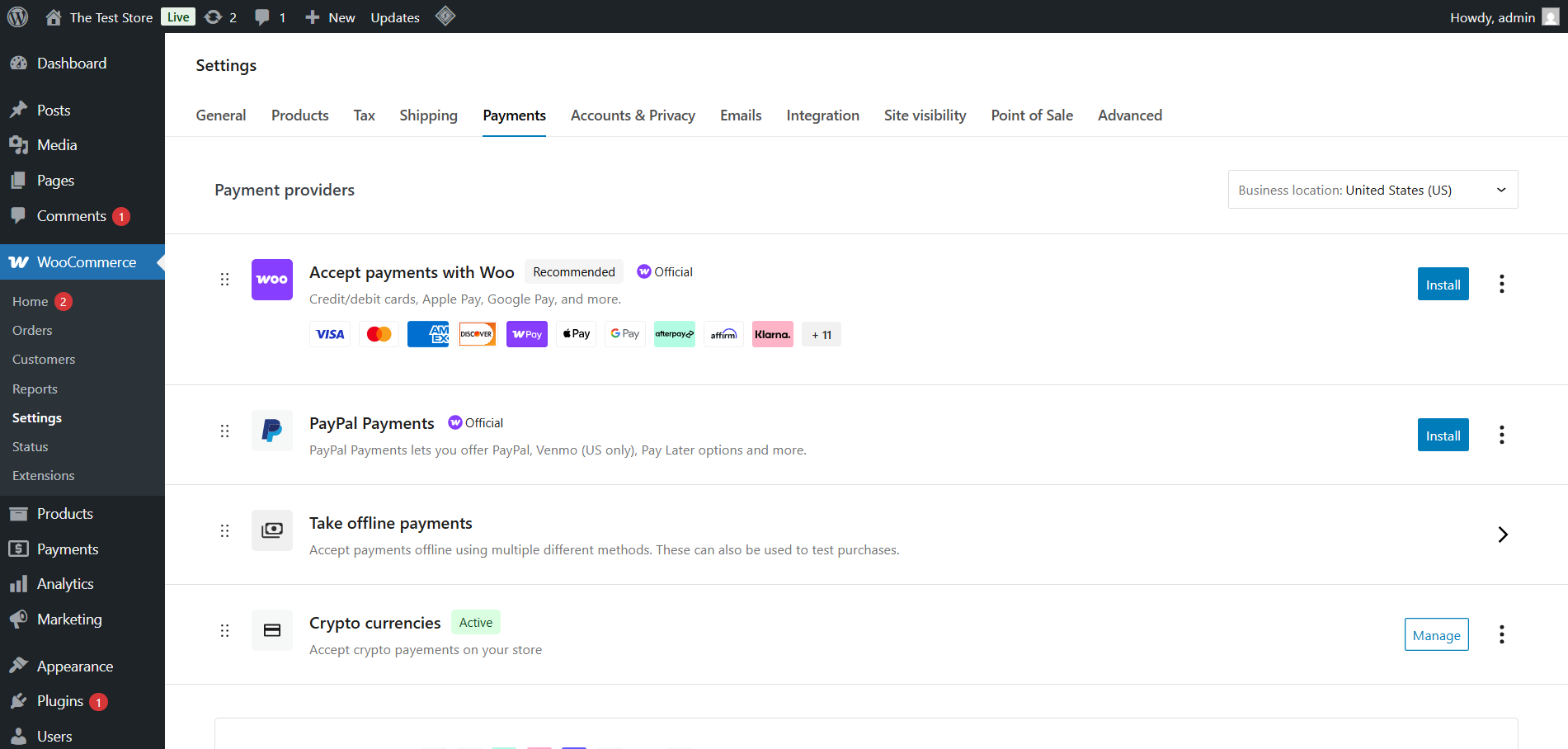
Admin dashboard (listed with the woo's payment methods).
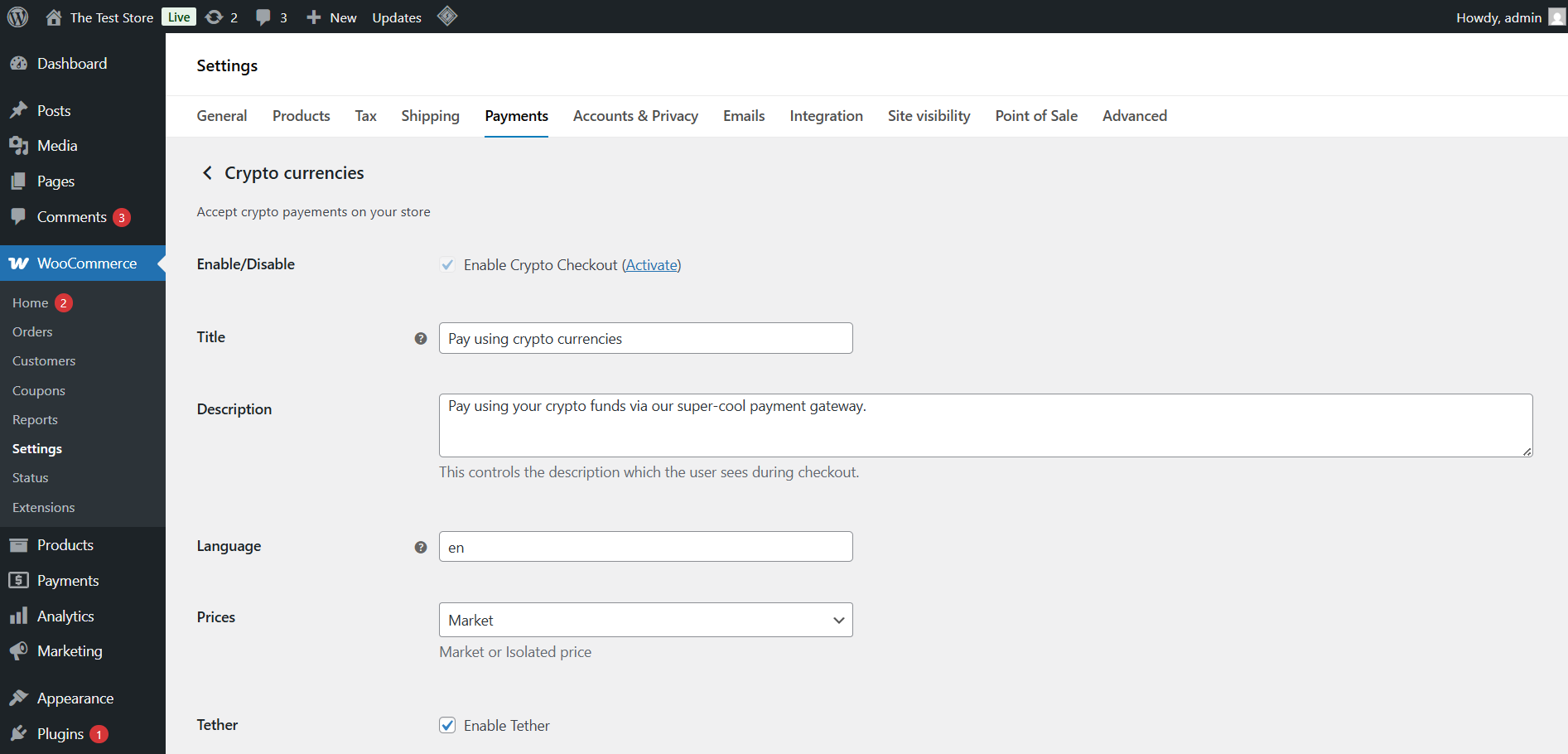
Admin dashboard (options main page).
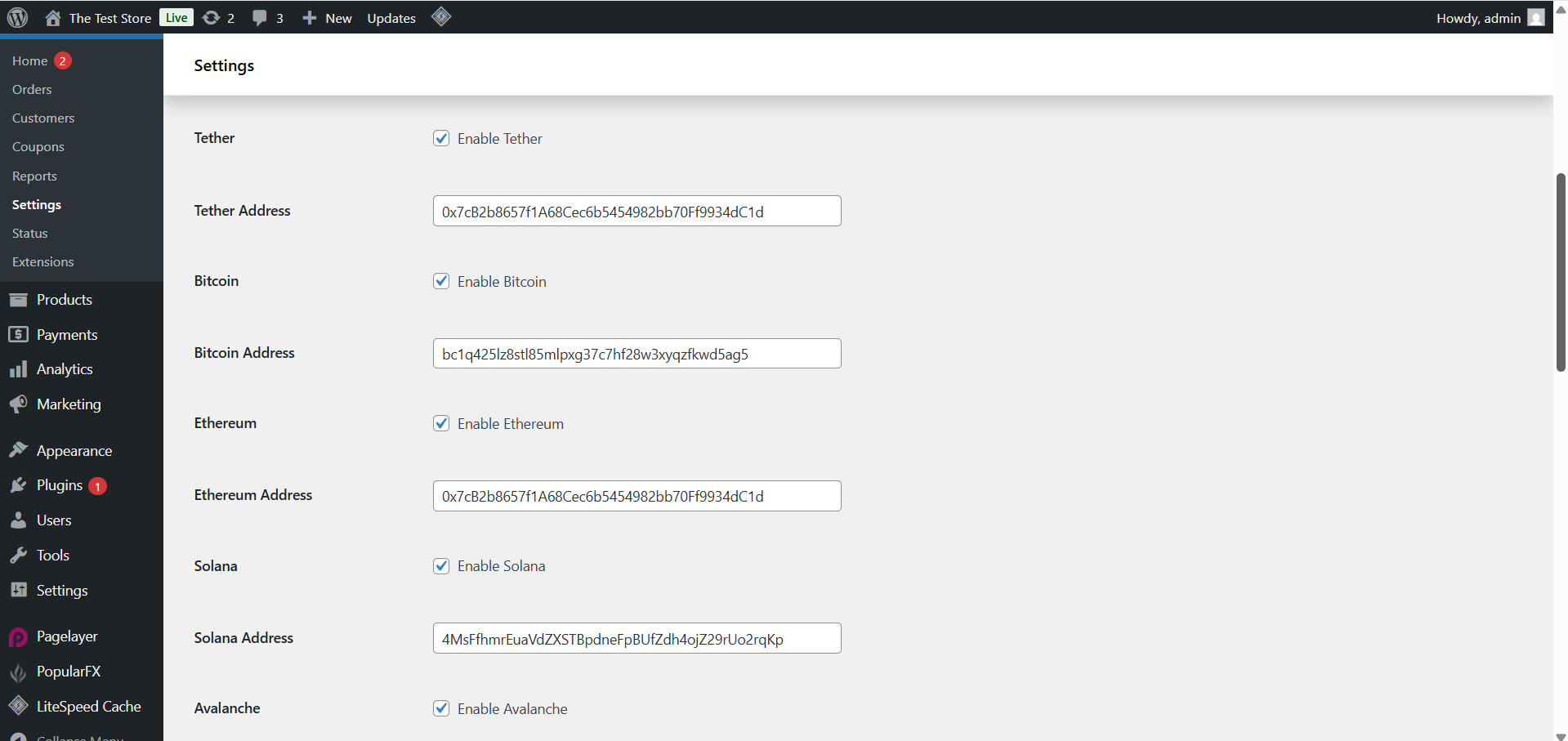
Admin dashboard (suite).
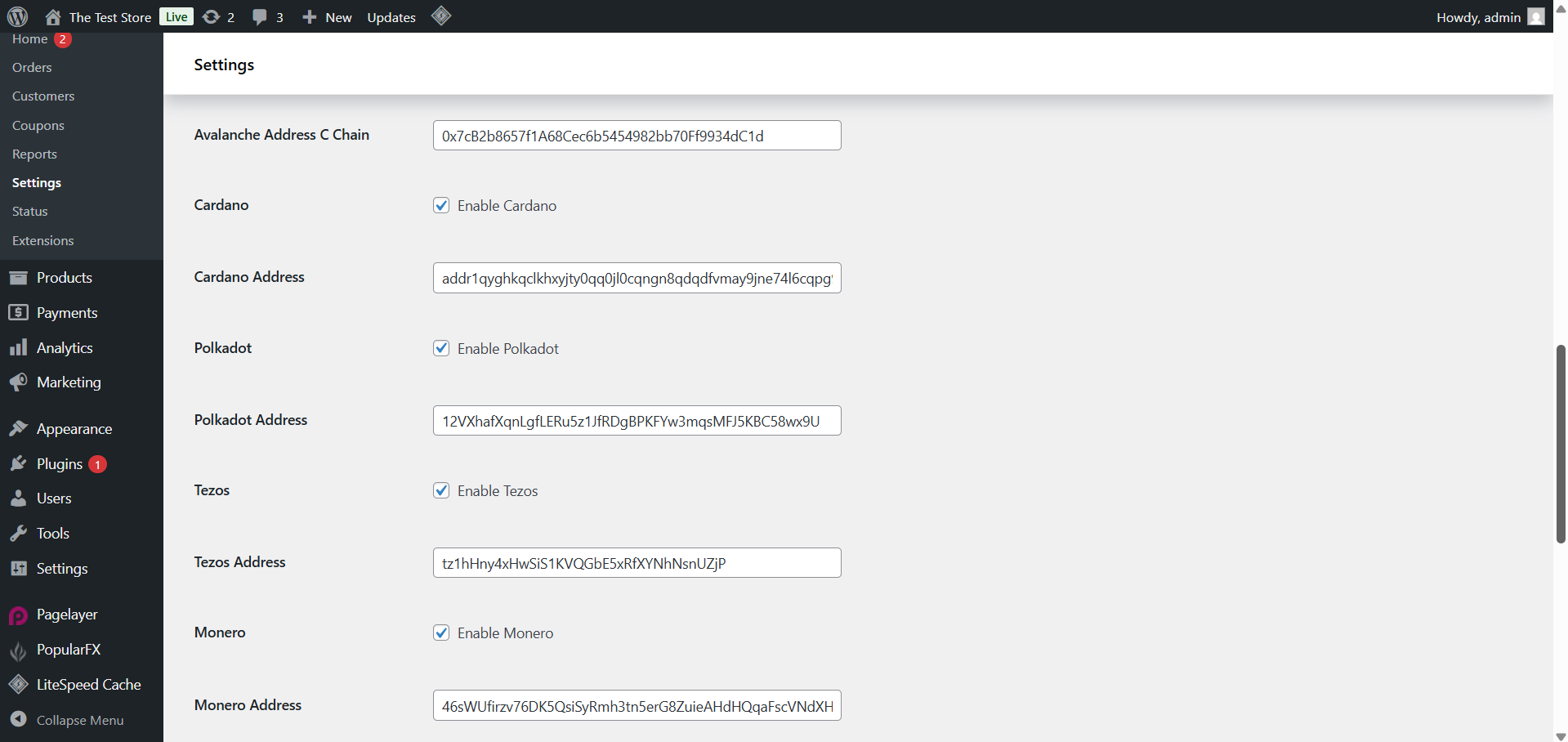
Admin dashboard (suite, other cryptocurrencies).
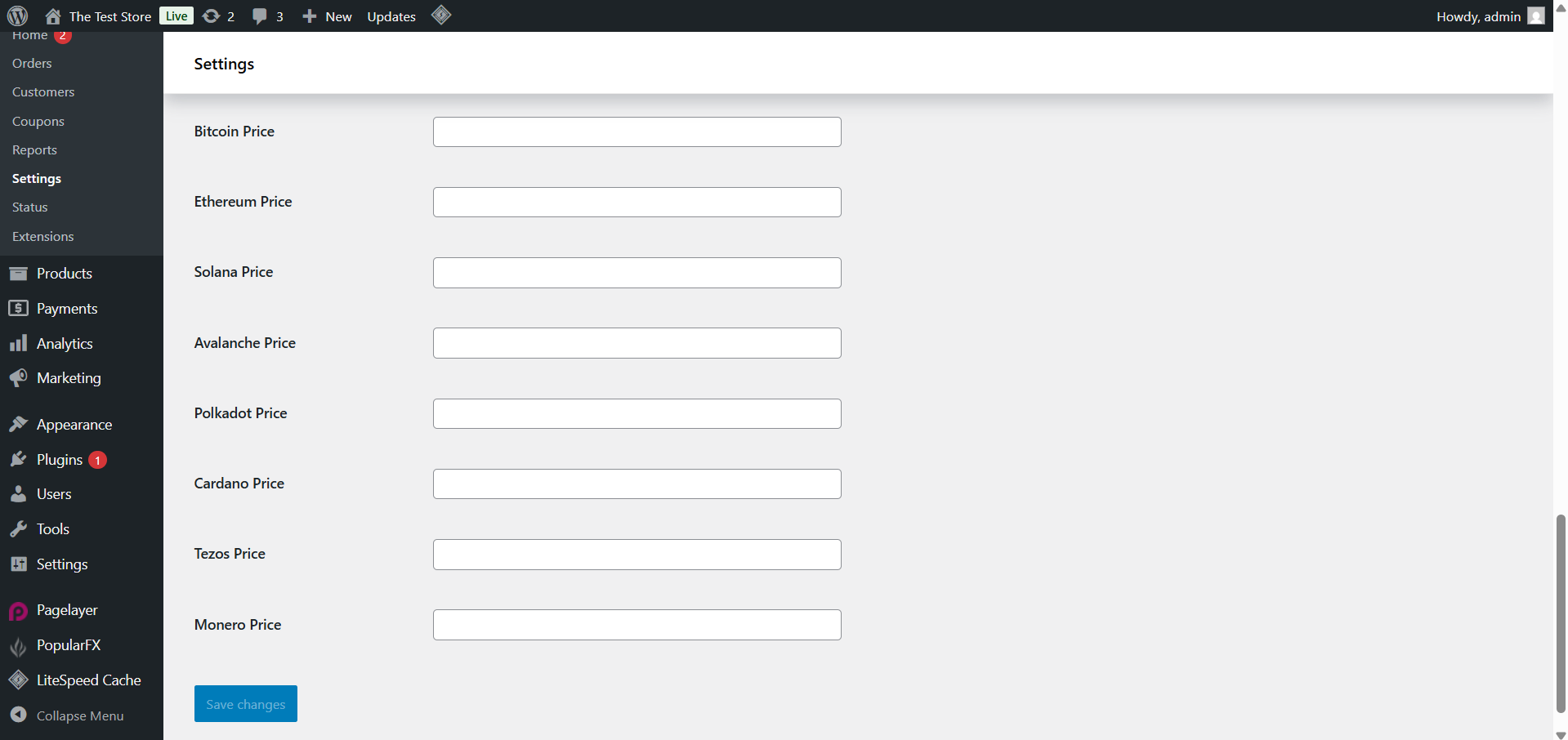
Admin dashboard (suite, setup isolated prices).
Faq
You should generate new merchant ID from our homepage, no signup/onboard required (it requires to paste at least one of your crypto addresses)
Paste your merchant ID in the merchant ID field in woocommerce settings->payments->crypto payments, the payment button will add automatically after enable the gateway/payment method, the prices will set depending to you: market price or isolated.
Just set decimals to 0 in your woocommerce settings.
Simply deactivate and delete the plugin.
Reviews
Changelog
1.0.0 (2023-06-02)
- Plugin released.
1.0.1 (2023-06-19)
- Fix stuck/block/ when activating without Woocommerce is activated
- Update plugin options, prices menu drop down instead checkbox
1.0.3 (2023-09-07)
- Fix admin notices
- Add default values of language (en) & prices (market)
1.0.5 (2023-10-14)
- Enhance transaction validation, the issue before the fix is the rate may change at the moment of validating the transaction that cause failing, but now we’ve attache the rate at the moment when the user pay to the transaction object, so the problem goes away
1.0.6 (2024-01-10)
- Update links after moving from getpaidcrypto.online to cryptocheckout.co
1.0.7 (2024-01-11)
- Update the code to comply with php8.3
1.0.9 (2024-01-29)
- Add WooCommerce blocks checkout support
1.1.0 (2024-01-30)
- Add USDT Binance Smart Chain support
1.1.1 (2024-01-30)
- Fixes & enhacements
1.2.3 (2025-02-15)
- Remove external onboarding